Gallery Vault
Entertainment
2026-07-21
95.3MB
4.6.31
Android
307
Screenshots

Introduction
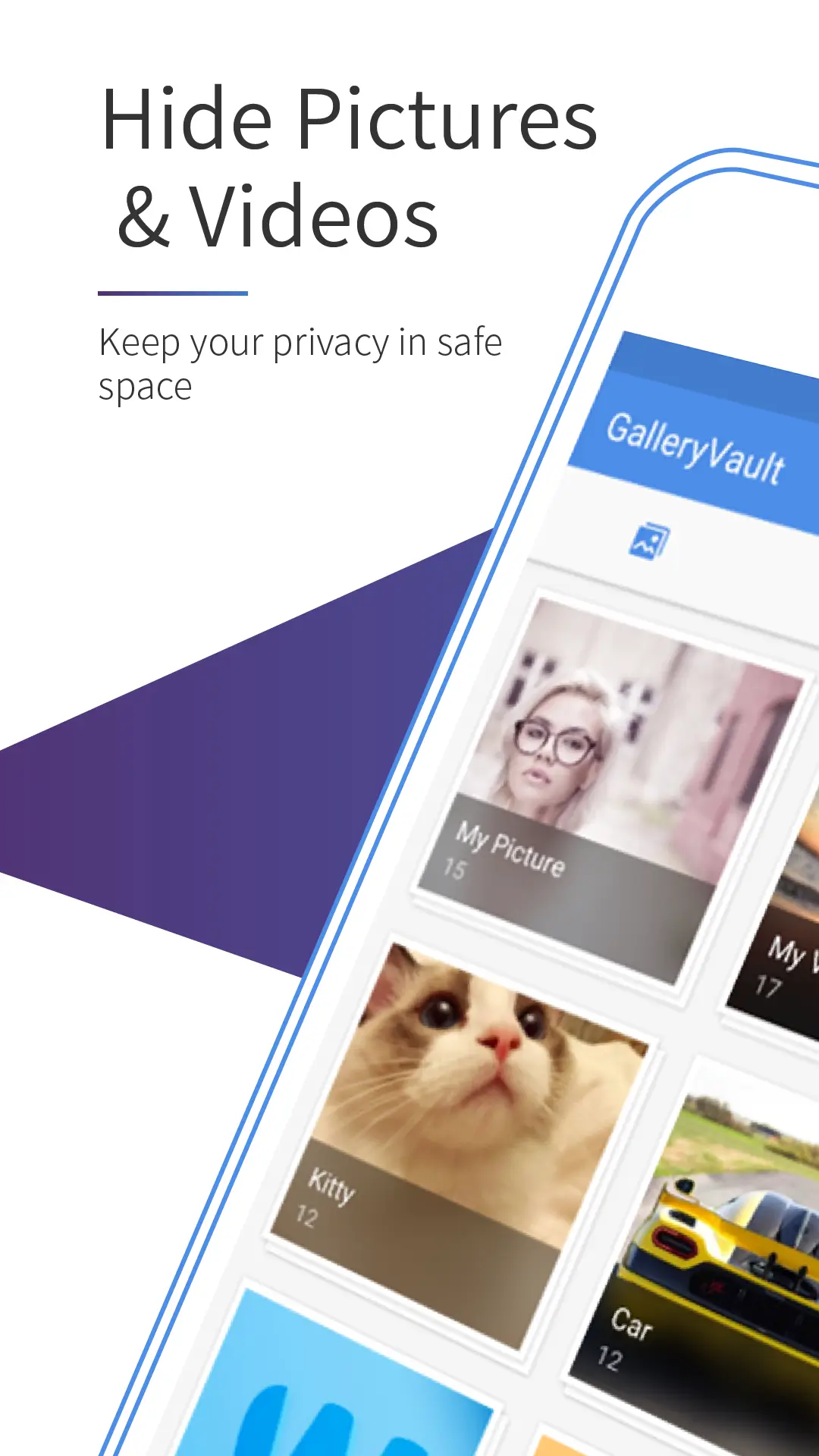
Gallery Vault is a privacy app for Android devices designed to protect user privacy. With this app, users can hide application icons, replacing them with icons for basic tools, effectively concealing the apps' true appearance. Furthermore, you can set a fake PIN code; when others enter this code, they will only see the content you want them to see, while the actual content remains hidden.
Features:
Hide icon: this unique feature allows you to hide the icon of the application and switch it into the simple calculator icon so that nobody will be able to find out that you have gallery vault in your phone. Thus no suspicion among your friend and colleagues that you are hiding something in your phone that is very confidential.
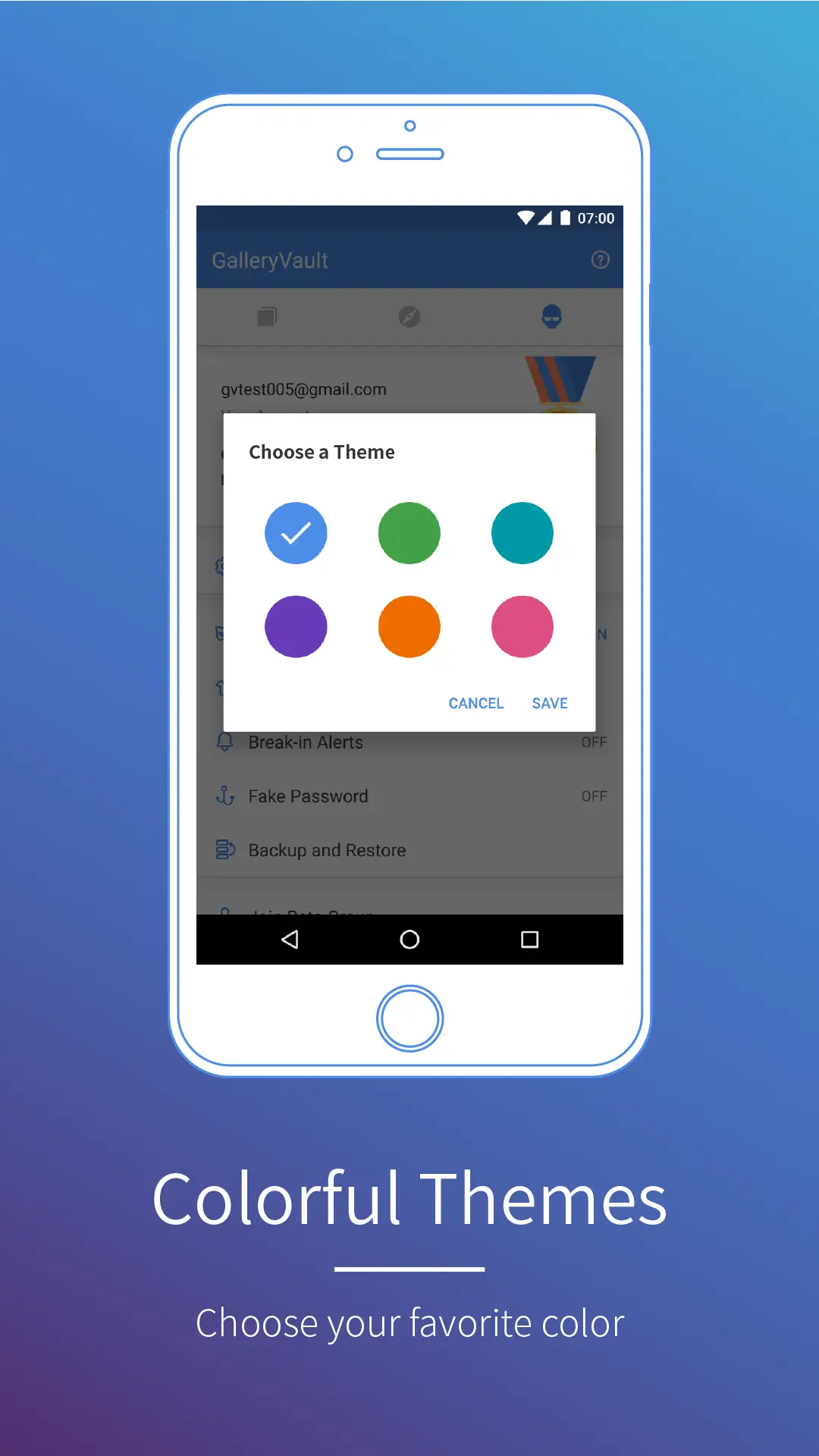
Fake password: this feature allows to set a fake password that you can enter in front of those who knows that you are using this application and you can not tell that you are hiding something them also. So all you need to do is share your fake password with them, which will open a fake set of picture that were open as set of hidden files and your actual files will still be safe.
Security alert: suppose you left your phone at someone’s place and you are curious and suspicious that they would try to unlock the gallery vault in your absence. But there is no need of worries because , this application will directly send a security alert that some is trying to unlock your vault in your absence but sending you alert with the help of an email by which you can track them easily.
Hide photos and videos: this application is considered as a save vault for both photos and as well as videos primarily. But also one can easily save other files secured in that vault.
Highlights:
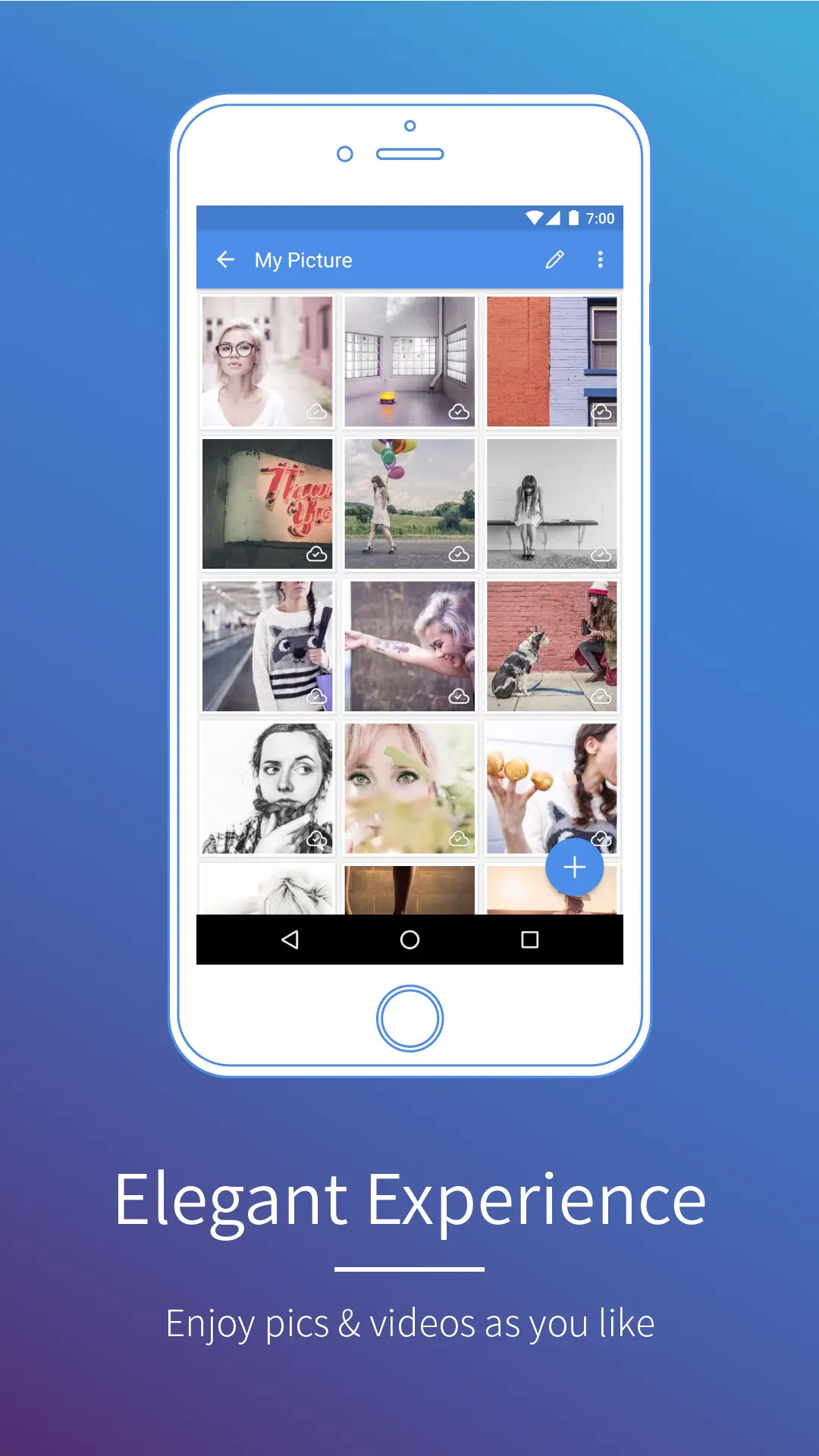
With GalleryVault, not only can you hide your multimedia content, you can even hide the app's icon so that no one knows it's installed. This way, no one will suspect a thing. From the app itself, of course, you can see all the images and videos on your device.
Another interesting security option in GalleryVault is the possibility to establish both a real and a fake PIN. This means when someone enters the fake PIN, they can open the app but they'll only see the photos you've selected.
Pros and Cons:
Pros
Encrypt personal media files
Hidden app icon
Password recovery
Supports multiple languages
Cons
Requires Device Administrator permission
Requires initial backup copy of hidden files before transferring or factory reset
Can still be access on File Manager
FAQs:
What is Gallery Vault ?
Gallery Vault is a privacy app for Android that hides, encrypts, and protects sensitive photos, videos, and files from unauthorized access. It allows you to store encrypted media locally on your device with complete privacy protection and full control over your sensitive content.
How does Gallery Vault encrypt my hidden photos and videos?
Gallery Vault uses encryption to secure hidden files so they can only be accessed with the correct passcode. Your encrypted media is stored exclusively on your device or SD card, not uploaded online, ensuring full privacy and control over your sensitive content.
Can I use fingerprint authentication to unlock Gallery Vault?
Yes, Gallery Vault supports fingerprint authentication on compatible Android devices that have built-in fingerprint scanners, such as many Samsung phones. This allows you to unlock the app without entering a passcode, providing an alternative authentication method for accessing your encrypted content.
What is the Fake Passcode feature in Gallery Vault?
The Fake Passcode feature displays decoy content when you enter an incorrect passcode. If someone forces you to unlock the app, this feature protects your actual hidden files by showing harmless placeholder images instead, keeping your real content hidden from unauthorized access.
Conclusion:
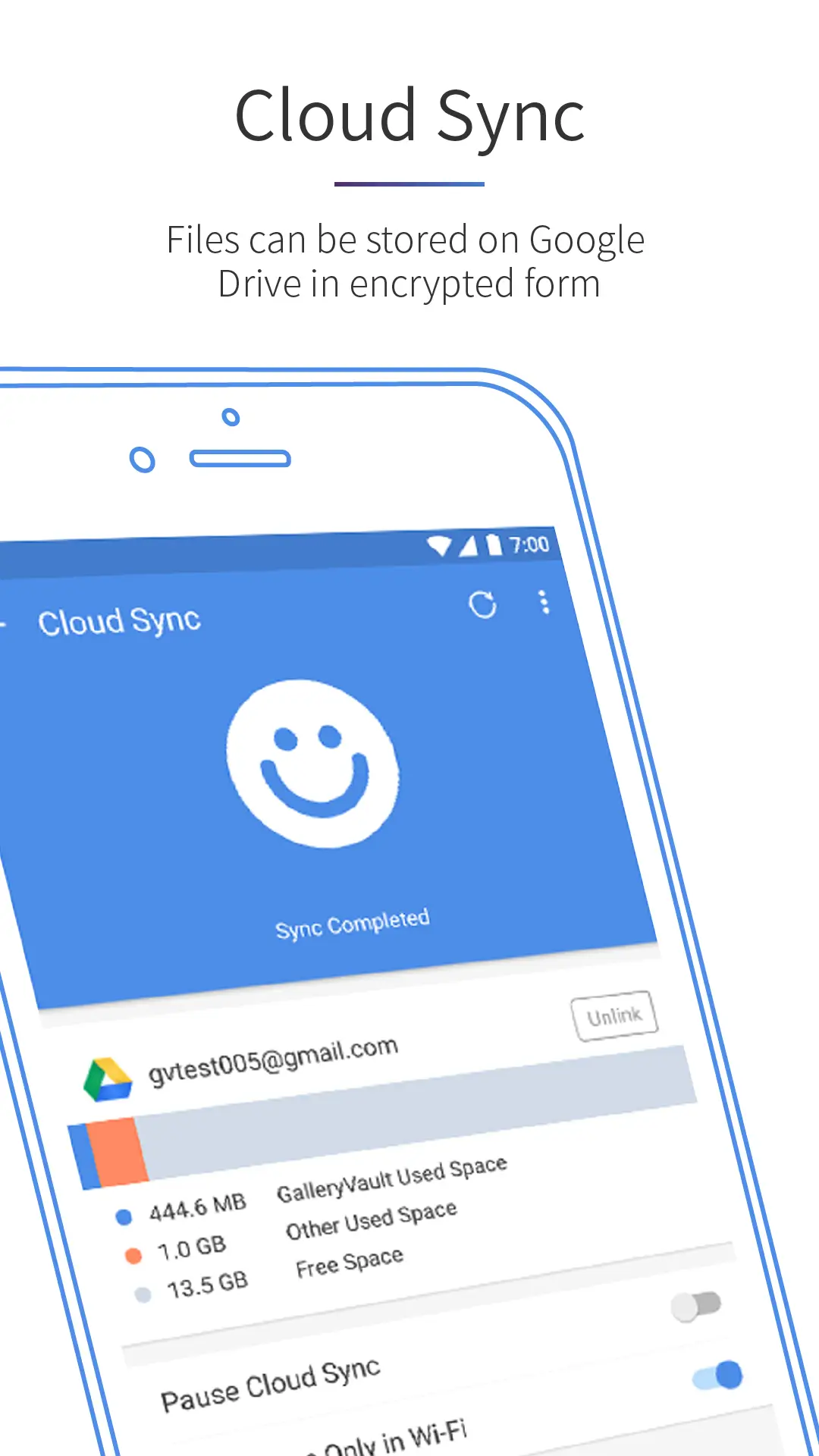
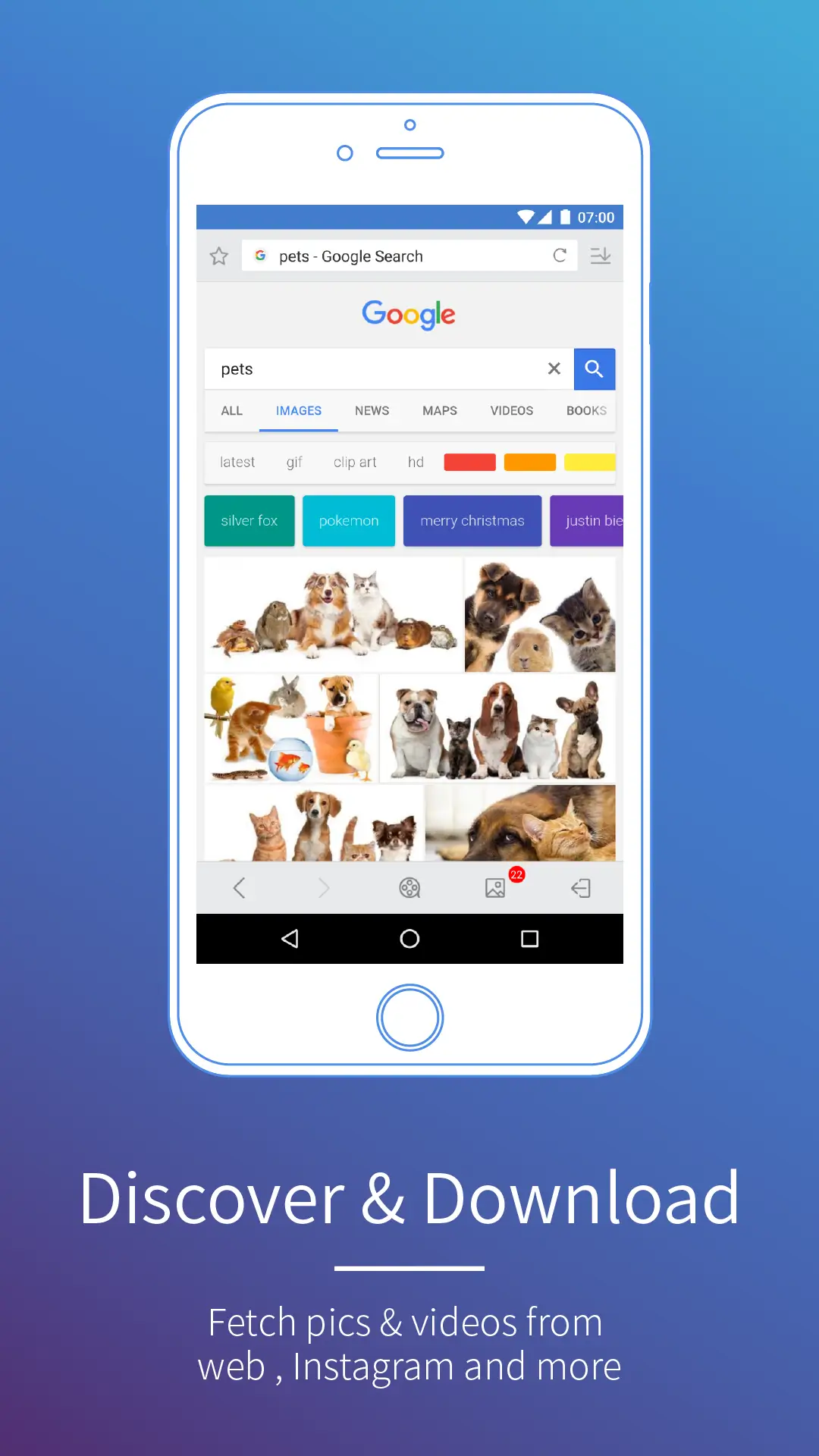
The beautiful, smooth and elegant user experience no storage limitation to hide photos and hide the video. It also plays and hides animating GIF images. Gallery Vault has backup and recovery capabilities. Access network information. Access Wi-Fi network information and Installing packages. You can add files from the SD card to Gallery Vault directly. Also, you are allowed to export the files from GalleryVault to the SD card. Manage your folders by create, rename or delete operations. Integrated with Private Web Browser and support downloading all images and videos on the web page with just one tap. GalleryVault has backup and recovery capabilities. It is an excellent security app.