MVBit
Entertainment
2026-10-05
66.03MB
2.5.3
Android
413
Screenshots



Introduction
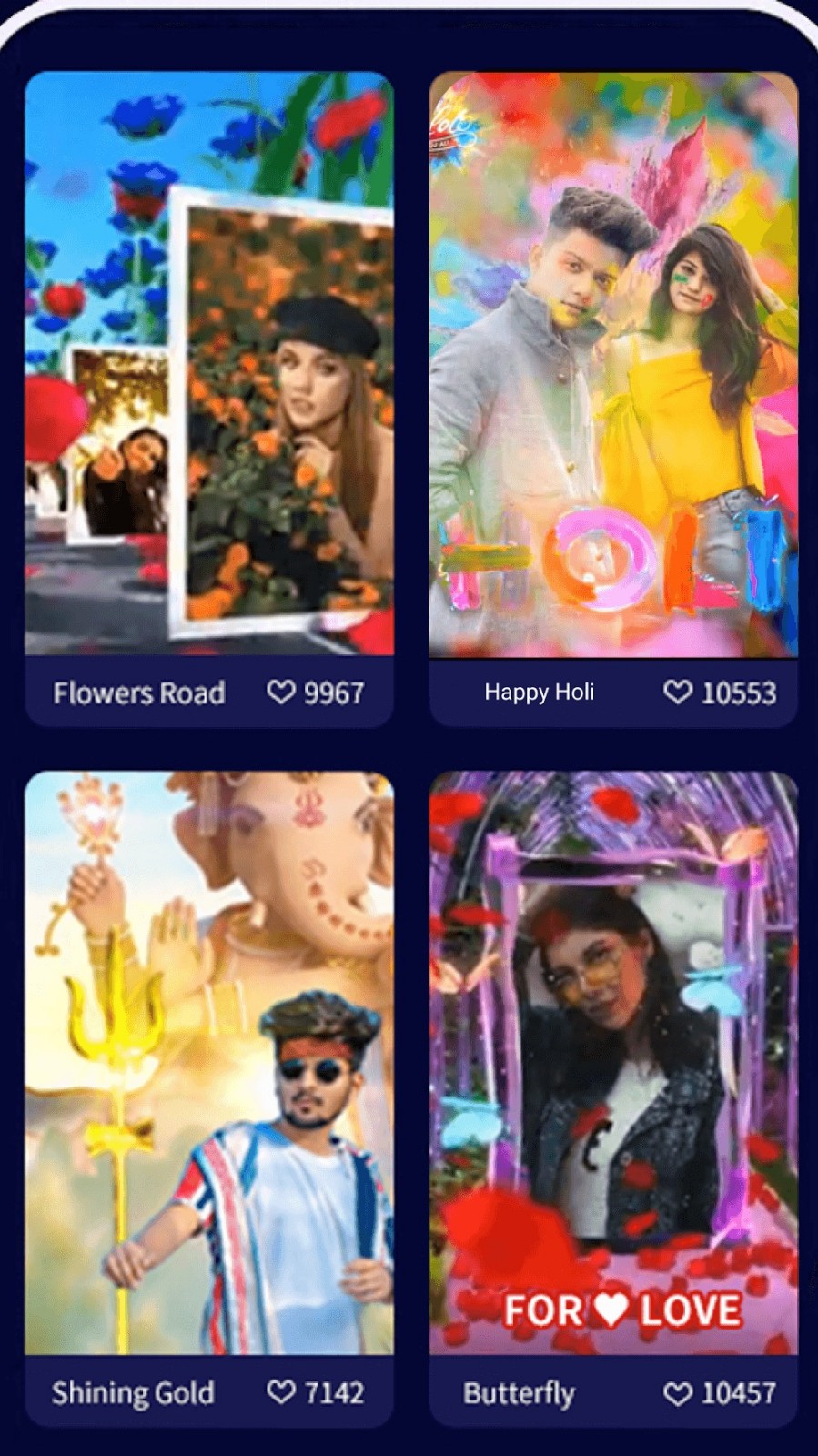
MVBit is a powerful video editing app that offers a wide range of features, enabling users to easily create high-quality videos right on their phones. It provides hundreds of templates across various styles and themes, allowing users to get started immediately and save significant time. The app also features an extensive music library, making it simple to add audio to your videos. Additionally, powerful AI tools allow you to change video backgrounds with a single tap and seamlessly blend images. These features make the video editing process much easier.
Features:
MV Master
More magical effects, including flying on a large bird, traveling among the stars, bomb effects and vanishing magic are edited for your video. Realize your dream of becoming a MV Master. The more realistic and amazing special effects of Bollywood blockbuster are about to be released. Play superheroes with superpowers, make videos like science fiction movies, and easily become video stars.
Smart Cutout
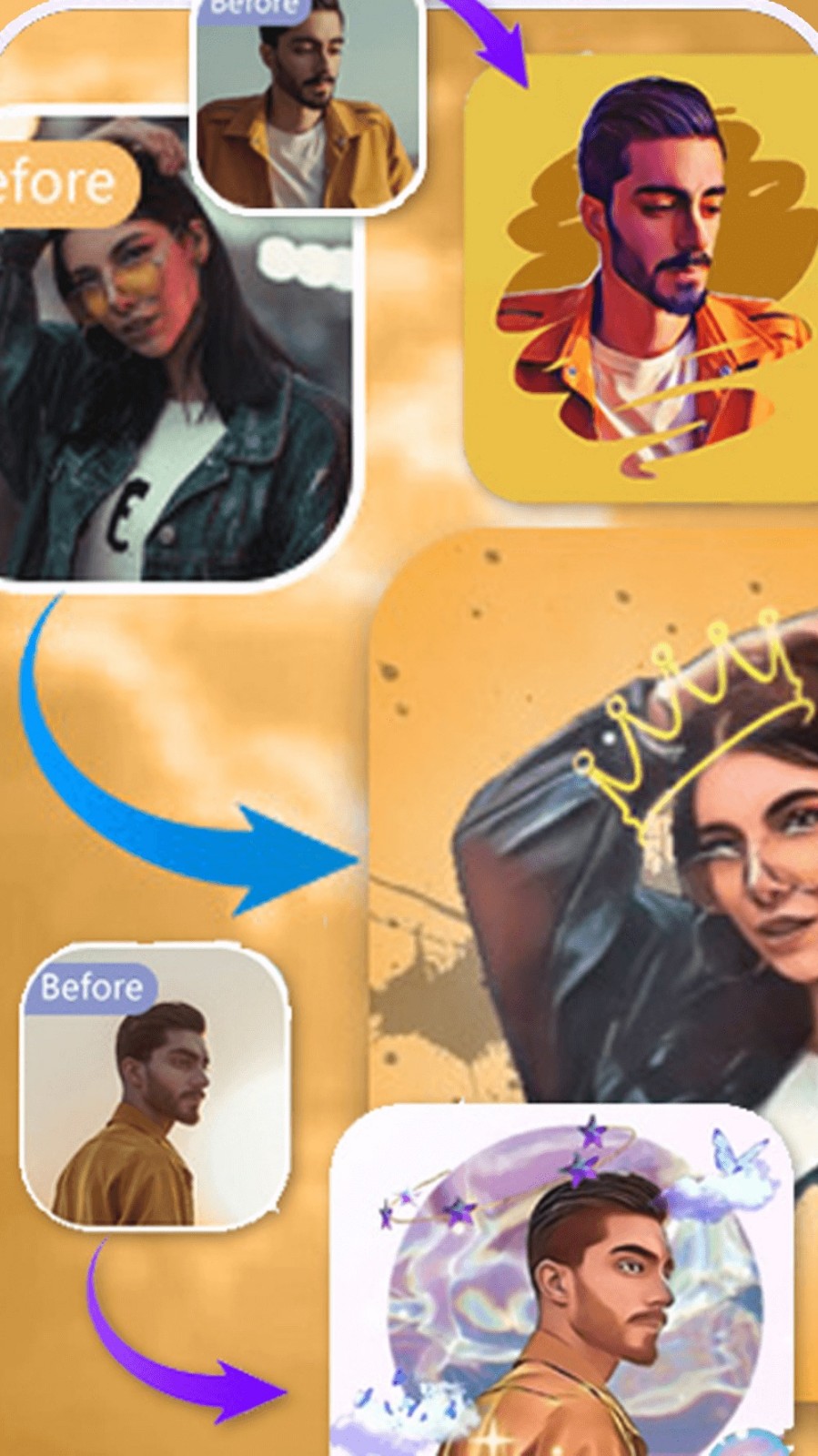
MVBit use the AI automatic selection tool to cut and paste the image onto another image or background. Seamlessly combine your clip photos to create unique and interesting videos.
Automatic Background Changer
MVBit is the best background change app in the Google Play. You can delete the background of the photo with just one click. Background changes allow the user to delete the photo background automatically. Background changes in videos are now so easy with this app.
Video Editor with Music for Free
MVBit provides the best editing tools for you to quickly add music easily and offers a lot of free music to make your videos fun and popular.
Best Music video editing with music for WhatsApp status!
Color Splash
MVBit takes advantage of its precise recognition, allowing you to change the color of your hair or clothes in a second, making your videos stunning.
Highlights:
With the help of its AI component, MVBit status maker makes the video editing process feel like a breeze. Users can easily choose from hundreds of different templates and simply input the photos and videos they want to use then let the app do the rest of the work. This app’s AI tool is also prevalent in the various editing tools such as the background editor and smart selection feature.
The app hosts a variety of effects to help bring your work to life, as well. These effects include superhero-like explosions and romantic fireworks, however, you can also opt for the more common, laidback transitions for a simpler look. You also have access to a sizable library of free music to add to your creations, granting you even more ways to make your video stand out.
Pros and Cons:
Pros
Hundreds of templates across trending and themed styles
AI-assisted background editing and smart selection
Free music library and varied visual effects
Accessible workflow for inexperienced editors
Cons
Cluttered interface makes templates and clips harder to manage
No support for custom templates
Advanced editing controls are limited
FAQs:
Q: Can I use the app for free?
A: The basic version is free.
Q: Can I export videos in HD quality?
A: It allows you to save and share high-quality videos.
Q: How do I add music to my video?
A: You can choose from the app's library or add audio to enhance your video.
Conclusion:
MVBit stands out in the crowded field of video editing applications by offering an impressive suite of features that cater to the needs of modern content creators. From automatic background changes to music integration and special effects, this app provides the essentials for crafting visually stunning videos. Users who download MVBit can expect a comprehensive editing experience that allows for creativity and expression in their video projects.