FilmoraGo Lite
Entertainment
2026-09-10
222.80MB
15.6.90
Android
209
Screenshots
Introduction
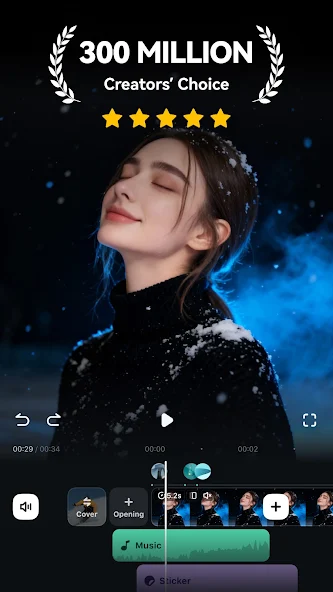
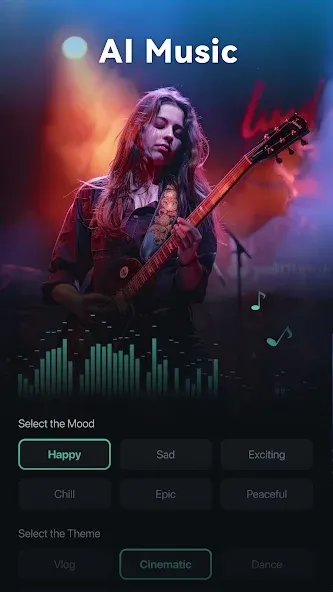
FilmoraGo Lite is a video editing tool featuring an extensive library of special effects, filters, and animated elements that offer users a fresh, engaging experience. Users can customize their videos by applying filters, creating slow-motion replays, and adjusting colors and images, as well as freely editing text and titles. The app boasts a user-friendly interface that is easy to master without prior experience, allowing even beginners to achieve professional-quality results. Highly versatile, the app enables users to easily share their finished videos on other platforms or with friends. Additionally, regular updates ensure users stay at the forefront of the latest trends.
Features:
Effortless Editing
It simplifies the editing process with drag-and-drop functionality, making it easy to arrange clips, add transitions, and insert audio tracks.
Rich Effects Library
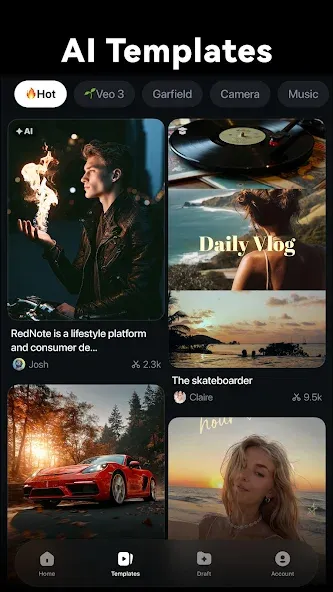
Explore a diverse collection of filters, overlays, and motion graphics to enhance your videos visually.
Precise Control
You can create dynamic effects by precisely controlling video speed, aspect ratio, and audio pitch.
Text and Titles
Add stylish text and titles to your videos with customizable fonts, colors, and animation effects.
Audio Enhancements
Remove background noise and enhance audio clarity with the app's audio tools.
Advanced Editing Tools
Trim, split, and merge video clips easily, and utilize advanced tools like keyframing for intricate edits.
Highlights:
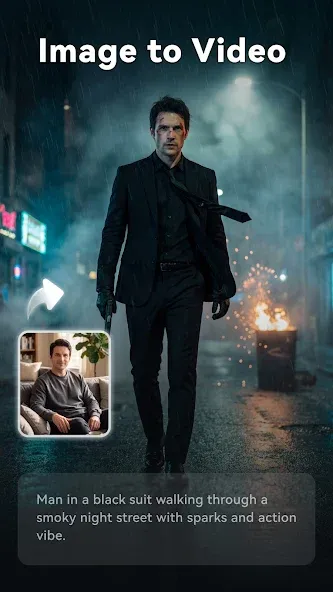
Smart Photo Animation: Coming to this application, you will come across extremely intelligent animations. The AI system will help you do everything and bring you the perfect results.
Words Create Magic: You also get an extremely attractive feature. With this feature, you can convert text into video quickly and easily. Bringing you extremely new and interesting user experiences.
Perfect Beat Match: The application will also synchronize the highlights and match the background music, giving you an extremely attractive and interesting video. As if you are owning an extremely high-quality video filmed by large and professional studios.
Instant Video Creation: Coming to this application, you will quickly be able to create videos in the fastest way with just one touch. Bringing you an extremely convenient and easy experience.
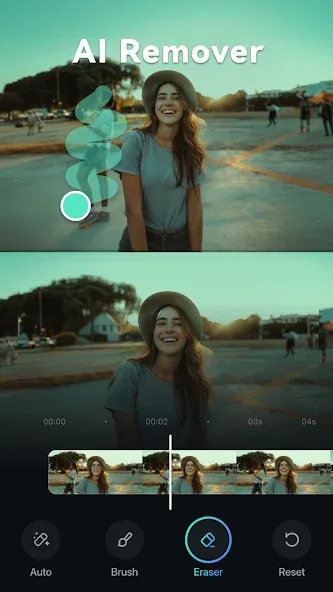
Quality Edit Tools: The application provides you with a full set of tools, from basic to advanced features. Helps you edit videos quickly and easily. These tools are extremely easy to use; you can use them to create perfect and high-quality videos for yourself.
FAQs:
How does it differ from other video editors?
Its AI integration is a key advantage. Features such as image-to-video conversion and video generation automate complex tasks, saving time and effort while unlocking new creative possibilities for users of all skill levels.
Is it suitable for beginners?
Absolutely. The platform features an intuitive interface and streamlined editing tools, making it ideal for newcomers. At the same time, it offers professional-grade features for experienced users.
Can I use it for professional video editing?
Yes, it offers a range of advanced editing tools capable of meeting professional video editing needs. Whether for everyday content creation or more specialized video production, it is a versatile choice.
Advantages and disadvantages:
Pros
Easy interface with quick learning curve
Detailed editing options
Cons
You need to pay for extra themes
Summarize:
In short, FilmoraGo Lite is a reliable and efficient mobile video editing tool. Its intuitive interface and powerful editing tools make it an excellent choice for anyone looking to create high-quality content without investing in expensive software or equipment.




-
Latest Updates
-
Featured Apps