
F1 VM
Tools
2026-07-25
478.16MB
1.3.1.3.40-64cnf
Android
239
Screenshots
Introduction
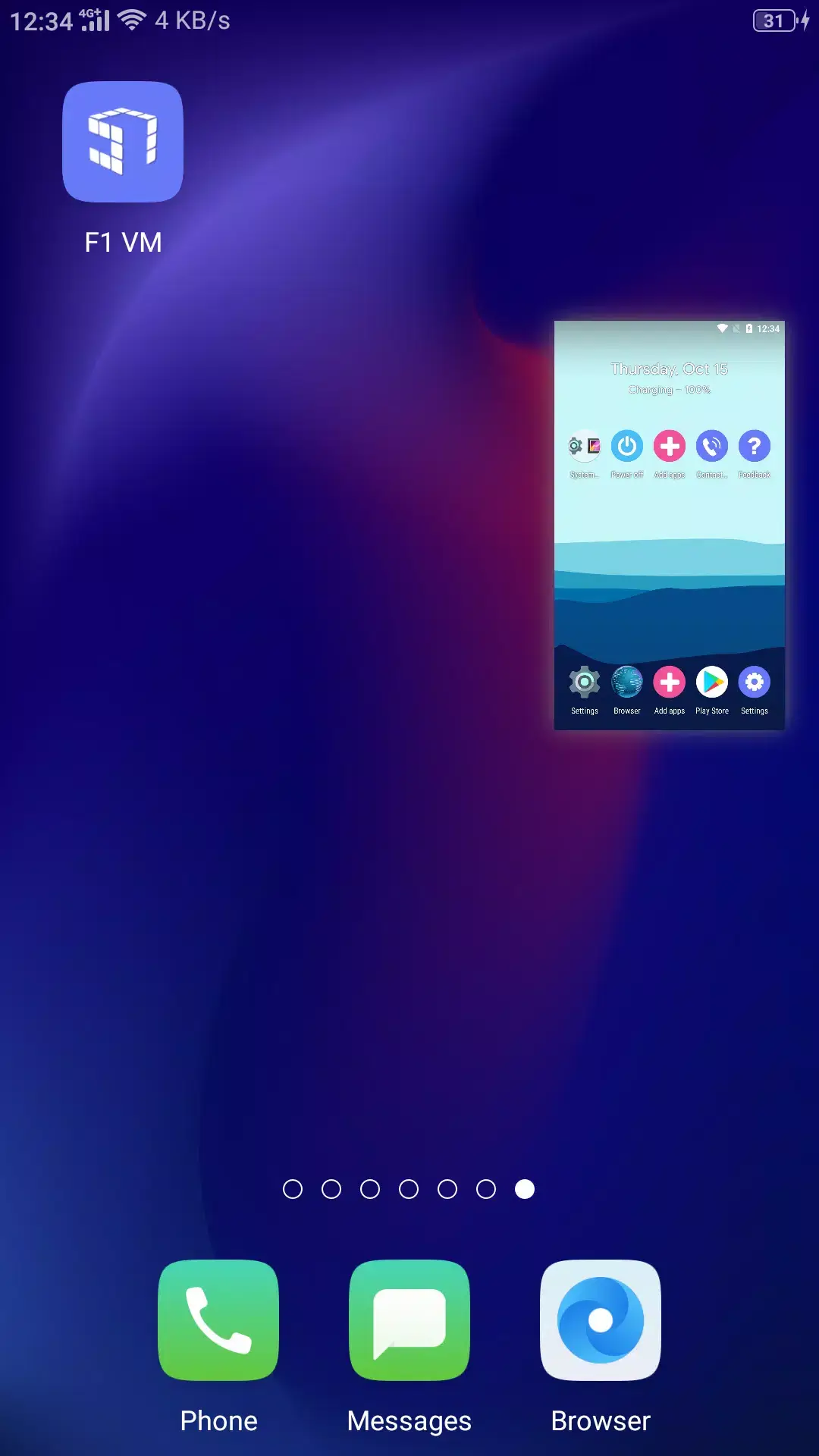
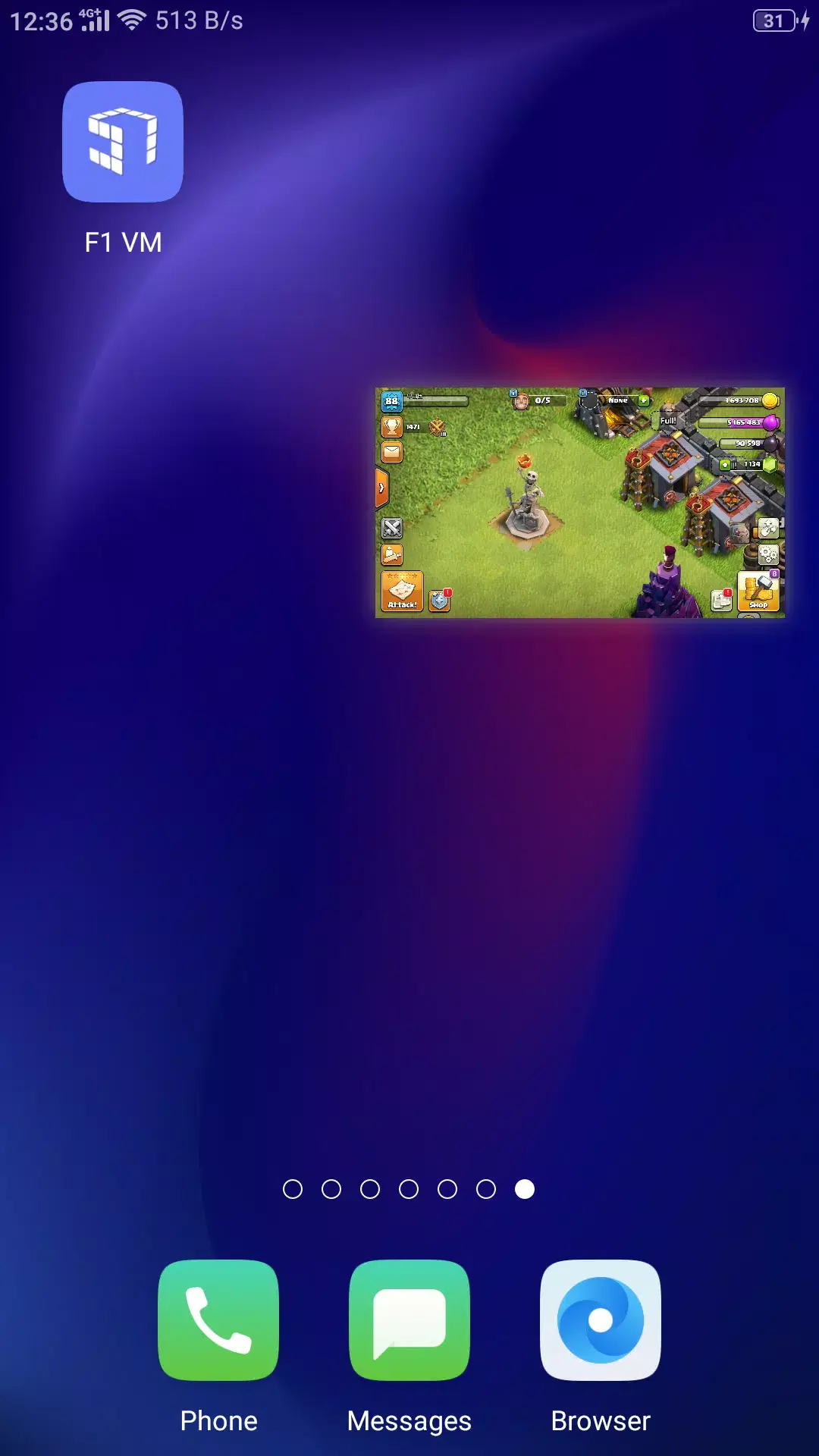
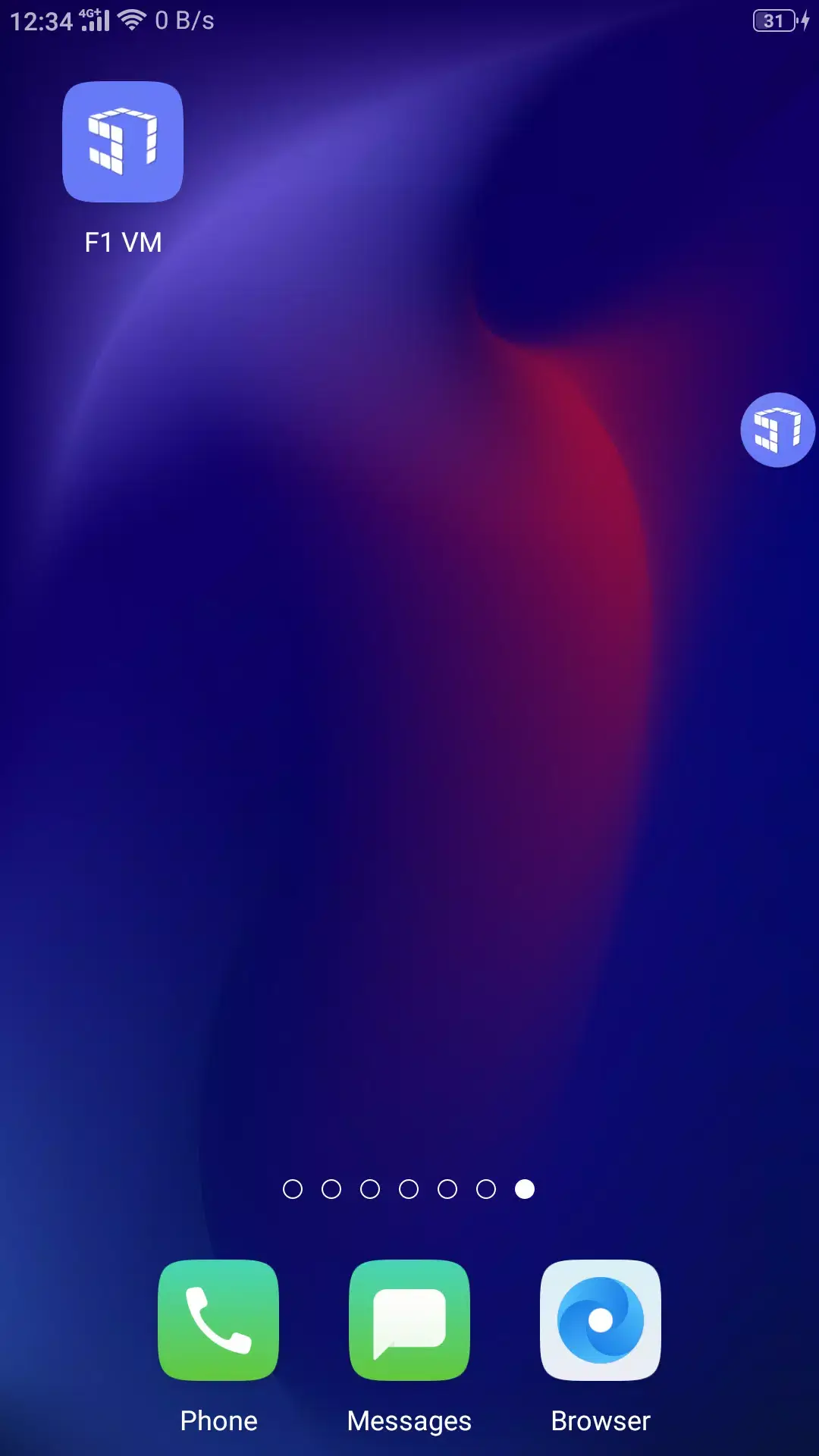
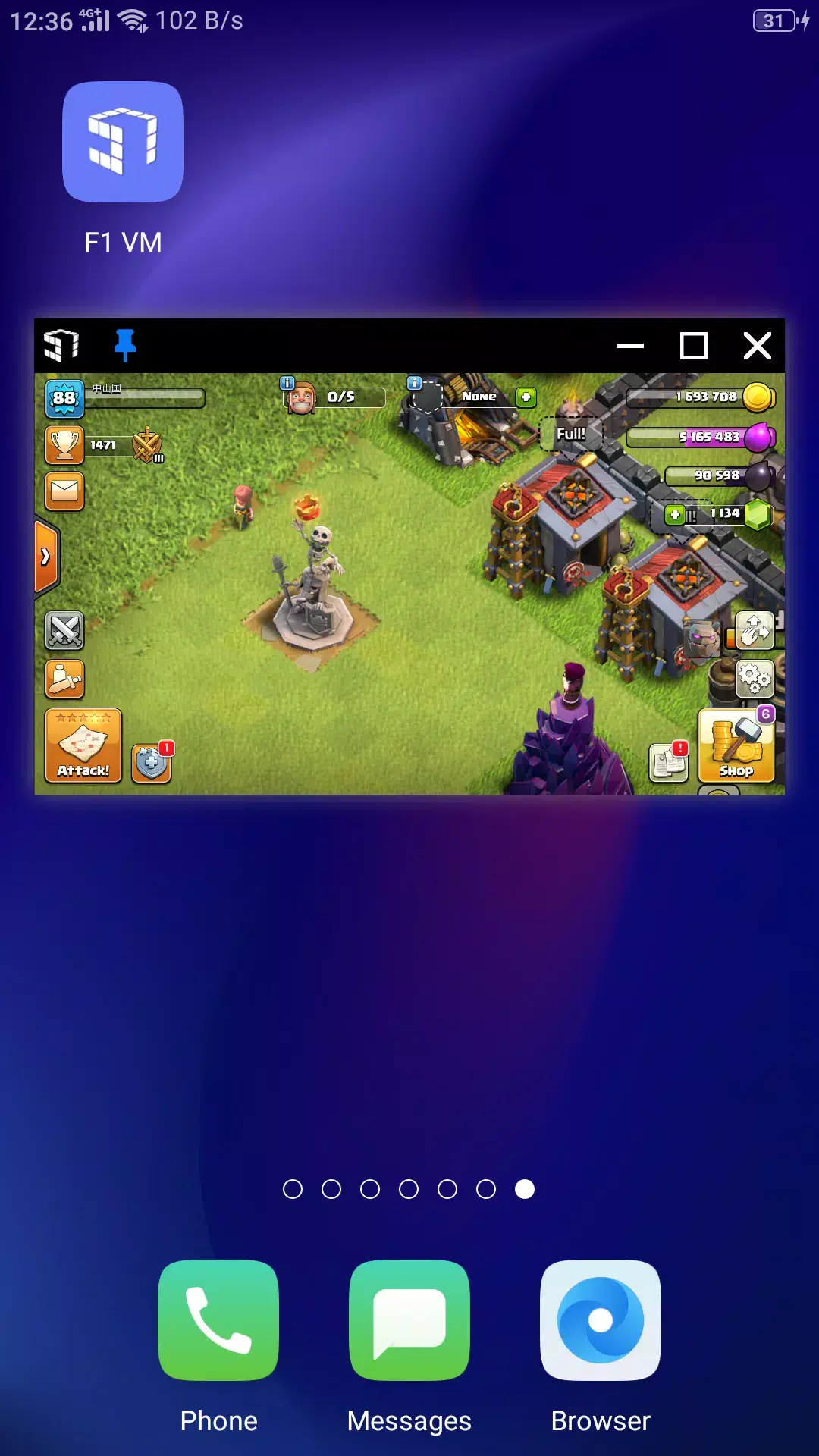
F1 VM is a picture-in-picture Android virtual machine that allows users to run a new Android virtual machine on their Android devices. Applications are displayed as floating windows over other applications for easy and quick access. The virtual machine keeps processes running while you perform other tasks, allowing you to download files in the background. This application also boasts high security, isolating applications within the virtual machine from your main phone. You can test software within the virtual machine to prevent compromises to your phone's system security.
Features:
Picture in picture multitasking
F1 VM lets you open apps in a floating window over other apps. You can move and resize the window for quick access. This makes watching, chatting, and working feel simple without constant app switching.
Background and screen off running
You can continue downloads, music, or automation tasks even with the screen off. The virtual machine keeps the process alive while you do other things. This helps when you want to leave a task unattended.
Privacy isolation and safety
Apps inside the virtual machine stay sandboxed from your main phone. This separation reduces the chance of data leaks and limits the effect of crashes or malware. Therefore your host system remains safer while you test or use new tools.
Built in Android virtual system
F1 VM includes its own Android environment. You are not tied to your phone's system layer for running apps inside the VM. This gives you a consistent setup that you can reset or clone as needed.
One tap small windows and split screen
Open a small window quickly and place it where it fits your workflow. You can chat while watching video or check a guide while gaming. The interface focuses on fast switching without interruptions.
Efficient unattended operation
Screen off mode helps conserve power during long tasks and can reduce heat on some devices. You can leave jobs running while keeping the phone in your pocket. This is practical for large downloads or continuous background tools.
Highlights:
Compatible with different processors
Unlike other similar apps, with F1 VM you are looking at a virtual machine compatible with Snapdragon 600 series processors or higher. Likewise, the tool has hardly any lag, so you can enjoy an outstanding experience when running demanding games on your smartphone.
Various tools can be integrated
F1 VM also allows you to open other tools like Magisk Manager or Game Guardian to offer you even more options when customizing a number of device characteristics. The app even offers picture-in-picture (PIP) functionality to run apps or games in the background while you perform other tasks.
No root required to use F1 VM
Another key point of F1 VM is that you don't need to root your smartphone to get the most out of the tool. In any case, you can root the virtual machine to test, modify apps or run almost any process in a safe and secure environment.
Pros and Cons:
Pros
Picture-in-picture mode
Protects your privacy
Runs even when the screen is off
Cons
Uses up battery
Slower device performance
FAQs:
What is F1 VM used for?
F1 VM is used to run a separate Android virtual machine on your phone. It is useful for running multiple accounts, testing apps, playing games in the background, and keeping certain apps isolated from your main system.
Is F1 VM free?
Yes, the base version of F1 VM is free to download and use. Some premium features, such as faster downloads, may require a paid account.
Conclusion:
F1 VM Apk is easy to use tool to install games and apps in the background. By utilizing virtualization technology, this app creates a separate Android system, allowing users to operate multiple apps independently from the host device.Manage your space and split screen to enjoy multitasking.









