
ES File Explorer
Tools
2026-08-28
59.99MB
4.4.3.7
Android
371
Screenshots
Introduction
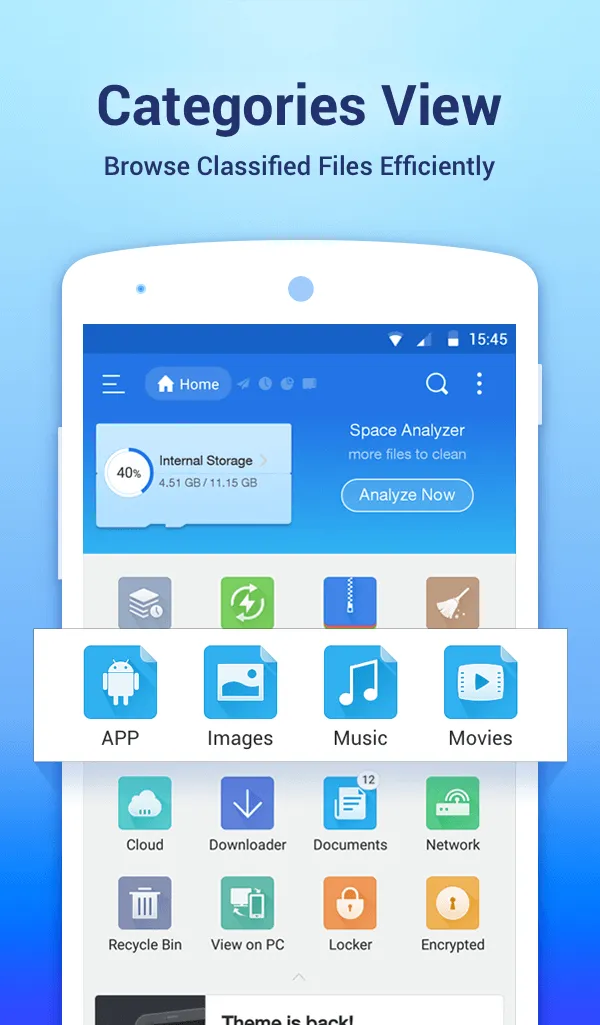
ES File Explorer is a file manager designed specifically for Android users. It helps users manage files on their phones or SD cards. This application features batch processing, allowing users to process multiple files or folders at once. Users can also add cloud services and then browse them through their local storage. Through this application, users can remotely access and edit files on their phones within their local network on their computers. This application also boasts high security, compressing user files to save phone storage space and password-protecting the compressed files.
Features:
File management essentials
ES File Explorer lets you copy, move, rename, delete, and create files and folders with batch select. You can open images, videos, audio, and documents with built-in viewers and players. Moreover, the toolbar and long press menu make routine actions fast.
Cloud and network storage in one place
You can add services like Dropbox, Google Drive, OneDrive, Amazon S3, and Yandex, then browse them next to local storage. ES File Explorer shows cloud folders as if they were on your device. In addition, you can transfer files across clouds without downloading them first.
Remote access and wireless transfer
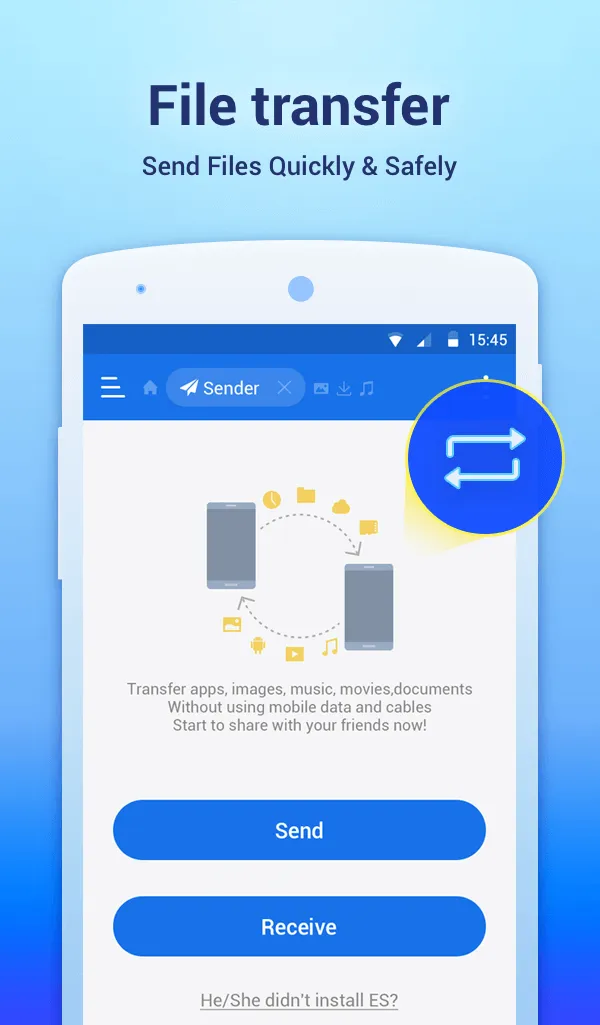
ES File Explorer connects to FTP, FTPS, SFTP, and WebDAV servers and can browse PCs over SMB on your LAN. You can edit mobile files from a computer over the network. Also, the Sender tool moves files between phones over Wi Fi or a hotspot. so you do not need cables.
Archives and file security
You can create and extract ZIP and RAR archives to save space or share groups of files. ES File Explorer supports AES 256-encrypted ZIP files to protect sensitive content. Therefore, you can package and secure project folders with a password.
Tools for power users
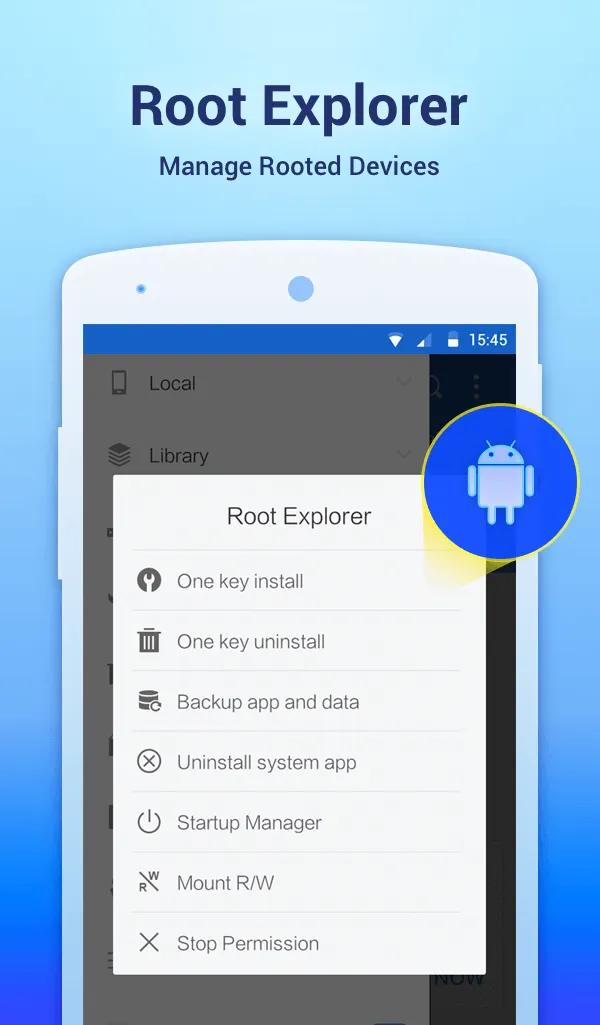
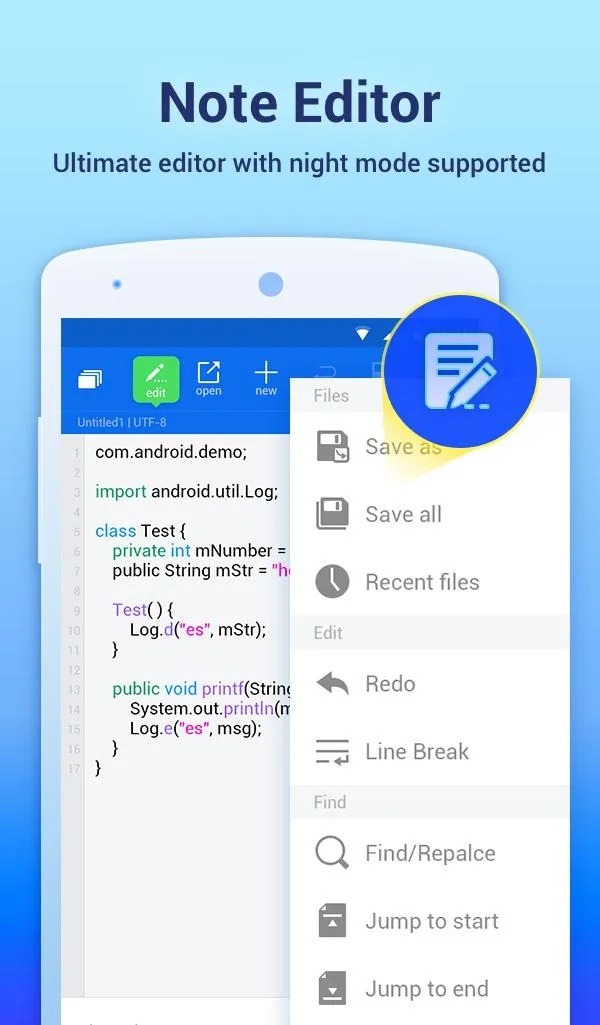
ES File Explorer includes Root Explorer for devices with root access, which unlocks system folders and permission changes. There is a code and note editor with syntax highlighting for quick edits. Moreover, configurable views and shortcuts help you build a custom workflow.
Device utilities and storage cleanup
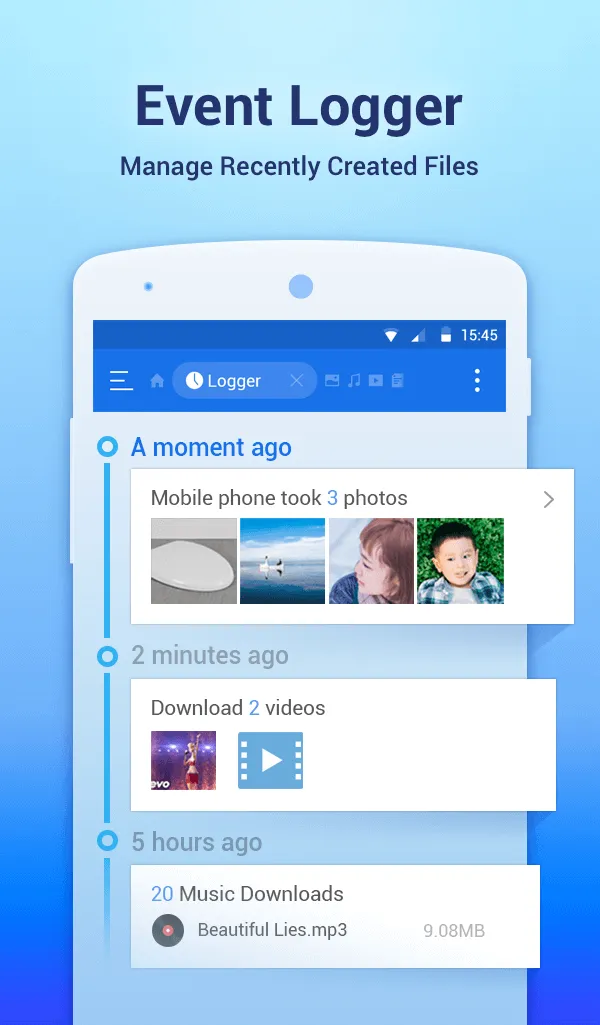
Use App Manager to back up apps, uninstall them, or create shortcuts. A task killer and cache cleaner help free memory when your device slows down. In addition, SD Card Analyst finds large, duplicate, and redundant files so you can reclaim space.
Function:
Built-in viewers and players
Built-in ZIP and RAR support
Cloud Storage
Remote File Manager
Functions as an FTP client
Root Explorer
Bluetooth file browser
Wi-Fi File transfer
Cache Cleaner and Auto-start Manager
Pros and Cons:
Pros:
Easy-to-use user interface.
Supports cloud storage services like Dropbox, Google Drive and OneDrive.
Allows users to access their files remotely from any device with an internet connection.
Offers a built-in file manager for organizing files on the Android device’s internal memory or SD card.
Provides support for multiple languages including English, Spanish, French and German among others.
Features advanced options such as root explorer that allows full control of system folders in rooted devices.
Cons:
It has a steep learning curve for new users.
Limited cloud storage options compared to other file managers.
The user interface is not intuitive and can be confusing at times.
Ads are intrusive in the free version of the app, which can disrupt your workflow.
There have been reports of security issues with this app such as data theft or malware infections from malicious files downloaded through it.
Changelog:
Add New&Old layout setting guideline
Minor User Interface improvements
Bugs fixed
UI improvement of Default Theme
Enable Default Theme & Holo Theme to change Navigation color
Update Remote Manager desk shortcut icon
Crash fixes and stability enhancements
Conclusion:
ES File Explorer APK is a futuristic necessity! It contains a feature-rich app interface with the add-on tools like unzipper, unlocker, video-editor, audio and video player, recycler, and much more. Moreover, you can also customize this application with four different themes for feeling cool every time managing your files. Download this splendid app right now and become a professional player in the File Management stream!









