EasyCut
Entertainment
2026-09-20
211.73MB
2.1.1.1107
Android
273
Screenshots
Introduction
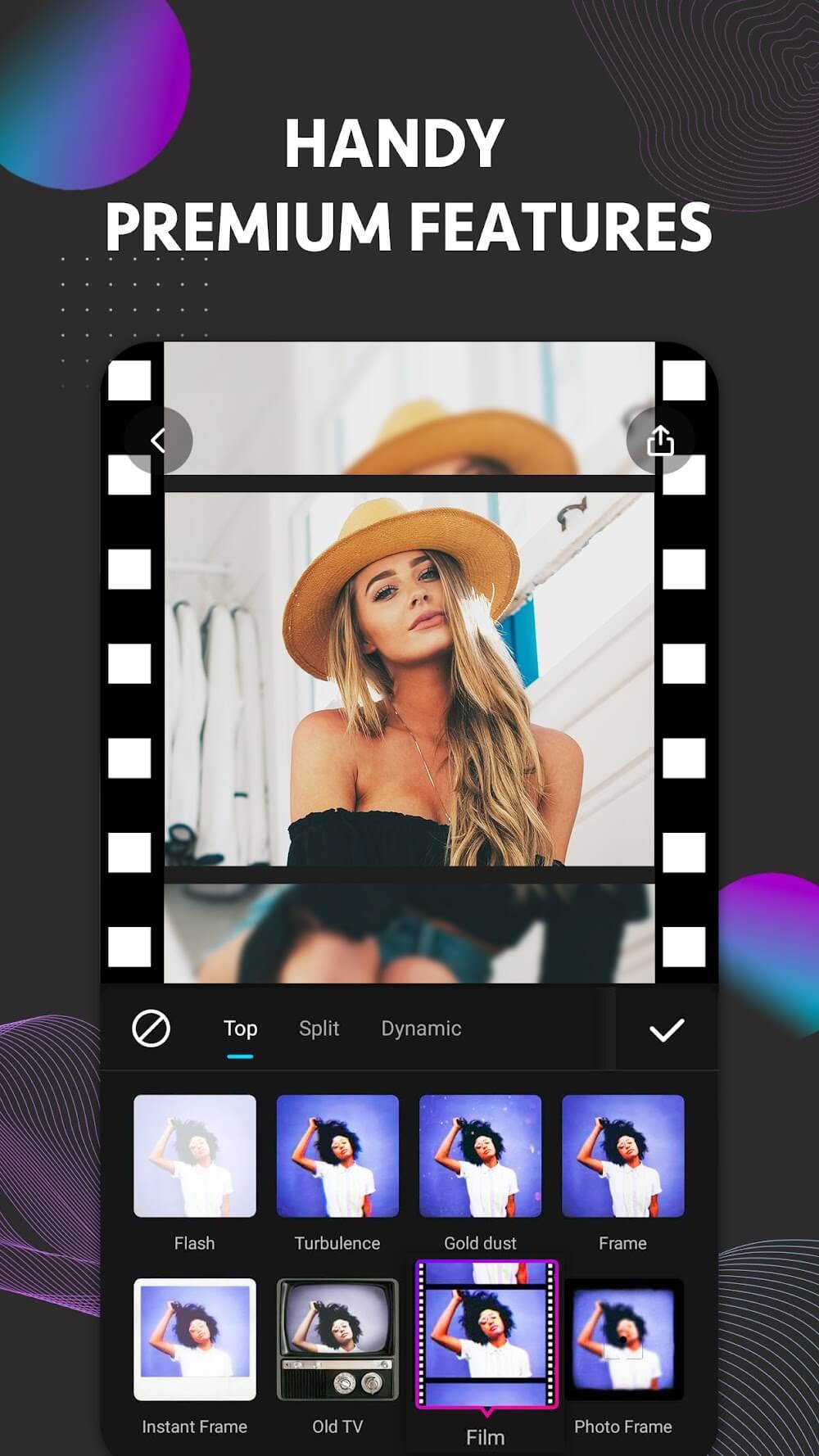
EasyCut is a powerful video editing app that offers a wide range of features, enabling users to create high-quality videos right on their Android phones. It includes an efficient collage tool that allows users to combine up to nine photos and supports video output in various resolutions, reaching up to 1080P. The app also features a precise timeline where users can place, edit, and reorder selected clips to ensure the video plays exactly as desired. Despite its extensive capabilities, EasyCut is user-friendly and simple enough for beginners to use with ease.
Features:
Video, Photo, Collage: Editing can have a strong impact on all the videos or images you are storing. Therefore, many different uses can be utilized to have a complete product.
Pro Features, Simple UI: After getting familiar with the basic features, you are often interested in more novel resources. For example, filters or effects often help you change the current color.
Unlimited Free Exports: The system usually does not limit the length of the video, so you can create a lot. At the same time, do not forget to add some additional content elements such as subtitles.
Drag-and-Drop Tools: The system usually allows each person to easily trim, split, and arrange clips according to the purpose. Of course, this is not an easy process but creates satisfaction.
Quick Photo Enhancer: Based on some supporting features, many people often choose to apply countless available edits. Therefore, the operation is often quick but still maintains the aesthetic level.
Fast Collage Maker: Creating some quick collages often helps you make the most of the current image quantity. From there, stories can be told from different perspectives over time.
Highlights:
Straightforward editing, simple and fun
Edit photos like a pro
Efficient collage tool
Trending video effects and filters
Add music
Color grading
Crop and change background
Customize titles and graphics
Video speed control
Pros and Cons:
Pros
Timeline supports precise timestamp navigation
Color correction and granular speed controls
Flexible ratios, backgrounds, and 1080p output
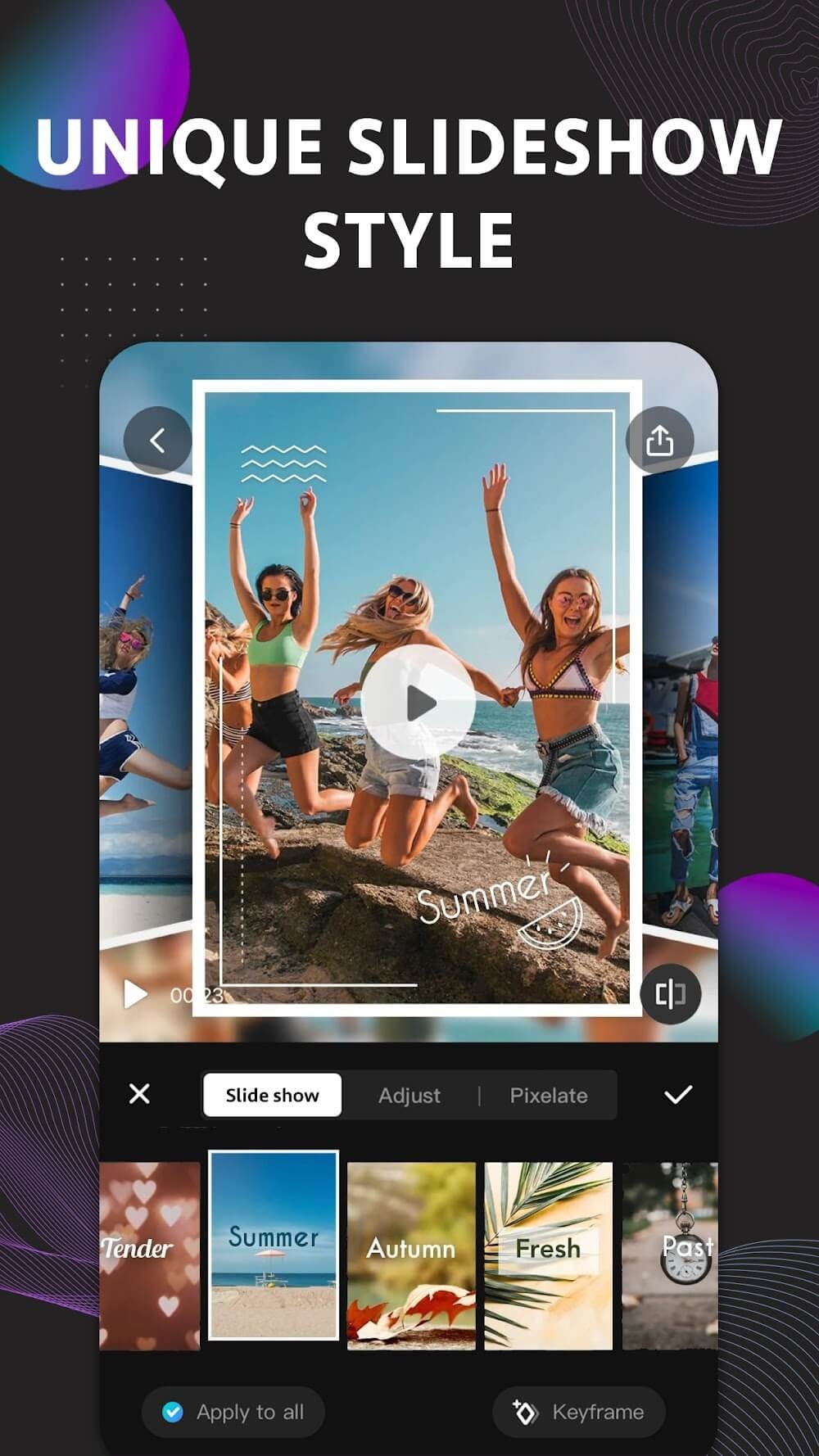
Slideshows and collages with up to nine images
Cons
Ads may interrupt routine edits and exporting
Some templates may require watching ads
Watermark behavior remains unclear
Usage:
Open EasyCut and start a new project, then choose the videos or photos you want to edit from your Android phone.
Place the selected clips on the timeline, then trim, split, merge, or reorder them until the video follows the sequence you want.
Add music, extract audio from another video, or record a voice over, then adjust the sound so it matches the length and pace of the edit.
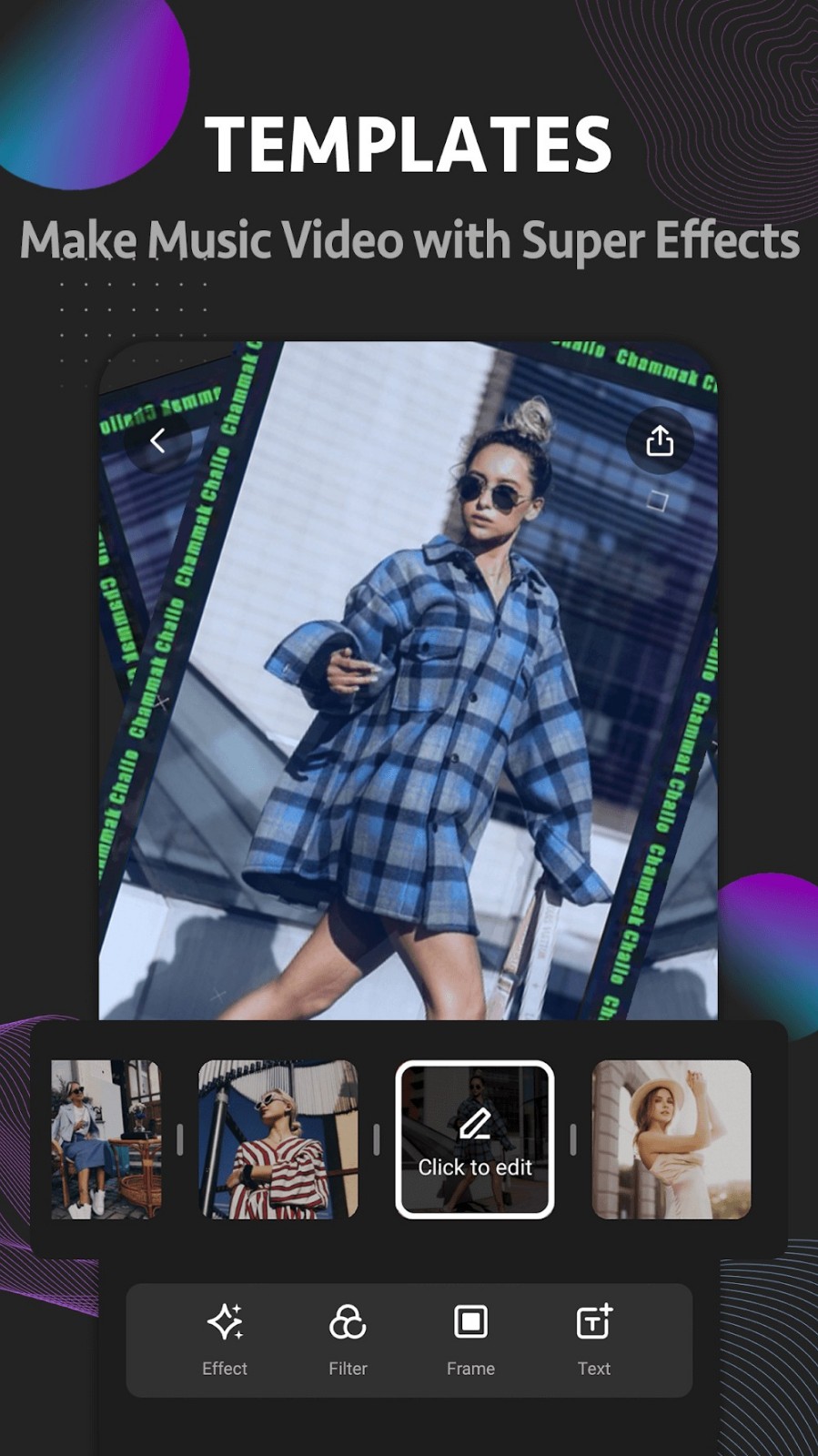
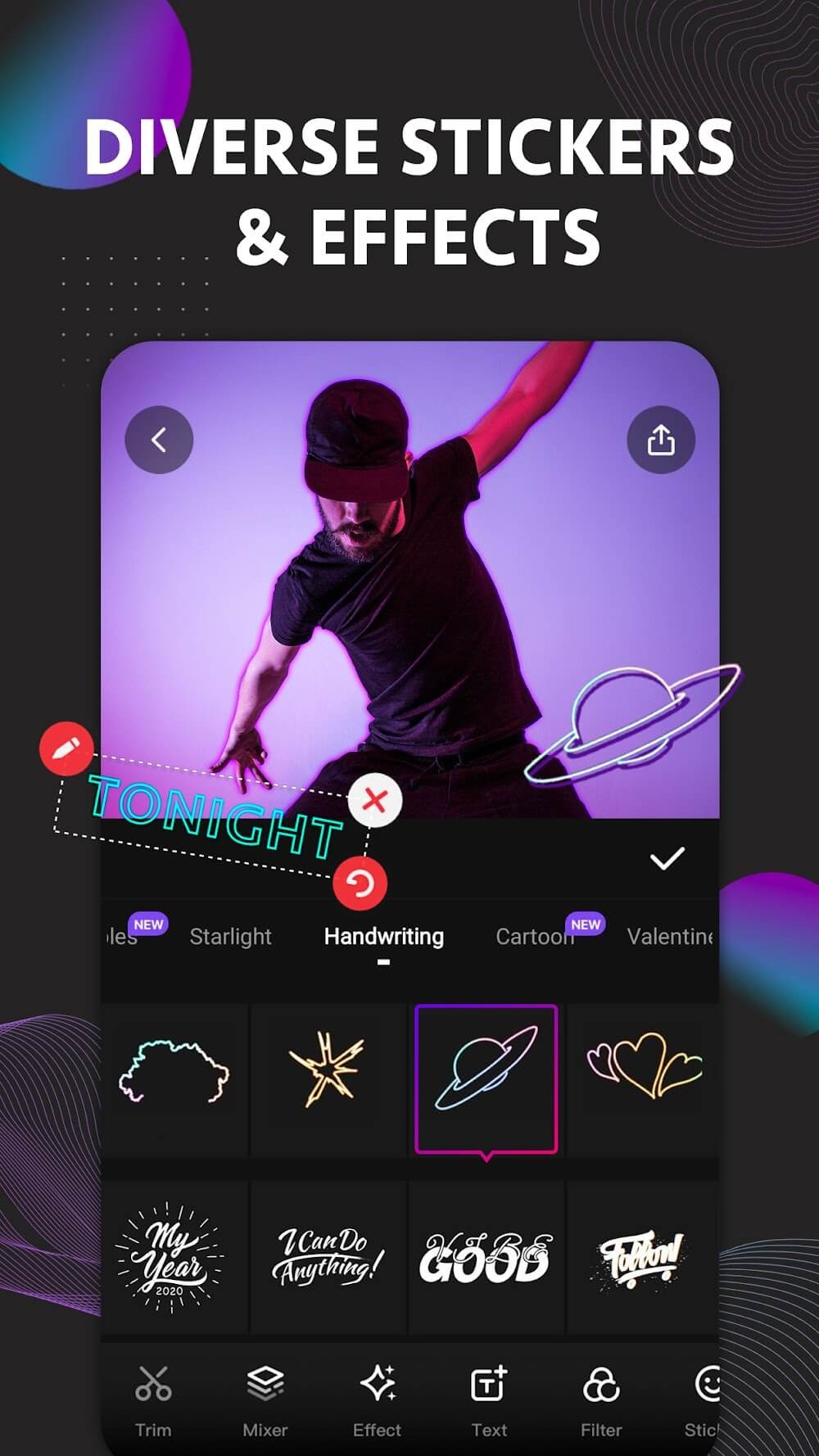
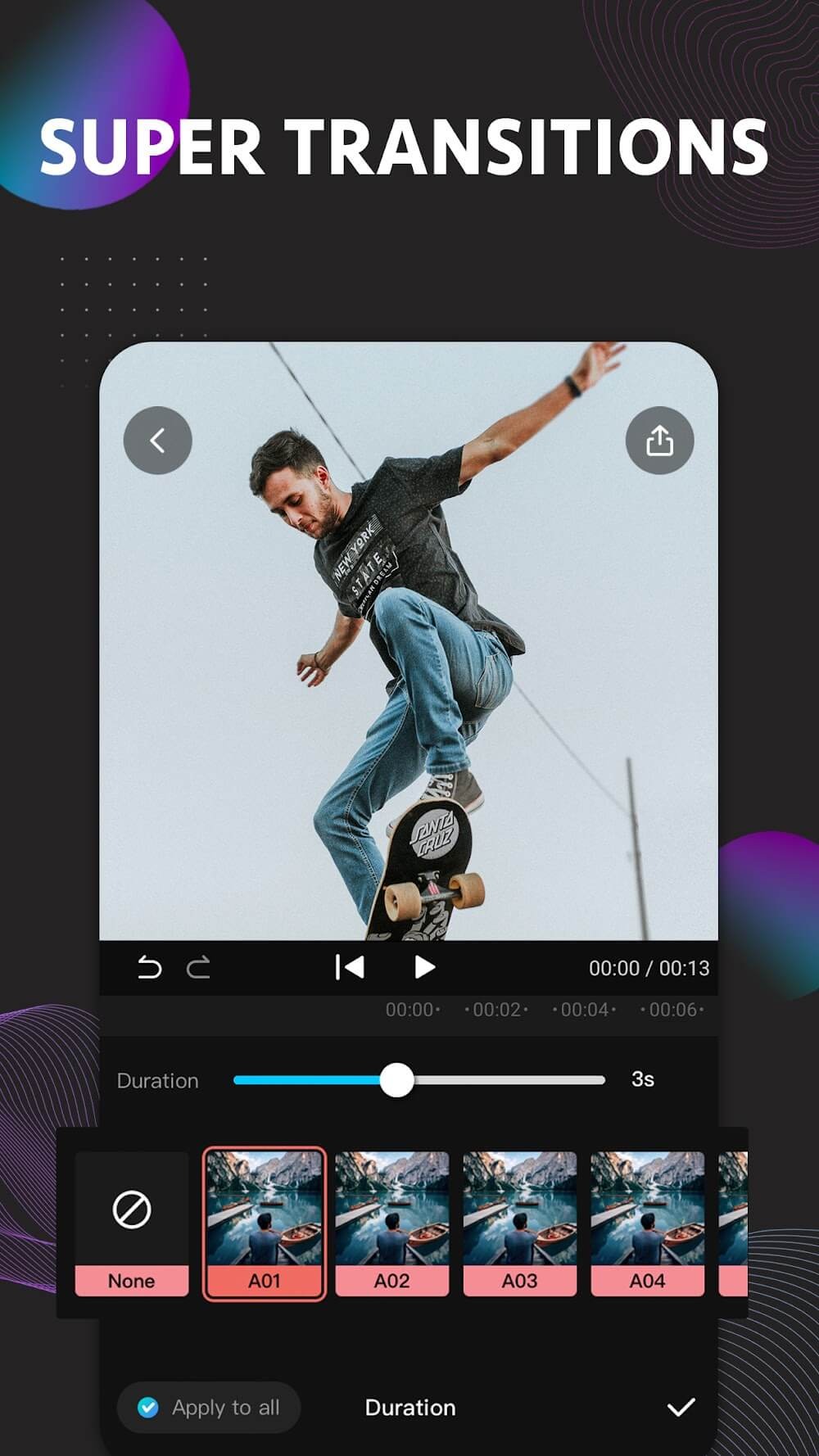
Apply text, subtitles, stickers, filters, transitions, or templates when they help explain the content or improve the flow between scenes.
Choose the canvas ratio for the platform you plan to use, preview the result, then export the video in HD quality and share it from your phone.
Conclusion:
EasyCut, a free video editor and music video maker for everyone! Using this free tiktok editor, it’s easy to edit video, trim video, crop video, cut short video, reverse, blur and merge videos, adjust speed. With EasyCut, it’s just one click to add fantastic video effects and filters, vivid stickers and emoji, change background, add music, subtitle etc. Download EasyCut now! Start enjoying video editing with our totally free video editor and music video maker!