Djay
Entertainment
2026-09-20
269.94MB
5.6.8
Android
205
Screenshots
Introduction
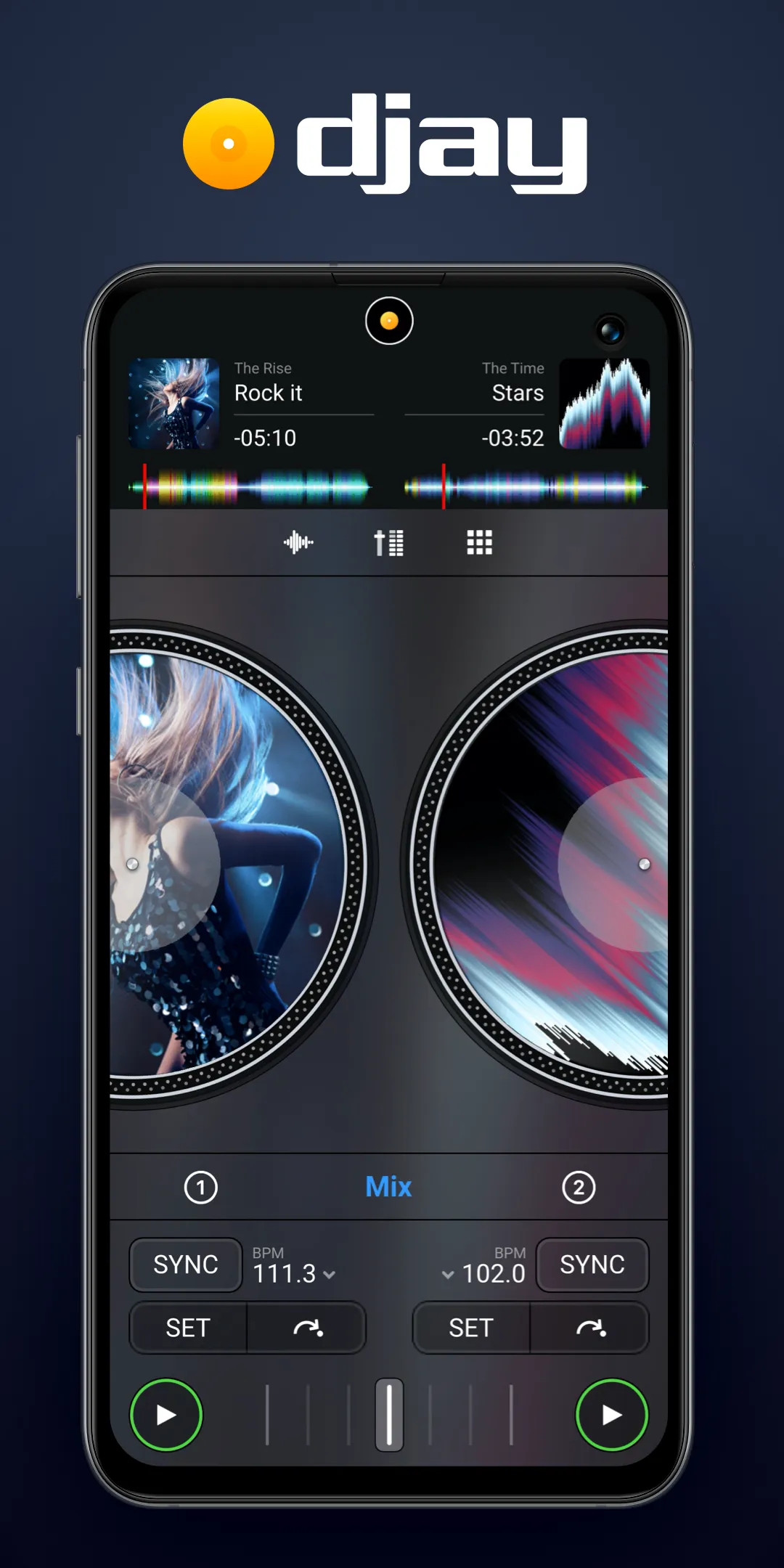
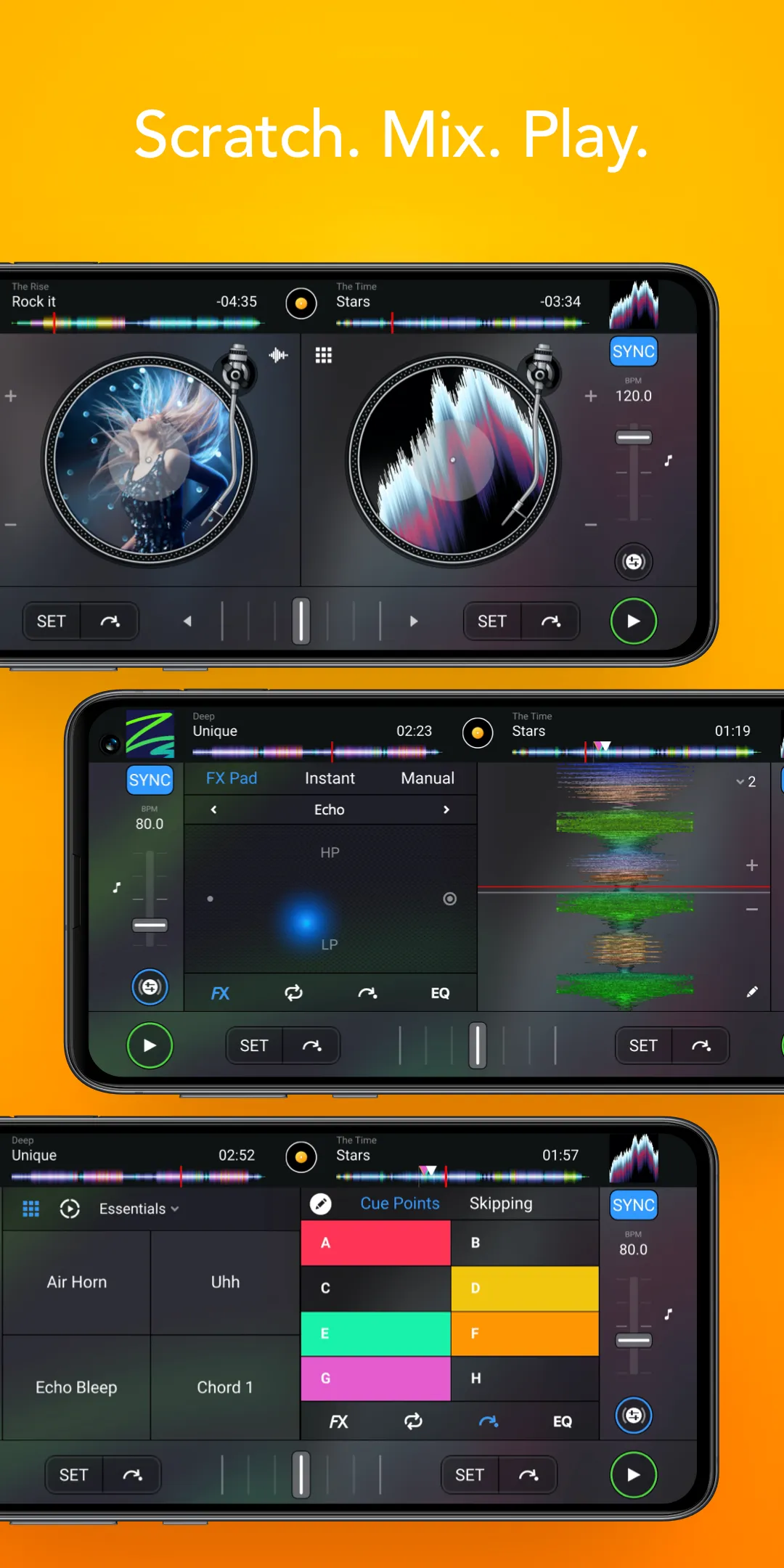
Djay is a music creation tool for Android devices that offers a wide range of DJing features, enabling users to create music in various DJ styles directly on their smartphones. The app provides access to an extensive library filled with free musical assets and tracks across diverse genres, ready for immediate use. It also features an automated mixing function that can be activated by simply adjusting a few basic parameters, making the creative process much easier. Designed with user-friendliness in mind, the app allows beginners to easily access all its features while also meeting the needs of advanced users.
Features:
Music sources and catalogs
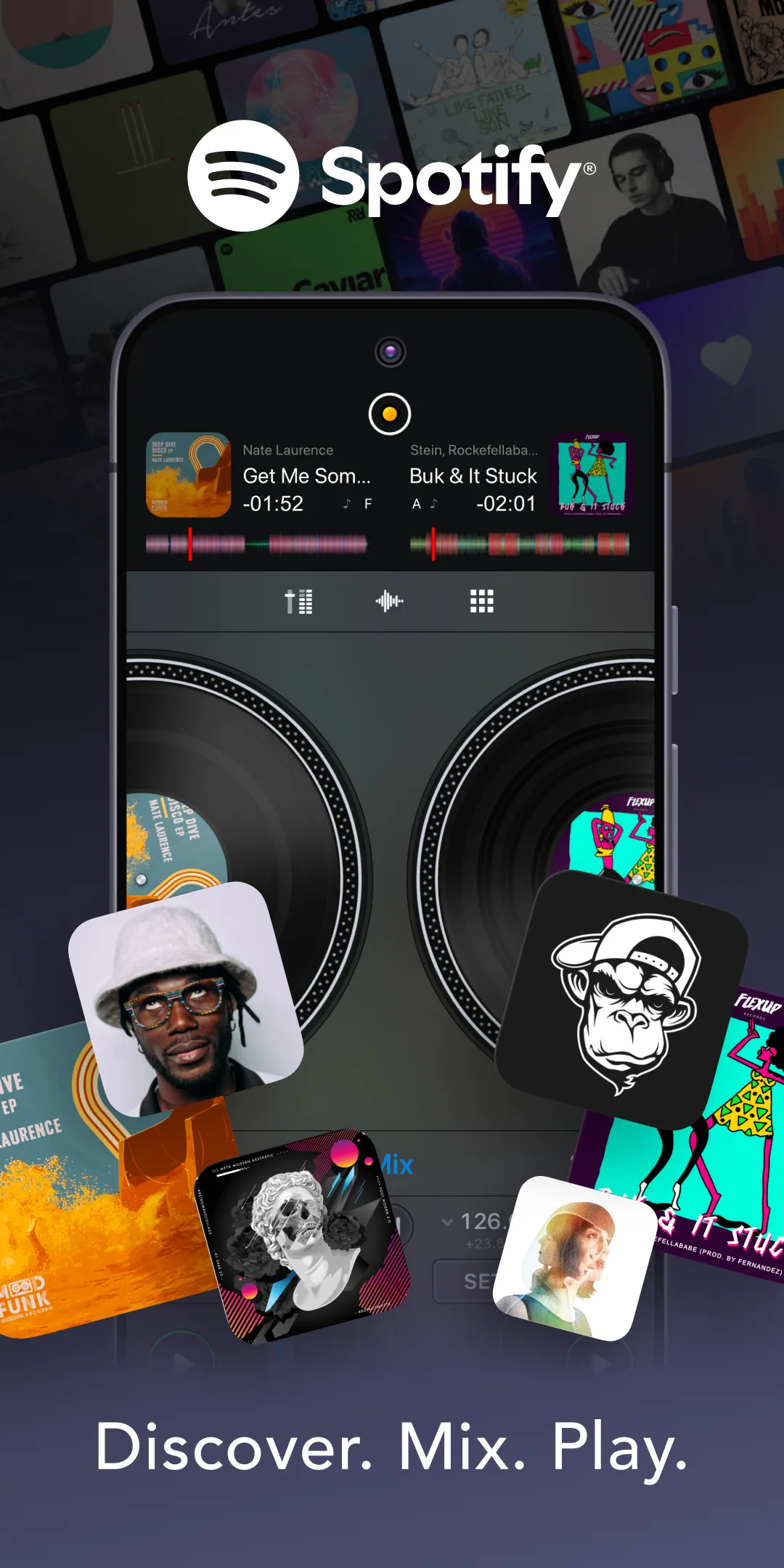
Djay connects to multiple music services, including Spotify Premium, Apple Music, TIDAL with the DJ extension, SoundCloud Go Plus, Beatport, and Beatsource. You can also play local files if your music is stored on the device. In addition, a free Djay Music catalog offers DJ ready tracks and curated genres, which helps when you need reliable material quickly.
Automix for hands-off transitions
Djay includes Automix to keep the music playing while you manage the room or handle requests. The system detects intros and outros, then applies beat matched transitions to move between songs. You can set transition length and adjust basic parameters, which makes it suitable for background music or small gatherings.
Neural Mix stems for creative edits
With Neural Mix, Djay can separate vocals, drums, and instruments from a track in real time. You can mute or solo a stem, then blend elements from different songs to build mashups or create clean mixes. This tool invites experimentation while still keeping the rest of the deck controls accessible.
Remix tools for performance
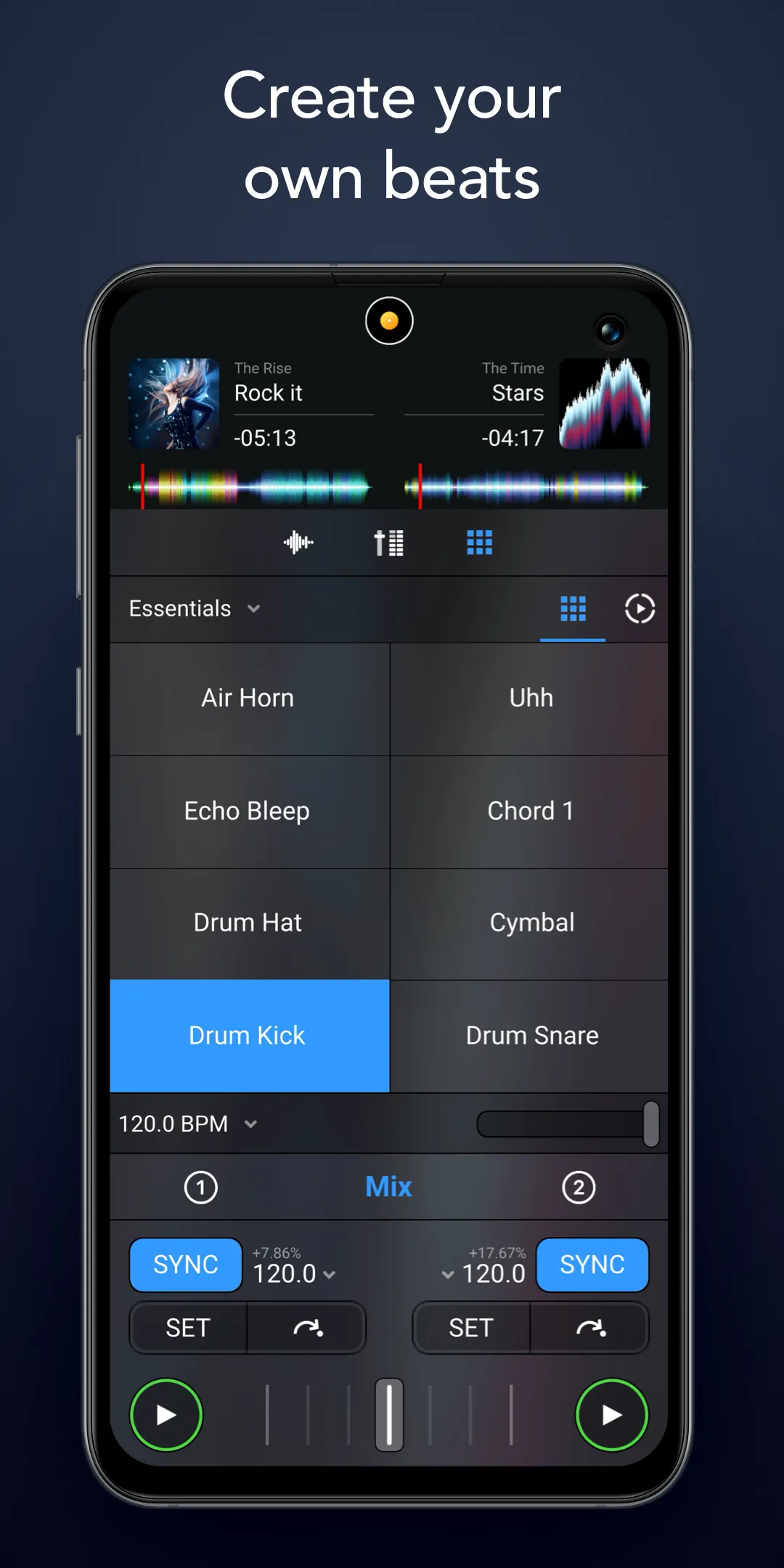
Djay provides a Live Sequencer and a Looper with up to forty eight loops per deck. You can trigger beat matched samples and use the built-in library of loops and samples to add rhythmic layers. These tools help you shape transitions or fill breaks without stopping the main mix.
Audio engine and effects
Djay offers key lock, time stretching, and pitch shift to maintain musical feel at different tempos. You get a mixer with filter and EQ, over fifty audio effects, crossfader effects, cue points, looping, auto BPM and key detection, auto gain, and colored waveforms. These controls support precise adjustments so you can move from one song to the next smoothly.
Highlights:
Live Beat Creation: The system allows users to add multiple beats at the same time to create a complete whole. Of course, the accompanying effects are also used for impressive highlight effects such as loops.
Advanced Looping: Some remixes can be created from original tracks that you are interested in. At the same time, the maximum number that you can insert is eight, so you will have to use them wisely.
Beat-Matched Samples: All kinds of beats appear in the application’s library that you can try to take advantage of. In particular, popular options like drum beats are also a good choice if you want seamless transitions.
Intelligent Mixing: The system can automatically detect the options that suit your current needs. For example, they can automatically add intros or outros to create the most complete work.
Rhythmic Precision: Based on data related to rhythm, AI can confidently make many suggestions for each person. Of course, these are just interesting options before bringing users to complete versions.
Effortless DJing: Multiple versions of the track are created based on the samples you are making over time. This makes it possible to create a complete version much closer to completion instead of having to spend a lot of time experimenting.
Pros and Cons:
Pros
Allows you to create a remix of music you like- The possibilities here are extensive because most audio formats can be used.
Provides an opportunity for practicing DJ mixing- Beginners appreciate the ability to practice.
Makes it possible to connect different audio devices- Hooking up audio devices enhances remixing capabilities.
Capable of supporting a wide variety of different formats- The audio app supports most audio formats.
Cons
A disappointing number of beats included- While a lot of songs are available, there aren't too many beat possibilities.
Tendency to delay- Sometimes, the app may function slowly and experience delays.
FAQs:
Q: Is it suitable for beginners?
A: It is designed to be user-friendly and offers features that are accessible to beginners as well as advanced users.
Q: Can I use it with external DJ hardware?
A: It supports a range of DJ hardware, including Pioneer DJ and Reloop controllers.
Q: What Djay supports streaming services?
A: It supports TIDAL Premium and SoundCloud Go+ as streaming services.
Q: Does Djay offer automatic mixing?
A: It features Automix AI for automatic DJ mixing with intelligent transitions.
Q: What audio effects are available in it?
A: It offers a variety of audio effects, including Echo, Flanger, Crush, and more.
Conclusion:
Download the Djay APK for Android and make mixes to compete with David Guetta himself using just your smartphone. Explore millions of songs, leverage AI tools to isolate instruments live, and get your audience dancing anytime, anywhere. Whether performing live or just experimenting with music, Djay provides everything you need to enhance your DJ skills and enjoy a wide range of music. Its advanced features and ease of use make it a must-have app for any music enthusiast.