Dynamic Notch
Productivity
2026-08-06
90.82MB
6.2
Android
448
Screenshots
Introduction
Dynamic Notch is a dynamic notification bar application for Android devices. It helps users display various events in the notification bar for quick and easy handling. A prominent charging animation indicates charging status, making it easy for users to know. The app can also display real-time weather and change the theme accordingly. Users can customize the notification bar's style, color, and size. Different backgrounds can be set for different applications, making it easy for users to identify the source of the notification.
Features:
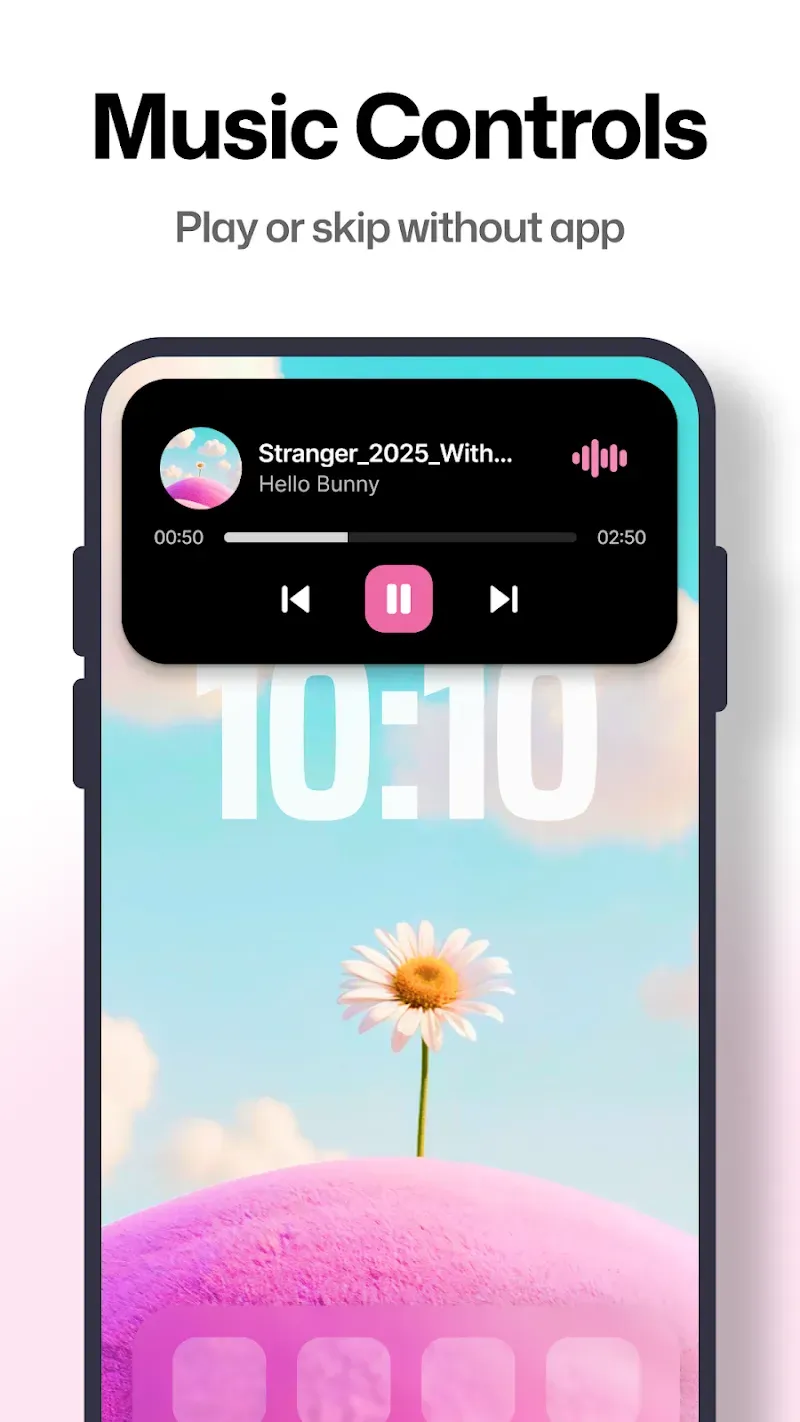
When you listen to music, the currently playing song will be displayed directly on the Notch bar, along with song information and album art.
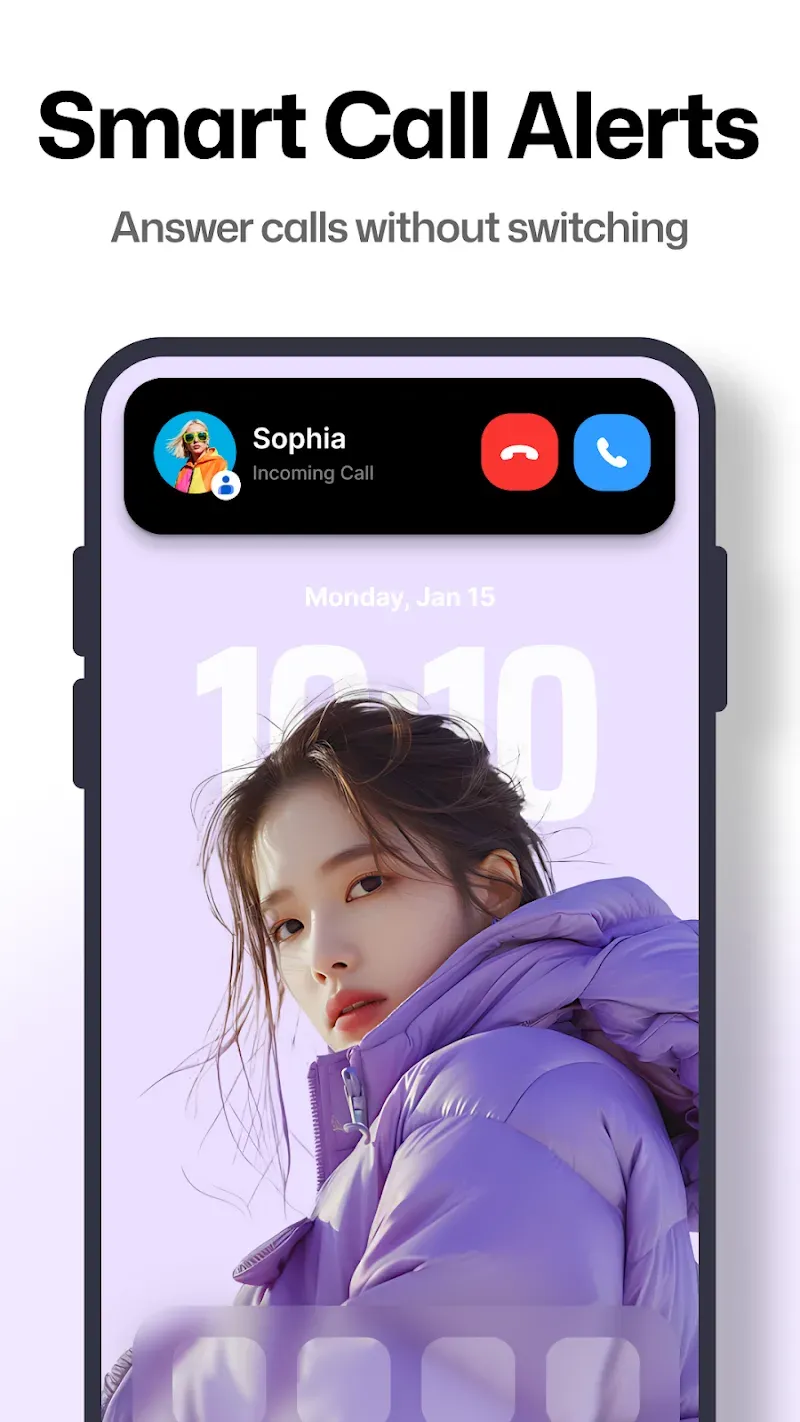
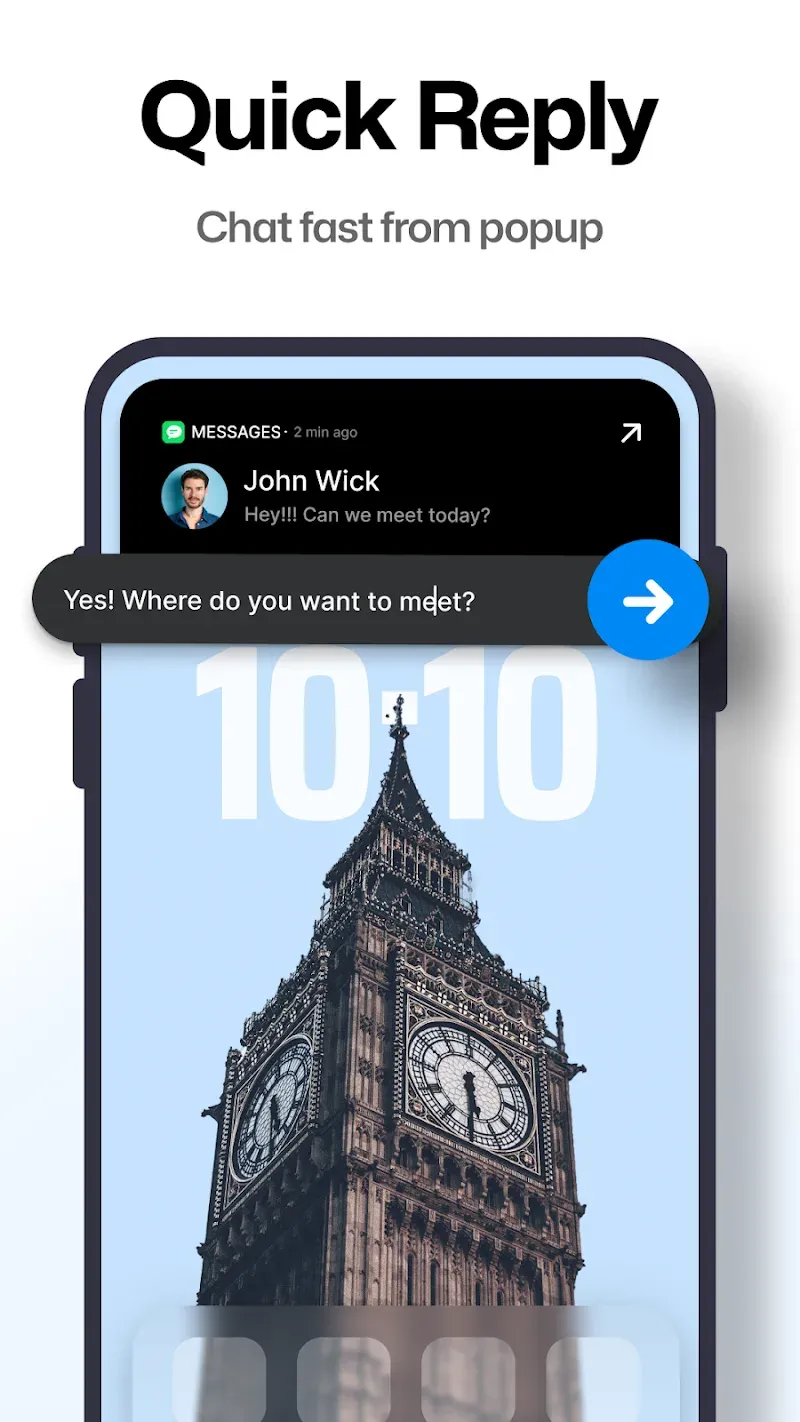
The Notch bar can display and allow you to quickly manage various types of notifications such as alarms, screen recordings, music, calls from social networks, charging status, SMS, work emails, etc.
The app can also display navigation information from the map in the Notch area, allowing you to view directions without obscuring the entire screen.
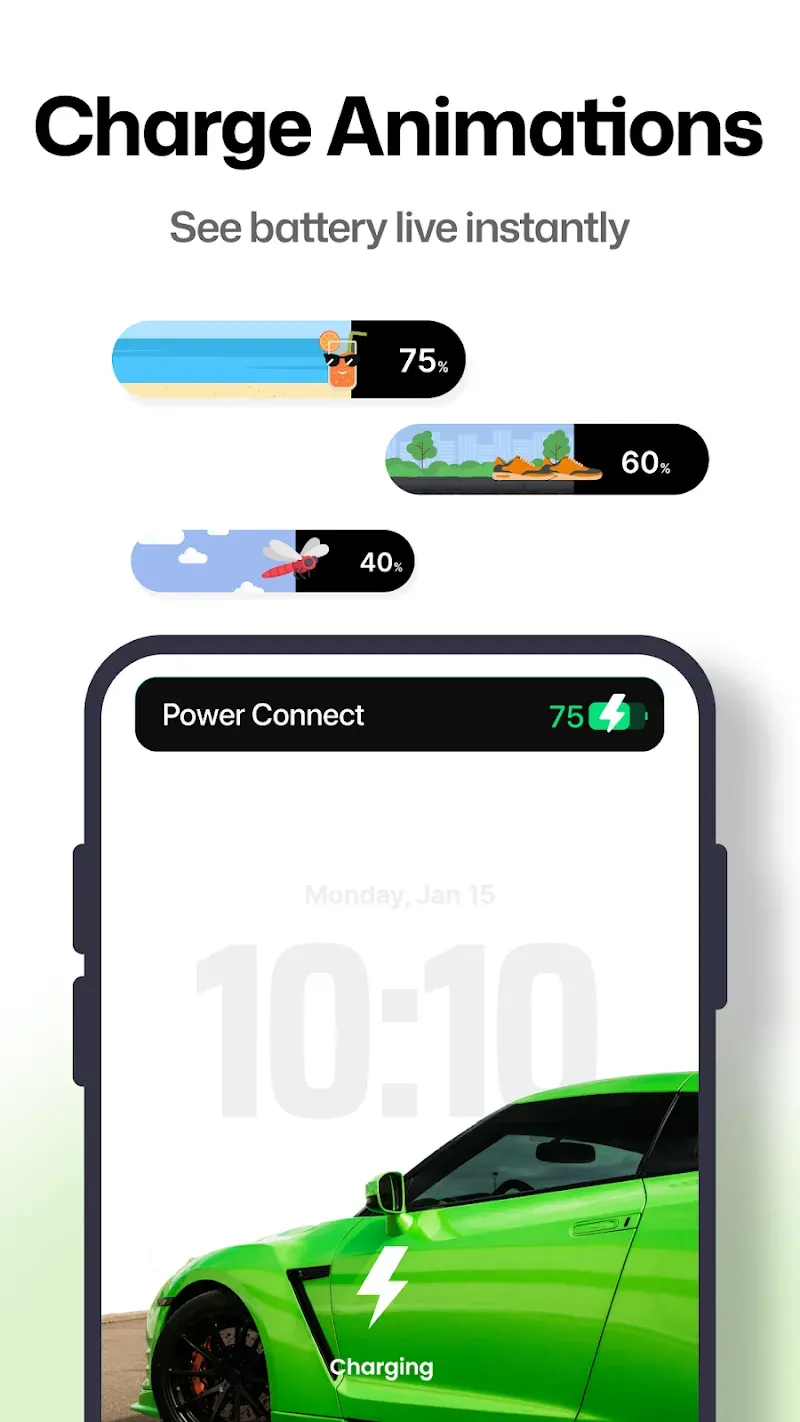
When plugged in, the Notch Bar displays an eye-catching charging animation in the notification area, making it easy to see that the device is charging.
The Notch Bar can display real-time weather information and automatically change themes based on the current weather conditions.
Highlights:
Typography & Layout: Adjust font styles, weight, colors, and sizes to ensure maximum readability and visual appeal.
App-Specific Themes: Assign unique background colors and fonts to specific apps. This allows you to identify whether a notification is from a work app or a social network just by seeing the color of the notch.
Responsive Interaction: The mechanics of the notch are fluid and gesture-based. A single tap expands the view for more detail, while a long press can trigger specific shortcuts, making multitasking faster than ever before.
Tips and Tricks:
First, launch Dynamic Notch and follow the welcome flow until you reach Permissions.
Then grant Notification access so the app can read and show alerts from messages, social apps, and system events.
Next enable the Accessibility Service, and allow display over other apps when prompted, so popups and live activities appear around the notch.
After that open Layout settings, choose your notch or punch hole position, and set direction and size for a clean fit.
Finally customize theme, font, and per app colors, then play music or start navigation to test media and prompt behavior in real time.
Changelog:
Live Football Scores are now supported
Hotspot controls & status are now available directly in the Notch
Added Step Counter to the Standby Notch
Access multiple features while you're on a call
Customize Call Notch width for a personalized experience
Adjust all expanded notch widths from Display Settings
Added support for new languages:
• Traditional Chinese (Taiwan) • Romanian • Greek
Performance improvements, stability enhancements, and bug fixes
Conclusion:
In addition to its aesthetic enhancements, the app prioritizes user privacy, as it does not collect personal data and operates locally on devices. Users can customize the appearance of the notch bar to suit their preferences, choosing from various colors and animations. Quick shortcuts enable faster access to favorite apps, making multitasking more efficient. Overall, Dynamic Notch provides a unique blend of functionality and style, making it a compelling choice for those looking to upgrade their smartphone experience.
-
Latest Updates
-
Featured Apps