Dolphin Emulator
Tools
2026-10-17
15.67MB
2609a
Android 5.0 and up
471
Related Apps

Screenshots
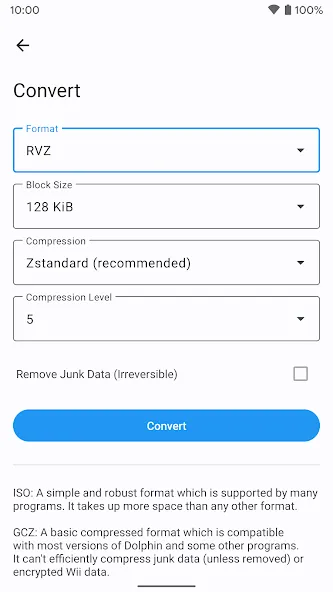
Introduction
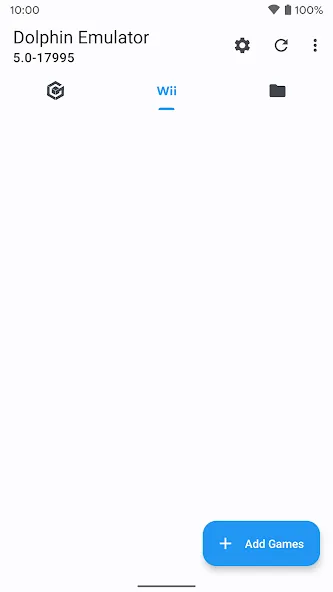
Dolphin Emulator is a Nintendo emulator designed for Android devices. It significantly enhances visual quality on the Android platform, delivering crisp, clear graphics. Users can adjust resolution settings to strike the perfect balance between device performance and image quality. The emulator supports both on-screen touch controls and Bluetooth game controllers, and it allows for the import of game files in various formats. Furthermore, Dolphin Emulator boasts an active community where users can quickly exchange tips and techniques. It is capable of emulating a wide range of Nintendo games, delivering impressive performance and consistently smooth gameplay.
Features
Enhanced graphics on Android
Dolphin Emulator can render games at higher resolutions than the original consoles to improve clarity on modern screens. You can adjust internal resolution and related options to balance image quality and performance for your device. Many users prefer a moderate upscale for cleaner visuals without heavy load. These settings help tailor how each game looks and runs.
Flexible control options
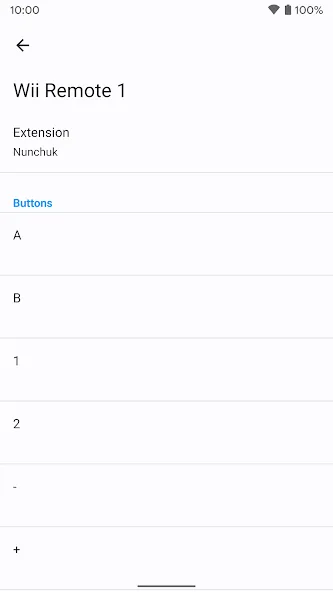
You can use on-screen touch inputs or map a Bluetooth controller for more precise play. Common pads such as Xbox and PlayStation controllers work, and the app supports connecting a Wii Remote on compatible Android devices. Button layouts are configurable, so actions fit your habits. This flexibility helps different game types feel natural on mobile.
Session tools and customization
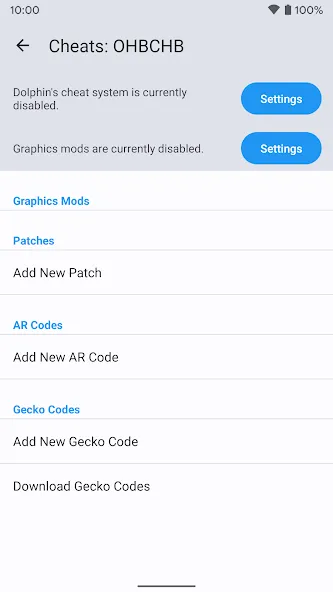
Dolphin Emulator includes save states to capture progress at any moment, which is useful when you need to pause quickly. Controller layouts are customizable, letting you move and resize buttons as needed. The app also supports texture packs when available for a title, so you can apply improved art prepared by the community. These tools focus on practical tweaks that suit handheld play.
Open-source with active community support
The emulator is released under the GNU GPL v3+ license, and the source code is publicly available on GitHub. Users can consult a wiki, FAQ, and detailed guides to configure settings and troubleshoot common issues. Forums and Discord offer peer help, while a compatibility list sets expectations for individual games. Stable releases and fast-moving development builds are published so you can pick the cadence that matches your needs.
Use your own legally acquired games
Dolphin Emulator does not ship with any games and does not download them for you. To use the app, you must provide your own legally obtained GameCube and Wii backups. The project maintains clear documentation on how to set up files properly for Android. This approach keeps the focus on preservation and personal ownership.
Advantages and disadvantages
Pros
Emulates both Nintendo GameCube and Wii software
Resolution scaling up to 4K on suitable hardware
Extensive graphics controls, including shaders and anti-aliasing
Supports Xbox and PlayStation controllers
Cons
Some games remain incompatible or perform poorly
Detailed configuration can be time-consuming
User comments
Runs amazingly on new hardware touchscreen controls are very solid, I'm very impressed. Little bit of instability on analog trigger controls for GameCube, noticeable on Metroid Prime. Not running into ads. Great work! keep it up
I have evofox one s gaming controller and it is not taking any input from it. I you want to play games you have to play through the touch controls of your mobile screen. so annoying that it is not taking any other controller inputs rather than just wii controller. plz fix this asap.
This app is absolutely amazing. I've used Dolphin on my PC for years, but this is a legitimate feat of programming. You can change and tweak so many settings, so even if you have a mid-range phone, you will still likely be able to get playable framerates on many games. I'm playing Metroid Prime on my Galaxy S9 at a smooth 60fps, and almost all of the "big" games run incredible as well.
Summarize
Dolphin Emulator is a powerful Nintendo Wii and GameCube emulator, completely free and open source, which allows you to enjoy almost the entire catalog for these two consoles on Android devices. Like the versions for desktop computers (Windows, Linux, and Mac), the emulator will allow you to enjoy many improvements, both graphically and in terms of general features.
-
Latest Updates
-
Featured Apps