SetEdit
Tools
2026-10-17
158.82KB
2023.11.16
Android 3.0 and up
498
Screenshots
Introduction
SetEdit is a system utility for Android devices that allows for the quick editing of system settings tables. You can view existing values or add new ones. The tool supports both ADB and root access, and can be used in conjunction with other utilities to elevate system permissions. It also enables the creation of shortcuts, ensures that modifications persist, and offers search functionality as well as the ability to export backups for use on other devices. With its simple interface, it is easy to get started, and the software supports a variety of data formats.
Features
Edit system settings tables
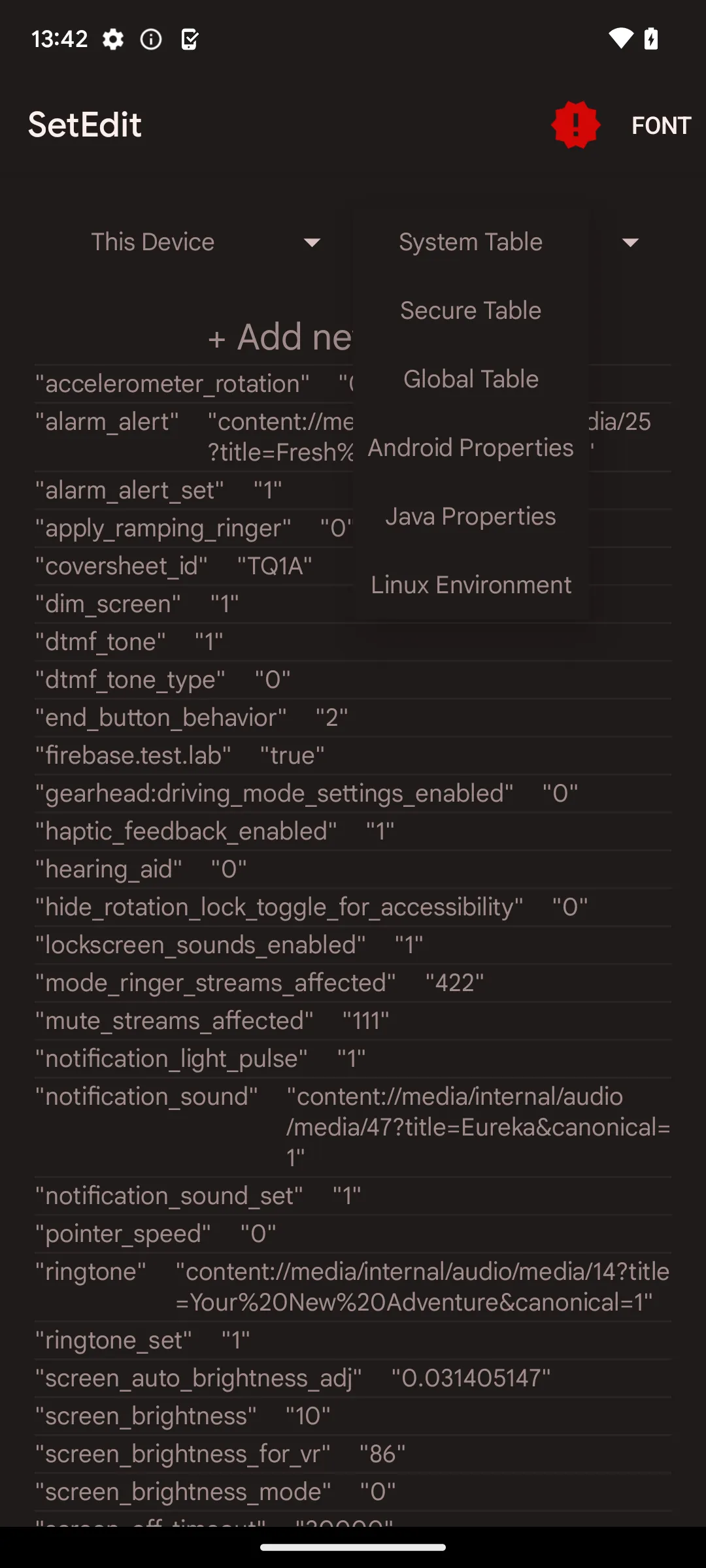
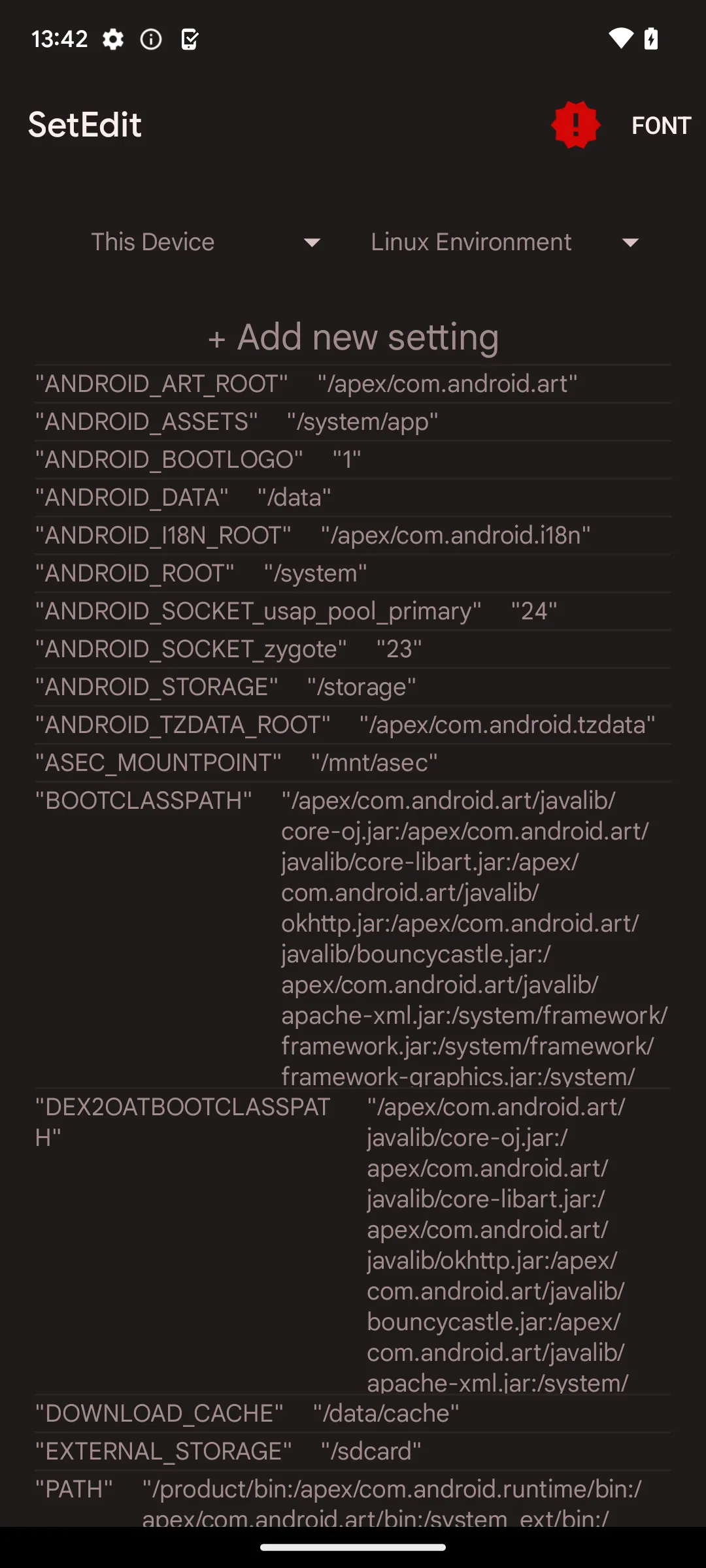
SetEdit lets you open the SYSTEM, SECURE, and GLOBAL tables and work with key value entries. You can view existing values, add new keys, or remove values you no longer need. The interface shows names and values clearly, so you can confirm each edit before saving.
ADB and root permission paths
SetEdit supports two permission routes. You can grant WRITE_SECURE_SETTINGS via ADB for non root devices, which enables deeper edits safely. If you have root, SetEdit can auto grant permissions and work with tools like Magisk resetprop for advanced properties.
Fine tune device behavior
With the right entries, SetEdit helps you set a maximum refresh rate, prefer 5G where supported, or choose external storage as the default. You can adjust resolution or audio quality and control ringtone volume or vibration mode. Each change is explicit and applied to the exact key you select.
Shortcuts and persistent changes
SetEdit can create shortcuts to quickly toggle a specific setting from your home screen. You can apply changes and, where possible, keep them active after a reboot. This makes routine tweaks faster without reopening the database each time.
Search, export, and backup
SetEdit includes table search to find keys by name or value. You can export lists to JSON for backup or for sharing configurations with another device. This makes recovery simple if you want to revert or replicate your setup.
Clean interface with themes
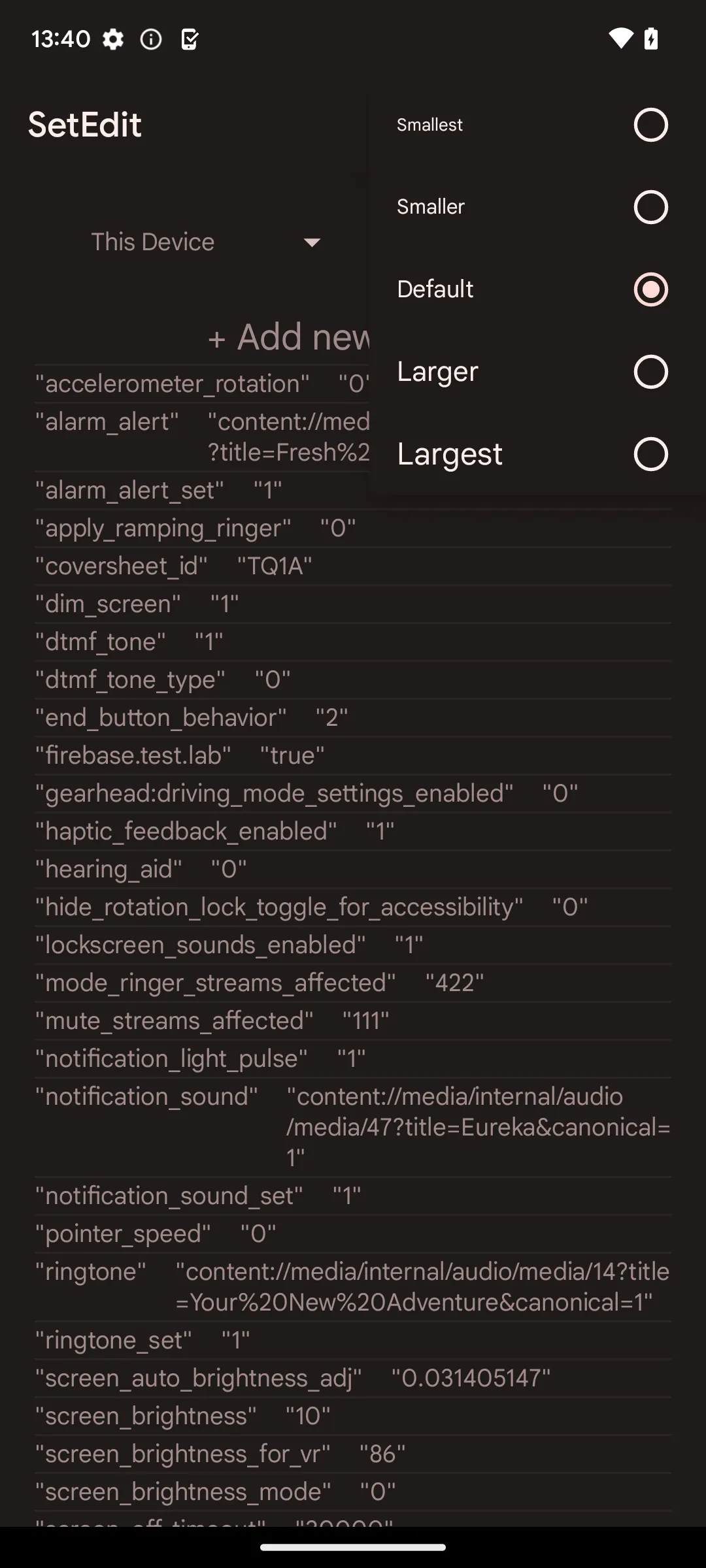
SetEdit follows Material Design and includes day and night themes for comfortable editing. Navigation stays focused on tables and entries, so you can work without distractions. The layout supports quick confirmation of edits to reduce mistakes.
Advantages and disadvantages
Pros
Easy to use with an intuitive user interface.
Supports a wide range of file formats, including HTML and XML files.
Allows for quick editing on the go without having to transfer files between devices or computers.
Offers powerful text-editing features such as syntax highlighting, auto indentation and line numbering.
Cons
Limited compatibility with certain Android versions.
Does not support all programming languages.
FAQS
What is SetEdit used for on Android?
SetEdit is a utility app that lets users view and edit Android settings stored in internal system databases. These entries control hidden configuration values that standard menus do not show.
How does SetEdit change Android system settings?
The app displays settings as key-value pairs inside System, Secure, and Global tables. Users can edit these values directly, and the device usually applies the changes immediately.
Do you need special permissions to use SetEdit fully?
Yes. Editing Secure and Global tables often requires the WRITE_SECURE_SETTINGS permission, which can be granted through an ADB command on a connected computer.
Can SetEdit damage your Android device?
Incorrect changes can cause system features or apps to stop working properly. Many users record the original values before editing so they can restore them if something goes wrong.
Who should use SetEdit on Android?
The app is mainly intended for developers, modders, and advanced users who understand Android configuration settings and want deeper control over device behavior.
Summarize
SetEdit is a mobile utility app built for Android users who want direct access to system configuration data. Developed by 4A, it works as a settings database editor that allows users to view and modify key-value entries inside Android’s internal settings tables. These values control many behaviors on a device, from system features to hidden configuration switches that typical settings menus never display.
-
Latest Updates
-
Featured Apps