
Designer Tools Pro
Tools
2026-08-07
21.69MB
2.1.0
Android
73
Screenshots
Introduction
Designer Tools Pro is a utility for Android that allows users to review and validate application specifications directly from their mobile phones. The app offers a grid overlay function, allowing users to quickly switch between screen grids to check the layout. It also features a mockup overlay function, enabling users to see how well the application's design matches the mobile user interface. Users can also identify pixel-level colors using a color picker, helping them develop better applications.
Features:
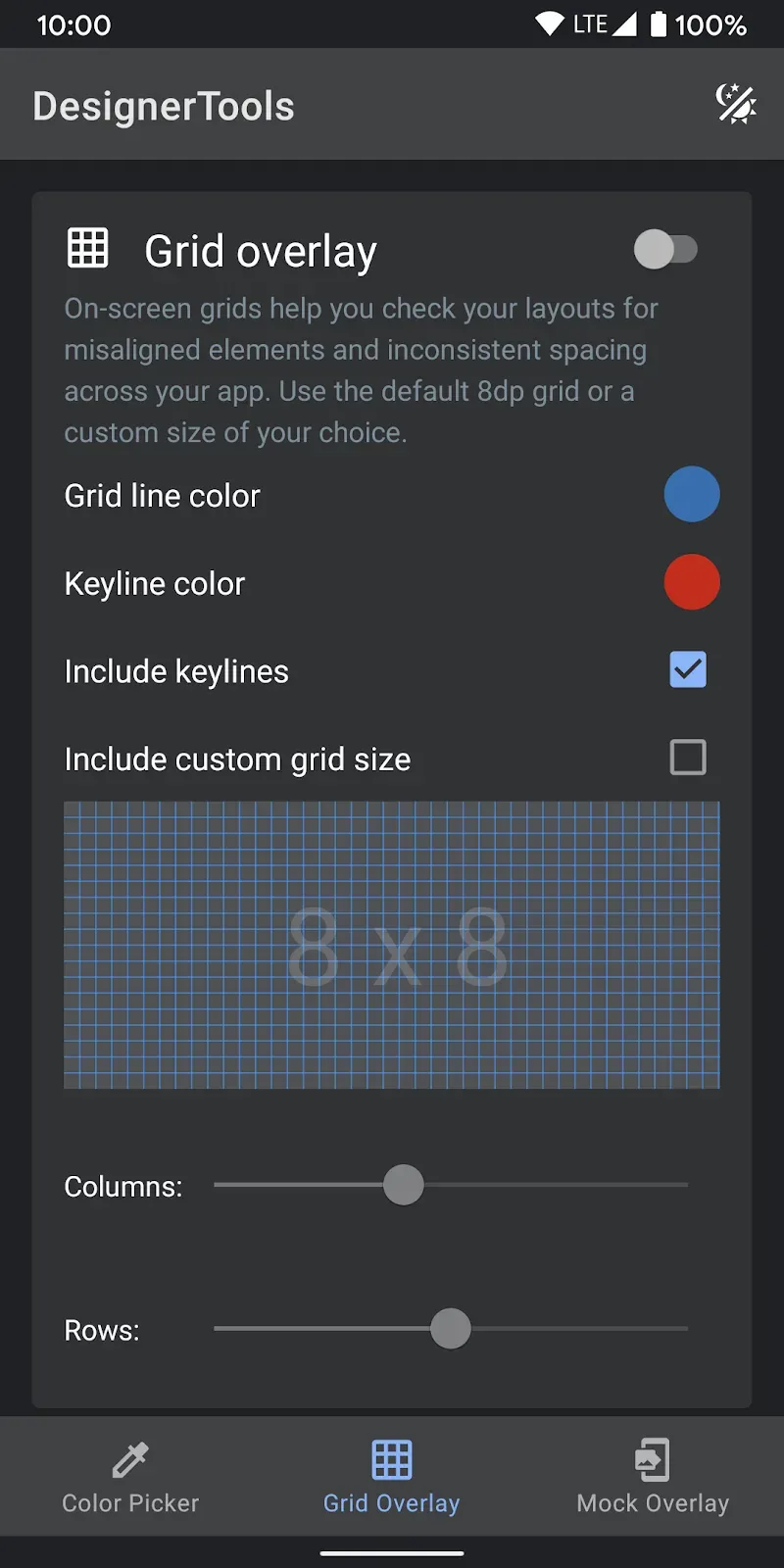
Grid Overlay: Quickly toggle on-screen grids to check layouts for inconsistent spacing or mis-aligned elements. You can even customize the grid size, grid line and keyline colors.
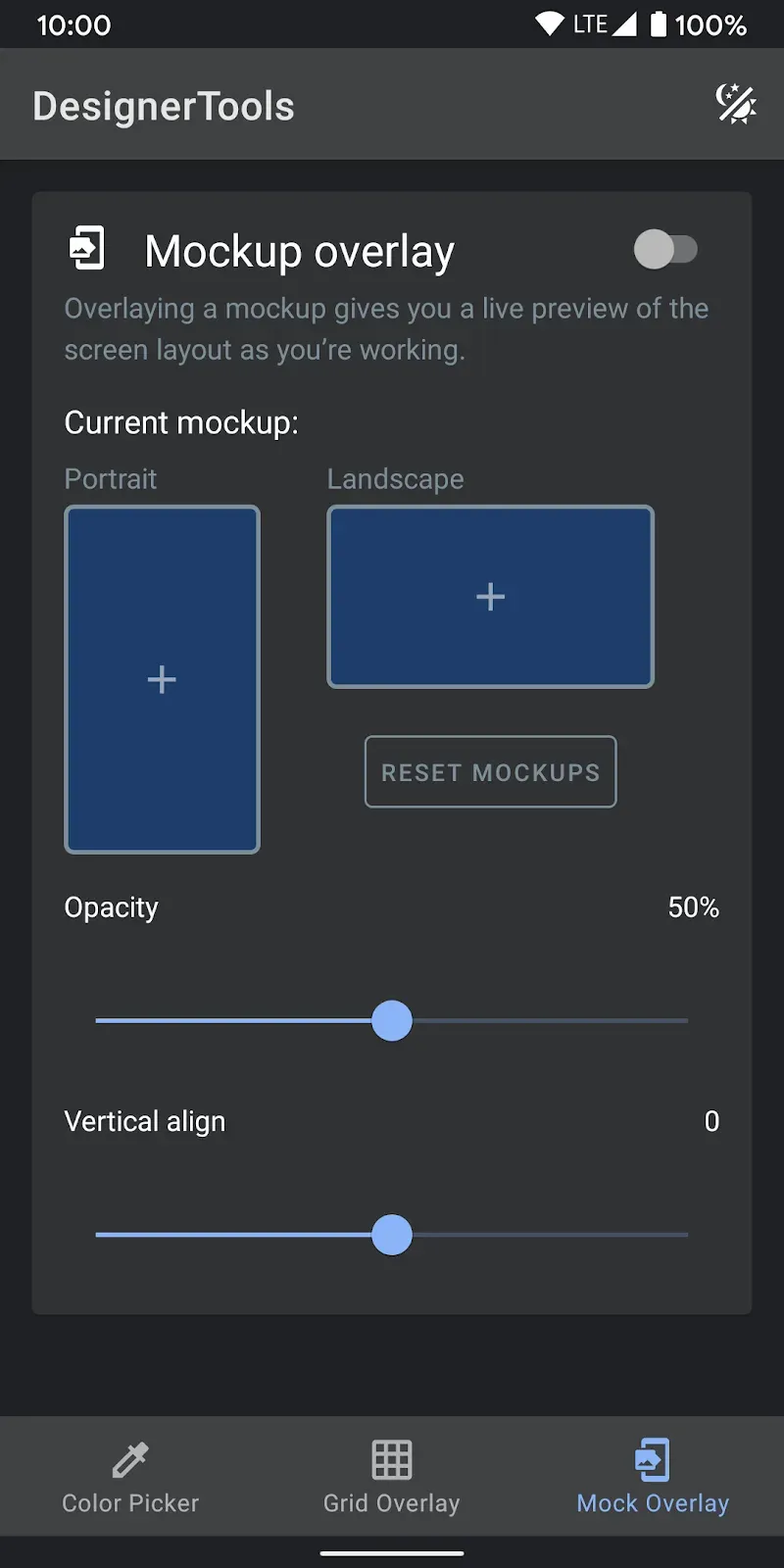
Mockup Overlay: Display a mockup image over your app. This gives you a high-fidelity opportunity to see how the design spec matches the developed user interface. Choose from portrait or landscape overlays and tune the opacity for an effective comparison. You can also adjust vertical position on mockup image
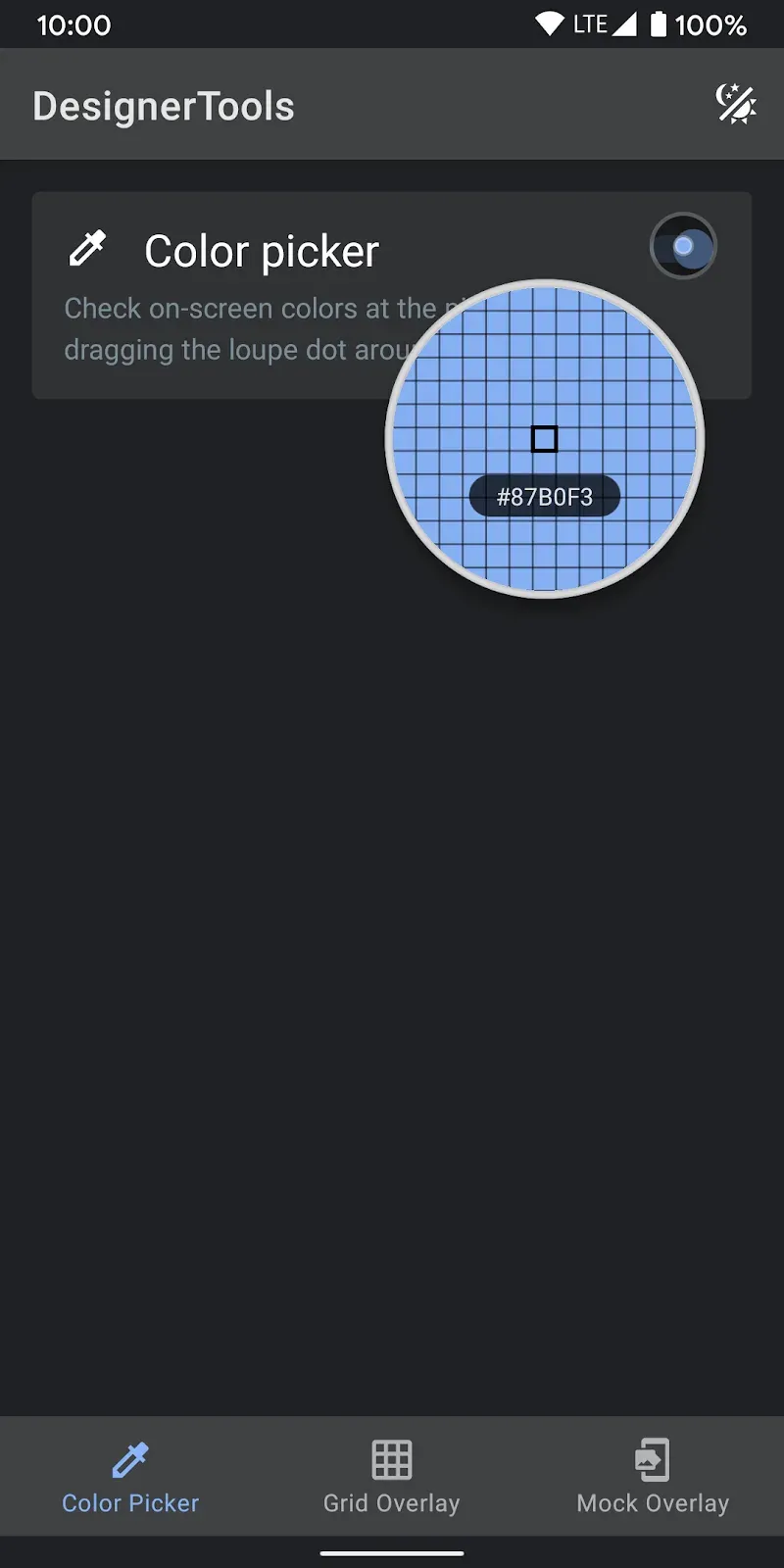
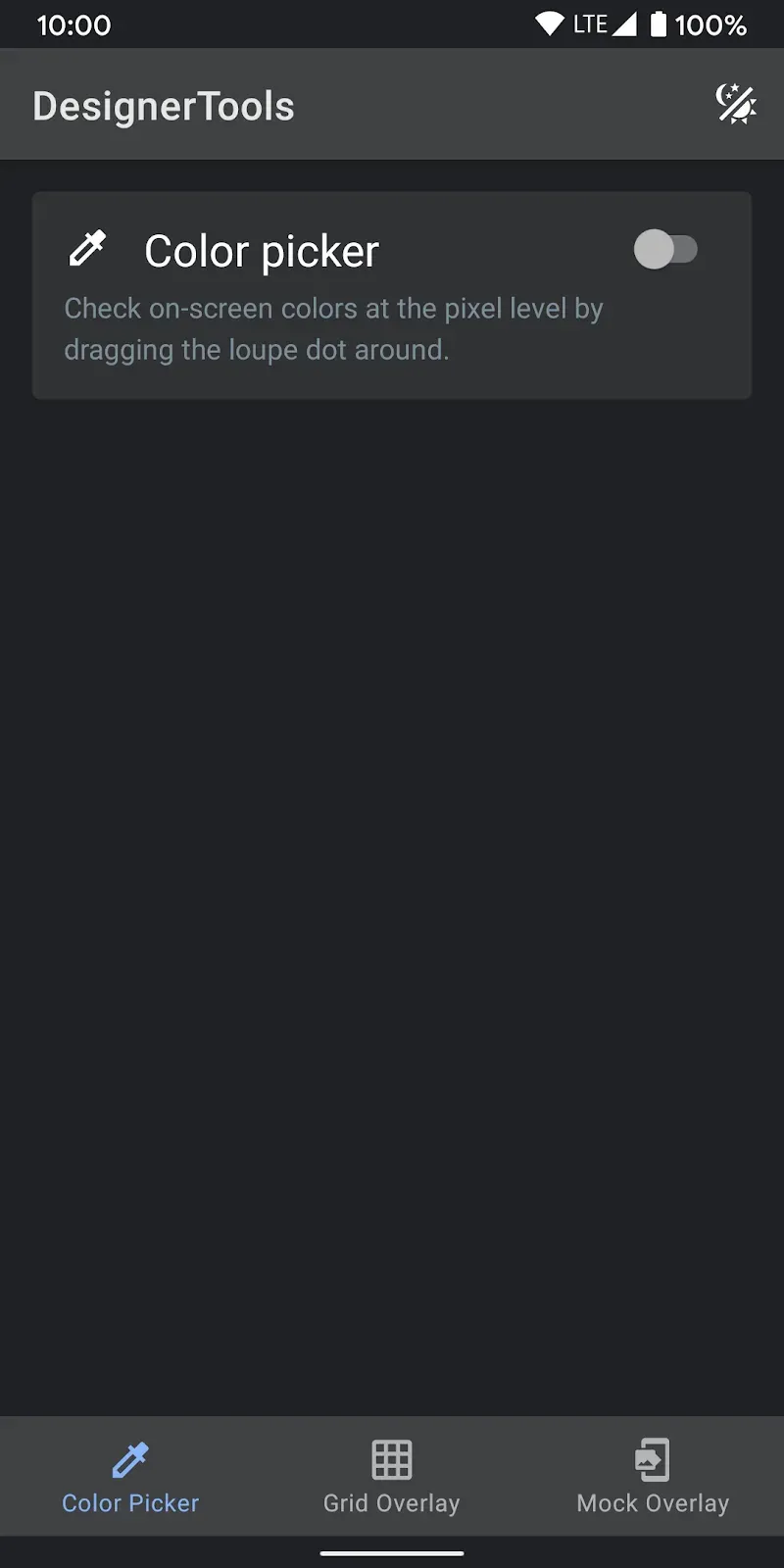
Color Picker: Use your finger to drag around a loupe magnifier and identity the hex codes of colors at the pixel level you can also tap on hex text to copy it into clipboard.
Highlights:
FLOATING UI FOR MULTITASKING
To enable nimble context switching between your UI and design assets, Designer Tools Pro utilizes a floating interface. The toolbox neatly overlays your app without obstruction. Quickly toggle between tools or temporarily hide the overlay to access the full screen beneath. This floating design allows cross-referencing specs and stylesheets while reviewing UIs, speeding validation. Workflows stay streamlined.
ONE-CLICK TOGGLES
For optimal speed, all core tools like grids, mockups and loupes can be toggled on/off with a single button press. This keeps the most-used capabilities instantly accessible without digging through menus. Optimize usage of screen real estate based on need. Customizable hotkeys take the efficiency even further. One-click operation keeps the UI inspection moving along.
NO DATA COLLECTION
While leveraging accessibility APIs for the floating interface, Designer Tools Pro does not collect or share any user data whatsoever. It uses a privacy-first approach optimized purely for the workflow efficiency gains. You get all the functionality benefits without any privacy downsides. This commitment to ethical design builds important trust.
Pros and Cons:
Pros
Grid and mockup overlays
Identify accurate hex codes for colors
Retrieve information to streamline app testing
Cons
Only manual orientation adjustment for camera mode
Workflow:
Designer Tools Pro is an advanced overlay tool at the OS level. Upon acquiring the required permissions, this app presents you a persistent yet unobtrusive floating menu across any other app. Upon entering 'Design Review Mode,' you can enable the Grid Overlay to see if your elements align to the standard 8dp grid, or if they require alignment to a custom grid defined by your design system.
The Mockup Overlay is a tool that allows you to overlay a hi-fi image from your phone over the currently deployed build. By adjusting the transparency to zero, you can see if the deployed build aligns to your mockup, and a simple flick can show if the build has the mockup overlay. The Color Picker Loupe gives you the ability to check if the app's design matches your guidelines and if it is adhering to your style guide, be it solid or a gradient fill.
Conclusion:
Designer Tools Pro offers a comprehensive suite of features tailored for game and app development. Its intuitive interface ensures a smooth user experience, allowing designers to focus on creativity rather than technical hurdles. The collaborative tools enable seamless communication among team members, enhancing efficiency. The extensive library of assets simplifies the design process, saving time and effort. Regular updates keep the tools aligned with industry trends and standards, ensuring users have access to the latest innovations. Overall, Designer Tools Pro stands out as a valuable resource for developers seeking to elevate their projects.









