
Data Recovery
Tools
2026-08-08
64.76MB
2.0.93
Android
239
Screenshots
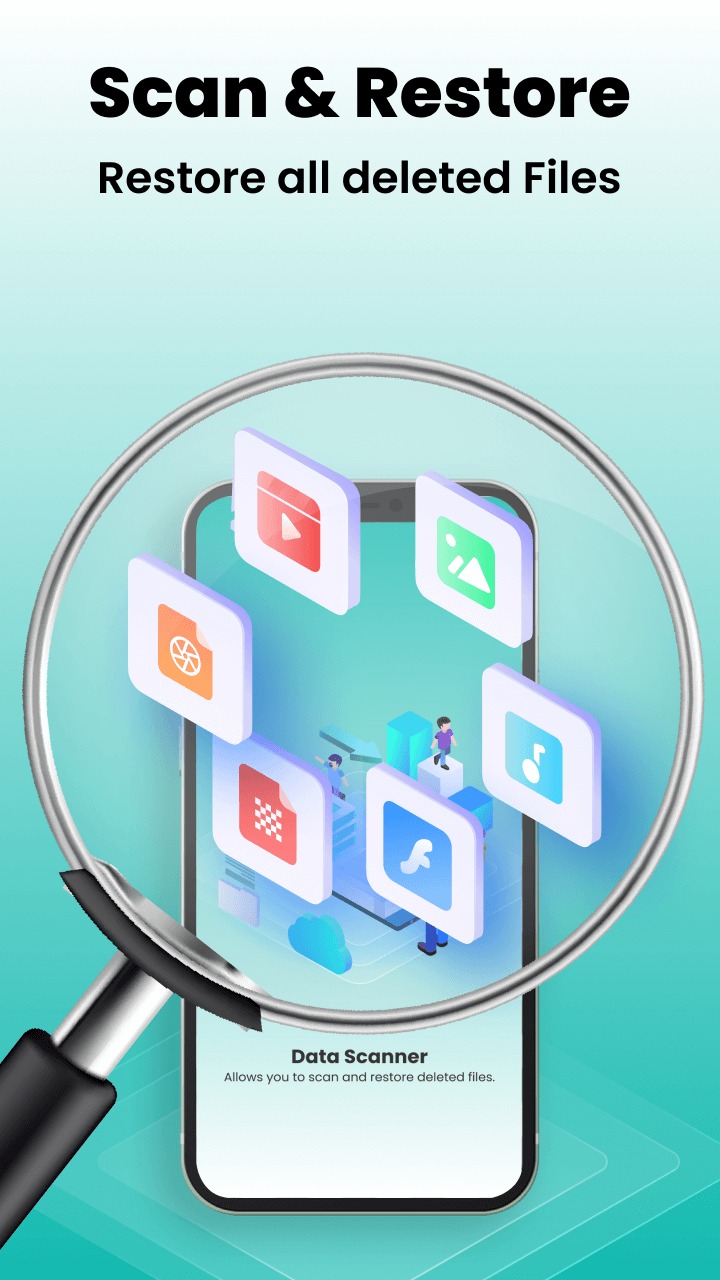
Introduction
Data Recovery is a data recovery software for Android devices. It allows users to easily recover files from their phones and retrieve lost photos and videos. This app also lets you set passwords to help protect your photos. The image enhancer feature allows users to revitalize old photos. This app is simple and easy to use. Users can recover data quickly and easily without complicated operations.
Features:
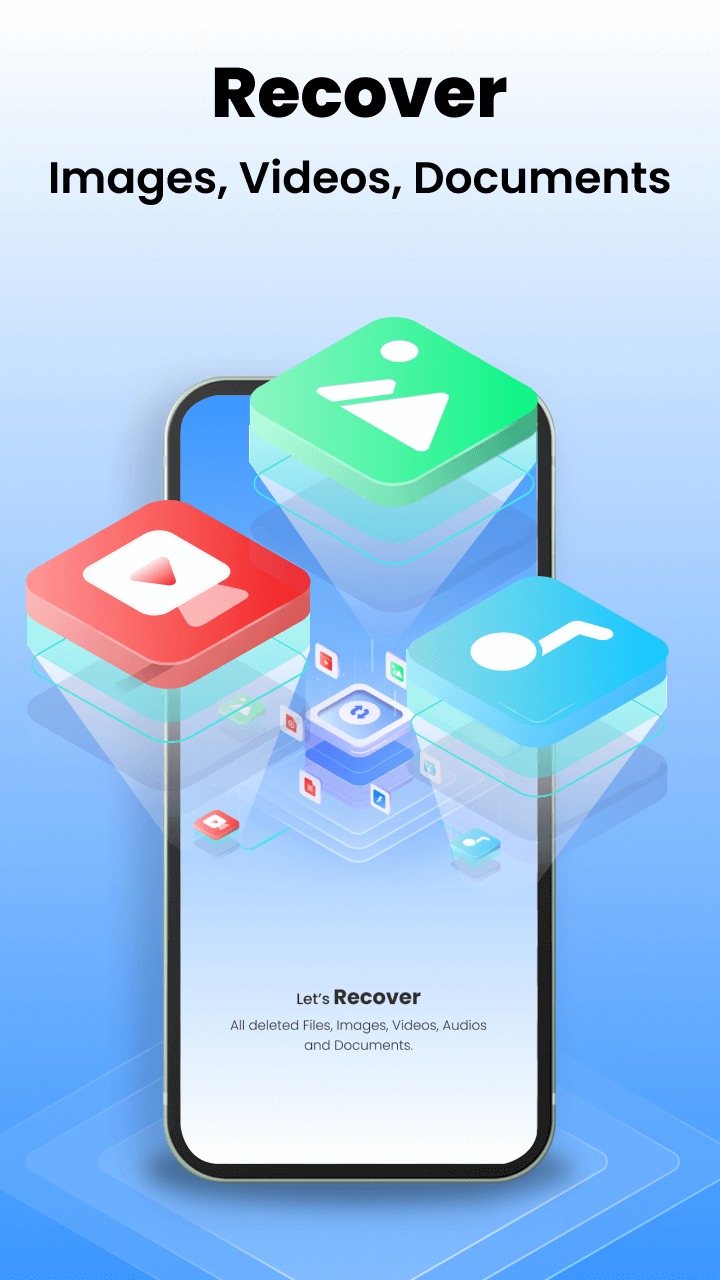
Effortless Recovery: Retrieve files from your phone's internal storage, bringing back lost photos, videos, documents, and audio.
Private Photo Vault: Keep your most cherished memories safe behind a secure password. No more worries about prying eyes!
Enhanced Recovered Images: Breathe new life into old, blurry, or damaged photos with our advanced Image Enhancer. Enhance colors, sharpen details, and enjoy stunning results.
Simple and User-friendly: Data Recovery - File Recovery App boasts a clean and easy-to-use interface, making recovery a breeze.
Scan Your Device: The app will search your phone for lost photos and videos.
Recover Your Files: Once the scan is complete, you can choose which files to recover. You can save them back to your phone.
Highlights:
INSTANTLY RESTORE DELETED FILES WITH A FEW CLICKS
A common issue that arises while trying to make room for new files is accidentally deleting necessary files. The process of recovering lost photographs can also be accomplished using file recovery. There is a chance that you can recover deleted photos and videos without needing to root your mobile device. You can access the files that you have deleted and restore the pictures and movies that you have lost with just a few clicks. Moreover, the process is fast and can work in the background to save extra time for other work.
AUTOMATICALLY CREATE BACKUPS FOR YOUR FILES
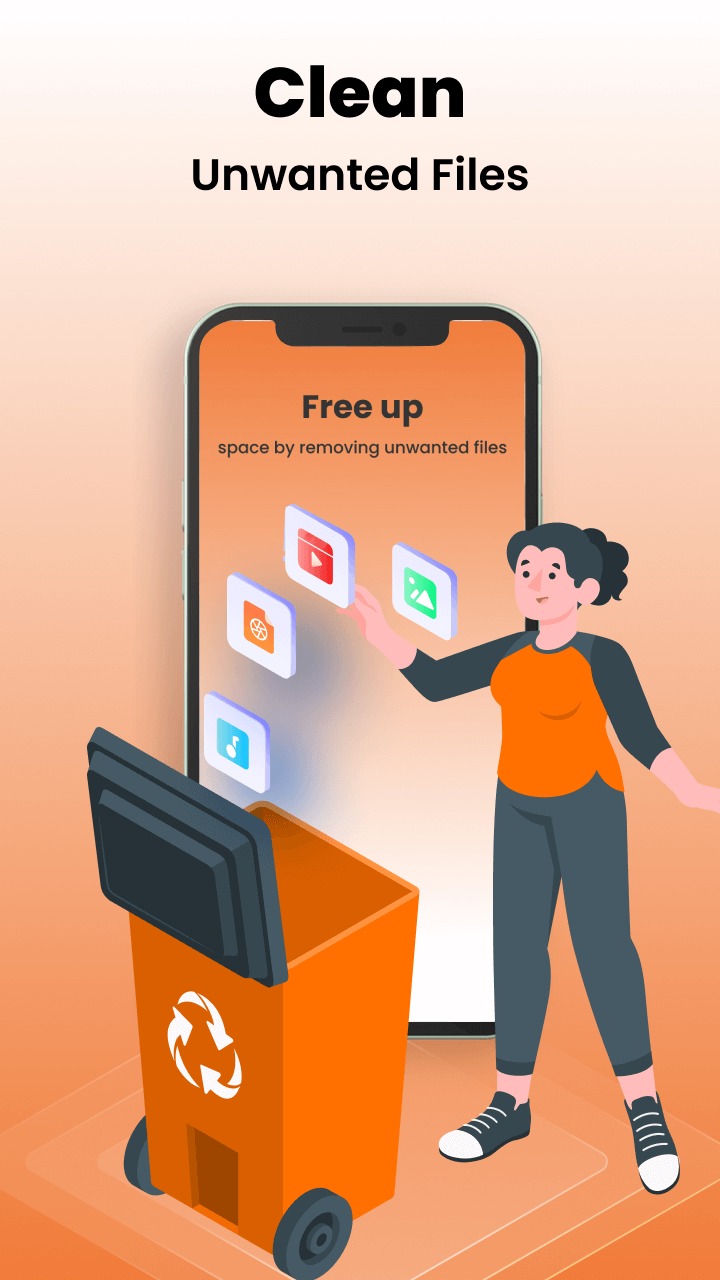
It is possible to compare a tool that recovers videos that have been destroyed to a garbage can in the digital world. The backup and restore program will automatically create a data backup whenever you erase any photos or movies from your device. Additionally, the app can virtually create a false backup for any files without consuming extra physical memory, so you can restore anything immediately if deleted. The app can work with other file formats besides media, which is a huge plus.
SAVE CONTENT TO THE CLOUD STORAGE
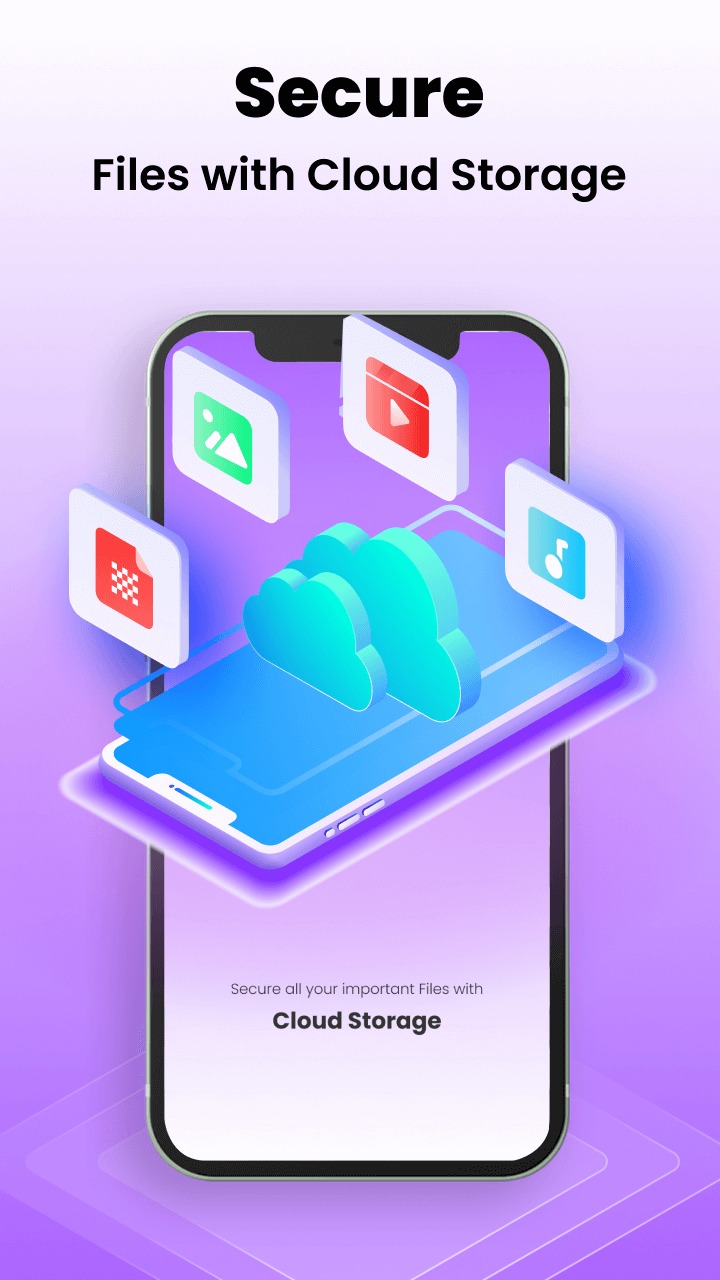
With the “restore deleted files” app, users can keep a backup of their phone's data in the cloud. This backup can then be restored if necessary, and the app supports various cloud storage linkage, ensuring your media files are safe on different platforms. That also helps the synchronization happen faster between devices to save you extra time transferring between devices or platforms.
Pros and Cons:
Pros
Simple and intuitive interface
Recovers a wide range of file types
Supports multiple storage devices
Basic and Full Scan modes
Regular updates improve functionality
Cons
Full Scan can be time-consuming
Some advanced features require Pro version
UI issues on high-DPI monitors
FAQs:
Can this app recover deleted videos?
Yes, it supports video recovery along with photos, audio, and other files.
Does it require root access?
No, this app works without requiring root permissions.
Can I preview files before recovering them?
The app allows users to preview recoverable files before restoring them.
Does it work on SD cards?
It supports the app from internal storage and SD cards.
Is the recovery process fast?
The app offers quick and deep scanning options for efficient recovery.
Conclusion:
Basically, Data Recovery works as a recycling bin for Android devices, automatically backing up files as they are deleted to provide additional protection. But Data Recovery stands out because of its cloud storage option. This option allows you to back up your data on popular cloud storage platforms such as Google Drive, DropBox, OneDrive, and more. This feature not only ensures the security of your files but also allows you to retrieve and access them from anywhere.









