Copy Text On Screen Pro
Productivity
2026-08-13
43.78MB
2.3.8
Android
226
Screenshots
Introduction
Copy Text On Screen Pro is a screen text cropping tool for Android devices. It helps users extract text from their phone screen or images, allowing them to easily copy and paste it elsewhere. This application supports multiple languages, recognizing image text in 92 languages and translating it into over 100 languages. It's extremely powerful. The application is incredibly easy to use; users can operate it with just one click.
Features:
Copy any text on the mobile screen to your clipboard.
Extract text from any image , just share the image with this app to extract words on picture.
Copy text from any application: Facebook, Twitter, Instagram, Youtube, Tumblr, News Republic...
Recent scans history.
Recognize text from image supports 92 languages.
Translate text to over 100+ languages
Extracts phone number, email, URL .
Recognizing text in Latin (English, French, Spanish, Italian, Dutch, Norwegian, German, Portuguese, etc), Chinese, Devanagari ( Hindi, Sanskrit, Marathi, Nepali), Japanese and Korean scripts are unlimited free.
For other Language scripts upto 1000 scans free, then need to pay for more scans.
Usage:
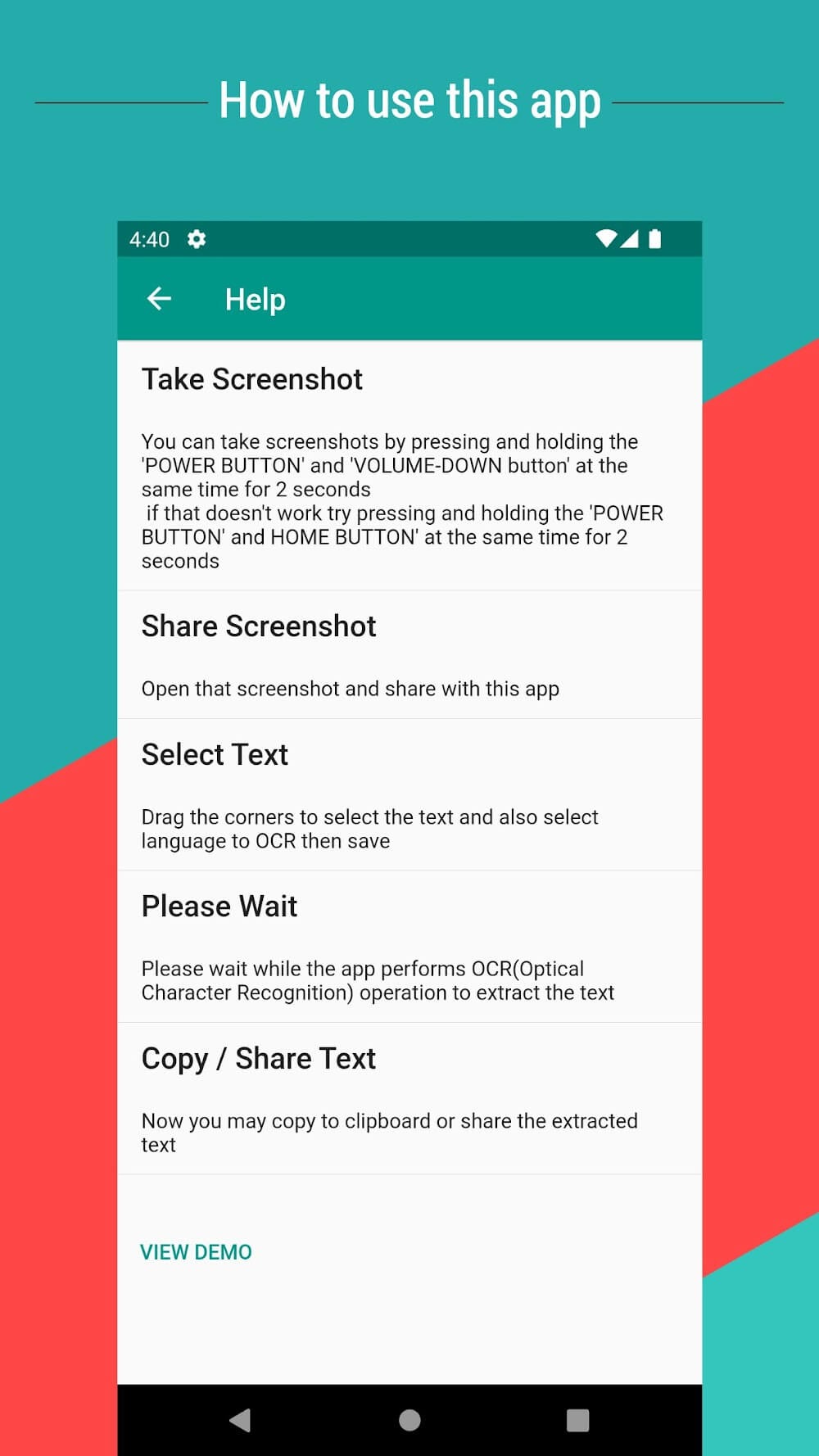
Take a screenshot.
Open the screenshot and share with this app.
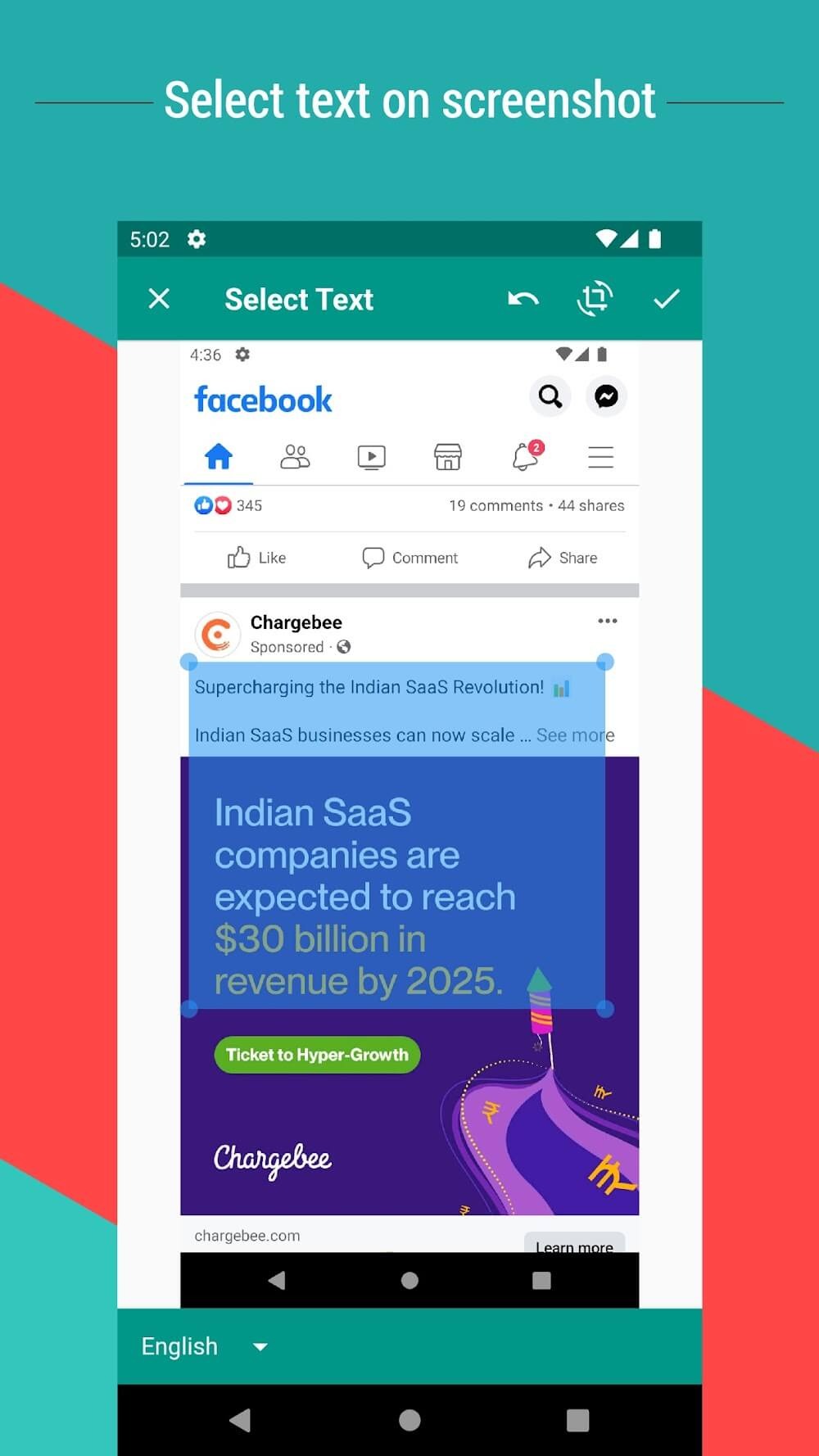
Touch and Drag on image to select text and also select language to OCR then save.
Please wait while the app performs OCR (Optical Character Recognition) operation to extract the text.
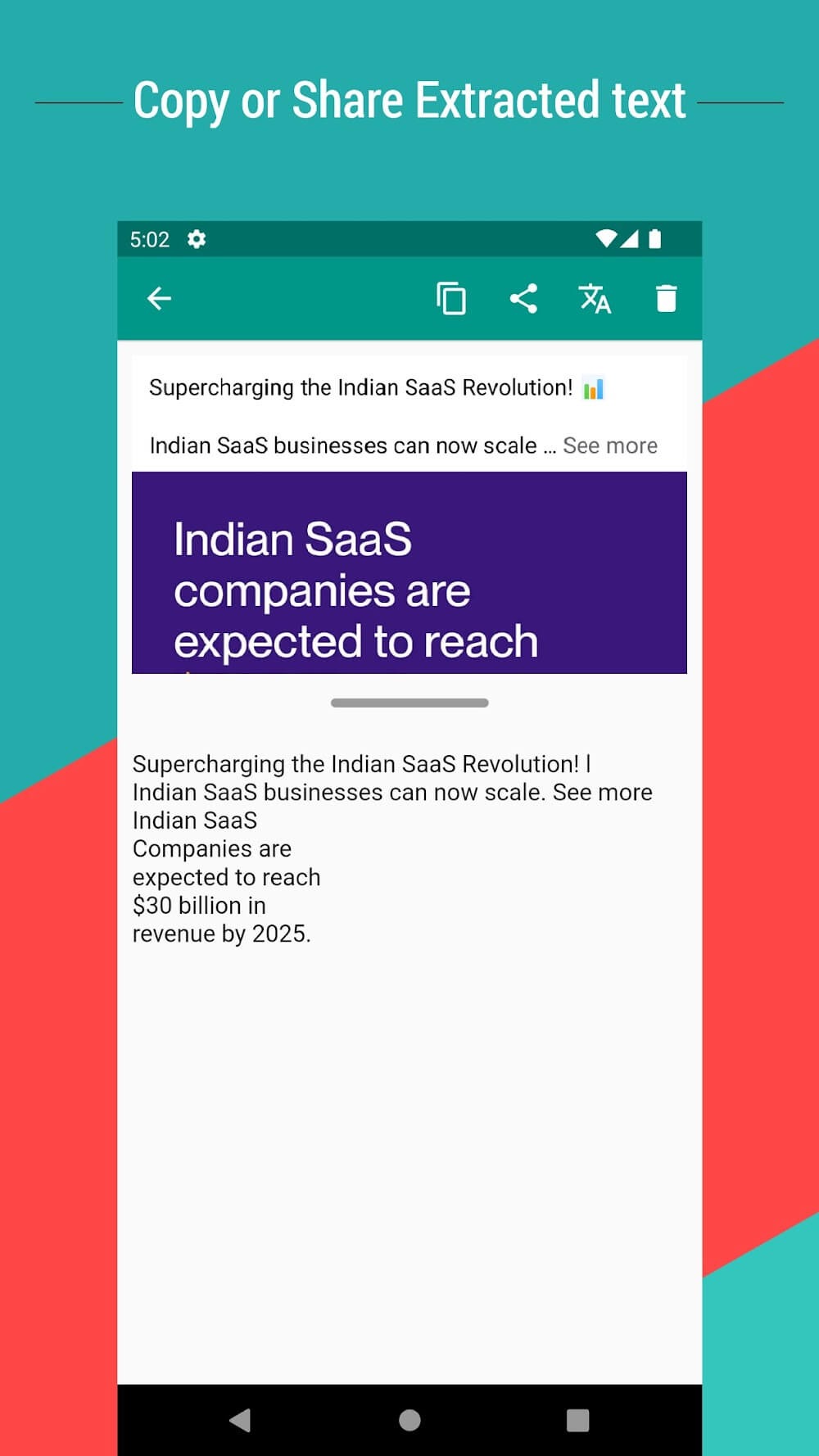
Now you may copy to clipboard or share the extracted text.
Highlights:
Easy copy text from screen content
Copy Text from Screen & Translate
Copy any Description on screen with one click .
Take Screenshots or Capture Images and extracts text from images
Select picture and web page and extract text & copy text
Copy important text from Mobile Screen and save them
Extract textual data from the screen and copy to clipboard easily
Conclusion:
The OCR technology employed in this application ensures high precision in text recognition, accommodating languages such as English, Spanish, French, German, and many others. The app's capability to handle multiple languages enhances its functionality, catering to a global audience. Users can seamlessly copy text from various sources, streamlining their workflow and enhancing productivity.
-
Latest Updates
-
Featured Apps