ChatGPT
Tools
2026-09-08
87.15MB
1.2026.244
Android
598
Screenshots
Introduction
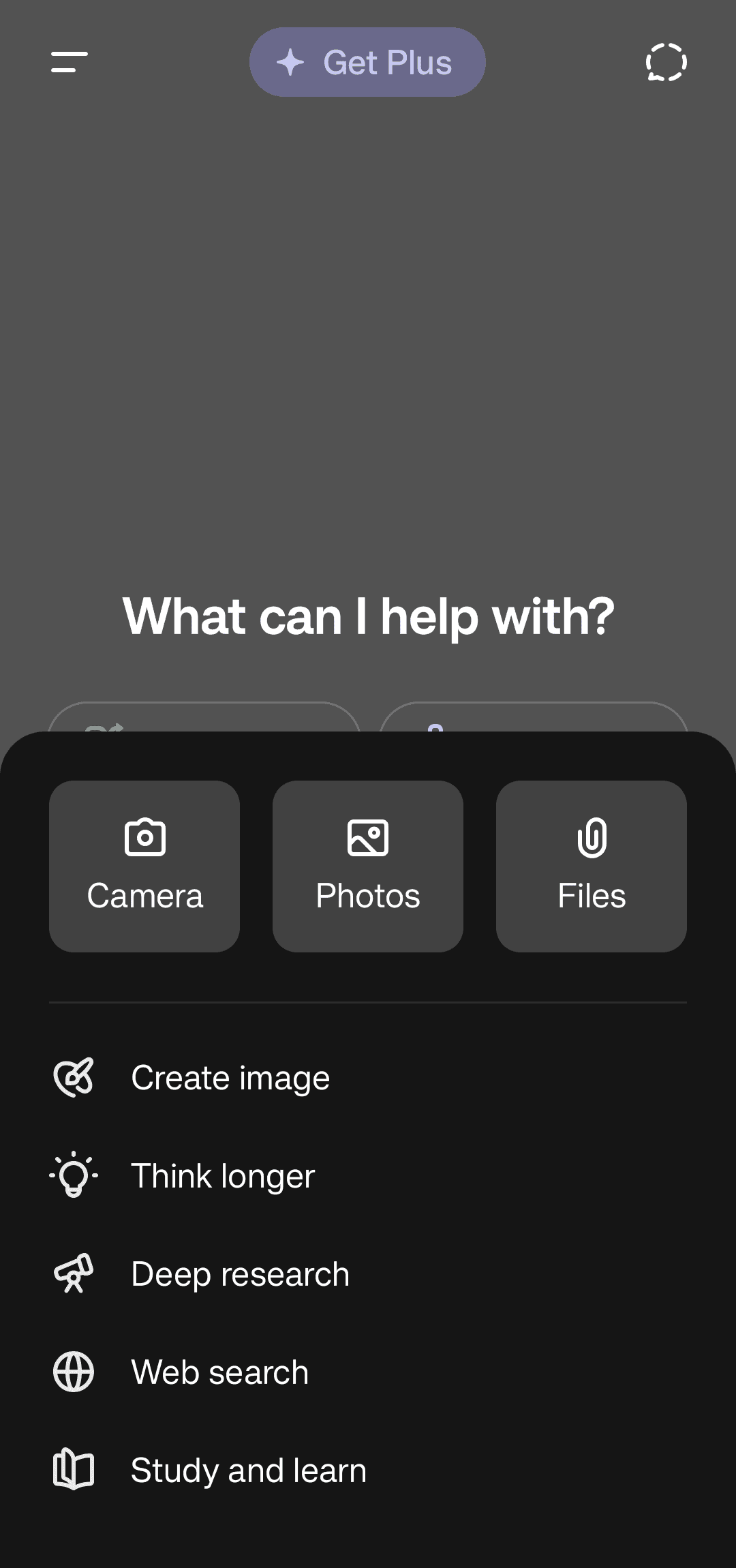
ChatGPT is a powerful AI-powered intelligent platform. This application allows users to ask questions like a real person. Follow-up questions can be sent for more detailed answers or to modify parts of a request. The application also offers a voice mode, allowing users to converse without typing. It can also create images based on text prompts. Users simply need to clearly express their needs. When words are insufficient, users can take a photo or upload one, and the application will help recognize its content. Furthermore, it supports processing PDF spreadsheets and other files, generating summaries, key points, and more based on user requirements, providing an excellent user experience.
Features
Ask questions in natural language
ChatGPT lets you type questions as you would ask another person. You can ask for explanations, travel plans, recipes, gift ideas, or help solving a daily problem. You can also send follow up questions when you need a clearer answer or want to change part of the request.
Talk using Voice Mode
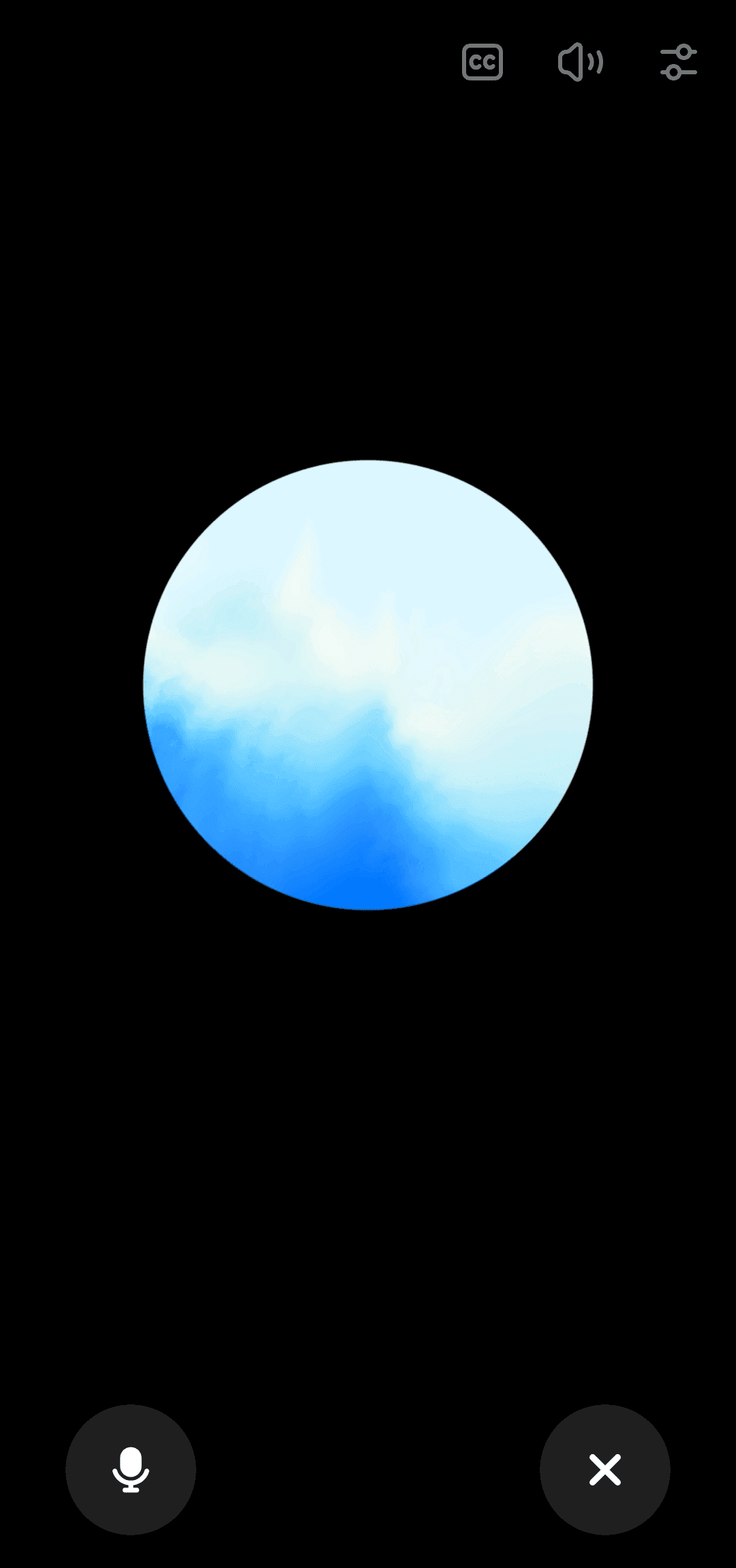
You can speak to ChatGPT and hear responses in real time when Voice Mode is available for your account. This can be useful while cooking, walking, practicing a language, or thinking through an idea without typing. Keep in mind that voice access and related options may differ by region or account type.
Create and change images
ChatGPT can create images from written prompts, such as a greeting card concept, social post visual, or simple mockup. You can also upload an image and ask for changes based on your instructions. Describe the subject, style, colors, or details you want to adjust so the request is clear.
Use photos for visual questions
You can take or upload a photo when text alone does not explain the situation. ChatGPT can help read handwriting, describe visible details, identify landmarks, or explain what appears on a screen where this option is available. This can be helpful for a quick question about notes, signs, objects, or images.
Review files and draft text
ChatGPT supports files such as PDFs, spreadsheets, and images for tasks involving written information. You can ask for a summary, key bullet points, an outline, or a draft based on the file. For example, students can turn long reading material into notes, while users at work can prepare emails or report sections from source documents.
Usage
Open ChatGPT on your Android phone and sign in or create an account to access your conversations.
Type a question in the message box, such as asking for a study outline, a meal idea, or help writing an email.
Add details about the topic, audience, length, or format you need, then send the message and read the response.
Continue the same chat with a follow up request if you want a shorter version, more examples, or a different approach.
Use the voice, camera, image, or file options when your request involves spoken questions, a photo, or a document.
Pros and Cons
Pros
Integrates text, real-time voice, photo analysis, and image generation.
Remembers preferences and synchronizes chat history across devices.
GPT-5 can automatically assign fast or deep inference models based on tasks.
Cons
Incorrect answers may occur on less popular or recent topics, and responses may be contradictory.
Occasionally, previously provided information may be missed in long conversations.
FAQs
Is ChatGPT free to use?
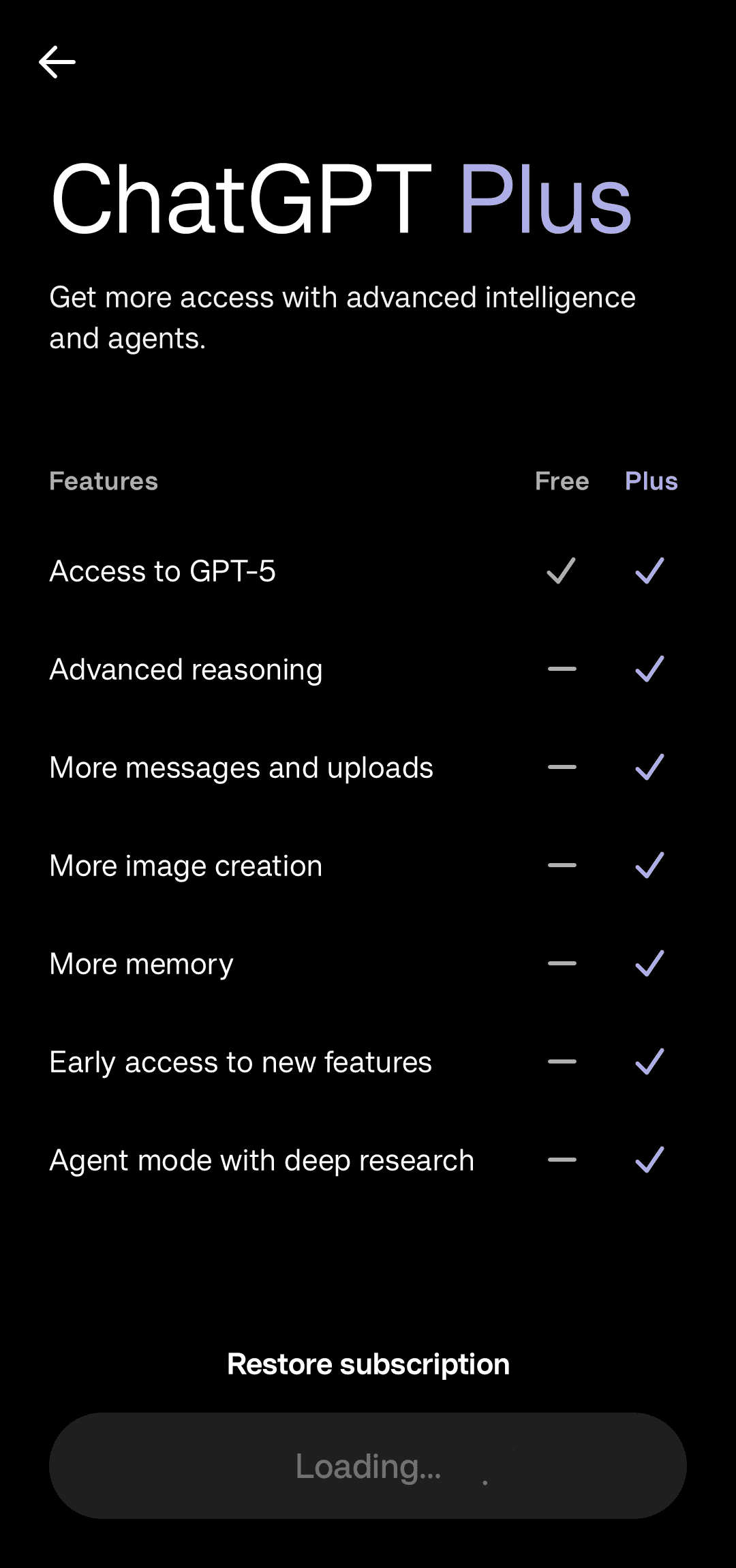
Yes, there is a free version of ChatGPT available for use, but there is also a paid version that offers additional features.
Can ChatGPT be relied upon for sensitive tasks?
While ChatGPT is powerful, it is recommended to verify important information from trusted sources, especially for tasks that require high accuracy.
Can ChatGPT be used to learn languages?
Yes, ChatGPT can be used as a language learning aid by practicing conversations and translation.
Conclusion
Overall, ChatGPT is a versatile AI tool for Android. Its voice, photo, image generation, and memory features make it more practical than a simple text chatbot. If you're willing to verify important information and accept the usage limits of the free version, it's worth keeping on your phone; however, if you require consistent and reliable responses every time, it's not a substitute for professional sources.
-
Latest Updates
-
Featured Apps