
CCleaner
Tools
2026-08-19
64.09MB
26.12.2
Android
184
Screenshots
Introduction
CCleaner is a file manager designed specifically for Android devices. It helps users identify unnecessary files and categorizes them for easy viewing, making it convenient to confirm what needs to be deleted. This app can also automatically clear browser and app caches, freeing up phone storage space. Users can also monitor the battery consumption of various apps, allowing them to manage their phone's battery life. Furthermore, users can compress photos and other files using the app, further freeing up storage space.
Features:
Safe junk cleaning
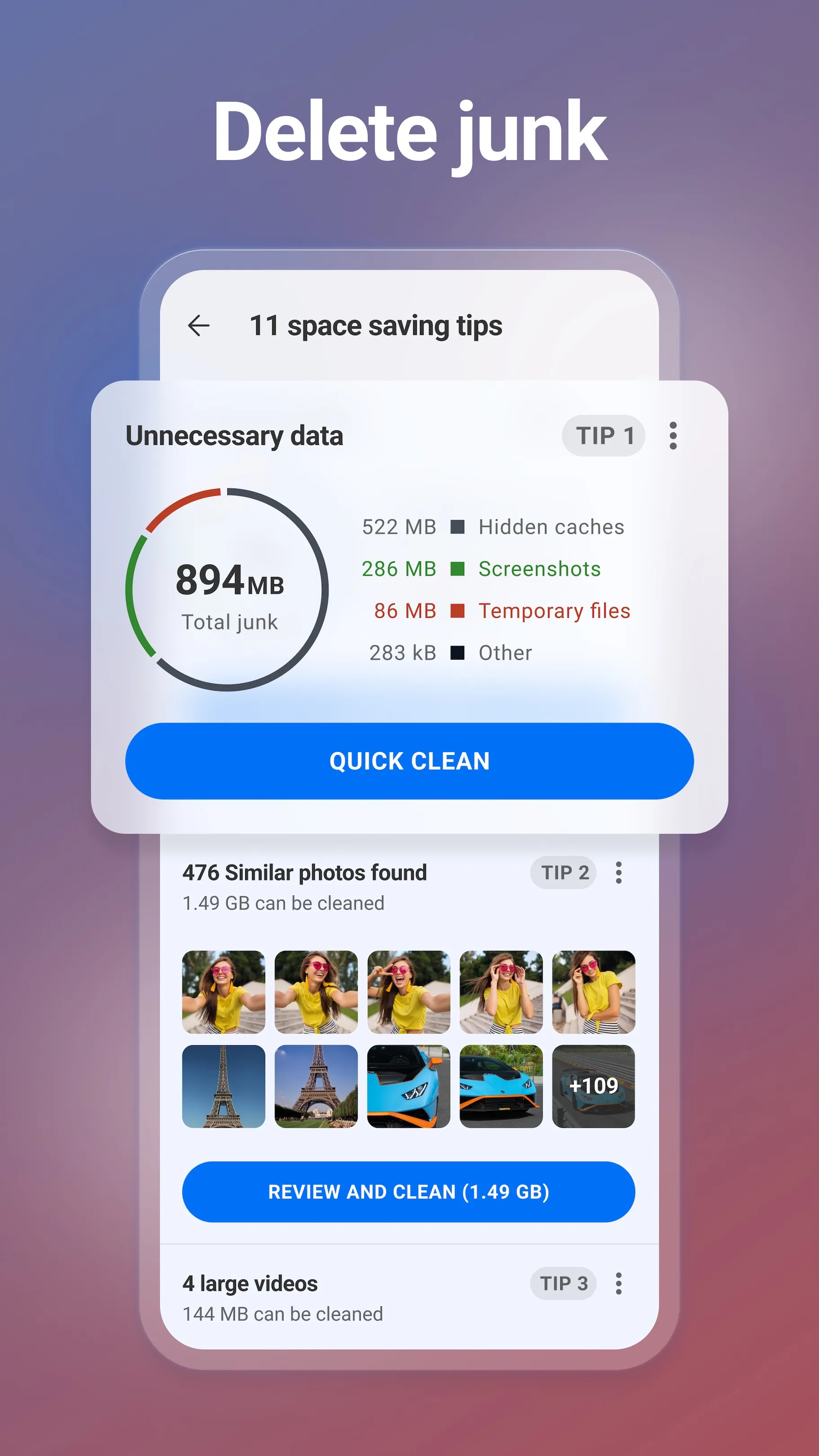
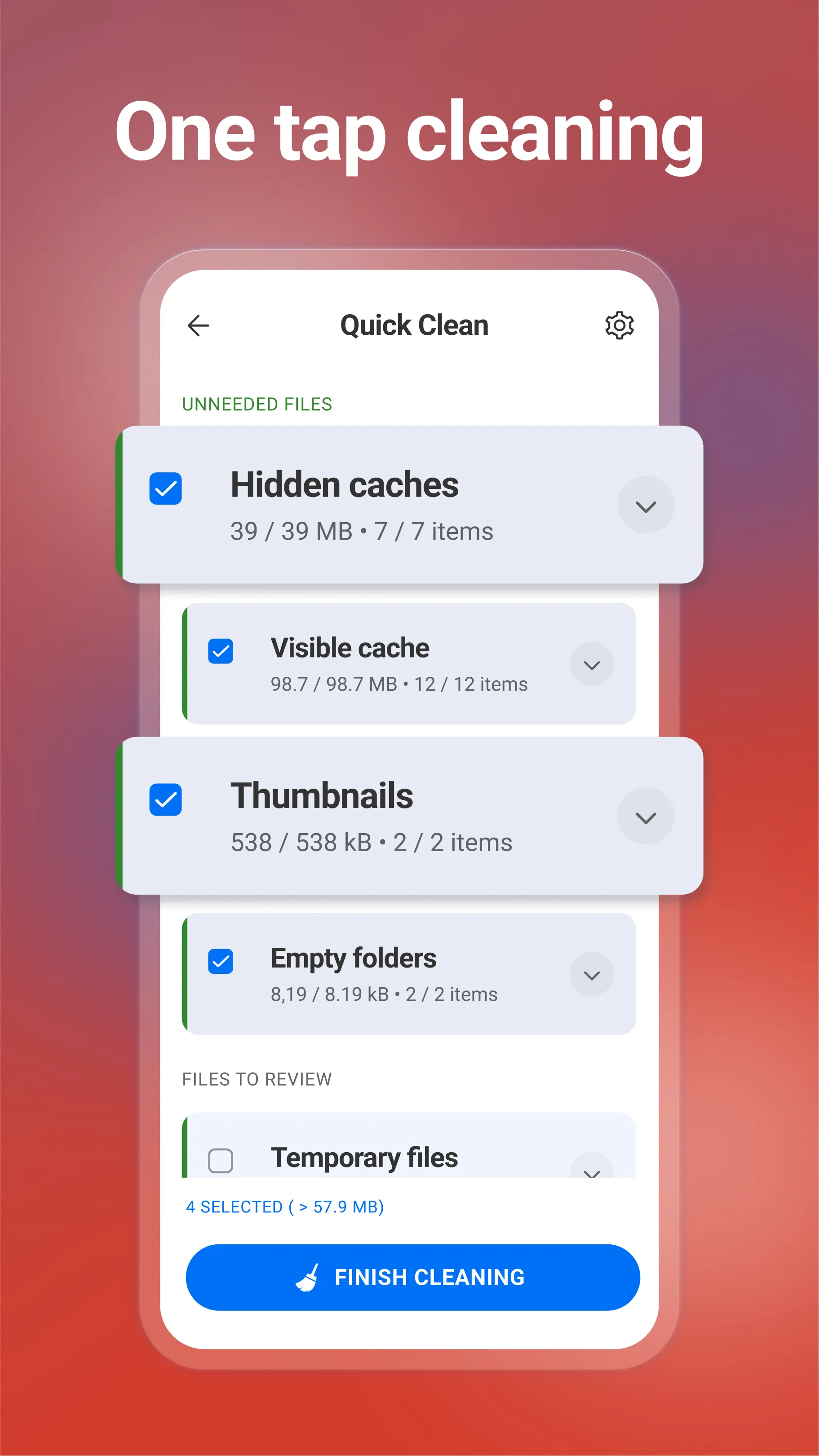
CCleaner identifies unnecessary files, items in the downloads folder, browser history, clipboard contents, and leftover data that can be removed safely. It presents findings in organized categories so you can review and confirm what to delete. This approach helps avoid removing files you still need while clearing clutter in seconds.
Storage and app management
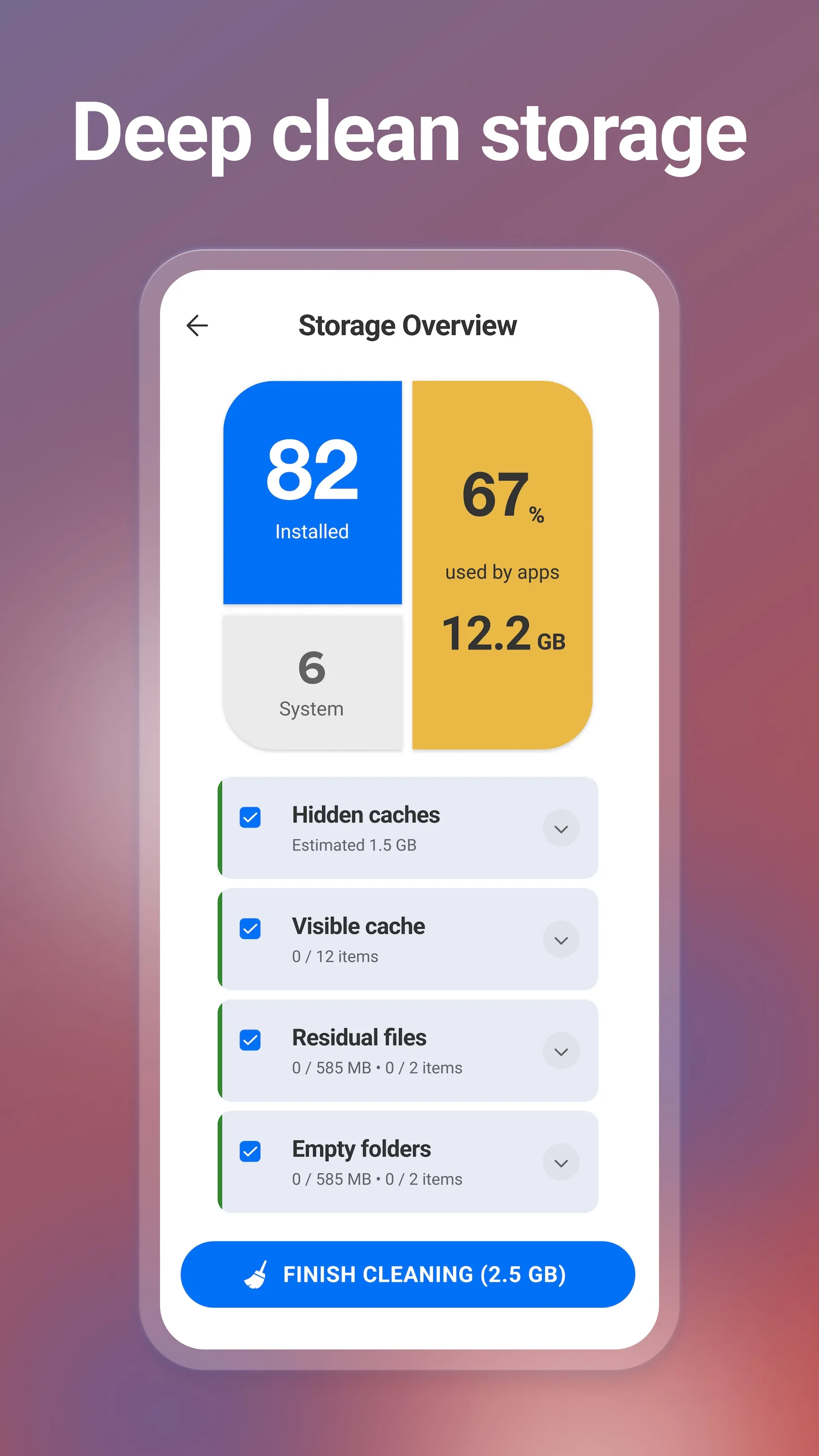
Beyond basic cleaning, you can examine how space is used across folders and apps. CCleaner clears obsolete or residual files and lets you uninstall several unwanted apps in one action. When your phone runs low on storage, these tools make it straightforward to free space without hunting through settings.
App impact insights
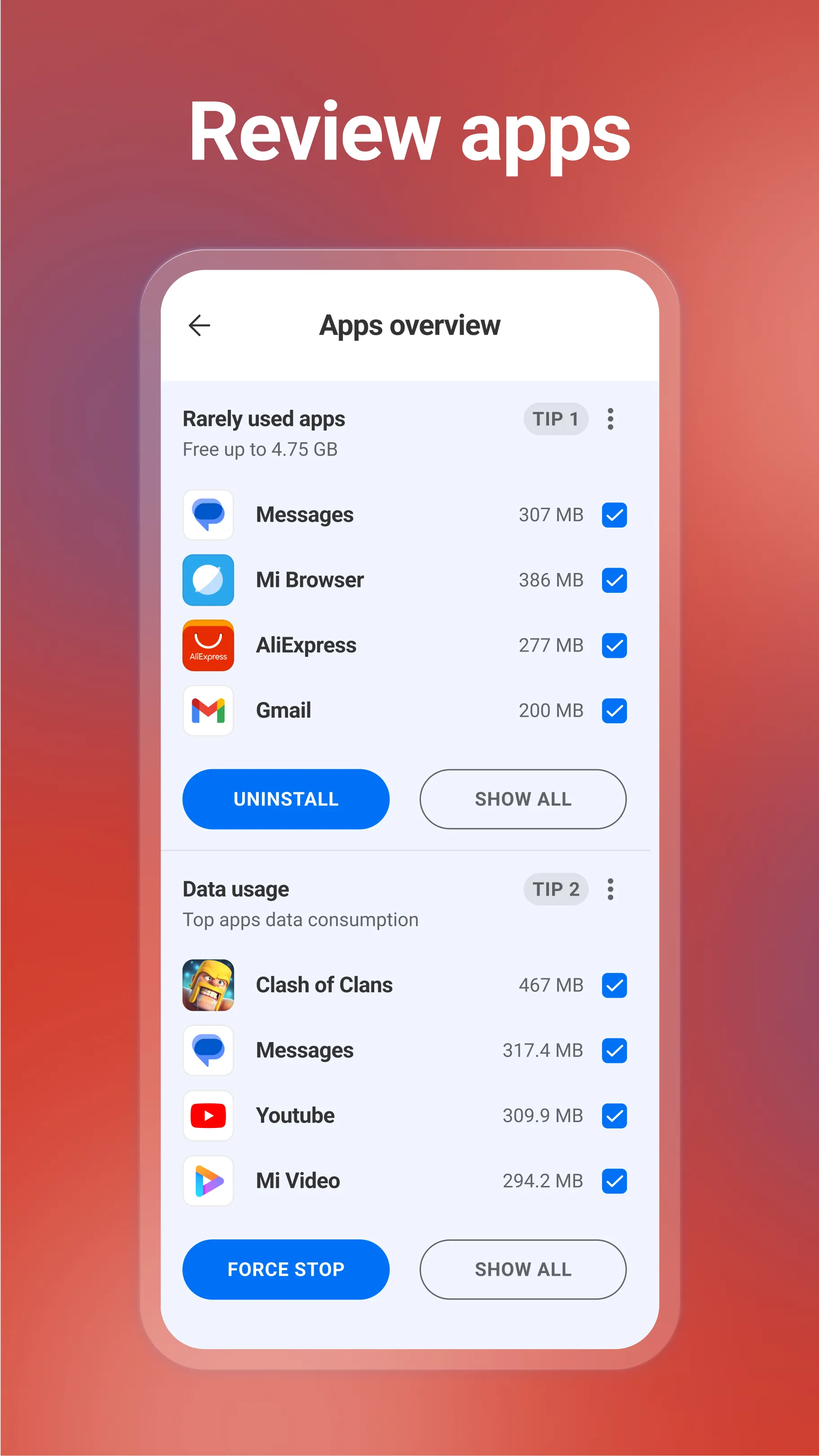
To help you understand performance, CCleaner shows which apps consume mobile data or drain battery. You can also find apps you rarely use with App Manager and decide what to disable or remove. With these insights, you keep the software you need while trimming background activity you do not.
Photo cleanup and compression
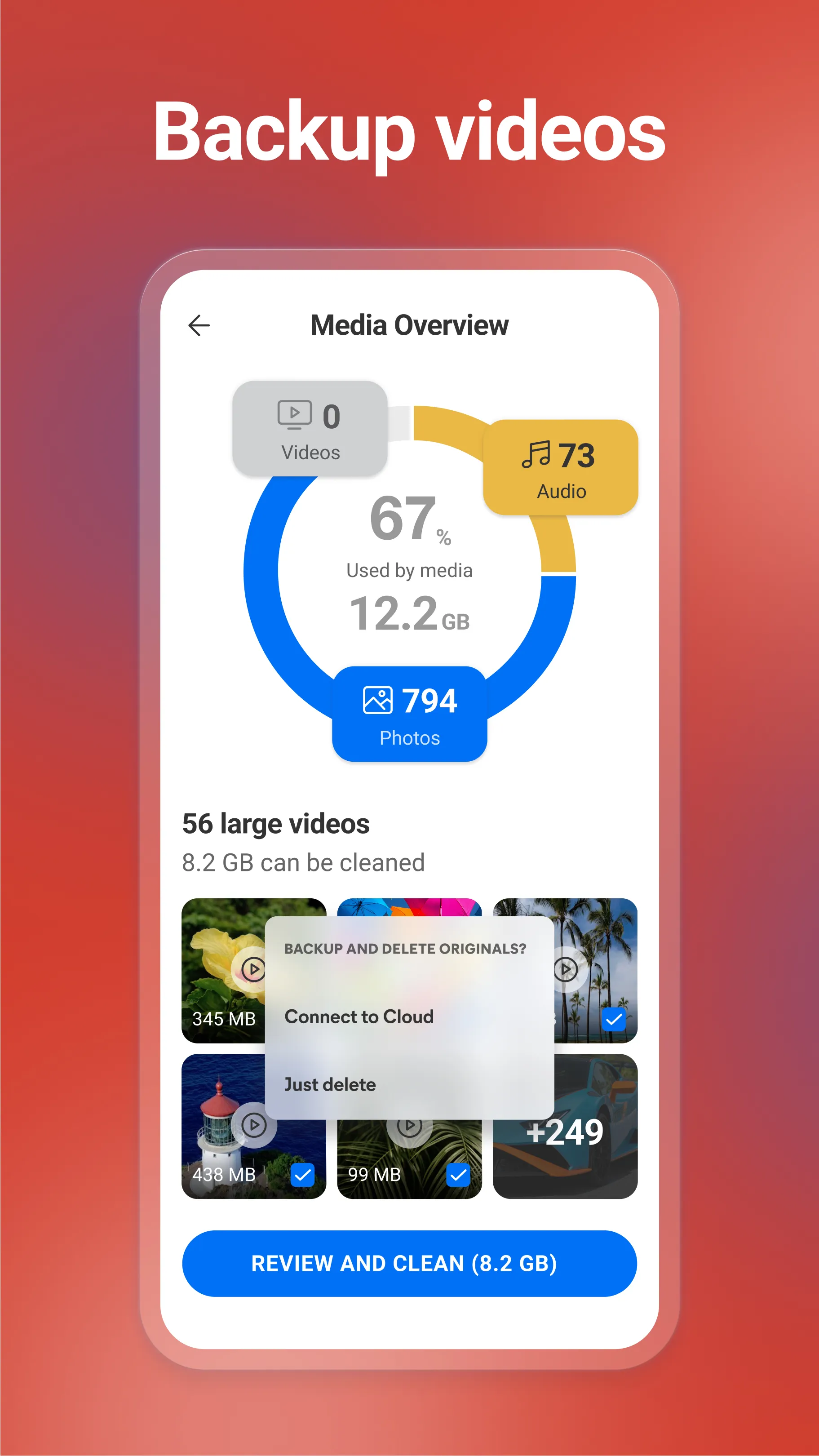
For media libraries, CCleaner detects similar, old, or poor quality photos so you can remove extras. You can compress selected photos with Low, Moderate, High, or Aggressive levels to reduce file size, and you may choose to move originals to cloud storage. It also scans media from private chats and helps you clear large or unneeded items to keep albums under control.
System monitoring and quick control
CCleaner provides a snapshot of CPU usage, RAM, internal storage, battery level, and temperature. You can choose a color theme and run essential tasks from a simple dashboard. If you enable the Accessibility permission, CCleaner can stop all background apps with one tap, offering fast control when you want to close everything running in the background.
Function:
Optimize and Clean
Reclaim Storage Space
Analyze Applications’ impact
Speed up your Device
Easy to Use
Monitor your System
Highlights:
Clean up unnecessary data: Junk files, browser history, and even the clipboard can all be cleaned up very quickly.
Eliminate data clutter: You can make unimportant things disappear if you don’t use them for a long time.
Always optimize capacity: Testing always brings accurate indicators through which you will find ways to optimize the capacity of the device.
Accurate Linking and Evaluation: As long as the application is installed on the device, all information can be displayed clearly.
Get reasonable advice: Once there is a reasonable analysis, the application also suggests uninstalling some unnecessary applications.
Search for long-forgotten files: Thanks to the application, you can find files that you have forgotten and remove them quickly.
FAQs:
What is CCleaner used for?
CCleaner is used to clean junk files, remove leftover data, free up storage, manage apps, and check system activity like RAM, CPU, and battery usage.
What features does CCleaner offer?
It usually includes junk cleaning, cache removal, app management, storage analysis, battery and CPU monitoring, and photo cleanup tools for duplicate or low-quality images.
Who should use CCleaner?
It is useful for Android users who run low on storage, keep many apps and photos on their phone, or want a simple way to manage clutter and basic device maintenance.
Does CCleaner really make a phone faster?
It can help a phone feel smoother by clearing clutter and reducing background load in some cases, but it will not fix hardware limits or every performance problem.
Conclusion:
With its combination of file cleaning, storage management, and system monitoring, CCleaner for Android is a practical solution for anyone seeking to enhance their device's performance. Users can download CCleaner to experience the benefits of a cleaner and more efficient mobile device, making it an essential tool for modern smartphone management.









