
Canva
Tools
2026-09-05
30.80MB
2.356.0
Android 6.0 and up
538
Screenshots
Introduction
Canva is a powerful graphic design tool that provides users with a wealth of resources for direct use in creating content. The application offers millions of beautiful layouts, allowing users to choose their favorite designs and use them directly. It also features numerous editing tools for editing images and videos, enhancing the visual appeal of your work. The latest update introduces artificial intelligence tools to effectively improve creative efficiency, making operation simpler and easier for users to learn and use.
Features:
Add Audio: it offers a plethora of audio tracks, 25k licensed tracks, and 89k sound effects for narrating your story.
Add Text: avail a seamless professional flow while adding text overlays and titles within cinematic transitions
Text Animation: offers seamless recommendations for pairing the most suitable animation, and, within a few clicks, animate any element
Split and Splice: splitting and splicing the video and arranging it in the way you like
Cropping Flipping: cropping and resizing the videos or images is also possible, and also flip your footage in the way you like, such as horizontally, vertically, etc
Trimming and Cutting: Remove unwanted elements while using trimming and cutting
Speed Controls: It also allows you to speed up or slow down elements of your videos
Captions: add automatically generated captions for better engagement and accessibility
Highlights:
Offers a wide variety of features
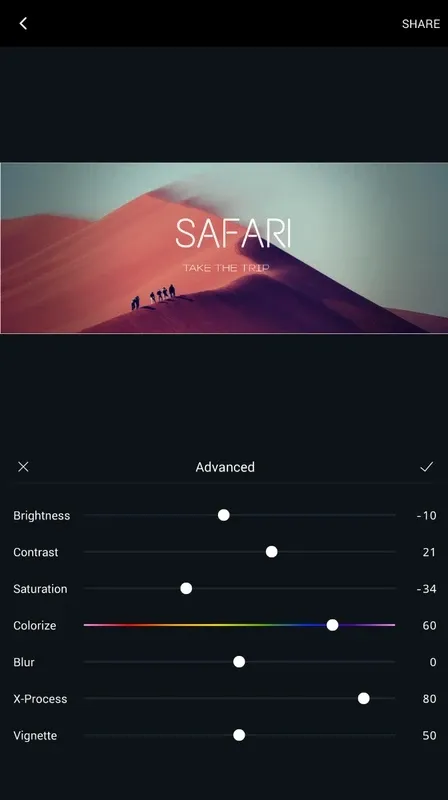
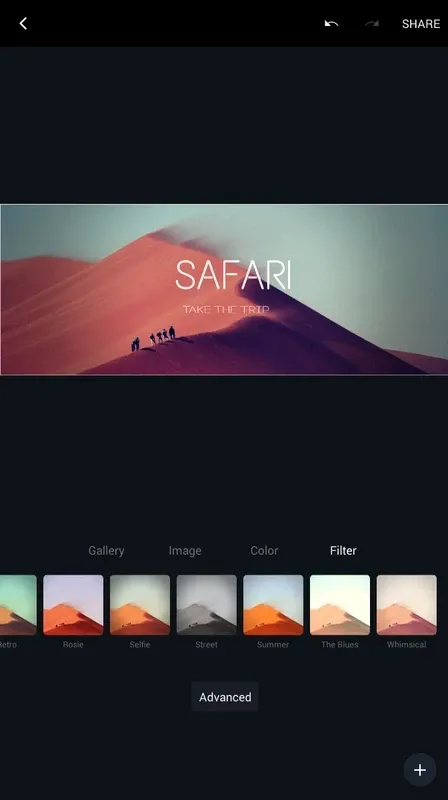
Canva offers millions of stunning and professional layouts, allowing you to choose a design to your preference. The application comes with many features expected from design software. With a wide range of preset filters at your fingertips, you can enhance the visual appeal of your creation. The app is available for free although with limited features. The premium account will give you access to all the advanced image editing tools this product offers.
Has a user-friendly interface
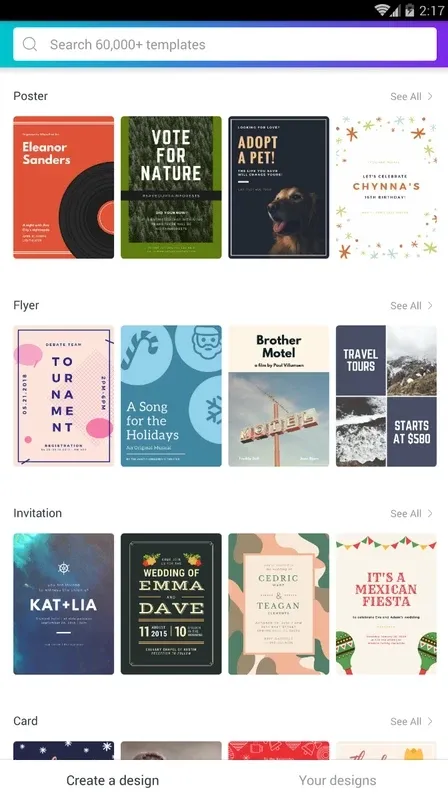
Its simplicity is the program’s best feature. The entire interface is properly organized. You only need to let the application know what you’re trying to design, and the design tool gives a range of layout options and templates. With a single click, you can conveniently access a specific template to start working on your project. The process is quite straightforward to get started once you have a blank page or template on the screen.
Features various AI-powered enhancements
With the app’s updated properties, it introduces a series of AI-powered tools that significantly enhance the user experience. Assistant, a new feature, helps users search for design elements and provides quick access to various features, as well as design recommendations. This addition makes the design process even more intuitive and personalized, as it suggests graphics and styles that match your existing design, ensuring a cohesive final product.
Newly released features of the app
As the app continues to enhance its service to its users, it dropped another set of new features. These include Magic Resize, AI-powered whiteboards, interactive charts, one-click animations, and Disney collection content for designs. Users can now effortlessly brainstorm, sort, and summarize their ideas into actions with the use of the AI-powered whiteboard. This feature is quite useful to teachers or educators who want to brainstorm better with their students.
Pros and Cons:
Pros
Features virtually unlimited templates
Integrates high-quality printing
Supports advanced editing tools
Intuitive for beginner designers
Cons
Doesn’t have pen tool or vector editing
Restrictive and not much depth in terms of pixel-by-pixel modifications
Conclusion:
Download Canva for Android and enjoy this graphic design tool so widely used by users worldwide. With a great range of resources, you only need a few minutes to make beautiful posters, invitations, business cards, or simple montages with the photos stored on your smartphone. In addition, you can always access the PC version from which you can locate all the projects started on another device.






