BGram
Social
2026-11-03
75.83MB
10.0.4
Android
574
Screenshots
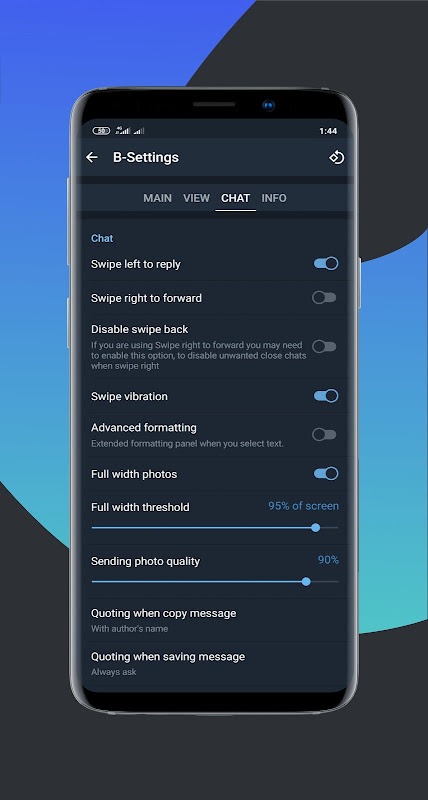
Introduction
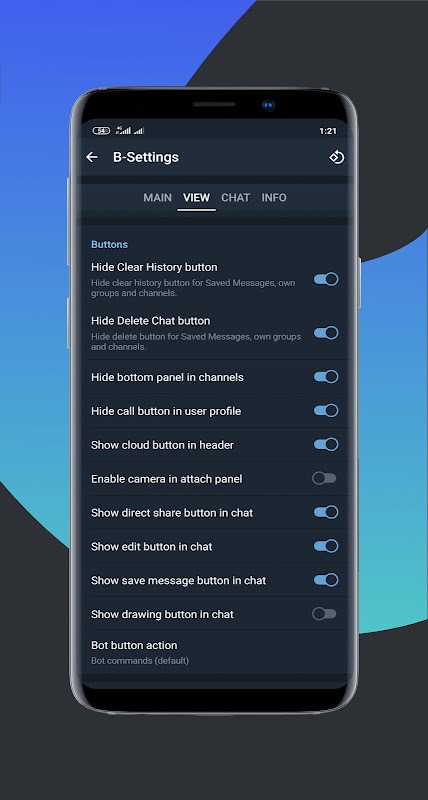
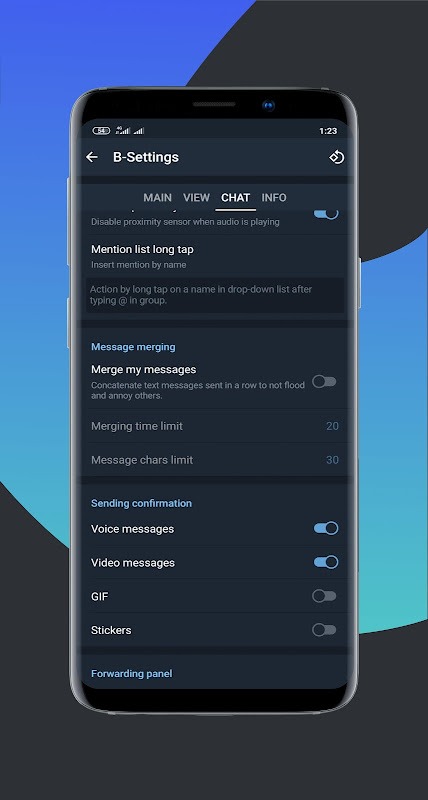
BGram is a powerful social messaging tool. It allows users to create custom chat folders, making it easier to locate past conversations. Users can also add images and incorporate a sidebar for quick access, enabling them to organize and categorize their chats. The app offers robust privacy features, including a "hidden chats" option where sensitive conversations can be kept secure. Additionally, it supports batch operations, allowing users to mark or delete multiple items in their inbox at once—a great time-saving feature.
Features:
Chat tabs and folders
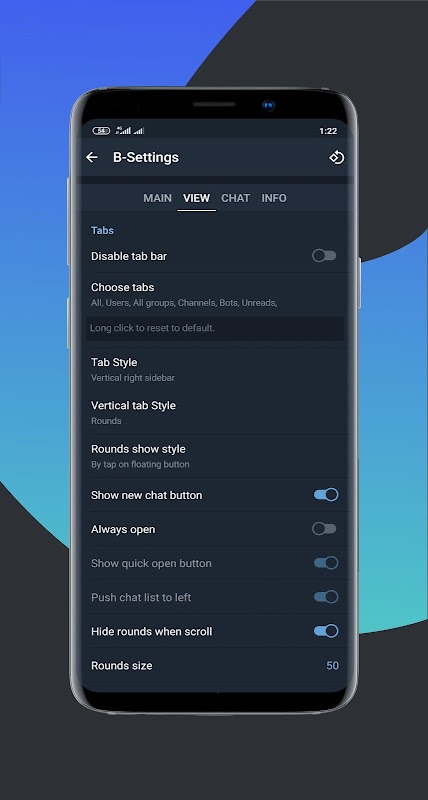
BGram lets you create custom chat folders and tabs so conversations are easier to find. You can add PNG icons and place folders in the sidebar or the tab bar for quick access. This helps you group work, family, and channels in a way that matches your daily flow.
Hidden chats and connection options
For privacy, you can move sensitive conversations to hidden chats and protect them with your Telegram password and fingerprint. When connection speed matters, auto proxy selection evaluates ping and speed to pick an option. If needed, there is built in TOR support for routing traffic through different paths.
Batch actions to save time
When your inbox is full, batch actions help you handle messages faster. You can bulk mark or delete, pick groups quickly, and save or edit in the cloud. BGram also allows up to one hundred pinned chats so important threads remain near the top.
Flexible forwarding and editing
Forward messages without quoting when you want a clean share, then add or edit captions to clarify context. You can copy parts of messages and improve formatting with quote and reply tools. This keeps forwarded content tidy and easier to read.
Tools for search and group administration
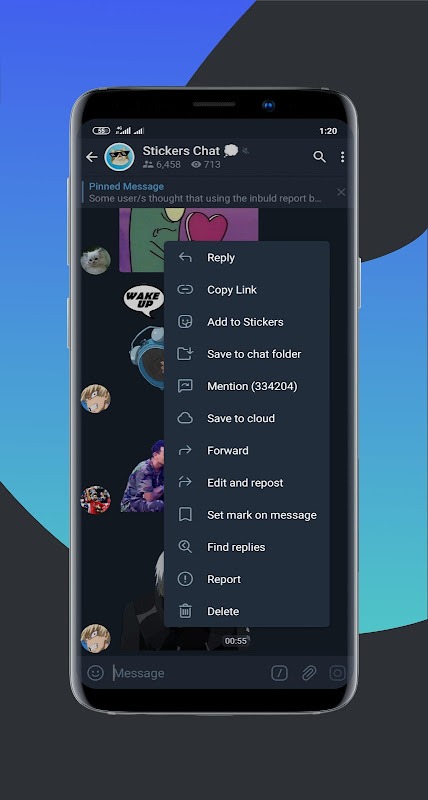
Search inside a single chat or find replies to your messages across all chats to track ongoing discussions. Long tap actions let you copy message links and usernames quickly. For group admins, you can view rights in one place, clean deleted accounts, review avatar hold logs, and batch forward from logs with helpful context menu tools.
Highlights:
Separate tabs for chats.
Edit and repost messages without mentioning the author.
Unlimited support for multiple accounts.
Mentions with names without @.
Possibility to view channels before joining them.
Night and day modes.
Ghost mode to read messages in offline status.
Context menu options such as copying, mentioning, URL copying, link sharing...
Pros and Cons:
Pros
Customizable chat tabs and direct chat configuration
Options for font customization and profile personalization
Ability to bulk mark and delete messages for storage management
Cons
Limited multimedia integrations outside of Telegram
Without broader app features
Changelog:
What's new
Source code updated to 10.0.4 (3802)
Move every proxies protocol into separated plugin
Snowflake support for TOR, running 2 way internally or externally
Support for Trojan, Vless and other Custom V2ray configs
Ability to disable proxy when you are using a vpn
Add new themes
Conclusion:
In addition to chat customization, BGram includes functionalities like font changes, direct sticker sending, and the ability to add profile images or links. Users can efficiently manage their conversations by bulk marking messages as read or deleting them for optimal storage management.