CloneApp
Social
2026-11-03
74.57MB
4.2.3
Android
187
Screenshots
Introduction
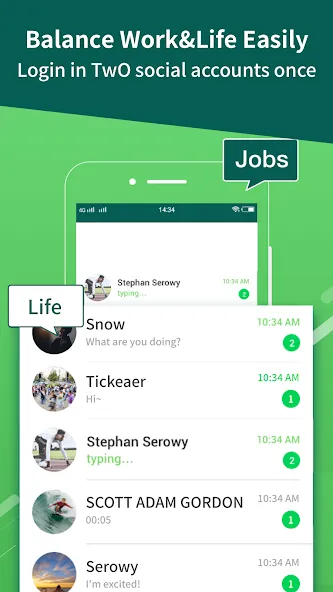
CloneApp is an application designed for the Android operating system. It features a clean, minimalist interface, allowing users to get started quickly and easily. The app enables the transfer of data from one Android device to another, all while maintaining a high level of security to protect user privacy. It also offers exceptionally fast transfer speeds. CloneApp helps users keep their personal and professional accounts separate, making it easier to manage both work and daily life—and it functions perfectly without requiring root access. The app has a small footprint, ensures quick downloads, and boasts excellent compatibility across a wide range of Android devices. Furthermore, it allows users to manage and run multiple accounts simultaneously on a single device.
Features:
Run Multiple Accounts in Parallel
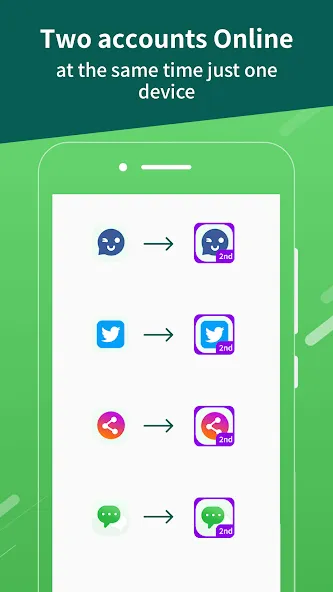
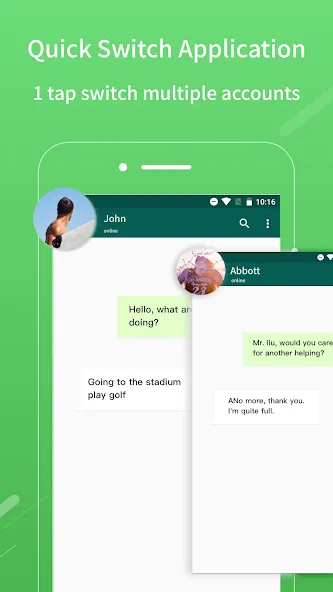
Open a second instance of social and gaming apps within a virtual space. You can log in to different accounts simultaneously, keeping your conversations and game progress separate. Data remains isolated between the original and cloned apps, helping you keep your professional and personal activities distinct.
Privacy Protection Toolkit
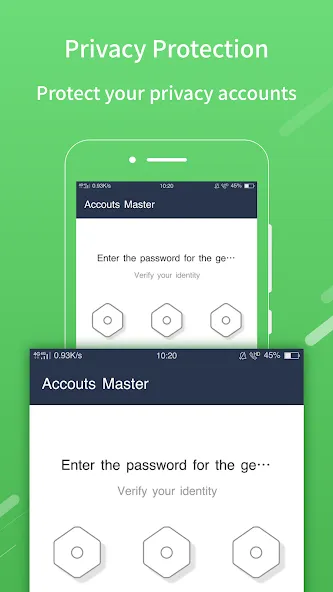
Secure access to cloned apps with an App Lock, and store private photos or videos in a protected vault. You can also hide specific apps from your main home screen and use a virtual keyboard to prevent untrusted input methods from capturing your keystrokes. These tools work together to minimize the risk of sensitive content being exposed when sharing a device.
Advanced Spoofing Without Root Access
Simulate movement with a virtual GPS location—perfect for testing location-based features within the virtual space. You can also mask device details—such as Device ID, IMEI, IMSI, brand, and model—or modify your MAC address and GAID. Additional options include hiding SIM card and GPU information, or configuring a WebView proxy. All these features function without requiring root access, making advanced customization accessible to everyone.
Stable Virtual Engine and App Control
The built-in virtualization engine is designed for consistent, daily stability, ensuring that each cloned instance remains fully isolated. You can enable or disable Google services for individual apps based on your specific needs. Use "Window Mode" to view cloned apps in resizable windows, and customize their names or icons to easily distinguish between different instances.
Utility Tools and VIP Options
The app includes a built-in video and music downloader that saves files directly into a secure vault, keeping your media private. A transfer tool makes it simple to migrate your cloned apps and private albums to a new device. An optional VIP upgrade removes limits on the number of clones you can create for each app and unlocks advanced features like GPS location simulation.
Highlights:
App Lock
Set up an app lock to prevent others from opening your apps without permission, keeping your privacy secure.
Private Gallery
Hide photos and videos.
Once you move photos or videos into the private space, they will no longer appear in your phone’s main gallery. These hidden items can only be viewed or played within the private space.
Video Downloader
Download videos and music to your phone. As you browse the web using the built-in downloader, it automatically detects media files; simply tap to download them directly into your private space—they won’t show up in your phone’s local gallery.
App Hiding
Move private games or social media apps into the private space to keep them hidden from others.
File Transfer
Easily transfer your cloned apps and private gallery content to a new device—making it simple to switch phones.
FAQS:
What is CloneApp?
It is an application cloner / privacy space.
Is it safe to download CloneApp?
You should download it from a trusted source, such as this website, to ensure it is safe and reliable.
How secure is CloneApp?
When you access this shortcut for your personal use, all your content remains private. You can set a password to keep your account secure and prevent others from accessing it.
Advantages and disadvantages:
Pros
Mirrors one chat account on a second Android phone or tablet
Starts conversations with unsaved numbers
Includes media downloads and Story saving
Cons
Free version contains ads
Conclusion:
And that’s a wrap! Our journey into the world of app cloning ends here. Whether you’re looking to play games across multiple accounts or—much like a superhero—balance your work and personal life across different social media realms, cloning can unlock doors that once seemed firmly shut. Just remember to tread carefully as you navigate this less-traveled digital path.