All Video Downloader
Entertainment
2026-11-07
5.13MB
9.9.0
Android
196


Screenshots


Introduction
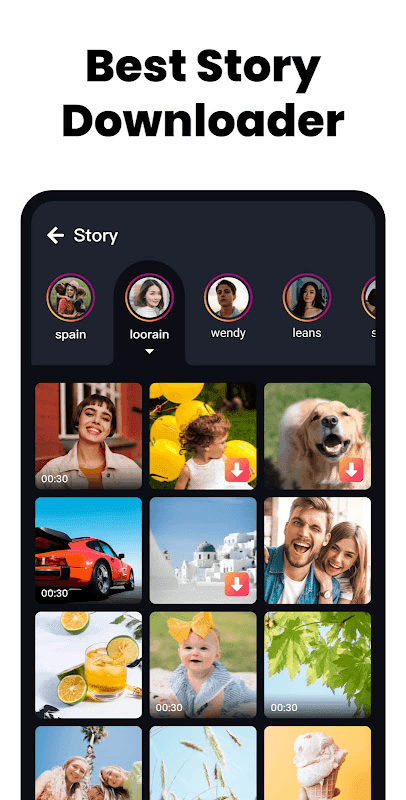
All Video Downloader is an application designed specifically for Android users. Featuring a clean interface and intuitive functionality, it is easy for users to get started right away. The app allows users to download a wide variety of videos and images from various platforms, supporting both batch downloads and background caching. It offers excellent compatibility across a broad range of Android devices and supports numerous video formats, effectively meeting users' core needs. The app also includes features for managing download tasks, ensuring organized file categorization and a smooth, stable experience. Once saved, videos can be watched seamlessly, even without an internet connection.
Features:
The built-in web browser simplifies the process of finding and accessing videos across various websites. Users can browse their favorite sites seamlessly and easily locate the content they wish to download. This integrated browsing capability eliminates the need to switch between different applications, thereby enhancing the user experience.
An automatic detection feature identifies media files whenever a user plays a video within the app, prompting them to download it. This streamlines the download process, reduces the number of steps required to save a video, and makes the app accessible to users of all skill levels.
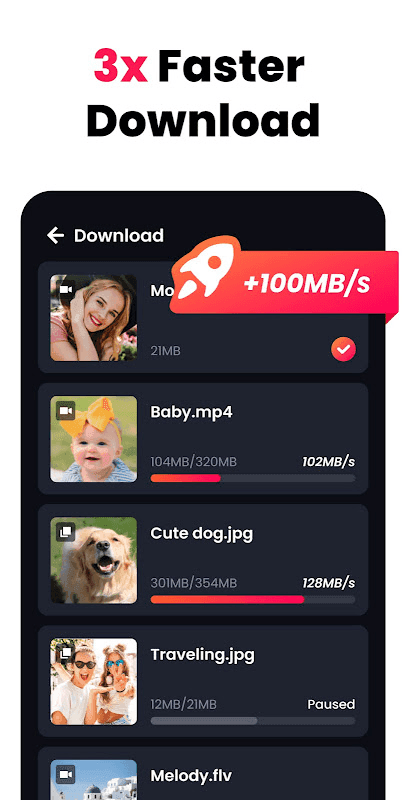
Managing downloads is straightforward. Users can track the progress of their downloads, allowing them to monitor the status and ensure that media files are saved correctly. This provides transparency and peace of mind, which is particularly useful when downloading larger video files that may take more time.
The app includes a resume from where you left off feature. If a download is interrupted due to network issues, users can easily restart it without losing any progress. This is especially helpful for those with unstable internet connections, as it saves time and prevents the loss of downloaded content.
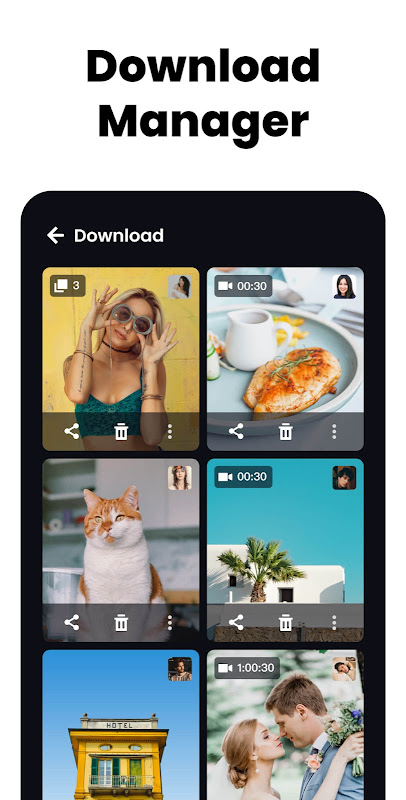
The app also features a download history, allowing users to keep track of all previously downloaded videos. This helps with content organization and makes it easy to revisit saved media files without needing to search for them again. Users can conveniently access and manage their downloaded videos through this history list.
Privacy settings are another key feature. Users can toggle video privacy settings on or off, giving them control over who can access their downloaded content. This is particularly useful for users who share their devices with others or wish to keep their media private.
To begin a download, users simply browse using the built-in browser, play their chosen video, and tap the download icon. This simple workflow ensures that users can save content quickly and efficiently, without any complex steps. The app’s intuitive design makes it easy for everyone to use.
This application is designed to cater to both casual users and those who download videos frequently. Its user-friendly interface and efficient features meet a wide range of needs, ensuring that every user can get the most out of the app. By integrating browsing, downloading, and video management into a single platform, the app significantly enhances the overall user experience and convenience.
Highlights:
Auto-detect and download videos instantly
Supports MP4, M4V, and more
HD video downloader and 4K video downloader support
Fast and stable downloading performance
Background downloading while using other apps
Manage multiple video downloads at the same time
Built-in video player for offline viewing
Wi-Fi and mobile data download options
FAQS:
What types of video formats does the player support?
The built-in player supports a wide range of common video formats, ensuring compatibility with most downloaded content.
Can I download multiple videos at the same time?
Yes, the app supports simultaneous downloads, allowing you to save multiple videos at once for greater efficiency.
Is it safe to use All Video Downloader?
The application is designed with user safety in mind; however, please always be mindful of copyright laws and terms of service when downloading content.
Advantages and disadvantages:
Pros
Supports all video formats
Simple and easy-to-navigate user interface
Cons
Issues with downloading some content
Conclusion:
Are you looking for a powerful video downloader app that also lets you manage and play all your saved videos in one place? Look no further—you’ve found it! All Video Downloader serves not only as a platform for sharing information, but also as a space to express ideas, beliefs, and concerns. A single idea can be conveyed in many different ways, with each approach appealing to a unique audience and, in turn, fostering distinct communities.





-
Latest Updates
-
Featured Apps