
Adobe Scan
Tools
2026-09-02
169.03MB
26.08.10
Android 7.0+
225
Screenshots
Introduction
Adobe Scan is a powerful mobile document scanning application. It helps users scan various paper documents into electronic PDF files. This application has extremely strong recognition capabilities, allowing users to scan any type of document. Users simply need to point their camera at the document to be scanned for automatic scanning. This application also has outstanding OCR functionality, helping users extract editable text from the scanned document, allowing users to edit the content. This application also boasts high security, encrypting the file transfer and storage process to ensure that user content is not leaked.
Features:
With the Adobe Scan scanner app, you can make anything scannable.
Use the PDF scanner to quickly create a photo scan or PDF scan.
Scan any document and convert to PDF.
Capture forms, receipts, notes, and business cards with this mobile PDF scanner.
The Adobe Scan scanner app even lets you scan multi-page documents and save with a single tap.
Highlights:
Scan any type of document
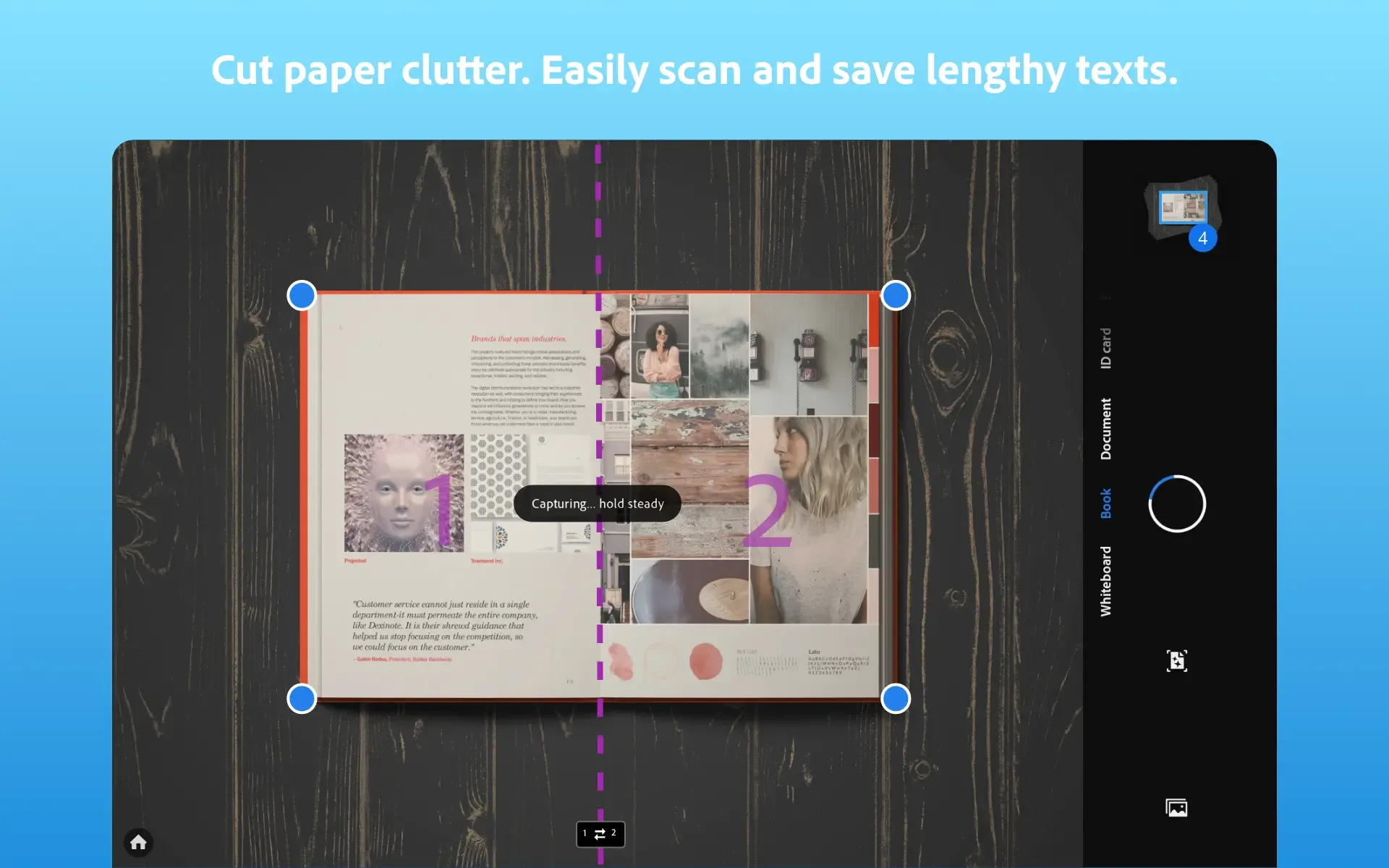
Adobe Scan allows you to scan physical documents, cards, receipts, whiteboards, forms or even handwritten texts. Just open the app, choose the desired mode and point the camera at the document. Scanning is done automatically and in real time, with the edges of the document being detected and cropped for a clean, distortion-free result. Whether you are looking to scan a crumpled bill or a quick note from a notebook, the app will adjust the perspective and enhance the contrast to make every capture perfect.
Ability to extract editable text
One of Adobe Scan's most outstanding features is its OCR capability, which allows you to transform scanned text into editable text. This not only allows you to copy and paste content between documents, but also to search for specific words within them. This makes is perfect for working with notes, contracts, books or any other document containing information you may need. What's more, text recognition is available in multiple languages, so it doesn't matter what language the text is written in; just point your camera, scan and select the text you want to copy. As simple as that.
Integrated smart editing tools
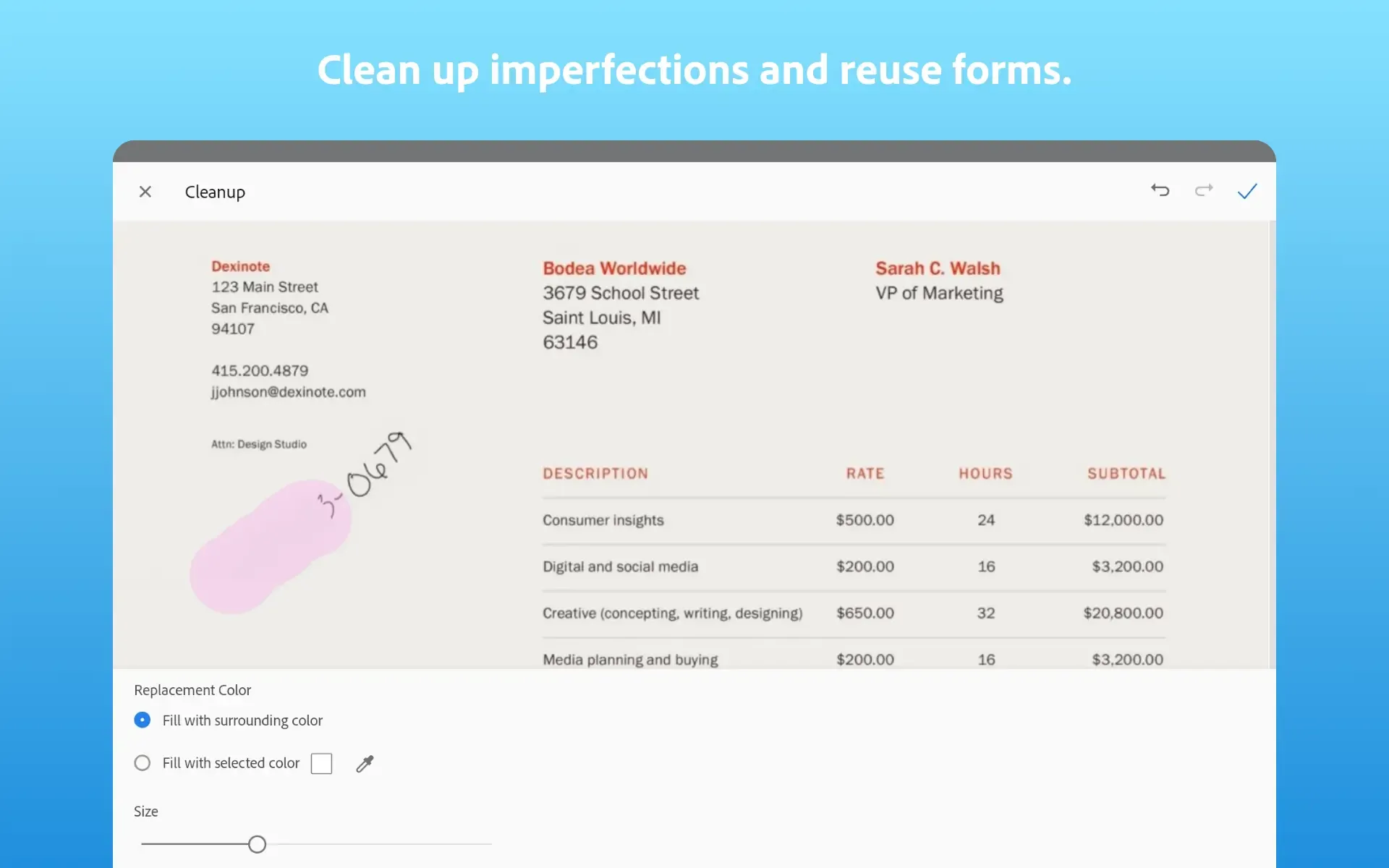
Adobe Scan also offers a range of tools to adjust and refine the results. You can rotate, crop, rearrange PDF pages, adjust the color, apply filters, enhance borders, remove shadows and even rescan a specific page if you need to. In addition, you can annotate, underline text and highlight sections so that your documents have everything you need.
Pros and Cons:
Pros
Strong PDF scanner with OCR and cleanup tools.
Works well for receipts, IDs, notes, and whiteboards.
AI summaries help review long scans faster.
Good integration with Adobe Acrobat tools.
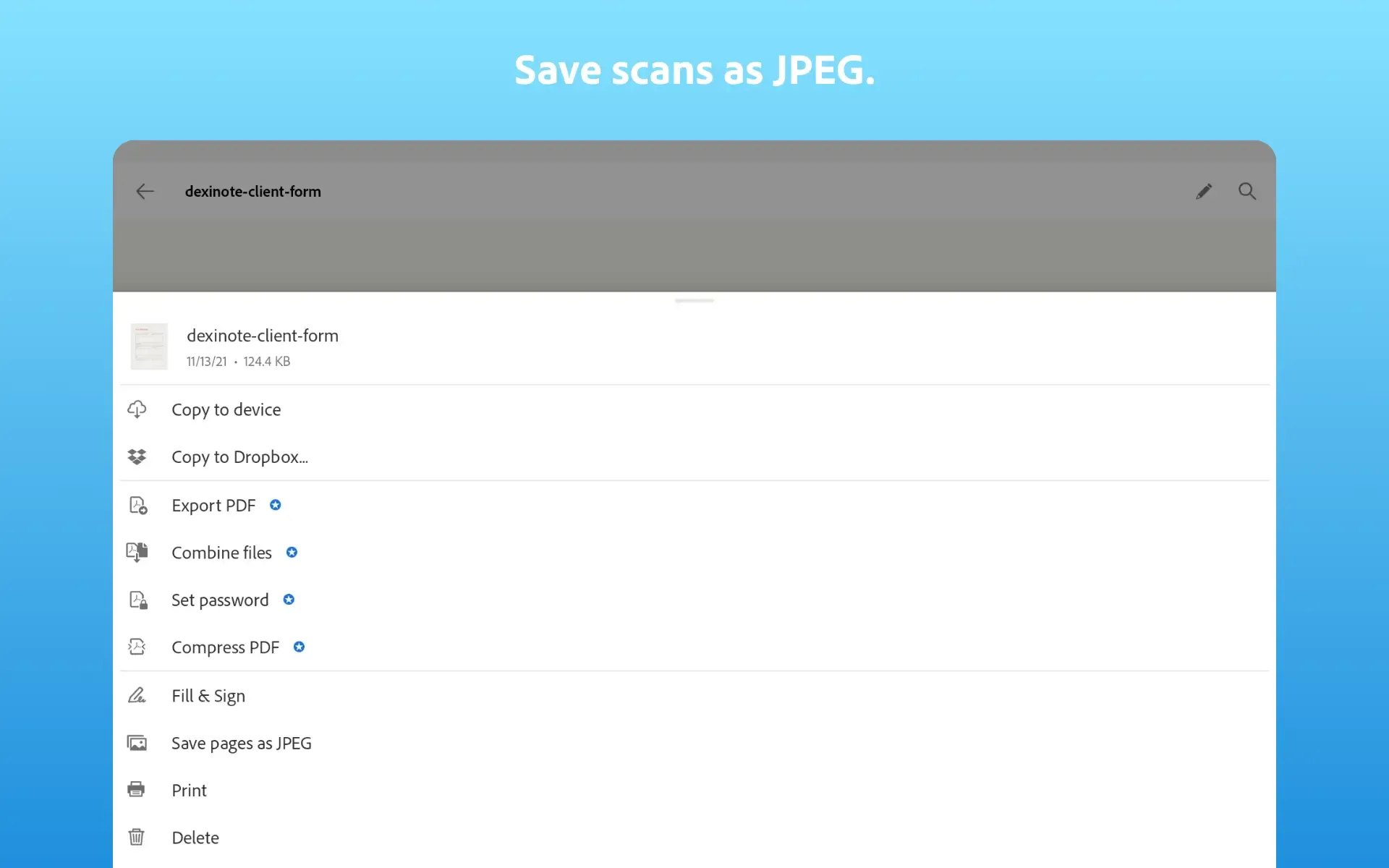
Supports PDF and JPEG output for sharing.
Cons
Some export and protection tools require subscription.
Cloud sync needs Adobe services and internet access.
No permanent redaction inside the scanner app.
FAQs:
How does Adobe Scan compare to other scanner apps?
Adobe Scan goes beyond basic camera scanning. While other apps may only capture an image, Adobe Scans automatically detects edges, cleans backgrounds, and enhances text clarity. It also integrates directly with Acrobat, so your scans are instantly editable and searchable.
Can I add notes or markup to scanned documents?
Yes. Open the scanned PDF in Acrobat and use the Comment or Markup tools to highlight text, draw, or insert sticky notes. Any changes sync across devices automatically.
Does Adobe Scan store content securely?
Adobe Scan encrypts files in transit and at rest to keep your content private. Your scans are stored in your Adobe Document Cloud storage, accessible only to you unless you choose to share them.
Conclusion:
For the record, Adobe Scan is the most reliable mobile scanning application in the market trusted by millions of smartphone users worldwide. With a fascinating scan service that produces high-quality PDFs or JPEGs, you can fully trust it to attend to your professional and academic needs including digitalize books, business cards, and receipts. In addition, you can securely store files on the cloud and share them instantly with anyone.






