Audio Editor
Music
2026-10-28
91.73MB
2.01.65.1014
Android
519
Screenshots
Introduction
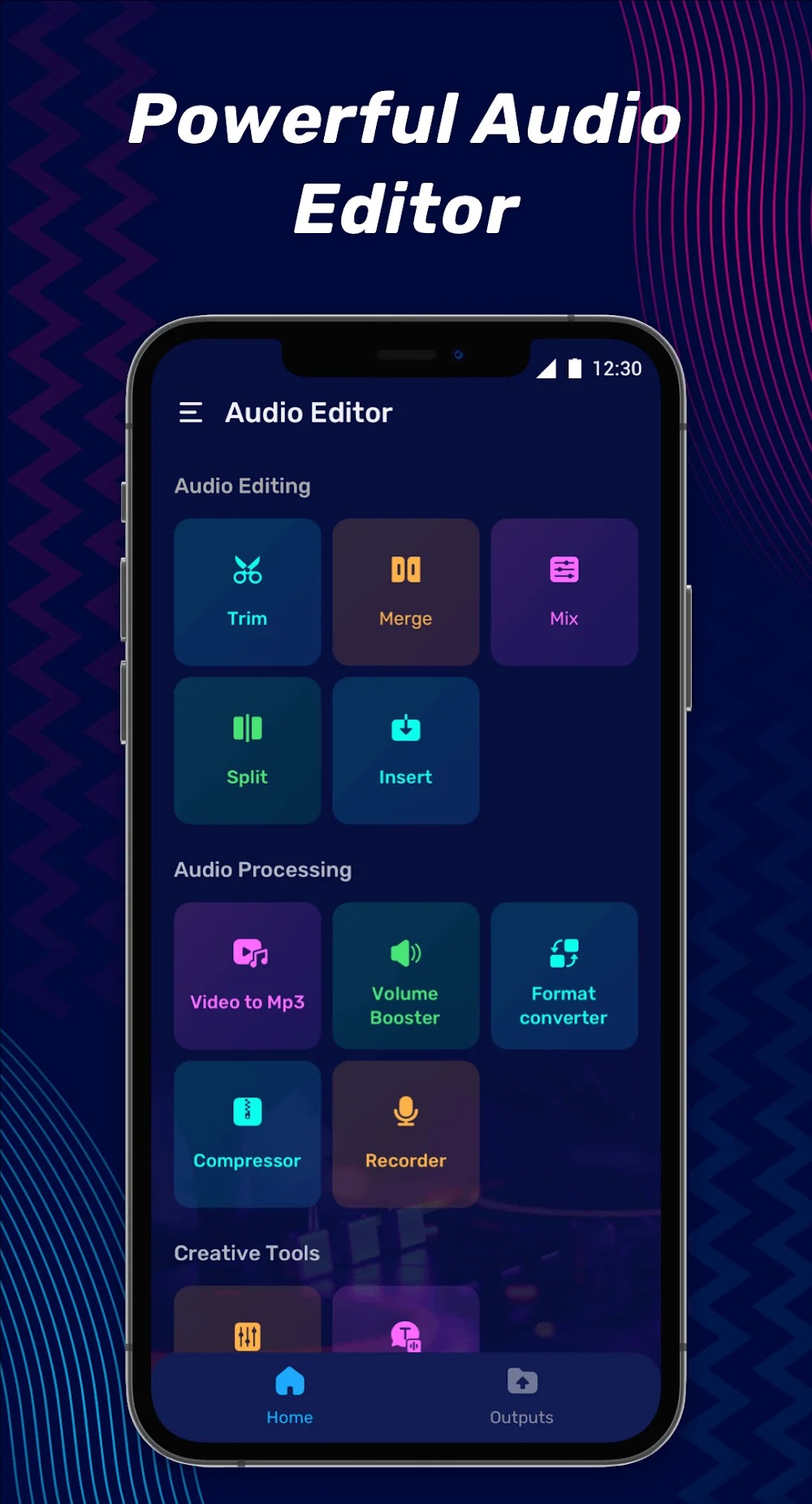
Audio Editor is a music editing application designed for the Android platform. It features a user-friendly interface, allowing users to get started quickly. With this app, you can edit, merge, and modify audio to produce high-quality music, as well as adjust playback speed and volume to enhance your audio output. The application is highly powerful and offers excellent compatibility, supporting a wide range of file formats and various devices. Even new users can achieve professional-level results. The app provides distinct tools for both format conversion and audio editing, enabling you to create your own unique ringtones and handle various types of audio content with professional-grade precision.
Features:
Audio Splicing & Mixing
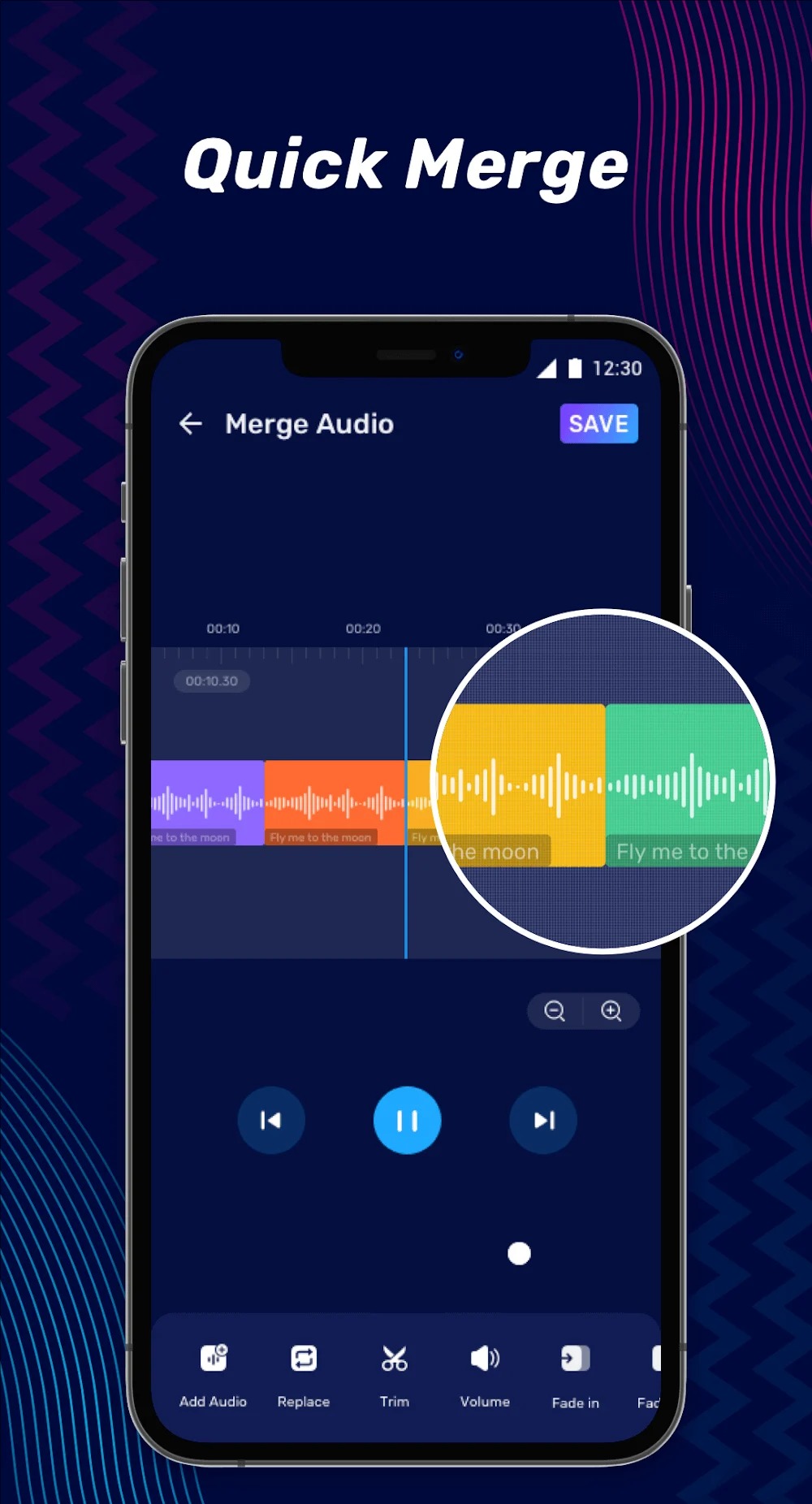
Easily splice multiple audio tracks together; trim and combine audio to create custom medleys. Merge audio files of various formats.
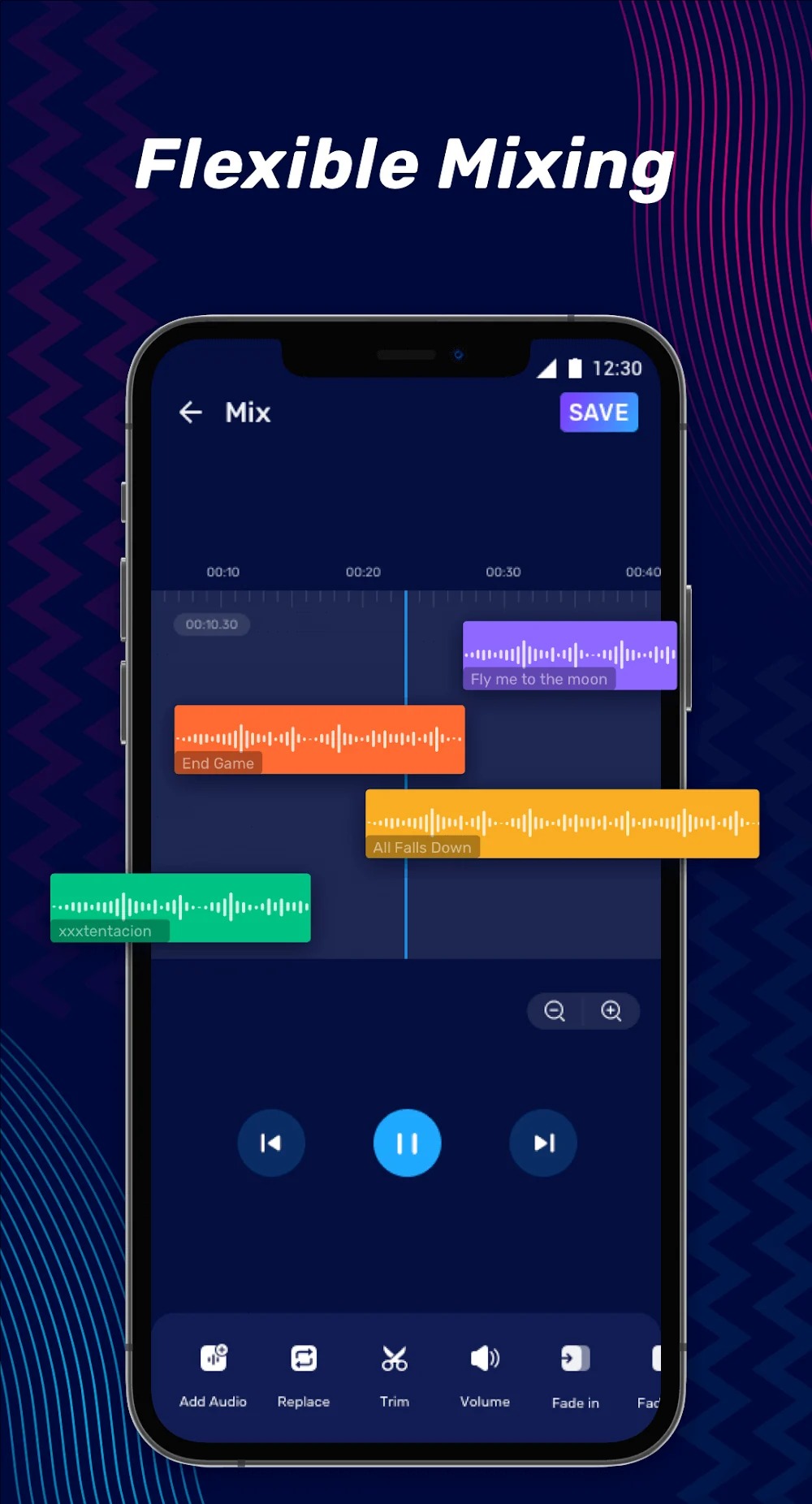
Use multi-track editing to blend multiple audio sources into a single file, producing professional-grade audio mixes. Split long audio files into separate segments.
Equalizer & Volume Gain
Equalizer: Adjust bass, mid-range, and treble frequencies to explore different musical styles.
Apply and adjust audio reverb effects.
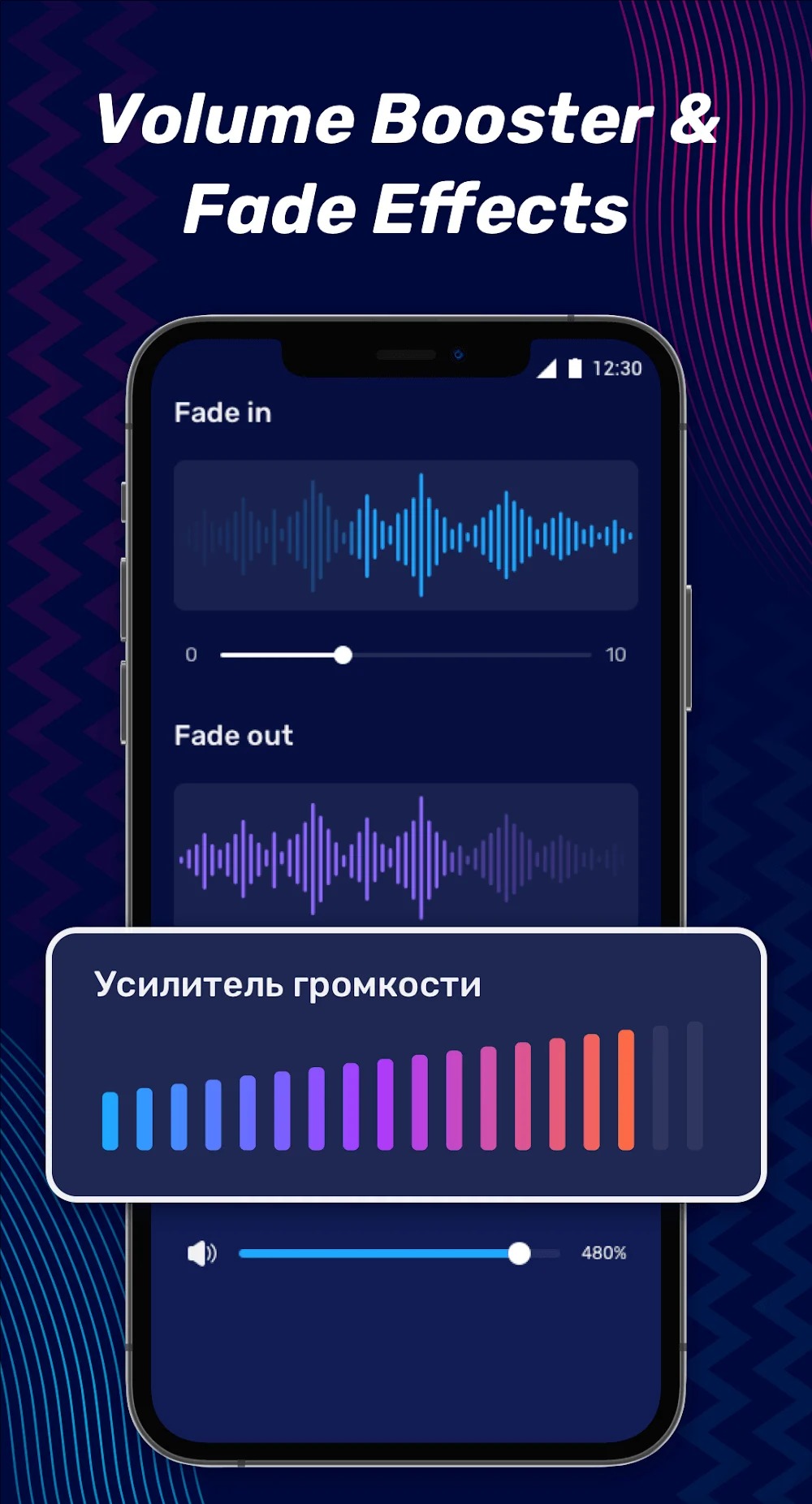
Fine-tune volume levels for greater nuance; boost volume to make audio louder; apply fade-in and fade-out effects to the beginning and end of your tracks.
Audio Converter
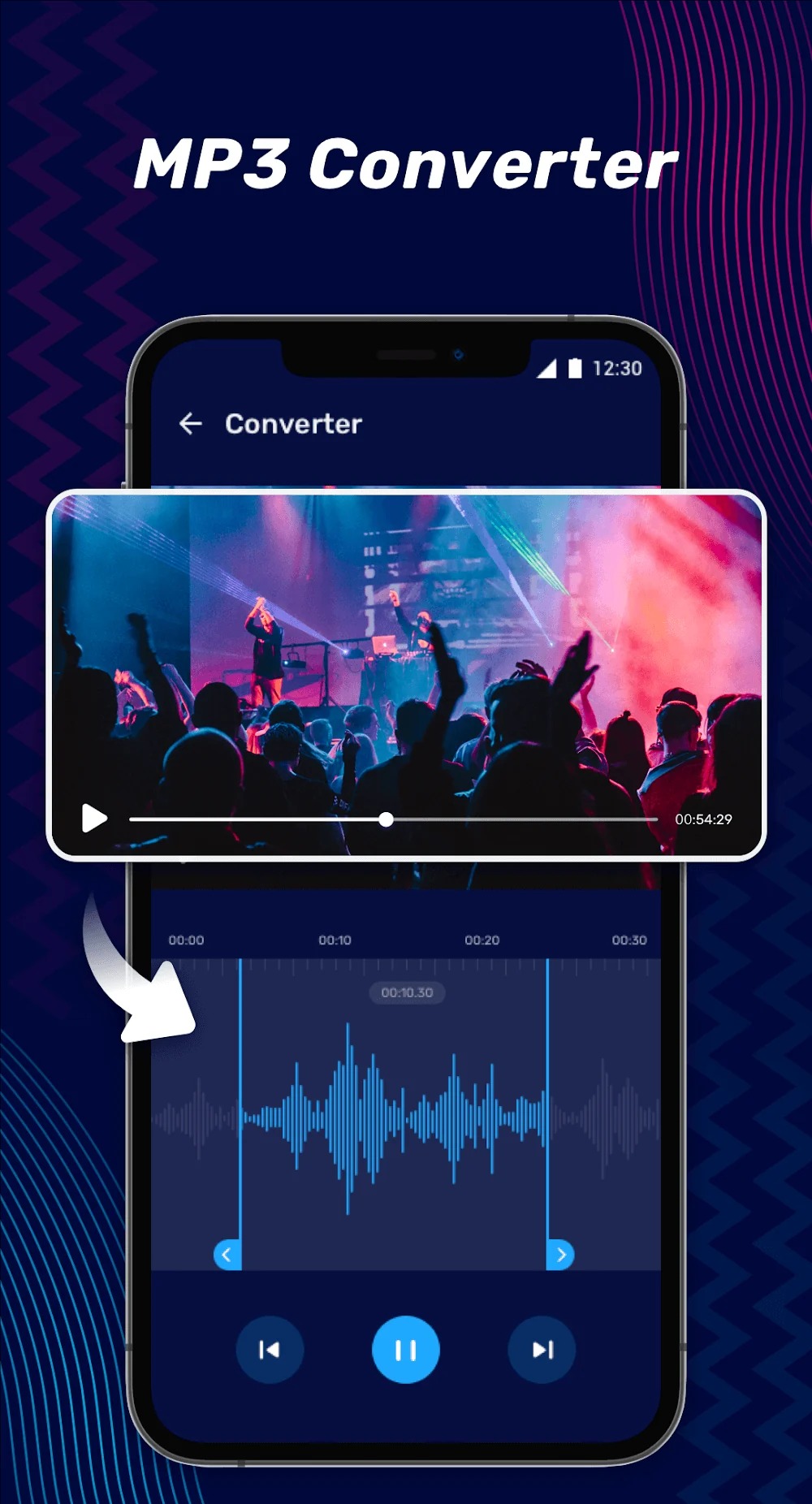
Audio Compression: Compress audio to different quality levels to reduce file size. Format Converter: Supports conversion between various audio formats, including MP3, AAC, WAV, FLAC, and more.
Audio Extraction & Video-to-Audio Conversion
Extract audio from short-form videos (such as those from TikTok or Kuaishou). Convert music videos (MVs) into audio files in an instant.
High-Definition Recording
Built-in HD recording—seamlessly integrate your own recordings into your audio projects.
Ringtone Creation
Edit music to craft your own personalized ringtones and set unique, eye-catching incoming call alerts.
Highlights:
When transcribing meeting content, slow down the playback to ensure not a single word is missed.
Increase the playback speed when listening to audiobooks.
Slow down audio when learning a new language.
Adjust the tempo or key of a song when playing along with a musical instrument.
Change the key of karaoke tracks or backing tracks to suit different vocal ranges.
Transcribing music becomes easier when you slow down the tempo and/or adjust the tuning.
For dance and physical exercise, adjust the tempo of the music to match your fitness or skill level.
Slowing down playback can help improve accuracy during audio editing.
FAQS:
What is Audio Editor?
It allows you to quickly and professionally edit, enhance, and convert audio and music files.
What are the main features of Audio Editor?
You can record audio and add it to existing tracks, merge tracks, and cut and paste any segments—giving you the freedom to create songs exactly the way you want.
Is it safe to download Audio Editor?
As long as you download it from a trusted source—like this website—it is safe and reliable.
Advantages and disadvantages:
Pros
Sleek and intuitive to use
Feature-packed
Handy audio to text feature
Cons
Excessive ads
Conclusion:
If you want to perform professional audio editing on your mobile phone, download the Audio Editor APK and enjoy this powerful audio editing tool. Use all of Audio Editor’s features to edit audio tracks and create your own musical works.





-
Latest Updates
-
Featured Games