ZipGrade
Education
2026-07-29
25.56MB
3.77.613
Android
586
Screenshots
Introduction
ZipGrade is an educational software that assists in learning. Students can quickly grade their own tests after completion. Teachers can use this software to quickly assess student scores, eliminating the time-consuming process of grading each question individually. It can also help create a group chat, and after grading, the scores are uploaded to a cloud server, allowing you to analyze trends in student performance. Students and parents can then access their children's scores, including incorrect answers and mistakes, in the backend. This saves both teachers and students a significant amount of time.
Getting Started
1. Choose from various answer sheets and sizes on ZipGrade.com. Download and print as many copies as you like.
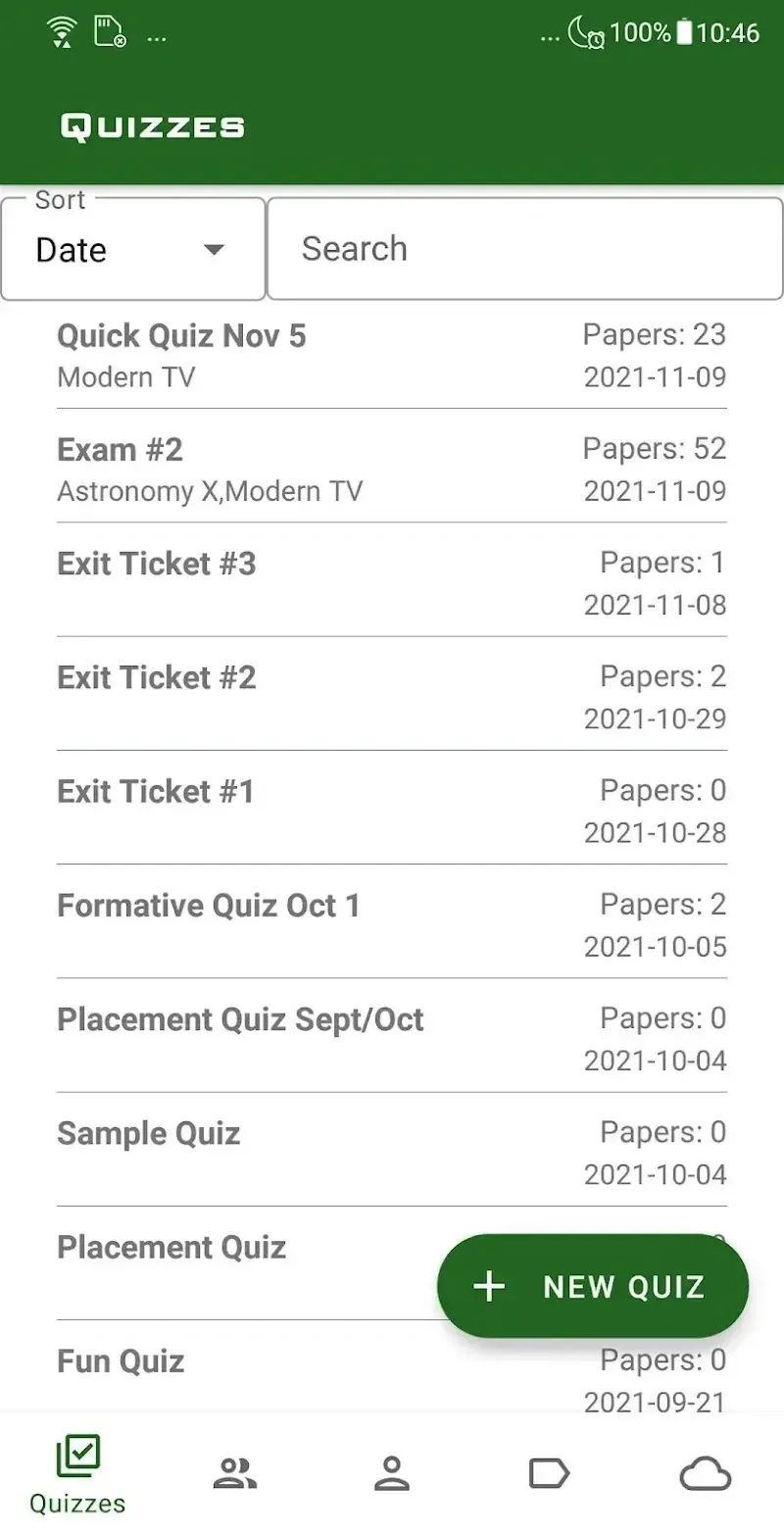
2. In the ZipGrade app, tap "New Quiz".
3. Tap "Edit Answers". Enter your answers or scan the answer sheet as your answers.
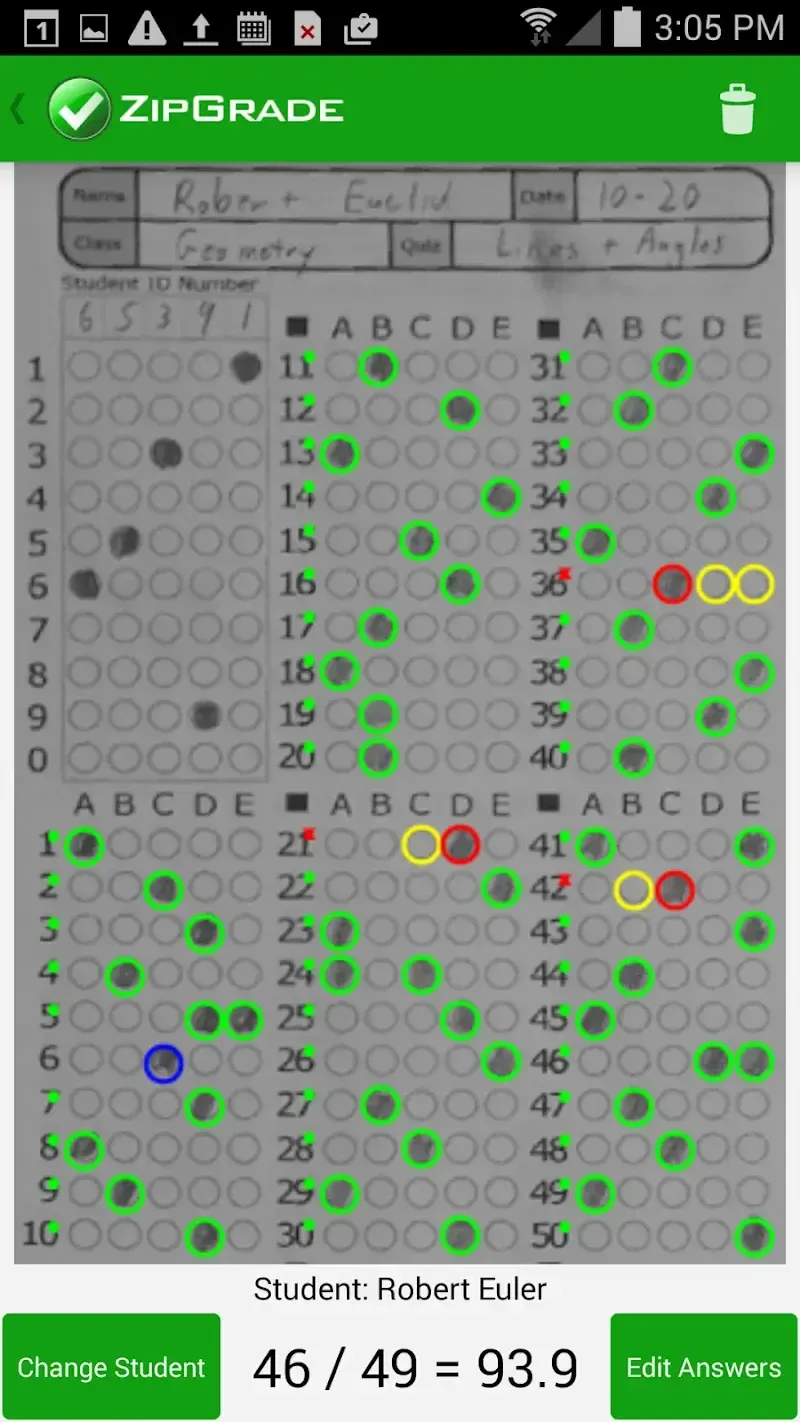
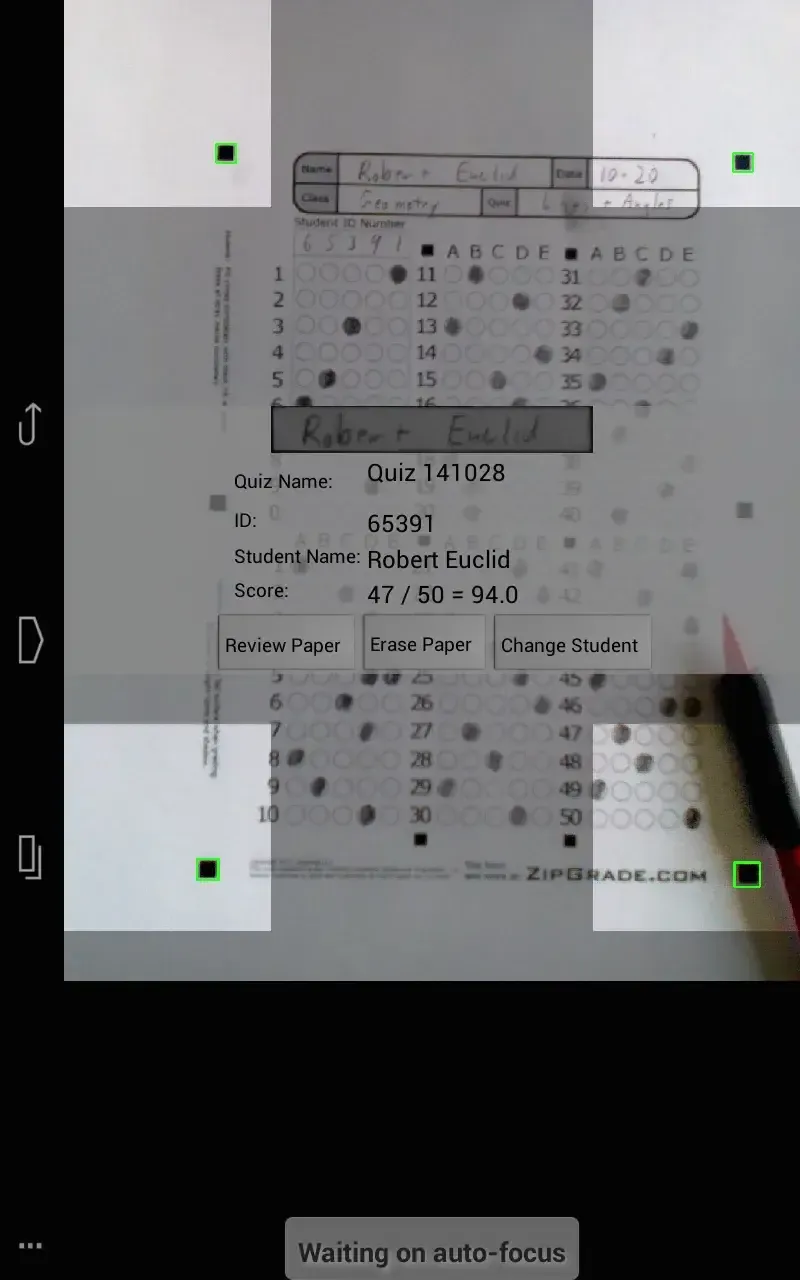
4. Tap "Scan Document" to start scanning your document:
Place the paper on a flat surface and align the 4x4 corner marks in the viewfinder.
ZipGrade will automatically focus and detect when the test paper is being read.
Once the test paper is graded, your phone will vibrate and provide an instant summary (with a link to more details).
No need to press any buttons, freeing up your other hand for the next test paper.
5. Review
Features
Free answer sheets in multiple formats and sizes (up to 100 question answer sheets)
Works without an internet connection. A connection is available during data synchronization (optional).
Use student ID number or the student's written name for the report.
Knows when the paper is in the viewfinder and pays attention to the grade appropriately. No buttons are pressed when grading!
Students can use pens or pencils. Erasing and whitespace handling are handled well.
Up to 3 letter combinations of answers are allowed, with up to 31 answers per question – maximum matching!
ZipGrade Cloud user creation:
Secure backup of all grade files and data
Import student rosters
Manage student and class information
Export test results in CSV or PDF format
Download answer sheet packages via class student information county and populate them
Highlights
Fast Camera Grading: The camera system will help you identify the answers in the test and start grading quickly to help you get the fastest results.
No Extra Hardware: The information processing is efficient, does not take too much time, and especially does not require the support of complex hardware.
Time-Saving Process: The process of taking pictures, choosing the correct answer, and analyzing will save you the most time, without taking too many complicated installation steps when using.
Instant Score Access: The application will be convenient for parents or teachers, as with just one touch, you can know the scores of your children and students.
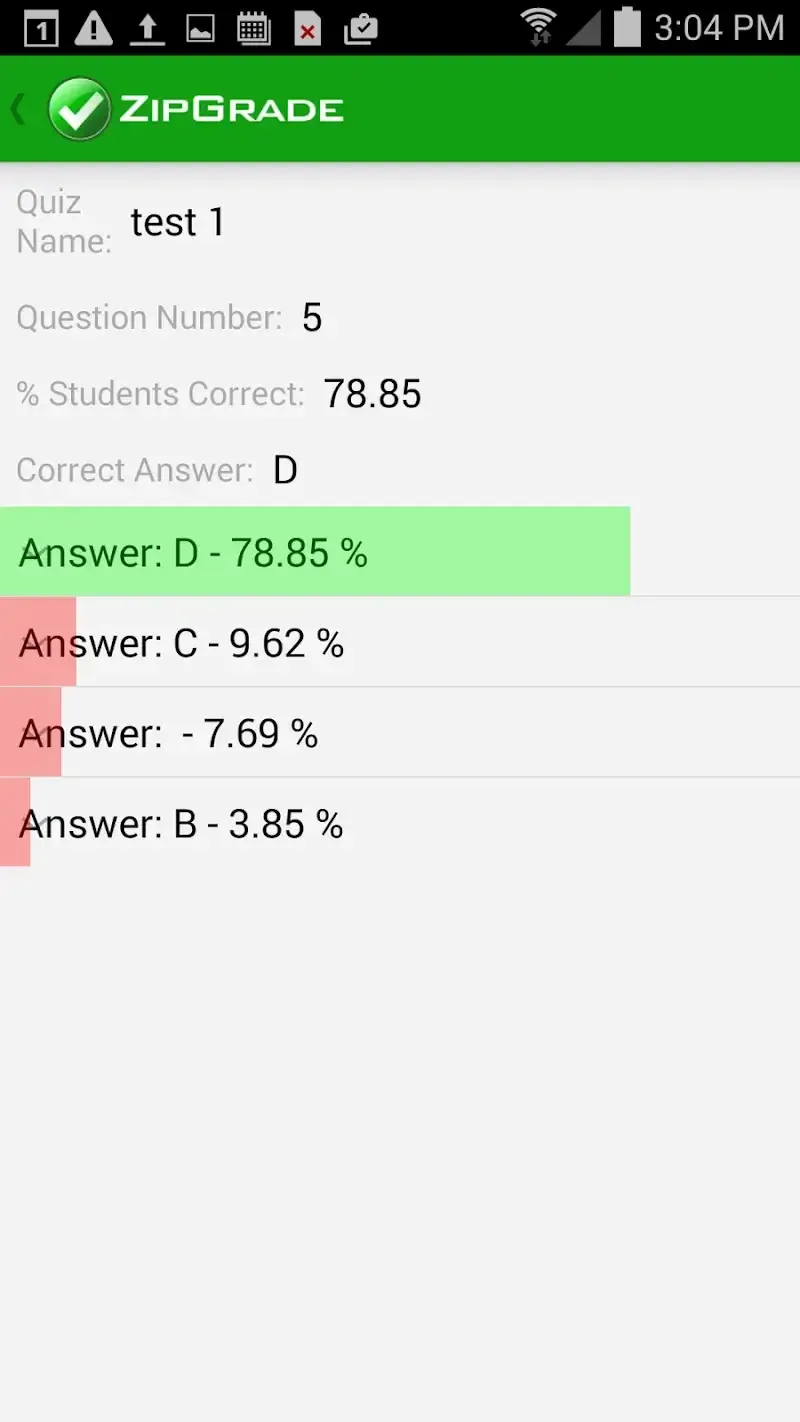
Quick Insight Learning: In addition to checking the score of that test, you can also get quick answers to the wrong questions.
Anxiety-Free Results: You don’t need to worry about the results you get through the camera-graded test because it is completely accurate, giving you peace of mind without having to check again.
User comments
I wish I had this ten years ago! A technical tour de force, unfortunately for the last decade’s curriculum. This is a great way to score multiple choice and is ok for rubric scored items. It was most relevant for secondary application where teachers were not concerned with “tagging” individual standards for mastery. As common core is implemented with a greater focus on these standards, and an increased number of math sections converting to integrated math, this will be a big limitation. At the elementary level, It has lost relevance because it does not have the common core standards pre-uploaded so you have to manually input them, then associate the manually written standards with each test item one by one on your cell phone, a colossal task. Corrections to the standards database that you have entered manually are not easily accomplished: you have to erase the standard, re-input it, then re-associate the standard with each test item it was previously associated with. In schools where report cards are written to individual standard mastery, this is a big liability. In the future, the inability to capture images for rubric scored items, i.e. the inability to maintain a portfolio of actual student work images will ultimately render this program to a minor role for the common core teacher.
I am so very grateful for this app. In the obvious ways, this app is great because it is time-saving and allows me to give my students immediate feedback on their work. But more subtly and just as important are some of its other virtues; I export the data and am able to return it to students so they can make their corrections. I also use the item analysis to look at patterns that might reveal shortcomings in my instruction. The app developers have been great at providing a rapid response when I did have an issue (which was totally user-error though they were polite in saying so). This app allows you the opportunity to try before you buy but I am happy to be on my second subscription, and thank you for not having it set up to renew automatically! This is without a doubt the best value subscription I have for making easier my job as a teacher. Thank you!
I teach 5th Grade Science to 6 classes (a total of 130 students). The free version would not have been sufficient for my needs. My school previously used Achievement Series so I had become accustomed to having my tests and quizzes graded and analyzed quickly. While this program falls short of Achievement Series in being able to tie my standards to my test items, it exceeds my expectations in many other ways. It did take me some time in the beginning to set up my classes and assign student numbers, but once it was set up everything else is a breeze. I must say I really appreciate the feature where I can download the pre-filled student sheets as this will save me 5-10 minutes of assessment time teaching the students how to properly fill in their information.
Summarize
Not only does the software save time, but it also provides instant feedback for learners, allowing them to see their scores right after completing their tests. This immediacy can enhance learning experiences by helping students quickly understand their performance levels. For educators, this translates into having grading completed promptly, potentially before the next class session begins.
-
Latest Updates
-
Featured Apps