YouTube for Android TV
Entertainment
2026-09-26
97.52MB
19.35.34
Android 7.0+
86
Screenshots
Introduction
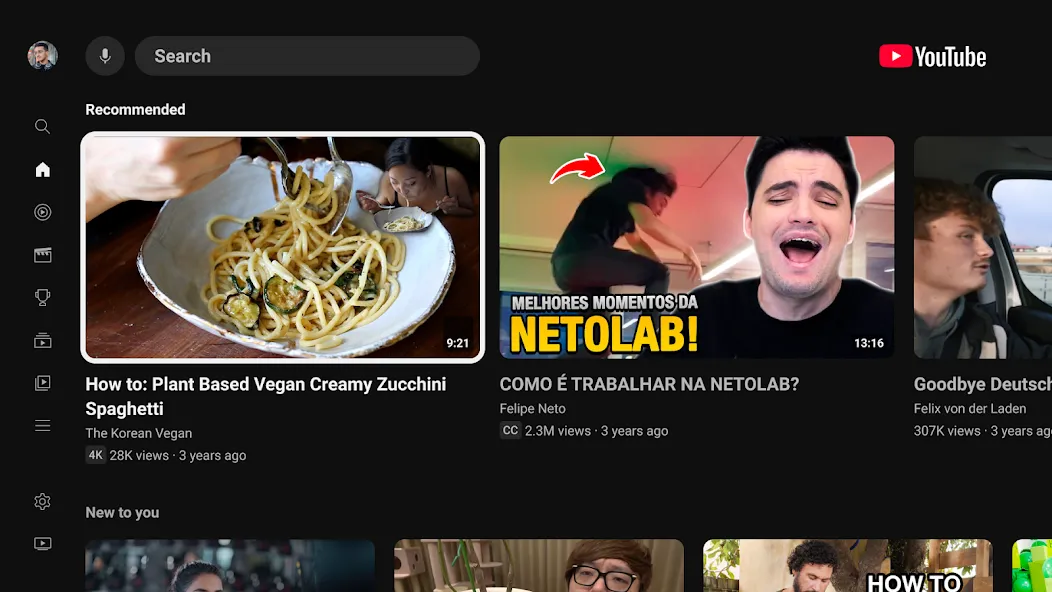
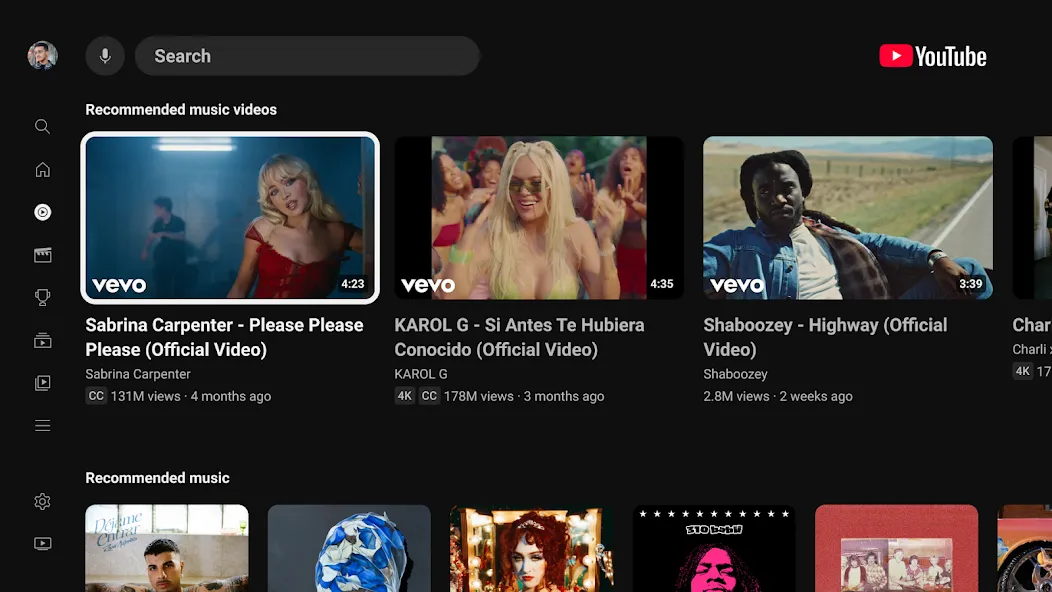
YouTube for Android TV is an app designed for Android-based TV devices, offering a layout optimized for large screens that ensures a comfortable viewing experience from the comfort of your sofa. It allows you to personalize your media library and delivers high-quality visuals and audio, supporting up to 4K resolution. You can easily switch between different types of content and pair the app with your smartphone to use it as a remote control. The app features a wide variety of content categories—including your favorite podcasts—and boasts a clean, intuitive interface for quick access. It also includes a smart search function, making it easy to find the content you love.
Features
TV first navigation
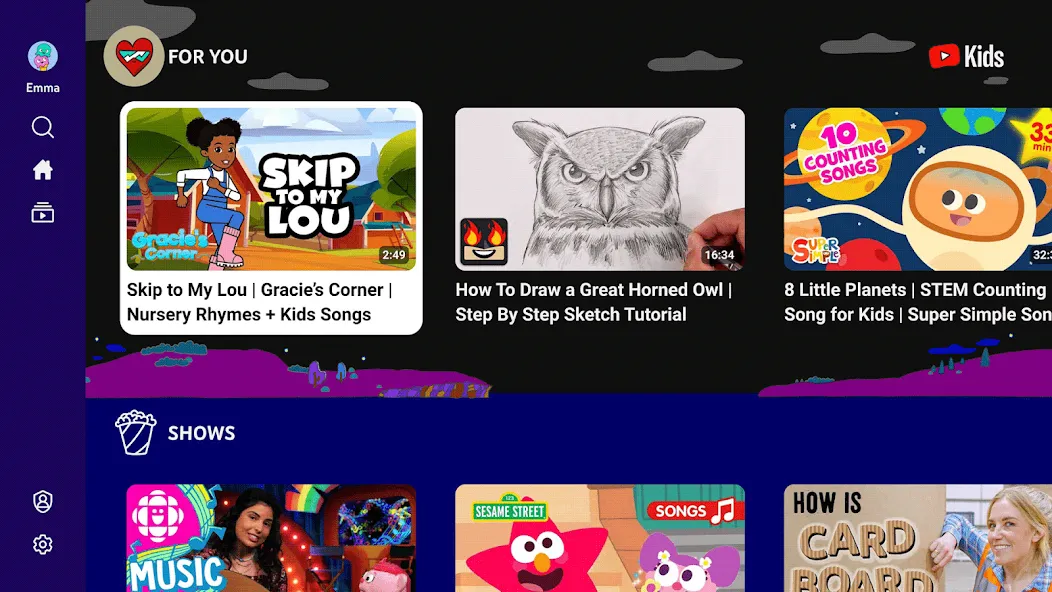
YouTube uses a TV optimized layout with large previews, clear rows, and simple controls for couch viewing. Navigation works with a standard remote so you can move between sections and selections with straightforward clicks. Family content controls are available to guide what appears at home when needed.
Personalized Home and synced Library
YouTube tailors your Home feed based on what you watch, like, and subscribe to over time. After you sign in, your Watch History, Playlists, and Subscriptions sync with your account so your Library feels familiar on TV. This helps you pick up where you left off on other devices without searching again.
High quality streaming
YouTube supports up to 4K Ultra HD where available for sharp video and clear audio on the big screen. Adaptive streaming adjusts quality in real time to keep playback steady when network conditions change. This way, videos keep playing smoothly as you move between different content and times of day.
Voice search and phone pairing
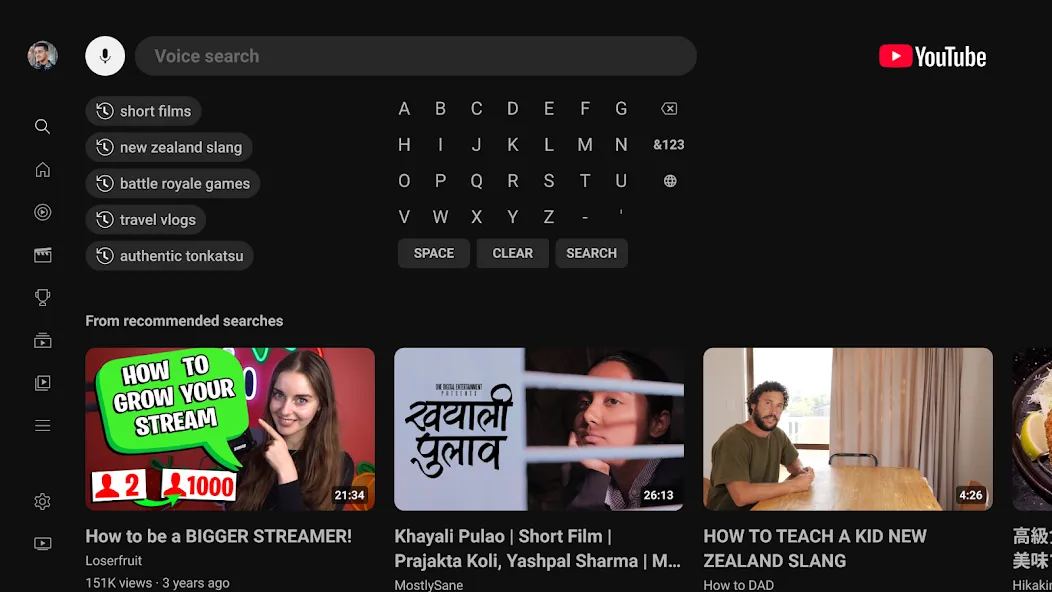
YouTube lets you find videos with voice search if your TV or remote has a microphone. You can also pair a phone or tablet to cast videos, control playback, and manage the queue from your handheld device. This makes it easy to add clips to a list, reorder upcoming videos, and create or edit playlists during a session.
Live, trending, and podcasts
YouTube organizes live streams, news, sports, gaming, and premieres so you can follow events as they happen. Trending sections help you see what is popular locally and globally without extra browsing. You can also access podcasts from your favorite creators to watch or listen on the TV while relaxing at home.
Advantages and disadvantages
Pros
Simple and quickly accessible interface
Offers smart search options, including built-in voice command
Supports ultra-high-quality up to 4K video quality
Manage subscriptions seamlessly
Cons
Complaints of freezing on different TV brands
Ad control options are limited
How to Use
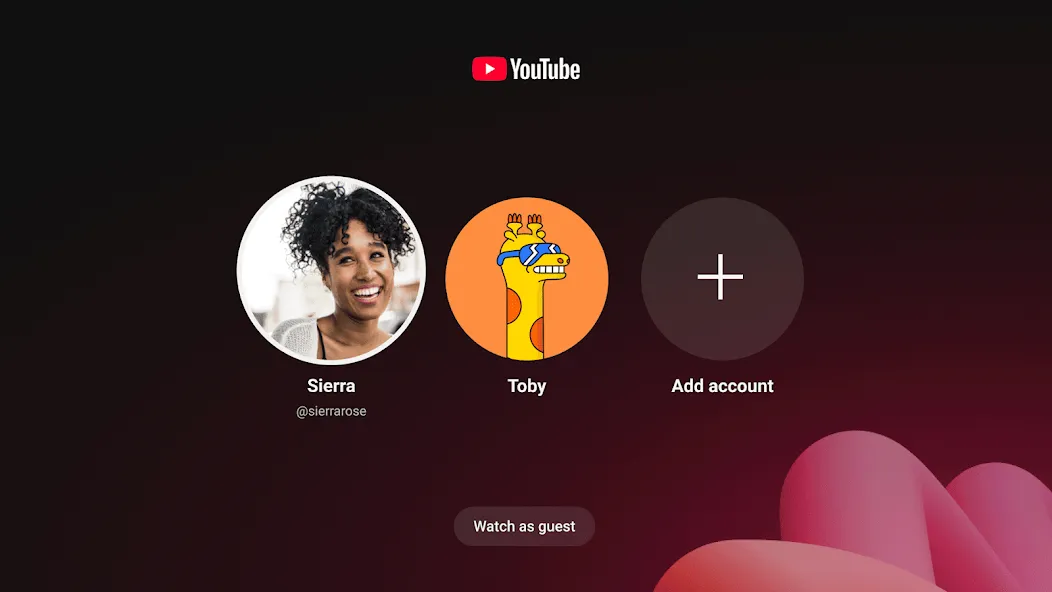
Open YouTube on your TV and choose to sign in with your account or continue without signing in.
Use the remote to browse the Home tab and select a video. Open Search from the top of the screen and use on screen input or the remote microphone if supported.
Move to the left panel to switch tabs. Home shows recommendations, Subscriptions lists new uploads from channels you follow, Shorts offers quick clips, and You holds your history and Watch Later.
Pair your phone to cast videos. Open YouTube on your phone, tap the casting icon, select your TV, then control playback and add videos to the queue from your device.
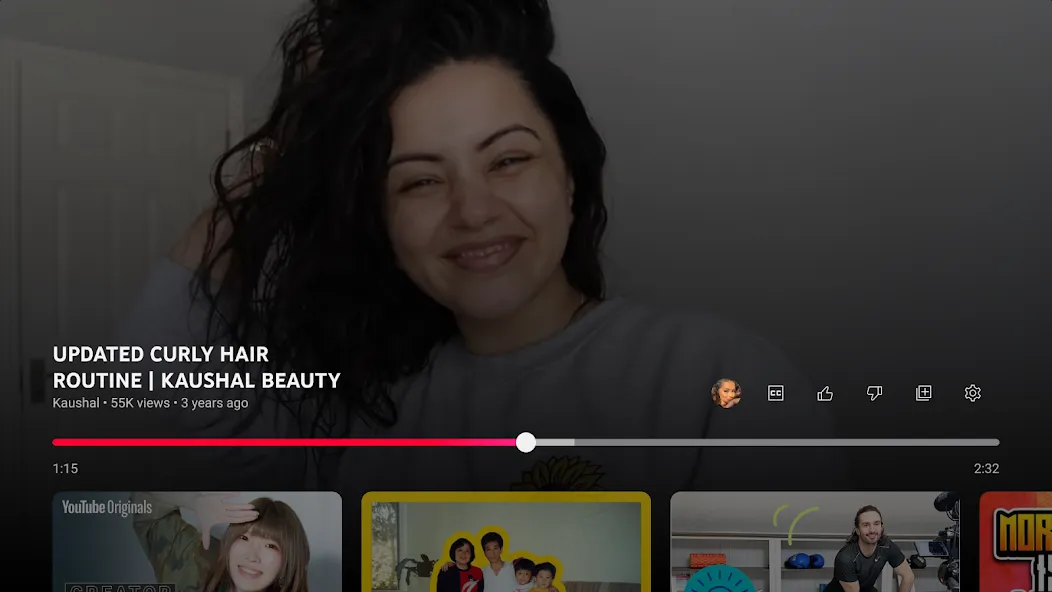
While a video plays, use the remote to access info and related videos. Add items to Watch Later or a playlist for easy access in your Library the next time you watch.
User comments
Everytime I try to log in it hits me with a error message saying "sign in and try again" when I clearly signed in like 5 times and then it logs me out of my account it even says the same message with the guest account. Please fix this because I can't even use YouTube anymore.(the problem has been fixed thank you YouTube I appreciate your time)
I love this app because I love watching YouTube videos on my TV but there was always an ad well I'm eating there's a adthat's 60 seconds until I can skipand I want to watch my real video well I eat so I have to keep my food in my mouth for a while until I can skip
Good app for watching videos. Also good for having good unlock system. But it would be better if it has voice recognition unlock system.
Summarize
Download the YouTube for Android TV APK and enjoy what is undoubtedly the best way to access YouTube from your TV. Thanks to this app, you can conveniently watch some of your favorite videos and music videos in the highest quality.