Wink Video
Entertainment
2026-09-08
235.73MB
3.15.5
Android
469
Screenshots
Introduction
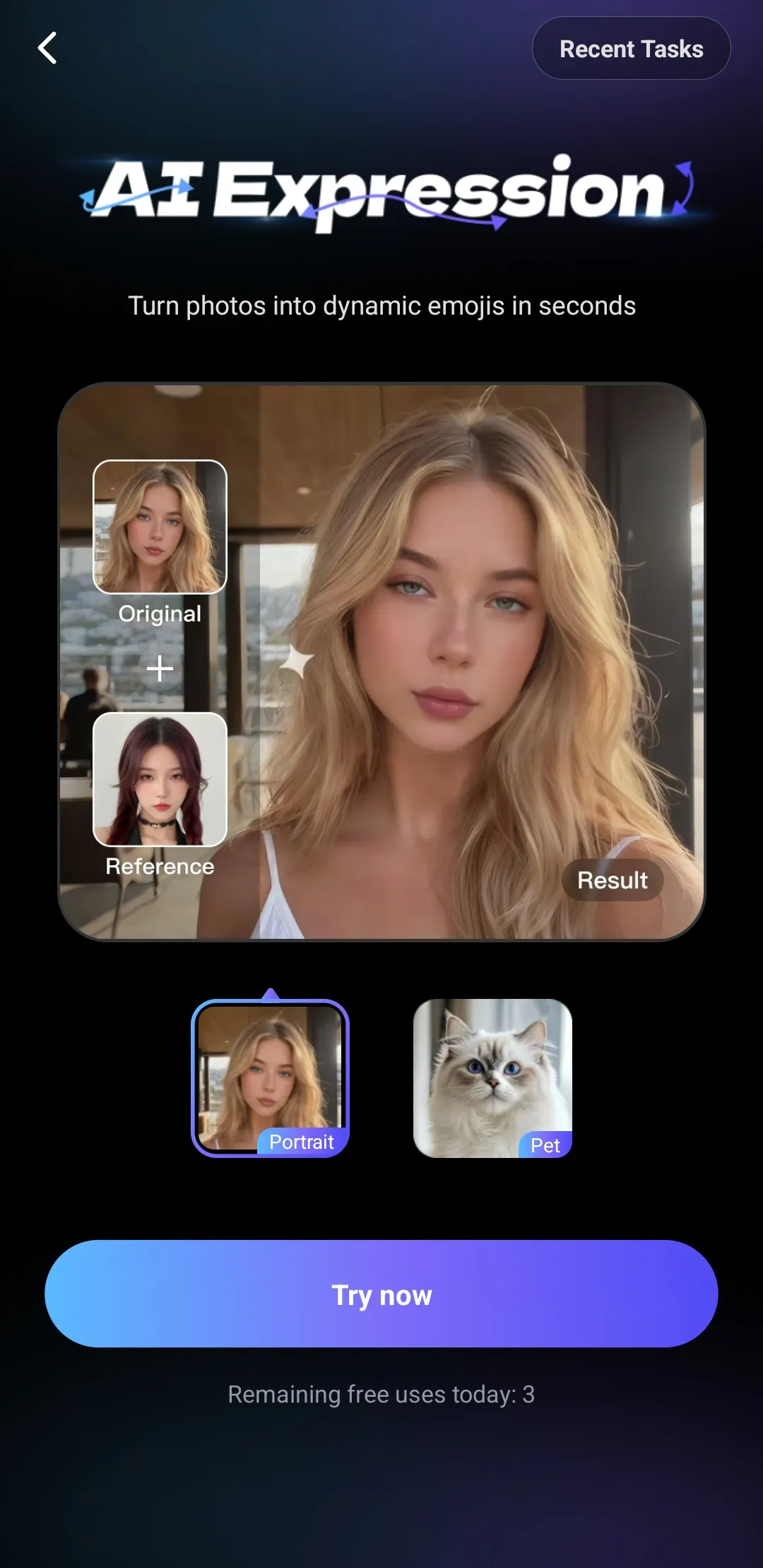
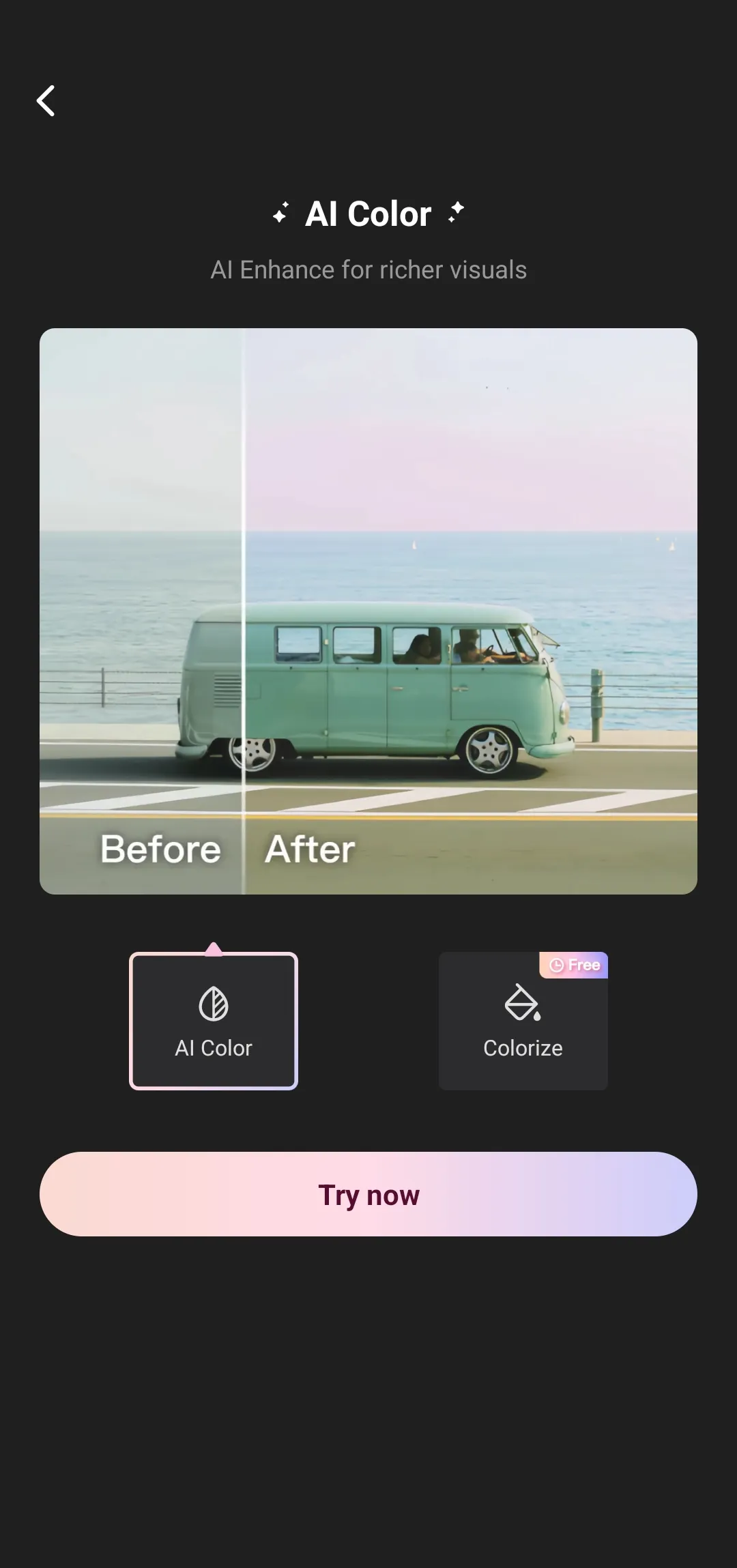
Wink Video is a video editing application for Android devices, allowing users to easily create high-quality videos using their mobile phones. This application offers a wealth of features and, thanks to powerful AI technology, can quickly repair blurry videos and improve video resolution, making them clearer. It also provides various tools for easily editing people in videos, correcting blemishes and making them more perfect. Furthermore, the application offers an automatic subtitle function, and users can customize the size and color of the subtitles, making your videos more widely shareable.
Features:
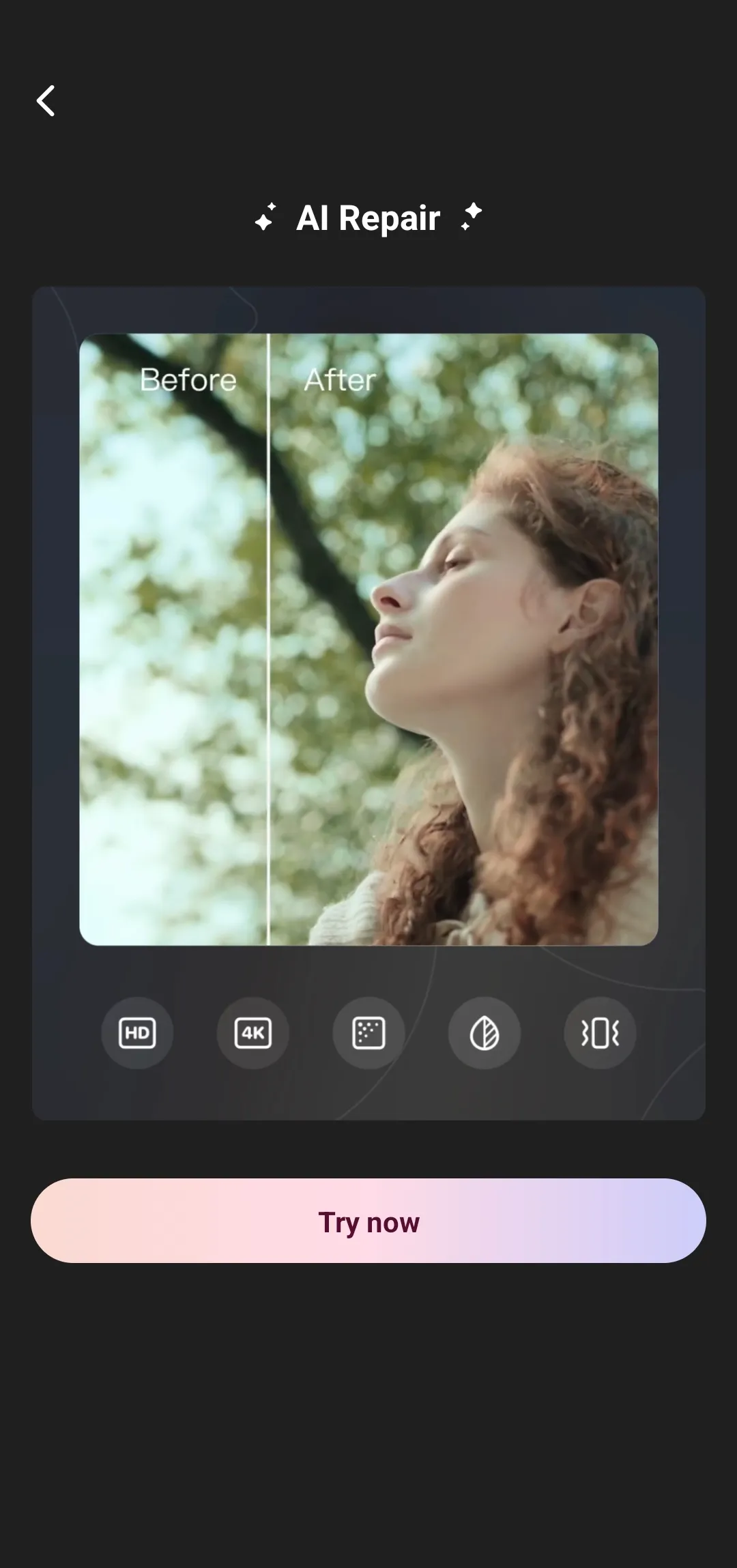
AI Repair and 4K Upscaler
Wink Video restores soft or low resolution videos and photos to higher clarity. You can repair noise, sharpen details, and upscale to HD, Ultra HD, or 4K while keeping natural textures. This is useful for portraits, scenery, concert footage, and game highlights where fine detail matters. A quick preview helps confirm results before you commit.
Face and Body Retouch
Wink Video provides tools to smooth skin, whiten teeth, apply natural makeup, and reshape body lines. Per face and per clip controls help keep looks consistent across a full project. You can adjust intensity with sliders, then compare before and after to avoid over edits. The interface guides you step by step, so changes stay precise and realistic.
Object, Watermark, and Background Removal
You can erase unwanted objects and watermarks to clean up a frame in seconds. Background removal and replacement helps build product shots or profile visuals without a studio. After removal, edges can be refined for a neater cutout. This reduces distractions and keeps the focus on your subject.
Auto Captions and Translation
Generate subtitles aligned with speech for clearer viewing without sound.
Translate captions into multiple languages to broaden access on social platforms.
Edit timing and text before export to match your style guide.
Pro Enhancement Suite with Cloud Support
Wink Video includes denoise, color correction and match, frame interpolation, and night enhancement for footage shot in tough conditions. Batch tools shorten repetitive work across many clips. Cloud processing handles heavy tasks to reduce strain on your device and keep editing responsive. This helps maintain quality while you continue other edits.
Highlights:
Easy Video Editing
Wink Video offers an intuitive and user-friendly video editing experience. You can trim and cut your videos, merge multiple clips, and add smooth transitions effortlessly. Whether you’re a beginner or a professional, the editing process is seamless and straightforward.
Stunning Enhancements
What makes this app stand out is its powerful enhancement tools. You can adjust brightness, contrast, and saturation, as well as apply stunning filters to completely transform the look of your video. Whether you’re going for a classic or modern aesthetic, there’s a filter for every style.
Create Dynamic Videos
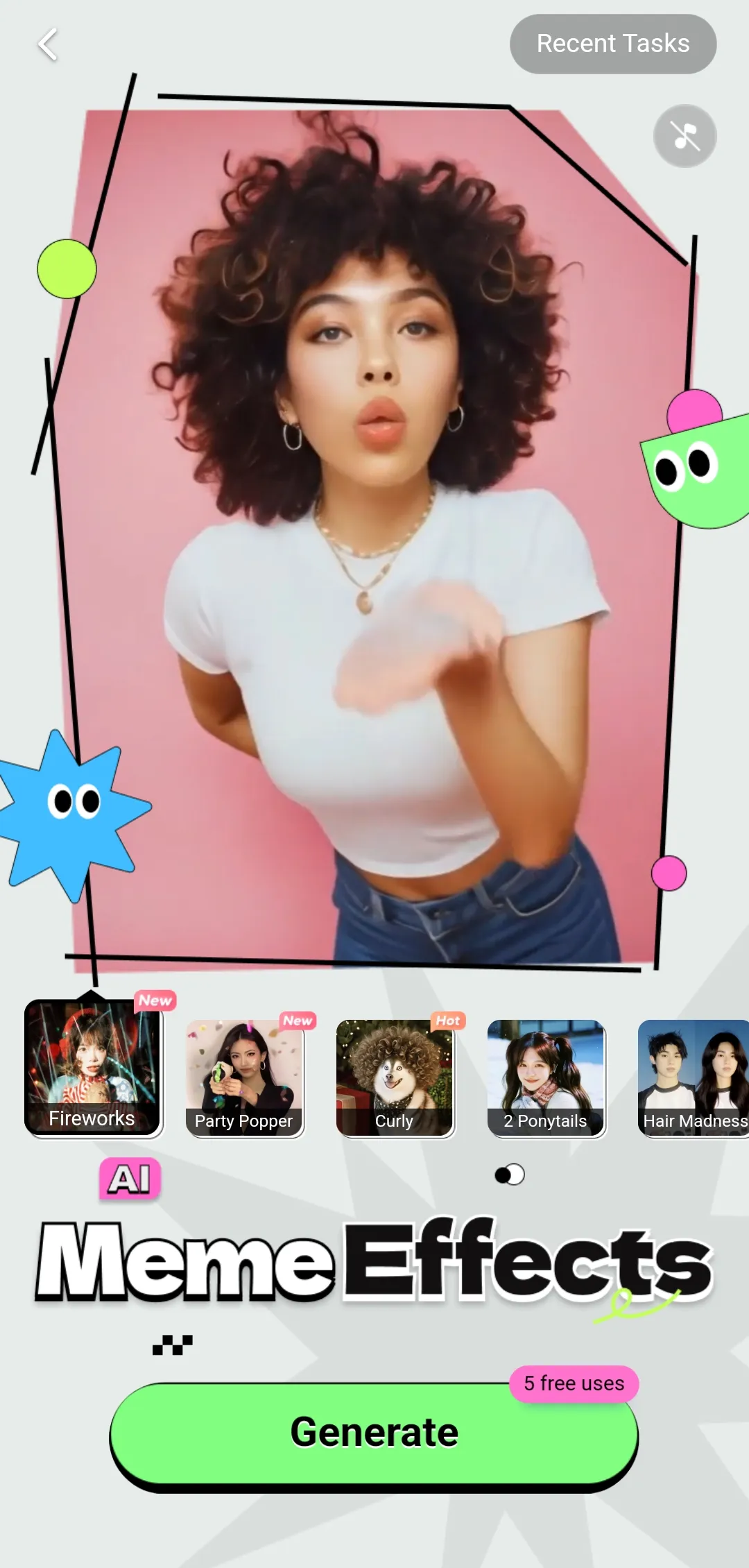
Want to add some fun to your videos? Wink Video provides a variety of animated effects, stickers, and text options that you can incorporate into your clips. Create engaging and lively videos to share with friends and make your memories even more vibrant.
Advanced Beauty Tools
For those who love recording selfie videos, Wink Video includes advanced beauty tools to enhance your appearance. You can whiten teeth, remove blemishes, and even change eye color to ensure you always look your best on camera.
Share Your Moments
Once you’re done editing, Wink Video makes it easy to share your videos with the world. Upload your creations directly to your favorite social media platforms or save them on your device for later sharing.
Pros and Cons:
Pros
Detailed face and body retouching for video
AI background removal, object erasing, and blur reduction
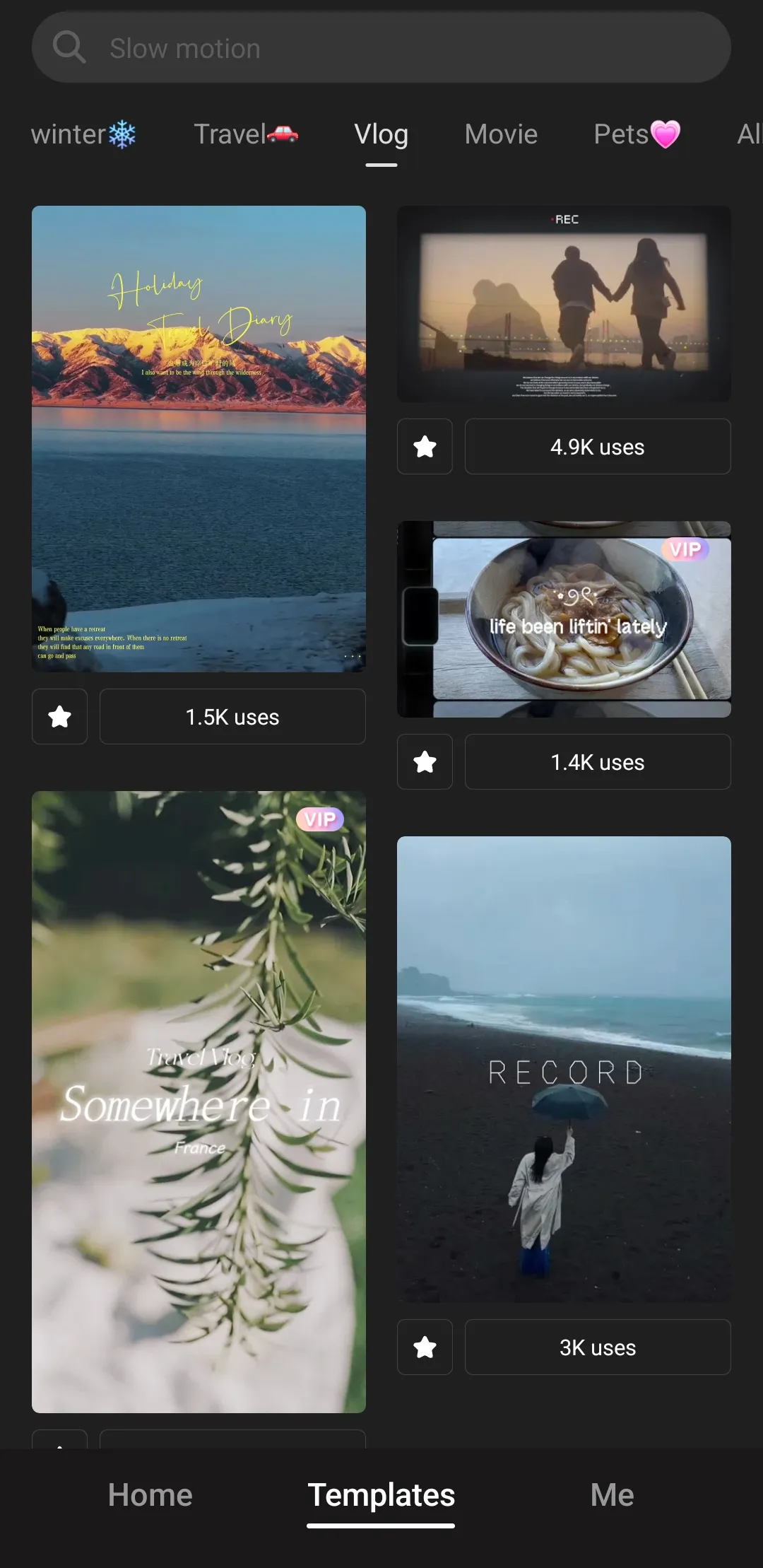
Automatic subtitles and ready-made templates
Cons
Many tools require a VIP subscription
No custom font support
Large video files can process slowly
FAQs:
Why Choose Wink Video?
Fix blurry videos, restore old photos, and upscale to 4K Ultra HD with Wink Video - the AI video and photo enhancer trusted by 100M+ users. Free on mobile, tablet, desktop, and web.
Is Wink Video Easy to Use?
Yes! Wink Video is designed for beginners and pros alike. With its intuitive interface and one-tap AI tools, you can instantly repair, upscale, and beautify photos and videos without any technical skills.
Conclusion:
Overall, Wink Video is a convenient, beginner-friendly app that makes improving photos and videos quick and approachable. Its mix of filters, templates, and AI tools suits casual users, content creators, and anyone who wants polished results without complicated editing.
-
Latest Updates
-
Featured Apps