VirtualXposed
Tools
2026-10-16
7.38MB
0.22.0
Android 5.0+
163
Screenshots
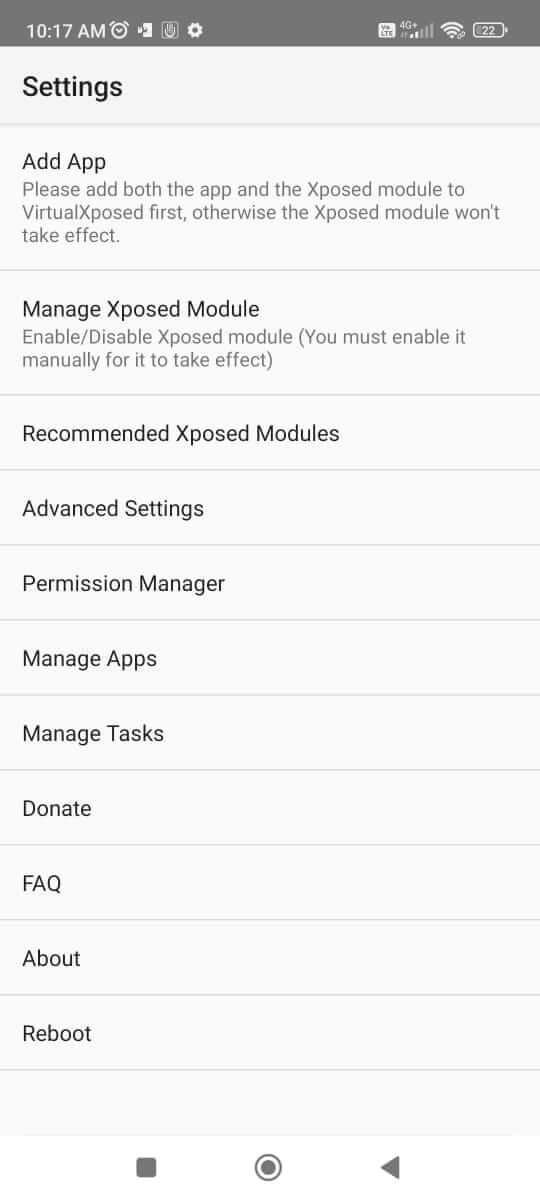
Introduction
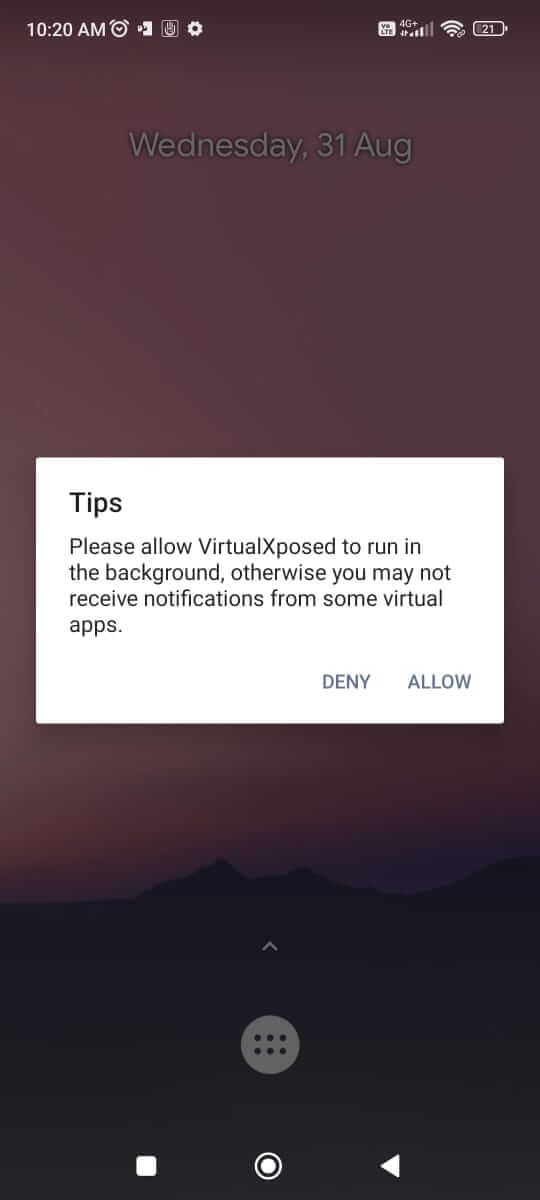
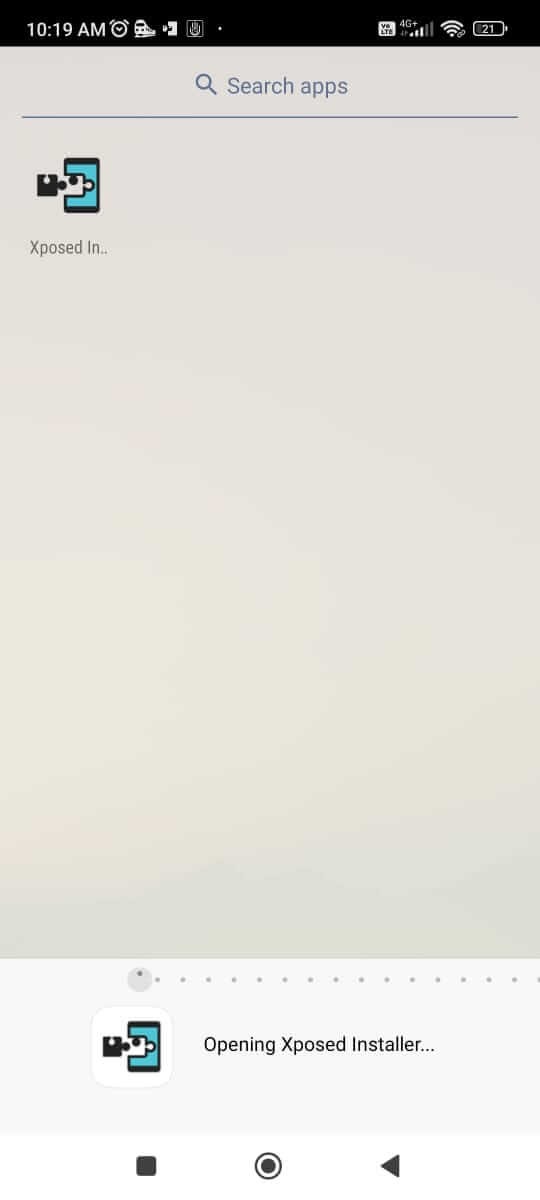
VirtualXposed is a device-tweaking application designed for the Android operating system. It features a highly user-friendly interface, allowing users to get started quickly and easily. The app is exceptionally powerful, enabling users to modify various parameters within other applications to achieve a better overall experience. It supports a wide range of devices and offers excellent compatibility. Furthermore, it places a strong emphasis on user privacy and security, all while ensuring the device continues to function properly. You can use it immediately without the need for registration. The application is lightweight, consumes minimal system resources, and has a negligible impact on battery life and device performance. It receives frequent maintenance and updates, ensuring users have access to reliable technical support. Additionally, it boasts a vibrant community where users can engage in discussions and share their experiences.
Features:
Run any app as a plugin: You can run any APK as a plugin within a virtual space. This eliminates the need to root your APKs and ensures that these apps do not interfere with your device.
No root access: bootloader manipulation, or system image modification required: There is no need to root your device. You also do not need to interact with the bootloader or modify any system images.
Play any game within a virtual space: Enjoy games inside a virtual space—no root access or registration required.
Broad device support: Compatible with almost all Android devices. You can use it to create your own virtual space on any Android-powered smartphone or tablet.
Safety first: Your device remains completely secure. The software does not modify any system partitions; it functions solely as a sandbox environment, ensuring no interference with your regular apps or the operating system itself.
Highlights:
User-Friendly Interface: VirtualXposed boasts a clean and intuitive UI, making it accessible for both novice and experienced users. Navigation is straightforward, and finding your desired modules or features is easy.
Compatibility with Xposed Modules: VirtualXposed supports a wide range of Xposed modules, allowing for modifications and enhancements that can personalize your Android experience. From changing the look and feel of your device to adding new functionalities, the possibilities are endless.
Sandbox Environment: VirtualXposed operates in a virtual sandbox environment, meaning that changes made through it do not affect the system files of your Android device. This separation enhances stability and security, making it less likely that a faulty module will cause issues with your device.
Frequent Updates: The developers behind VirtualXposed are committed to providing regular updates, ensuring compatibility with the latest Android versions and Xposed modules. Users can expect ongoing support, bug fixes, and new features over time.
Lightweight and Efficient: Designed to be resource-efficient, VirtualXposed does not drain your device's battery or slow down its performance. Users can run it alongside other applications without noticeable impact on their device's speed and responsiveness.
Community Support: With a thriving community of users and developers, VirtualXposed is backed by forums and discussions that offer troubleshooting help, module recommendations, and sharing of tips and tricks. This community aspect enriches the overall user experience.
FAQs:
Is VirtualXposed a complete Xposed framework?
No; it is simply an application that contains the core modules of the Xposed framework, allowing them to run on your device—but it is not a full-fledged framework.
Can we access Xposed modules within this app?
Yes. You can easily find a wide variety of excellent Xposed modules developed specifically for this impressive application.
Is it safe to use VirtualXposed?
Yes. The app is completely safe to use and will not compromise your device's security or your personal privacy.
Advantages and disadvantages:
Pros
Good compatibility
Simple page layout
Full functionality
Cons
Contains ads
Conclusion:
Have you been looking for an app that lets you create an additional virtual space and fully customize your Android device? Look no further—VirtualXposed APK is exactly what you need. This powerful application allows users to set up a virtual space on their Android phone, where they can clone, modify, and customize apps.