
Video Bokeh
Entertainment
2026-09-17
15.21MB
1.1
Android 7.0+
357
Screenshots
Introduction
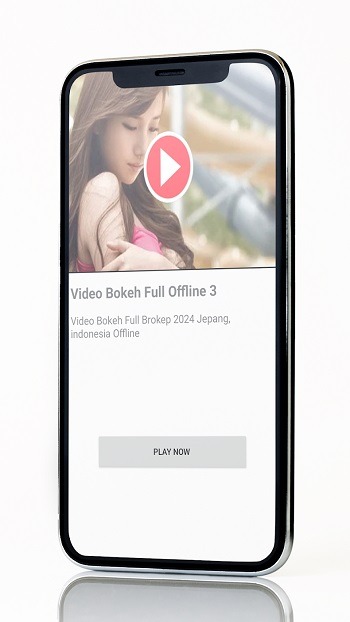
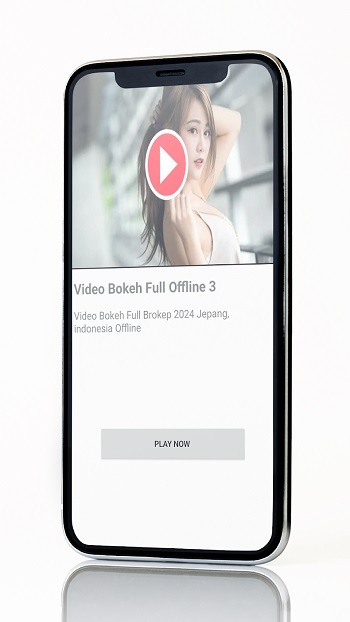
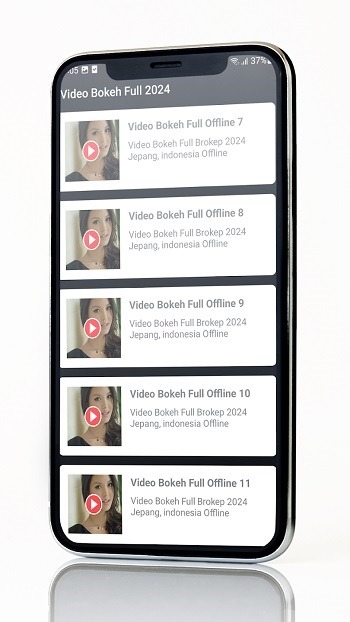
Video Bokeh is a powerful video editing app that allows users to apply blur effects, softening the background while keeping the main subject sharp. With its compact size, the app is easy to download and use anytime, anywhere. Videos edited with this app deliver excellent image quality and support various formats, including HD video. It boasts strong compatibility, running smoothly on most Android devices to ensure a seamless user experience.
Features:
Free
Light application
Quota saving application
Can play anywhere
HD Videos
Not Slow
Video is clear, not blurry
Types of Bokeh:
Smooth Bokeh
Smooth bokeh is a soft and gradual blend between the out-of-focus background and foreground. It's one of the most commonly used bokeh types because the effect does not distract from the subject.
Harsh Bokeh
Contrary to smooth bokeh, harsh bokeh looks more chaotic and can distract from the subject. Although the sharp edges of harsh bokeh may look poor in some cases, they can be used creatively to create an interesting look in your videos.
Swirly Bokeh
The swirly bokeh generates an out-of-focus spiral background around the subject. It adds a stylistic effect to your videos and can be used for dream and surreal sequences.
Bokeh Shapes
Other types of bokeh are names for the shape. There’s the usual circular-shaped orb, but you can create oval, triangle, and cat-eye bokeh. These effects will depend on the lenses and their aperture, but many plug-ins in post-production allow you to replicate the iris shape, too.
FAQs:
What is Video Bokeh?
Video Bokeh is a mobile video editing app for Android that lets users apply blur effects, making the background softer while keeping the subject sharp.
Is Video Bokeh APK free to use?
Yes, there’s a free version with core features, but it includes ads and adds a watermark. Upgrading to premium removes these limitations.
Can I use Video Bokeh without prior editing experience?
Absolutely. The interface is beginner-friendly, with simple tools and real-time preview so users can make changes confidently without learning complex steps.
What video formats does Video Bokeh support?
The app supports various popular video file formats and resolutions, including HD, allowing for flexible editing across different content types.
Does Video Bokeh work on older Android phones?
It works on many Android devices, but performance may be slower on older models—especially when working with large or high-resolution videos.
Conclusion:
The app supports various video formats and resolutions, ensuring compatibility with most Android devices. Users can adjust the intensity and style of the bokeh effect, providing flexibility in achieving the desired aesthetic. Additionally, Bokeh Effect Video Maker includes options for trimming and merging clips, making it a versatile choice for those interested in enhancing their video editing capabilities.



-
Latest Updates
-
Featured Apps






