UC Browser
Social
2026-09-12
87.50MB
14.2.0.1345
Android
567
Screenshots
Introduction
UC Browser is a powerful browser application. Its built-in file manager helps improve download speeds across all network types. It also features a powerful ad blocker, making web pages cleaner. For users with high privacy concerns, the application offers an audio browsing mode to ensure the absolute privacy of search history and browsing data. Users who want to protect their eyes can use night mode and reduce data usage by enabling data saving mode. Users are advised to regularly clear temporary browser files to ensure optimal performance.
Features
Fast Download Manager
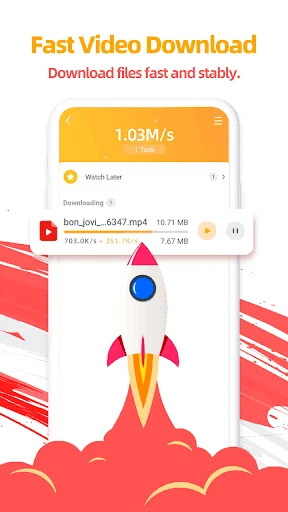
The built-in file manager splits big files into smaller pieces during saving. This process increases total download speed across all network types. If your internet disconnects, you can resume paused files instantly.
Smart Video Player
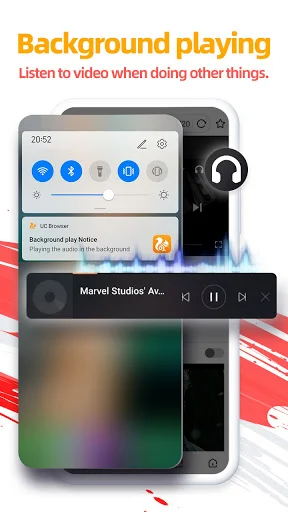
The media player supports fast streaming, floating windows, and simple gesture controls. You can adjust volume and brightness directly on the video screen. Moreover, background play lets you listen to audio while doing other tasks.
Powerful Ad Blocker
Annoying pop-up ads disappear when you turn on the ad blocker. The browser filters out dangerous scripts and intrusive banner ads. As a result, web pages look cleaner and load much quicker.
Incognito Browsing Mode
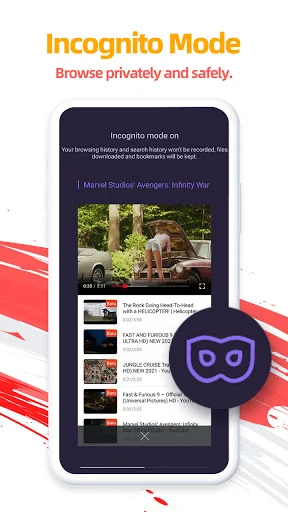
Private mode ensures your search records and history remain secret. The browser deletes cookies and temporary cache files right after you close tabs. Thus, your private information stays protected from tracking scripts.
Usage
First, open the main menu to customize your home feed. You can add your favorite websites for quick one-tap access. Arrange your news, video platforms, and social media sites right on the main screen. This setup saves time whenever you launch the app.
Next, tap the tab switcher icon to control active web pages. You can open new tabs, close old ones, or enter incognito mode quickly. Slide left or right on the control bar to jump between web pages. The interface remains simple and easy to master for everyone.
Finally, check the download section to manage your offline media files. The browser organizes files into clean categories like videos, music, images, and documents. For instance, you can move, rename, or share downloaded files in seconds. Managing online content becomes a simple routine.
Tips
Enable Data Saver: Turn on cloud compression in settings to save internet bandwidth.
Use Video Pop-out: Detach online videos into floating windows while reading other web pages.
Activate Night Mode: Schedule automatic night mode switches to protect your vision at night.
Set Quick Shortcuts: Pin your most visited websites directly onto your home screen.
Speed Up Downloads: Boost download threads inside settings for faster large file transfers.
Clear Cache Regularly: Clean out temporary browser junk regularly to keep speed at max levels.
FAQs
Is UC Browser free to use?
Yes, UC Browser is completely free to download and use. It offers premium features like ad-free browsing through optional subscriptions, but the core functionalities remain free.
Does UC Browser work on all devices?
UC Browser is available for Android, iOS, and Windows devices. It is optimized for smartphones but also has a desktop version for PCs.
How does UC Browser save data?
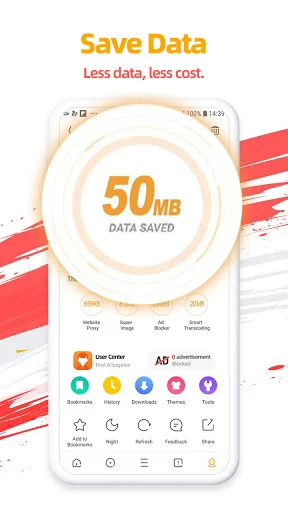
UC Browser compresses web pages and images through its cloud acceleration technology, reducing the amount of data used while browsing. Users can enable data-saving mode in the settings for optimal performance.
Conclusion
UC Browser combines raw speed, light resource usage, and smart file tools. It cuts down mobile data consumption while delivering smooth page loads. Furthermore, built-in features like video downloading and ad blocking make everyday surfing easy.In conclusion, this application satisfies every mobile browsing need with ease. It upgrades your daily web experience without slowing down your smartphone. Download the app today to enjoy fast, safe, and efficient internet access.
-
Latest Updates
-
Featured Apps