Whatsapp Beta
Social
2026-09-08
136.92MB
2.26.34.77
Android 5.0 and up
280
Screenshots
Introduction
Whatsapp Beta is a beta version of an instant messaging application. This app integrates group voice chat functionality, allowing users to communicate more reliably according to their needs. The app is completely free with no hidden fees. It also helps users securely share content, seamlessly sharing multimedia with encrypted protection. The app has also added AI functionality, allowing users to create their own graphics. In addition, it features a powerful synchronization function, enabling users to share devices with others, manage contacts, and achieve a better user experience.
Features
Group Audio Chat Integration
Group Voice Calling offers an exciting and user-friendly experience while embedding “Audio Chat” with it. It works similar to Discord Voice Chats, Twitter Space, etc. It helps the users to communicate reliably in groups according to their convenience and enjoy more flexible chatting.
Free of Cost
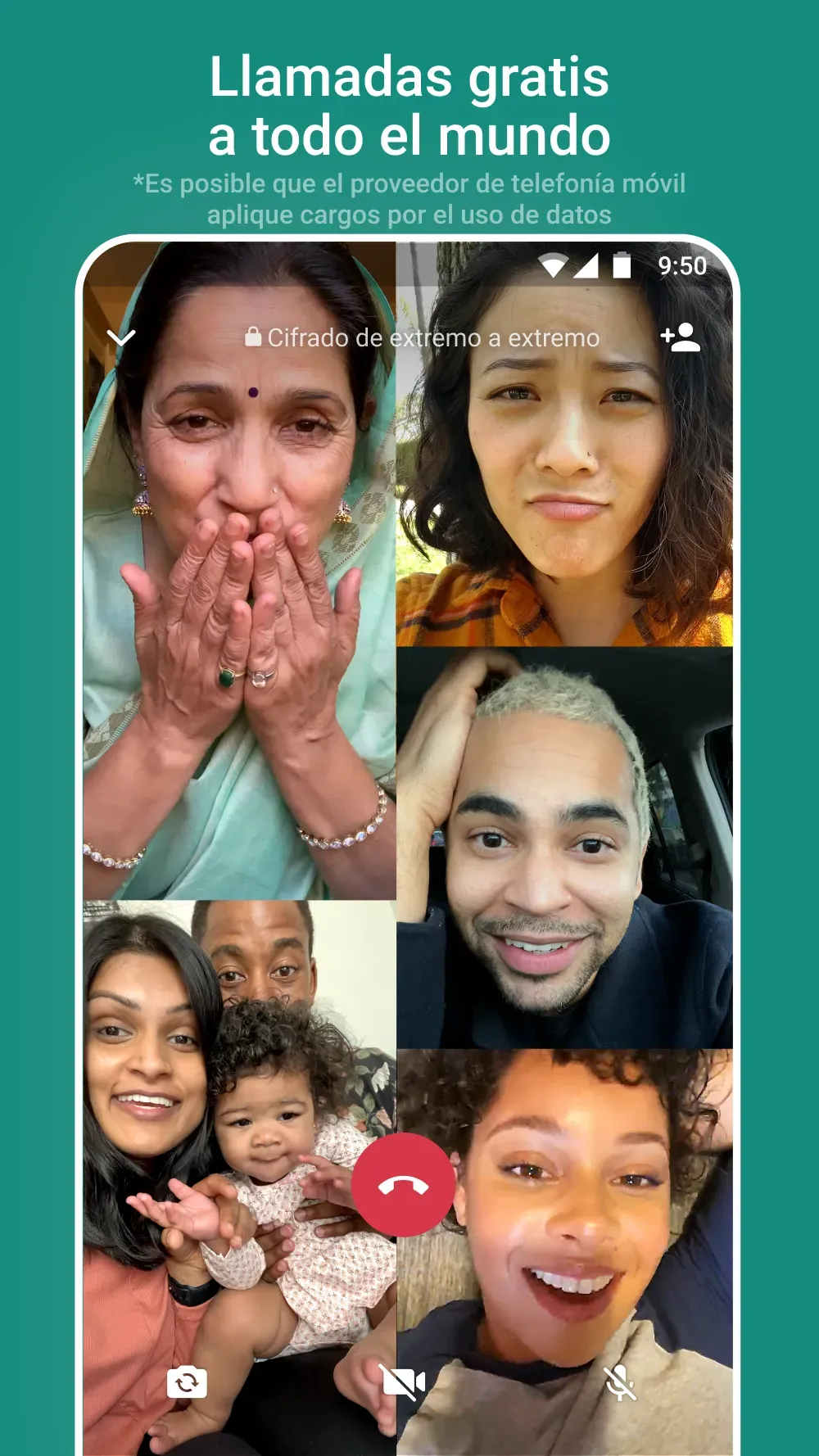
It is completely free of charge and does not have any hidden charges. It uses an Internet connection i.e. Wi-Fi, 2G, 3G, 4G, or EDGE to connect you with the entire world. You can conduct audio/video calls, send unlimited messages daily, and share your content.
Seamless Multimedia Sharing
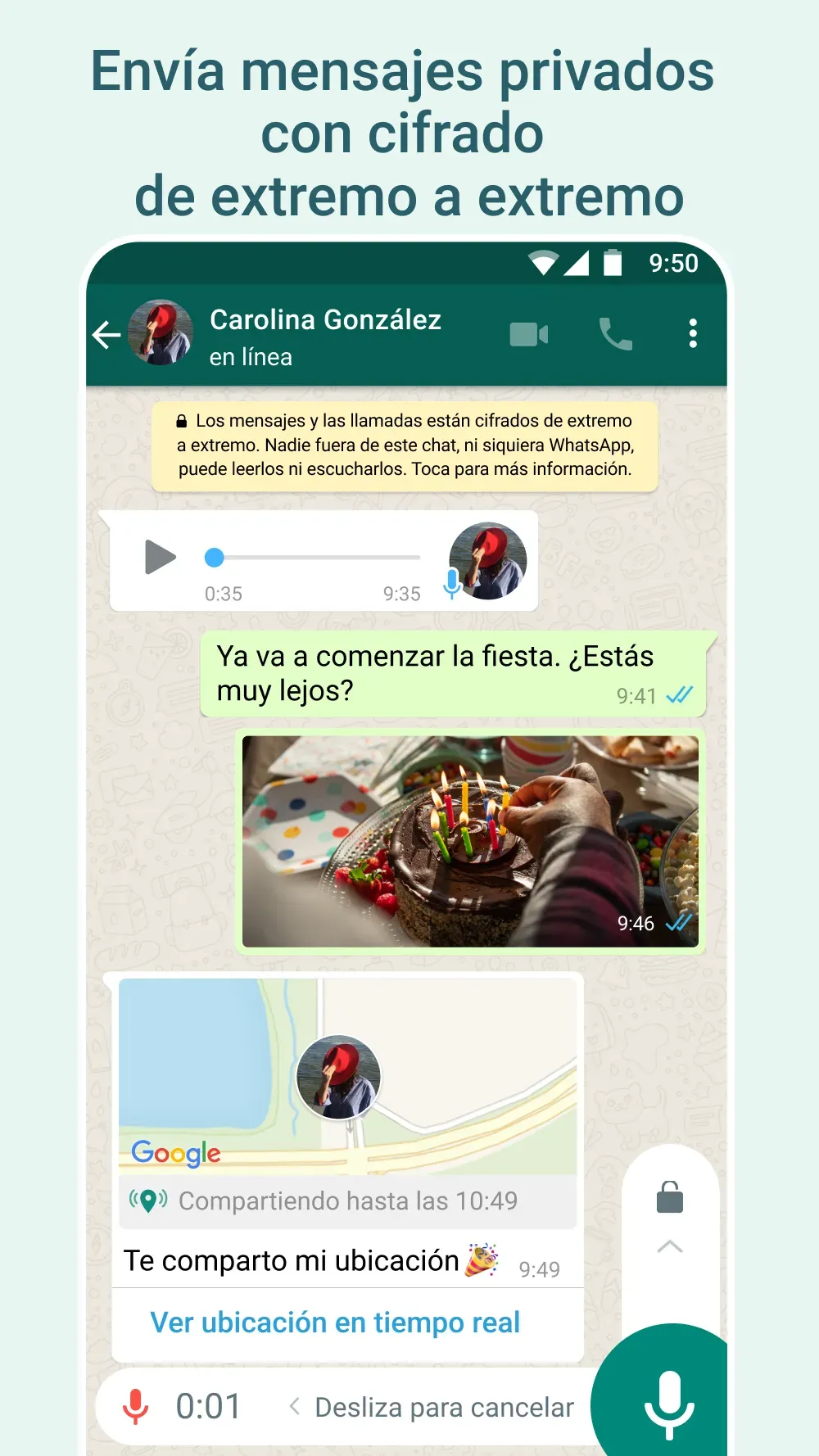
Earlier, it was a difficult task to share the content quickly and securely. We have to face a lot of irritation for the purpose. But, now in the digital era, especially Whatsapp has fixed the issue while offering an innovative and seamless sharing process. It is an encrypted platform where you can send and receive your photos, images, videos, voice notes, and other critical documents with ease.
High-quality Calls
The new Beta Android version of Whatsapp has launched MLow codec to offer an improved calling experience with improved voice and noise cancellation. It is cool and reliable as it helps you to make reliable calls even in noisy environments. Likewise, video calls are faster, and with high resolution, the voice is crisper even in low internet connectivity, or a low-end device.
Whatsapp Web
The integration with your web browser allows you to use your Windows PC for sending and receiving messages and sharing your multimedia content with the help of keyboard shortcuts and mouse movements.
Simple Registration Process
You need not of bothering to enter your username, or PIN to register your account, as the app requires only your phone number, and sends an SMS to verify your account.
Highlights
Test new features before they are released to everyone.
Send and receive messages, photos, videos, and documents.
Make voice and video calls for free with an internet connection.
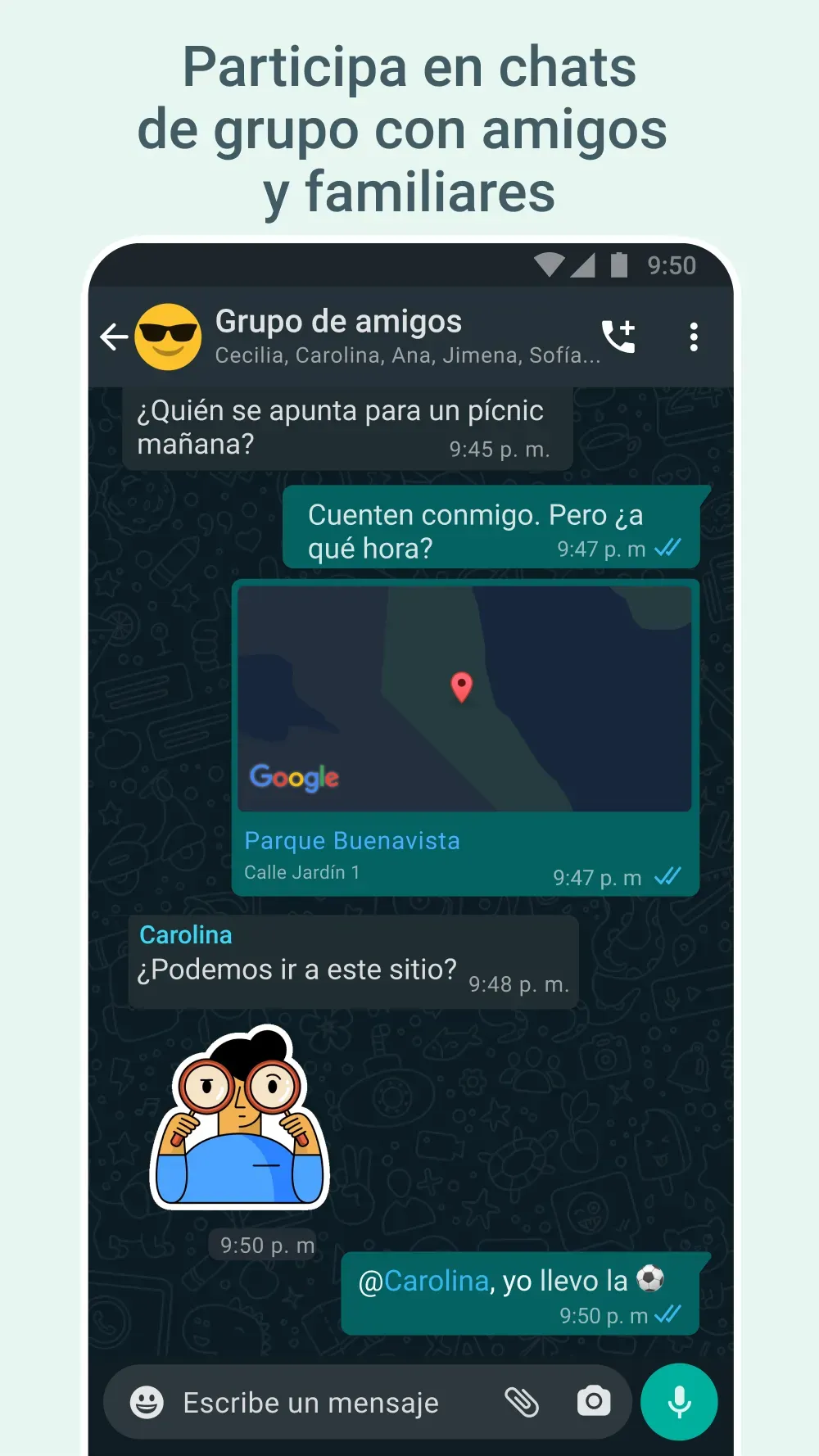
Create group chats to communicate with multiple people at once.
Pros and Cons
Pros
Early access to new features: Users can try out the latest updates before they are released to everyone.
Provide feedback: Beta testers can give their thoughts and help improve the app by reporting bugs or suggesting improvements.
Free to use: There is no cost to joining WhatsApp Beta for Android users.
Cons
May have bugs: Since it’s a test version, there might be errors or problems in the app.
Less stable: It could crash more often than the regular WhatsApp app.
FAQs
What is WhatsApp Beta APK?
WhatsApp Beta APK is a test version of the WhatsApp app. It lets users try new features before they’re available to everyone.
How can I get WhatsApp Beta APK?
You can download it from our websites.
Conclusion
The WhatsApp Beta APK is a unique version of the popular messaging app that allows users to test out new features before they are officially released. This can be thrilling for those who enjoy being the first to try out and provide feedback on upcoming updates.It is crucial to remember that beta versions might have bugs or problems as they are still being tested. If you download and install this version, do it carefully and remember that your experience may not always be smooth. Being a beta tester can improve your WhatsApp experience by giving you early access and contributing to the app’s overall improvement for all users.
-
Latest Updates
-
Featured Apps