Google Play Services
Social
2026-09-10
151.51MB
26.31.61040400-9
Android
350
Screenshots
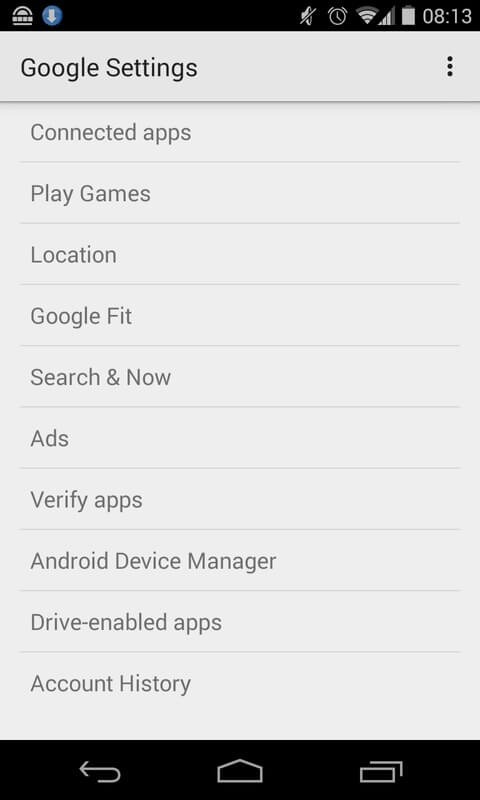
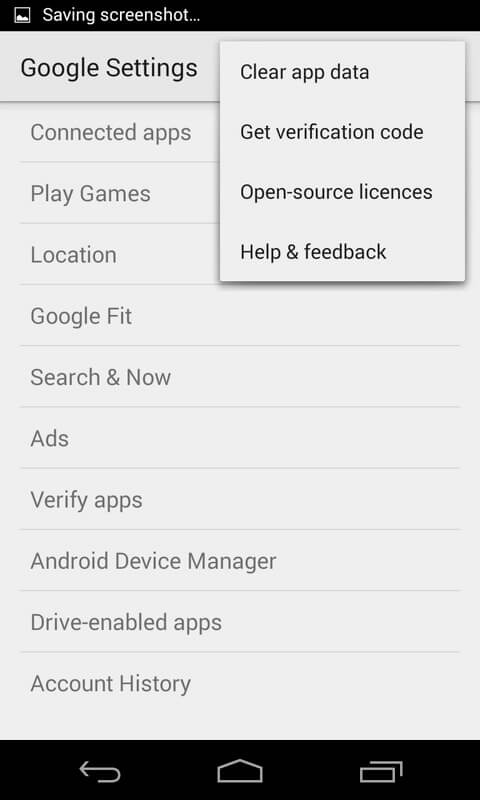
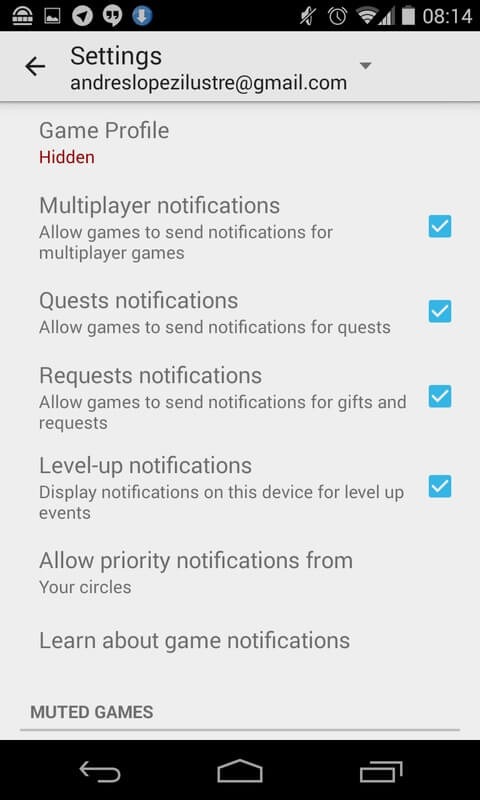
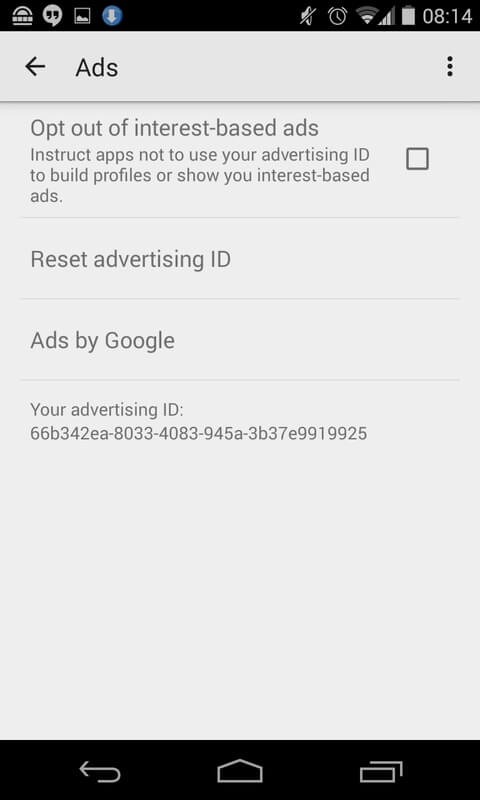
Introduction
Google Play Services is a system component application for Android. This application provides the basic Google services framework for users' devices, ensuring reliable access to Google accounts and services. Cross-device data synchronization ensures that user information remains consistent and up-to-date across all Android devices. It simplifies user management and access processes. Additionally, it offers high-quality, low-power advanced location services and enhanced privacy protection for user data security. It increases user transparency and control over their digital footprint, resulting in a better user experience.
Features
Core Authentication Services
This crucial component provides the underlying framework for authenticating your Google services across your device. It manages secure sign-ins, allowing you to access your Google accounts and services reliably, ensuring a consistent and protected user experience without constant re-entry of credentials.
Synchronized Data Across Devices
Beyond just authentication, this service plays a key role in maintaining synchronized contacts and other essential user data. It ensures that your information, such as your contact list, remains consistent and up-to-date across all your connected Android devices, simplifying management and access.
Advanced Location Capabilities
For applications requiring location data, this powerful tool delivers high-quality, lower-powered location-based services. It refines your device’s ability to pinpoint its position accurately and efficiently, making navigation, ride-sharing, and location-aware apps more precise while conserving battery life.
Enhanced User Privacy
Keeping your data secure is paramount, and this essential service provides access to all the latest user privacy settings. It empowers you to manage and control how your information is used by various applications, giving you greater transparency and command over your digital footprint.
Usage
Open Settings on your device, go to Apps, choose See all apps, then select the three-dot menu to Show system apps. Find and tap Google Play services.
If it is disabled, tap Enable. Review Permissions and allow items your apps rely on, such as Location and Contacts. After this, return to the home screen.
Download Google Play services APK latest version , then install the update. This resolves most “update required” prompts and compatibility errors.
If problems persist, go back to Settings, open Google Play services, choose Storage and cache, and tap Clear cache. Then restart your phone so the changes take effect.
Open a few dependent apps and confirm sign-in, maps, and notifications work.
Pros and Cons
Pros
Regular Updates
You’ll get notified about the latest version of your list of available apps. With a single click, you can update all the applications and get a detailed data usage summary.
Fix the Errors
If any apps face any issues or have bugs, the Play Services will force stop the application. Also, you can report the problems to the developers through Play Services.
Fast Processing
Your device will get a boost after you update all the applications. The operational performance and refresh rate will also be higher than before.
Cons
Consume more Data
It will surely consume a lot of data, and we suggest you do all the updates with your WiFi data.
FAQs
What is the primary function of Google Play services?
Its primary function is to update Google apps and other applications from Google Play, while also providing core functionalities like authentication, synchronized contacts, and enhanced location services.
Can I uninstall Google Play services from my device?
No, it is not recommended to uninstall this crucial component. Many apps and core system functions rely on Google Play services, and uninstalling it can lead to severe instability and make numerous applications unusable.
Does this service consume a lot of battery?
Google Play services is designed to be highly optimized for efficiency. While it runs in the background, it is engineered for low-power consumption, ensuring that its vital functions do not excessively drain your device’s battery.
Conclusion
Download the Google Play services APK and always keep this system app, which is essential for the proper functioning of your device, up to date. This will ensure you can enjoy the latest features, the highest level of security and maximum compatibility.