Theme Park
Personalization
2026-10-12
40.60MB
1.1.02.2
Android 9.0 and up
323
Screenshots
Introduction
Theme Park is a customization tool designed specifically for Samsung smartphone users, offering a wide range of themes, icon packs, and widgets. The app provides an extensive collection of wallpapers; users can select their favorites or utilize customization features to create their own unique wallpapers. Additionally, users can replace app icons to personalize their home screen, edit the status bar, and add widgets to the home screen, making daily device usage more convenient and efficient.
Features:
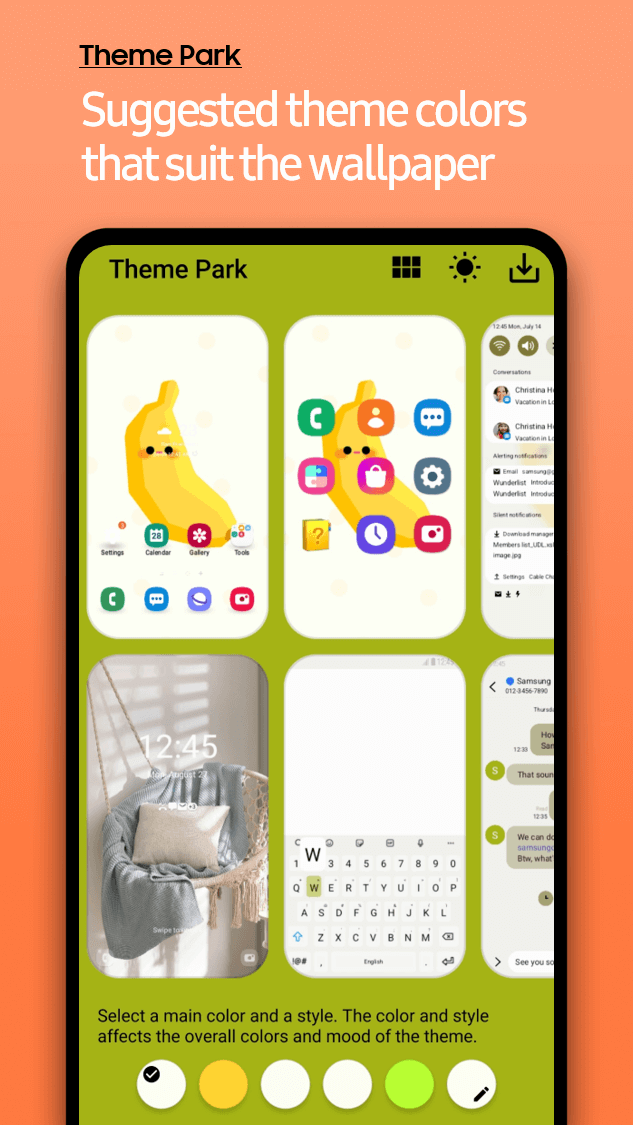
Wallpaper color extraction with live previews
Theme Park automatically pulls dominant colors from the current wallpaper and builds a matching palette. You can switch between light and dark options and see results in real time. This preview flow helps you adjust tones before applying them to the device.
Icon customization and pack support
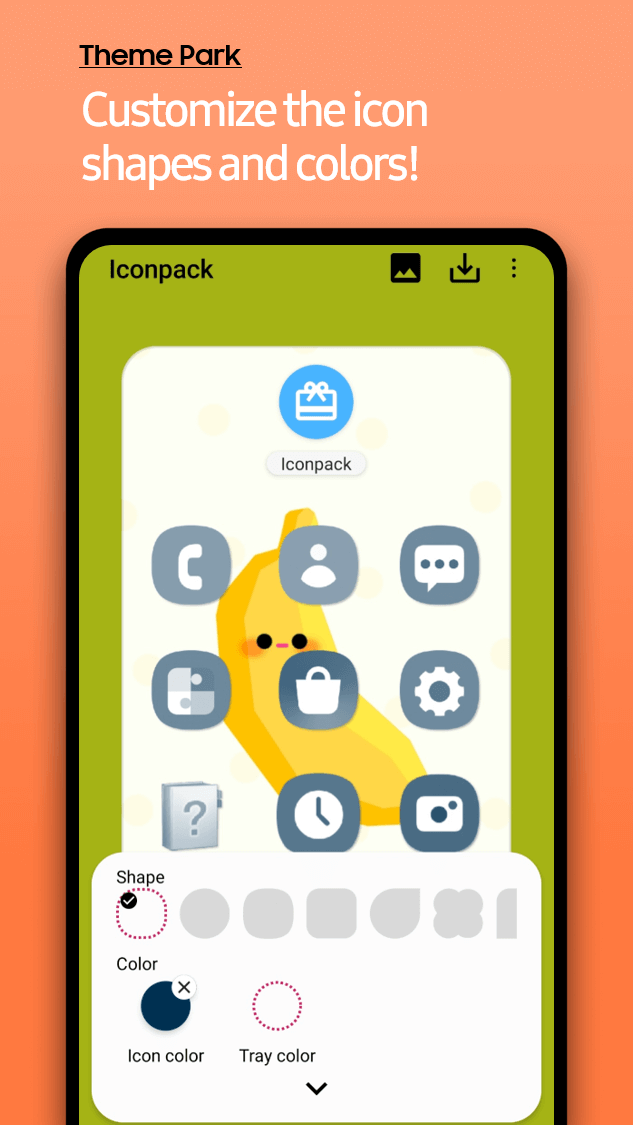
You can change icon shape, apply effects, or use supported icon packs from the Galaxy Themes Store for a consistent app grid. Effects like Film Grain, Duotone, Glass, and Gradient add visual variety without manual image editing. After setting icons, the rest of the interface stays aligned with the chosen colors.
Per‑app theming control
Theme Park lets you choose which apps receive the theme so your layout stays predictable. This control is useful if some apps do not display themes as expected or if you prefer to keep a few apps unchanged. The result is a more precise setup that matches your daily use.
Quick panel and keyboard theming
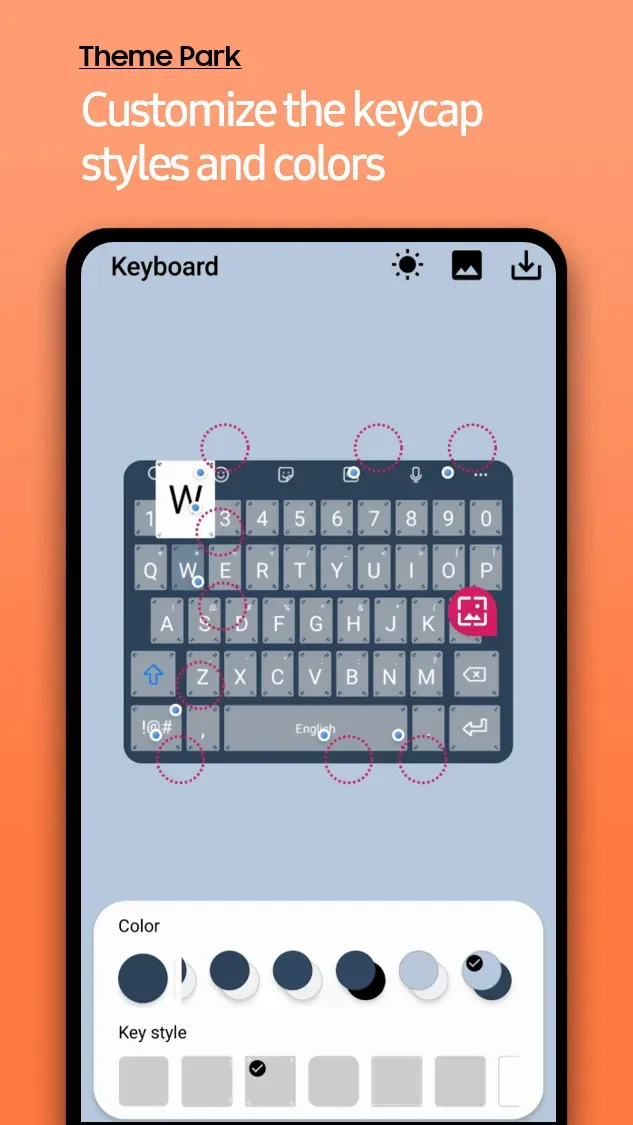
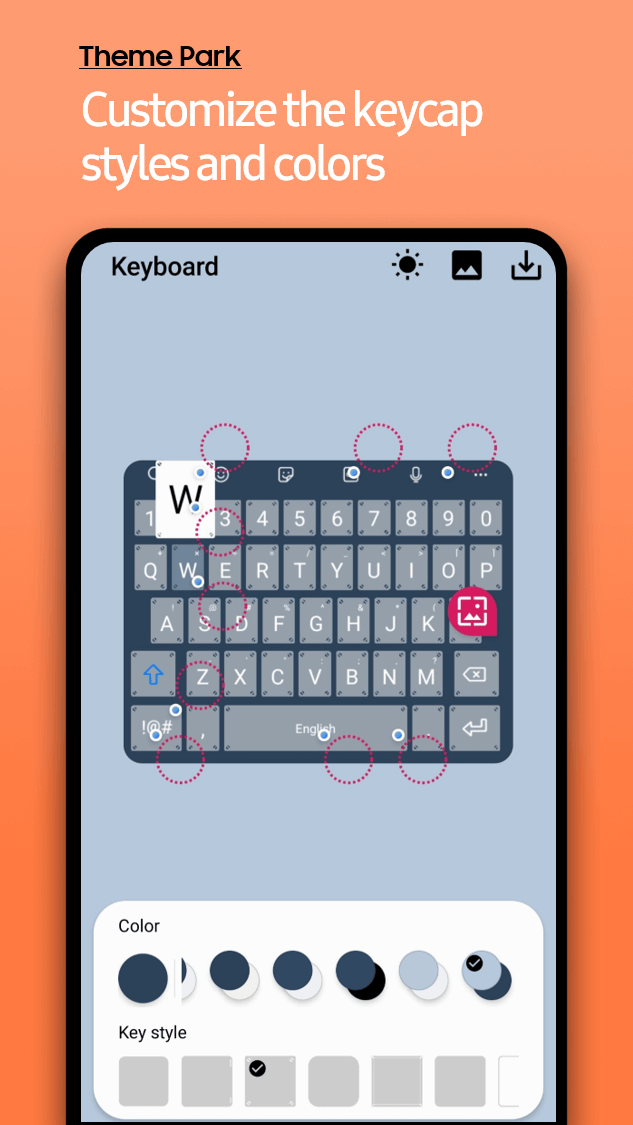
Beyond icons and colors, you can theme quick panel parts to keep fast settings consistent with the palette. If KeysCafe is installed, keyboard color and keycaps can be managed separately for added cohesion while typing. These options give you granular control over frequently used interface areas.
Tablet and foldable support
Theme Park includes landscape previews that help tablet and foldable users check how themes look in wider layouts. You can review the theme in an intuitive preview before applying it so the final result matches your preferred orientation.
Highlights:
Create own Themes
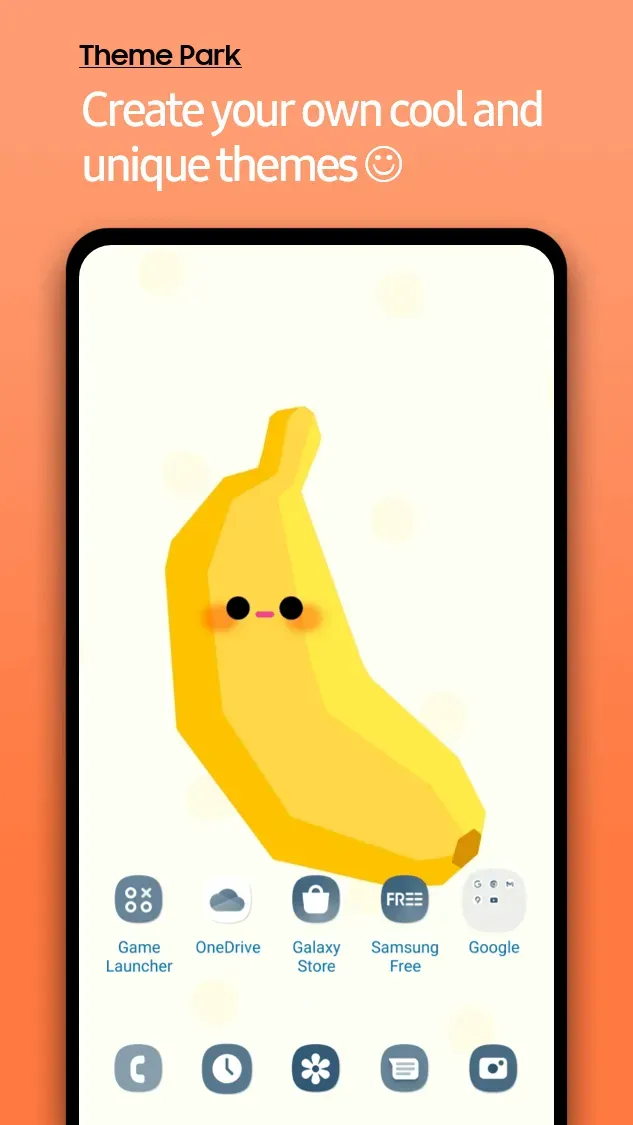
The app lets you create your own themes and has a list of over hundreds of free themes. You can download and apply these themes on your device or use the templates to modify the minor changes according to your needs.
Find Live Wallpapers
It has a collection of many live wallpapers that you can set on your wallpaper or Lock Screen. If you have any wallpaper, you can upload the images to the library to help others.
Edit Status Bar
The status bar is now available for customization, and you can change the colour of icons, add extra widgets, add shortcut keys, and change the shape and size of icons on the status bar.
Customize Background
If you’re bored with the standard colours of your background frames, you can change the colours, add live wallpapers, and your custom images in the background of any app or the whole working environment.
Support Multiple Apps
It supports multiple apps that can modify and change the background settings with easy customization options. You can perform these actions on system apps and various third-party applications.
Pros and Cons:
Pros
Lets you create your own system-wide themes instead of relying only on store-bought options
Very simple interface with a single main Design New Theme button
Automatically extracts five dominant colors from your wallpaper for quick palettes
Covers many elements, including wallpapers, app icons, lock screen, fonts, and system colors
Real-time previews make it easier to refine the theme before applying it
Cons
Preview inside the app does not always match the final applied theme accurately
High-resolution wallpapers can cause crashes during theme creation
FAQs:
Q: How frequently are new icon packs and widgets added?
A: It boasts a super-fast update speed, with regular icon packs and widget additions. Stay tuned for fresh and exciting customization options!
Q: Can I mix and match different icon packs and widgets?
A: Absolutely! It is designed to be versatile, allowing users to mix and match different icon packs and widgets to create a truly unique home screen.
Conclusion:
Theme Park Apk is an all-in-one tool to find themes, icon packs, and other modules for your Samsung Devices. This app has various additional benefits, including Live Wallpapers, Launchers, and UI assistants. It doesn’t need any root access to perform the tweaks, and you can use this application on any Samsung device you want.
-
Latest Updates
-
Featured Apps