Kika Keyboard
Personalization
2026-10-09
20.52MB
13.1.0.20200227
Android
579
Screenshots
Introduction
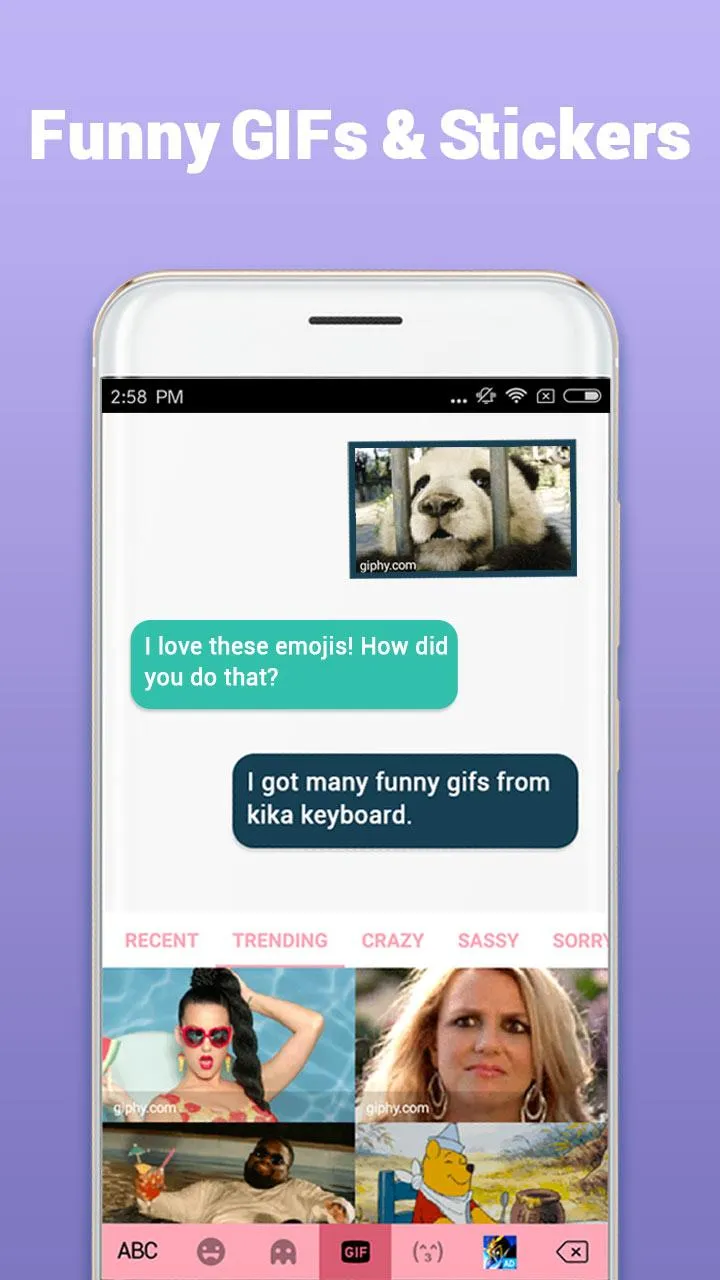
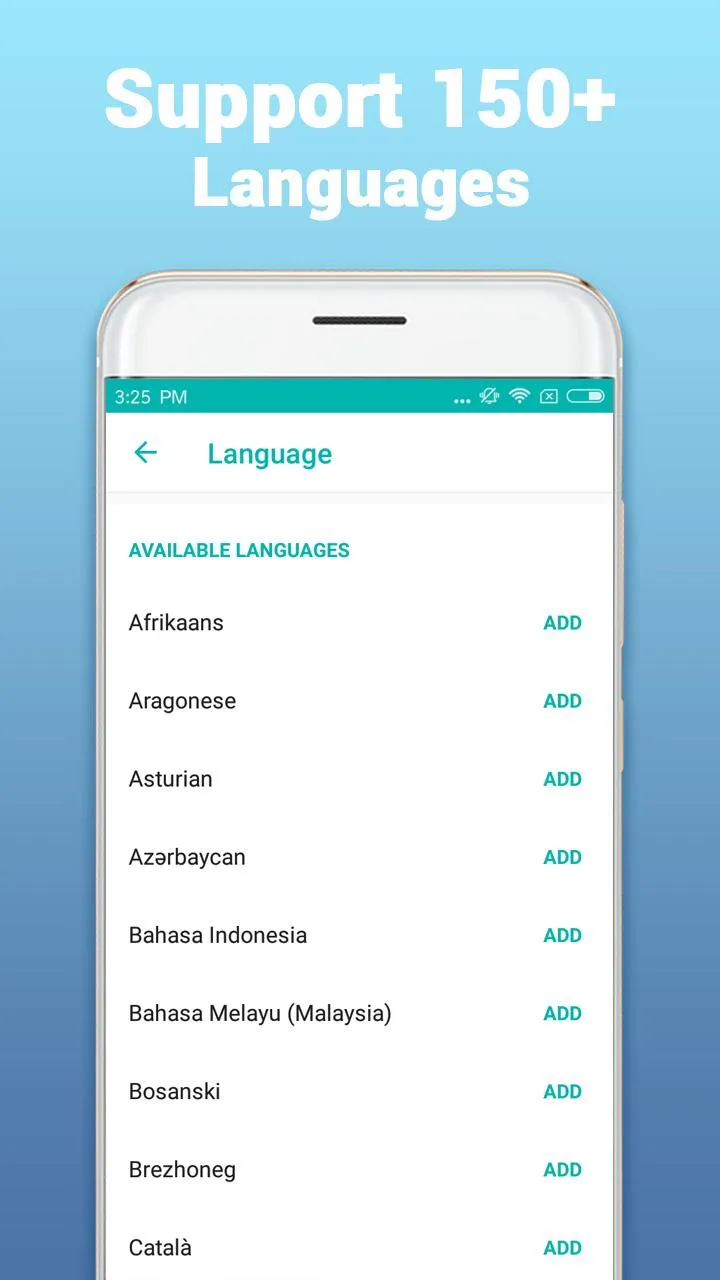
Kika Keyboard is a highly powerful keyboard app. It offers a wide range of themes that users can select directly, or—if none of the presets appeal to them—customize to create a unique, personalized keyboard. The app also features an extensive collection of emojis and GIFs, catering to the vast majority of user needs across various situations. Supporting 150 languages, it is accessible to users around the globe. Additionally, it supports voice and gesture input, making typing messages faster and more convenient.
Features:
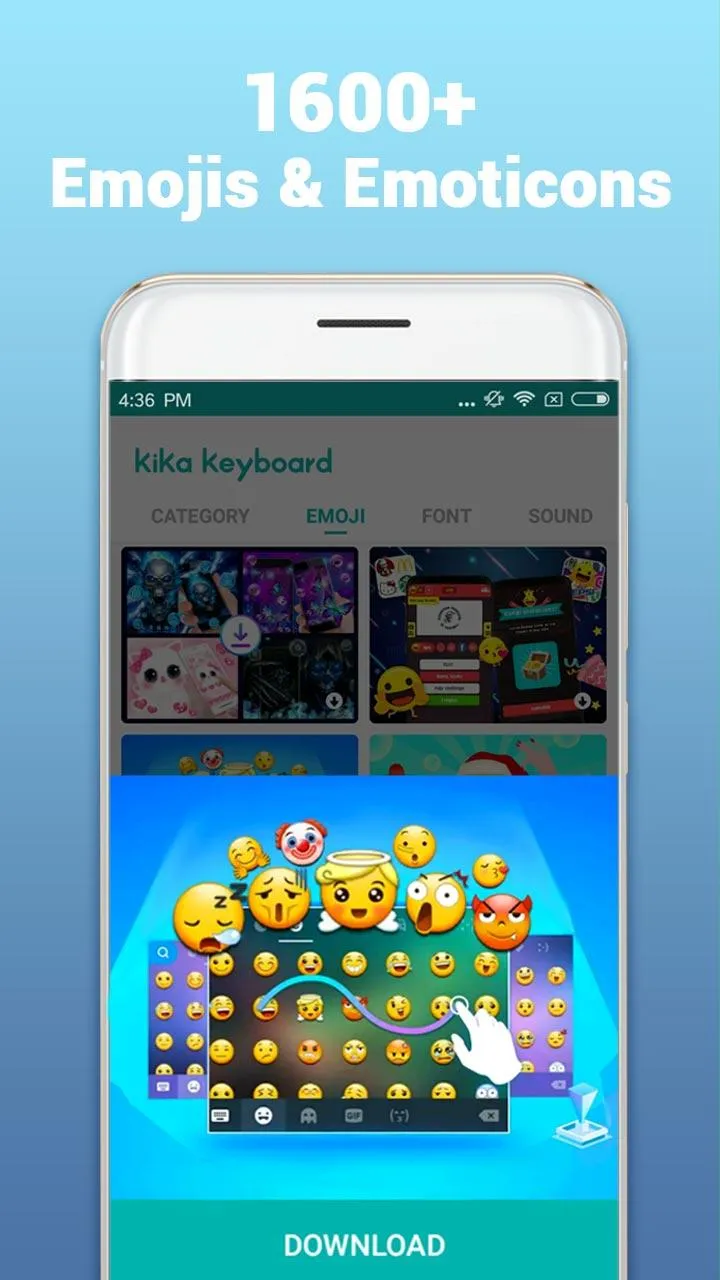
An ever growing library of FREE emoji and funny gifs for Messenger, Snapchat, WhatsApp, Facebook, Twitter, WeChat, Instagram, Line, Kik, Imo, Telegram, Yahoo SMS and other social media messengers. Available across all major OS and smart devices.
Easy voice type on the go with Voice Board.
Smart stickers pop-up to help you express yourself quickly.
Hundreds of keyboard themes available to suit your style.
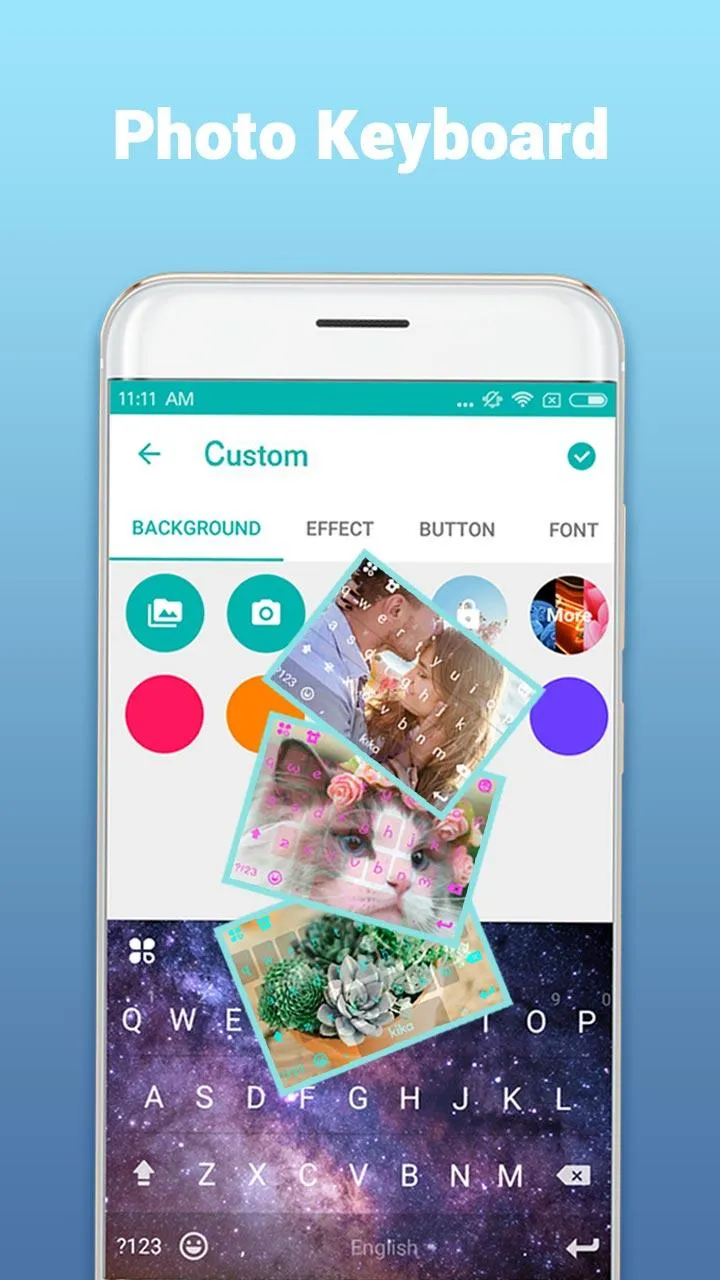
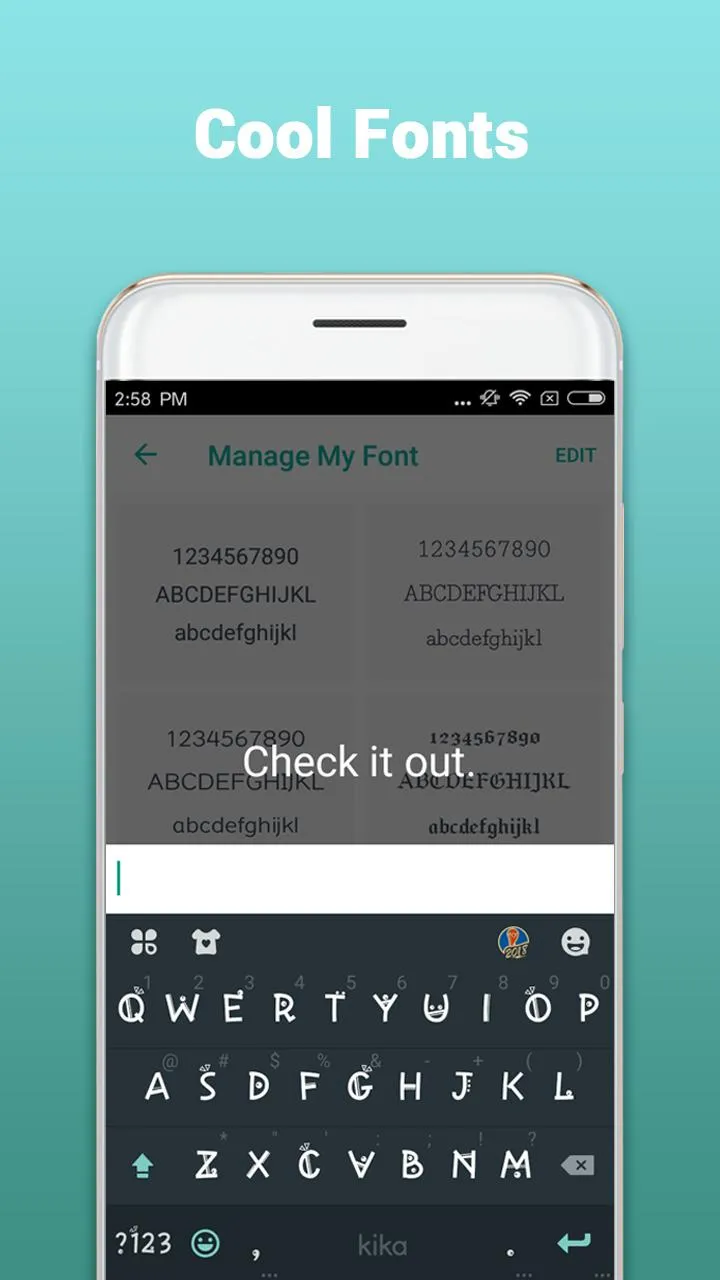
Custom keyboard theme by choosing your own photos, wallpapers, emoji wallpaper. You can also change the theme colors, customize the font style, fonts size and colors!
Customizable layout (one-hand mode and split screen) to completely suit your needs. QWERTY, QWERTZ and AZERTY for phone mode and other layouts specifically for pad tablet.
Swipe to type messages single handedly on keyboard and type fast. Best keyboard with gesture typing, smooth swipe to type functionality(slide your finger to type), voice typing input technology.
Ultra-intelligent predictive text/autocorrect feature auto-completes the words you are typing and offers you accurate next-word prediction. Kika keyboard is the most fun, customizable way to type across samsung galaxy, huawei, honor, ZTE, LGE etc all the devices.
Highlights:
Selecting a keyboard on Kika Keyboard is very simple. All you have to do is open the app and swipe through the options, of which there are more than 3,000. But that's not all! You can also add tons of emoji to your keyboard, which you can then share with your friends and family.
Again, using Kika Keyboard couldn't be easier. If you're interested in one of the keyboards you see, just tap to apply it. If you want, you can also customize the color, the font, and the sound of the keys. You can even swap the keyboard's background with any image you have saved to your smartphone's gallery.
Pros and Cons:
Pros
Extensive theme, font, color, and photo-background controls
Built-in emoji, kaomoji, stickers, and GIFs
Gesture typing, voice input, and adjustable layouts
Support for more than 150 languages
Cons
Users report inaccurate swipe and word predictions
Emoji suggestions can clutter the prediction bar
Reports of frequent ads and stuck key popups
FAQs:
Q: Can I create my keyboard theme in it?
A: It allows you to create custom keyboard themes, giving you complete control over your keyboard's appearance.
Q: Are the emojis and GIFs in this app regularly updated?
A: The app frequently updates its emoji and GIF library to keep users updated with the latest trends.
Q: Does it support gesture typing?
A: This app offers swipe typing, making it quicker and easier to type messages.
Q: Can I switch between languages easily in it?
A: This app supports multilingual typing; you can effortlessly switch between languages with a simple tap.
Q: Does it require an internet connection to function?
A: It can be used offline, allowing you to type without an internet connection. However, certain features, like downloading themes, may require an internet connection.
Conclusion:
If you want your Android keyboard to work better and, for that matter, make it more attractive and fun, the Kika Keyboard is highly recommended. Your keyboard options are impressive and the customization aspects make it an ideal choice for Android users who want a more attractive keyboard.
-
Latest Updates
-
Featured Apps