Launcher 10
Personalization
2026-10-08
35.50MB
2.8.19
Android
364
Screenshots
Introduction
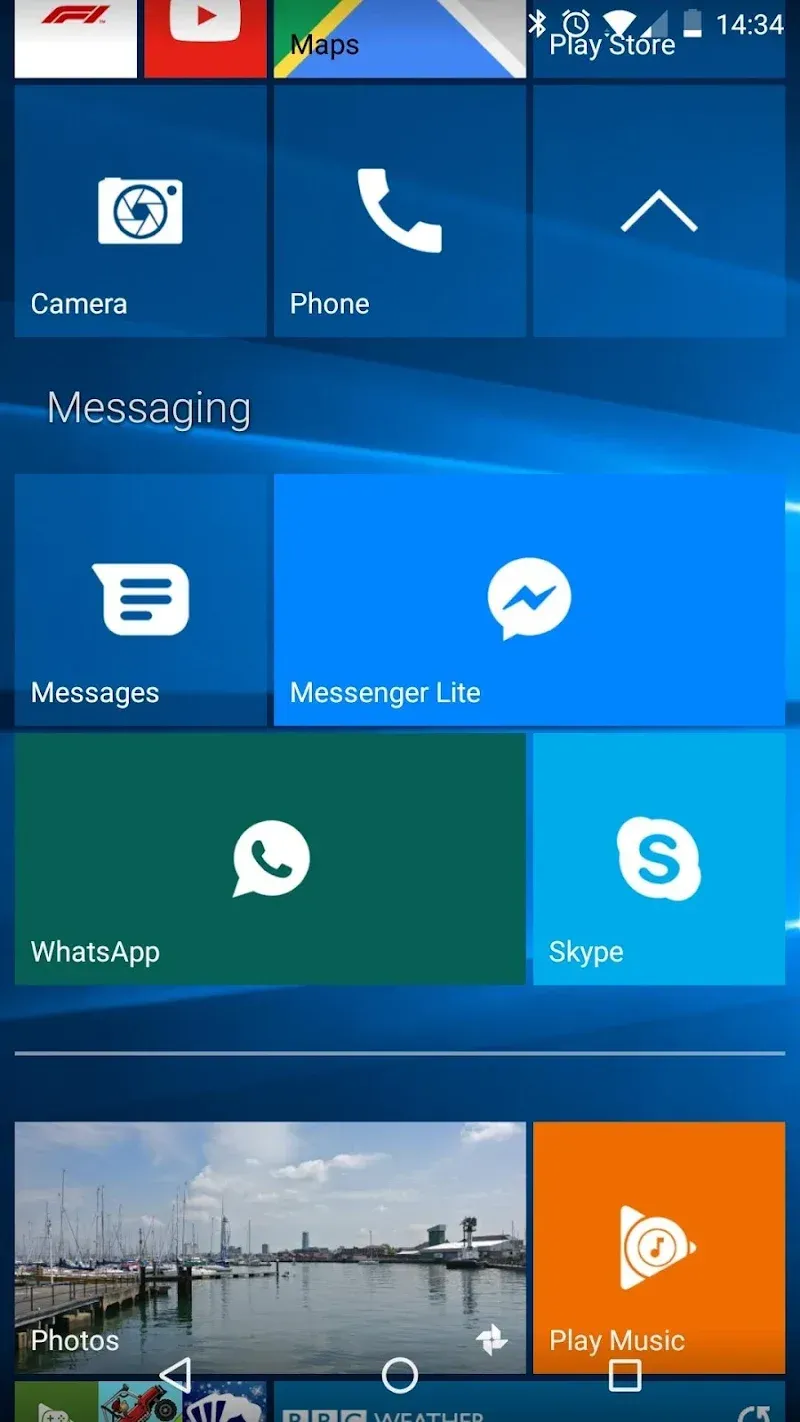
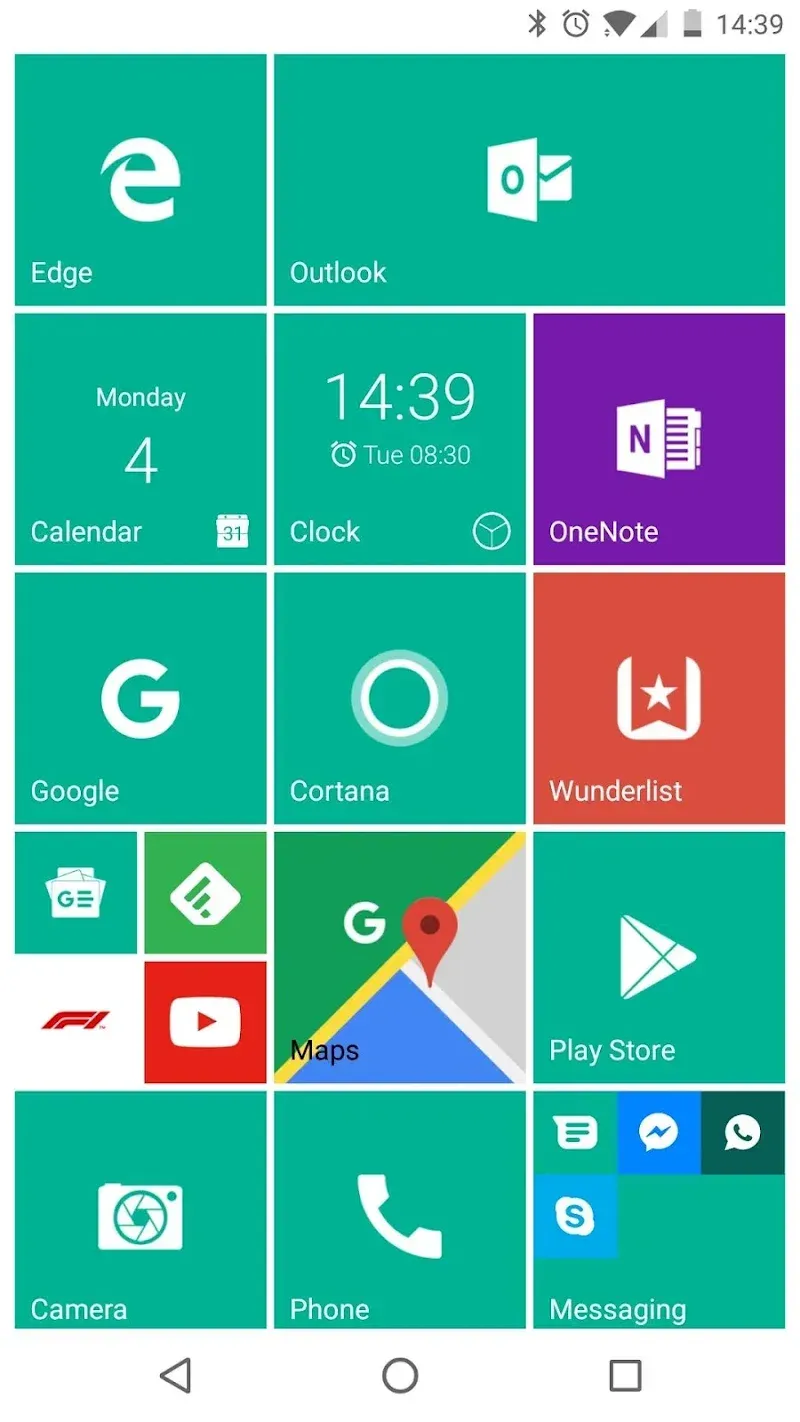
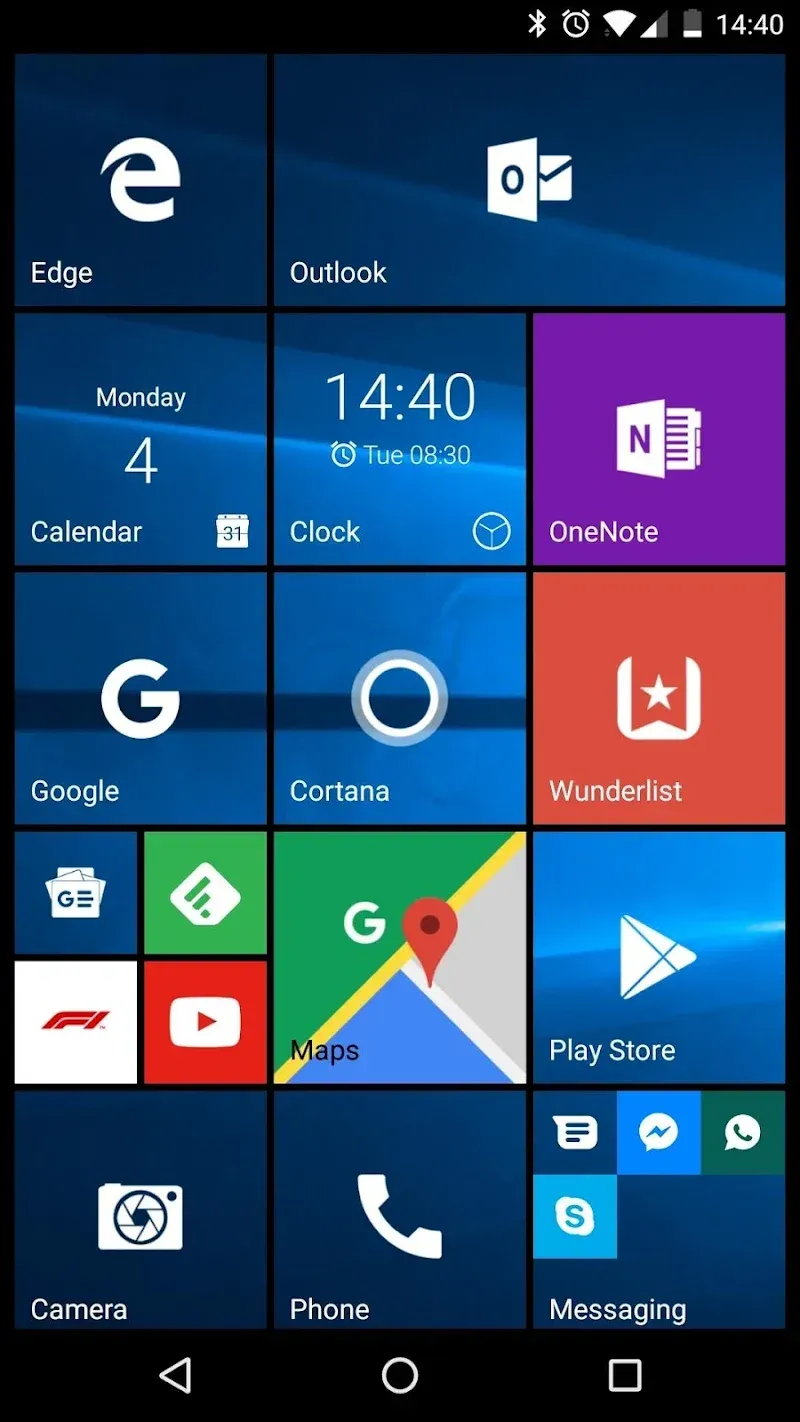
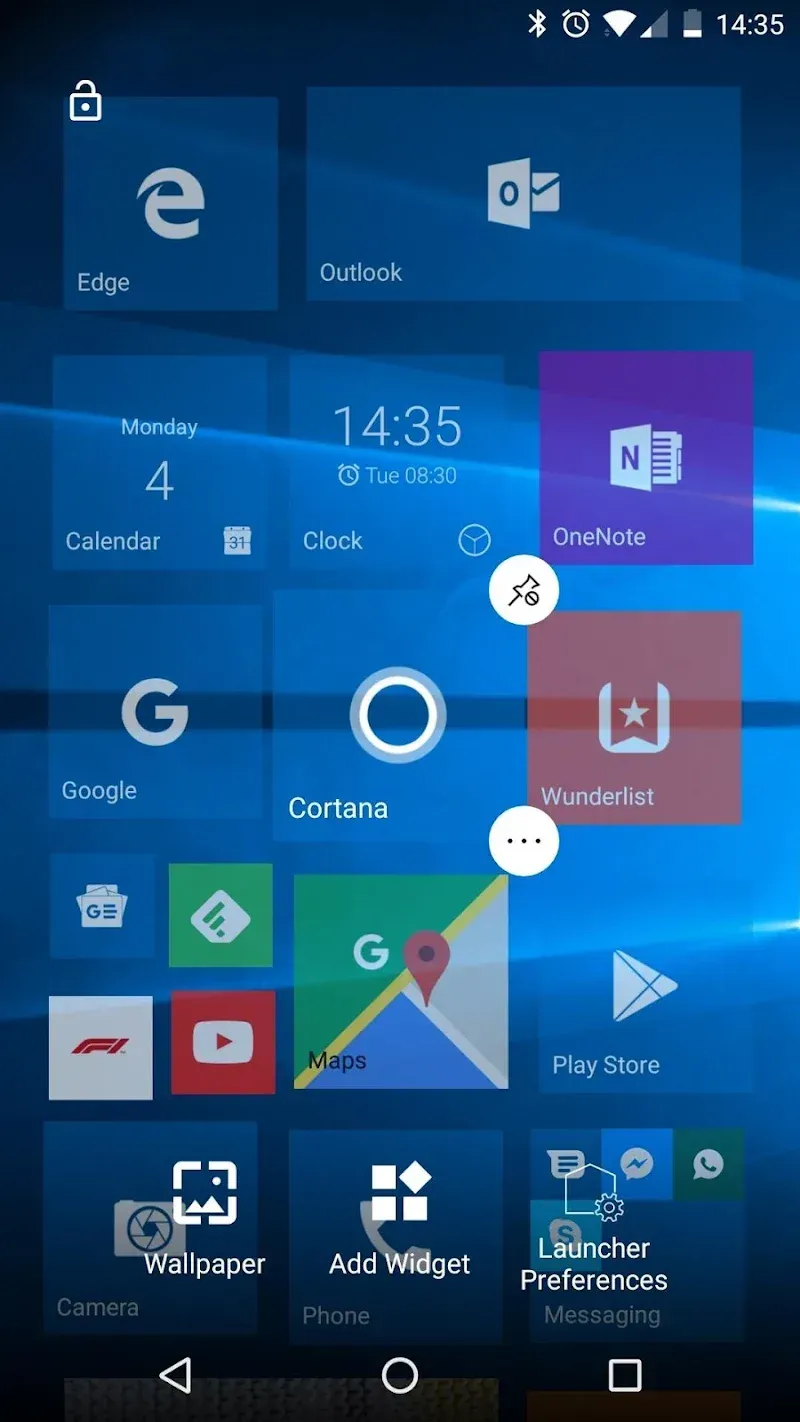
Launcher 10 is a theming tool designed for Android users, enabling them to experience the visual style and screen interactions of Windows 10 on their Android phones. The app offers a wide range of Windows 10-style features and extensive customization options, allowing users to add various widgets to their screens and arrange the layout to suit their personal preferences and usage habits. It allows users to navigate their Android interface just like Windows 10, delivering an incredibly smooth and satisfying user experience.
Features:
Live Tiles: Display notification content in tiles, providing quick access to contacts, calendar events, clock, and gallery content.
Tile Badges: Indicate the number of missed calls, unread messages, and other notifications.
Pin Apps as Tiles: Customize your home screen by pinning apps as tiles.
Widgets: Add and personalize widgets to the home screen.
Folders: Group tiles together to create a more organized layout.
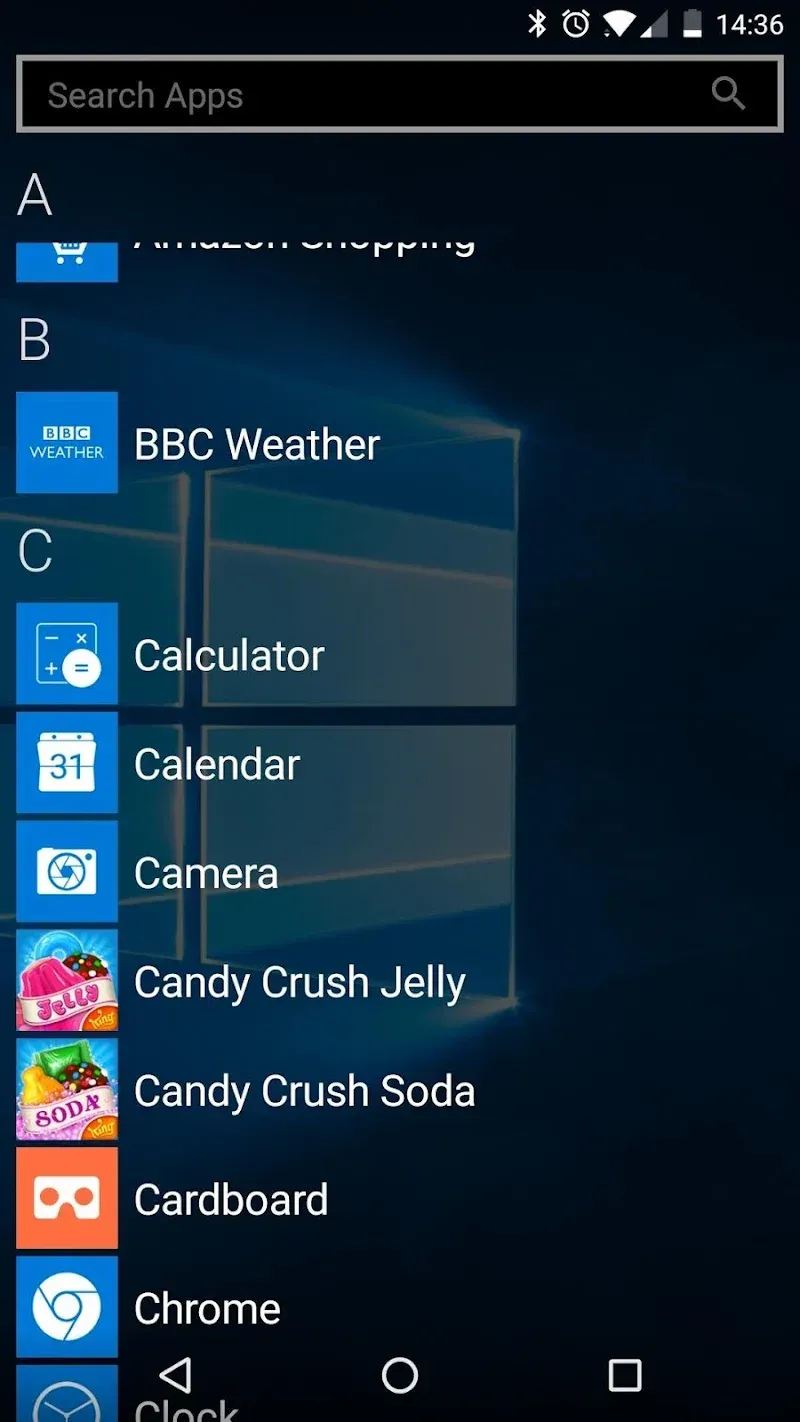
View All Installed Apps: Swipe to access the comprehensive list of installed apps.
App Search: Quickly search through the installed apps for easy access.
Recently Added Apps Section: A dedicated area to showcase recently installed applications.
Hide Apps: Conceal specific apps from the All Apps screen for enhanced privacy.
Highlights:
Pin apps as tiles: The system allows you to design a completely new interface with available apps. From there, accessing them is easier in a scientific style.
Customizable tiles: Over time, elements such as icons, backgrounds, and sizes can all be edited precisely. Combining them will create a completely new style.
Folders: The application also helps you group applications of the same genre into a suitable folder. Therefore, finding them when you use them becomes easy and saves time.
Live tiles: You will be able to see important notifications displayed accurately. Therefore, important events are often impossible to ignore because they come with dynamic tiles.
Tile badges: Instead of having to check many areas, the necessary things appear at a time. You will know unread messages, missed calls, and many other necessary things.
Custom icon packs: A powerful launcher often interacts with icon packs in many interesting ways. From there, applying new themes can be done easily over time.
Pros and Cons:
Pros
Faithful Windows 10 Mobile aesthetic and start-screen behavior
Live Tiles and notification badges provide glanceable information
Supports Android widgets pinned as tiles and third-party icon packs
Cons
Live Tiles and notification badges are gated as premium features
Enabling premium features increases battery and resource consumption
Full feature set requires Android 6.0 or higher
FAQs:
Q: Can I customize the appearance of the tiles?
A: Yes, it provides extensive customization options, allowing users to change the size, color, and appearance of the tiles.
Q: Does it consume a lot of system resources?
A: While compatible with most devices, smoother performance may be experienced on devices with better RAM and processing power.
Conclusion:
Launcher 10 is a faithful option for users who want the Windows Mobile look on Android and prefer glanceable, tile-driven access to apps. Expect stronger visual control and a regularly updated build, but account for higher battery and resource use when premium features are active.
-
Latest Updates
-
Featured Apps