Sleep Timer
Entertainment
2026-09-29
33.44MB
3.11310726
Android
527
Screenshots
Introduction
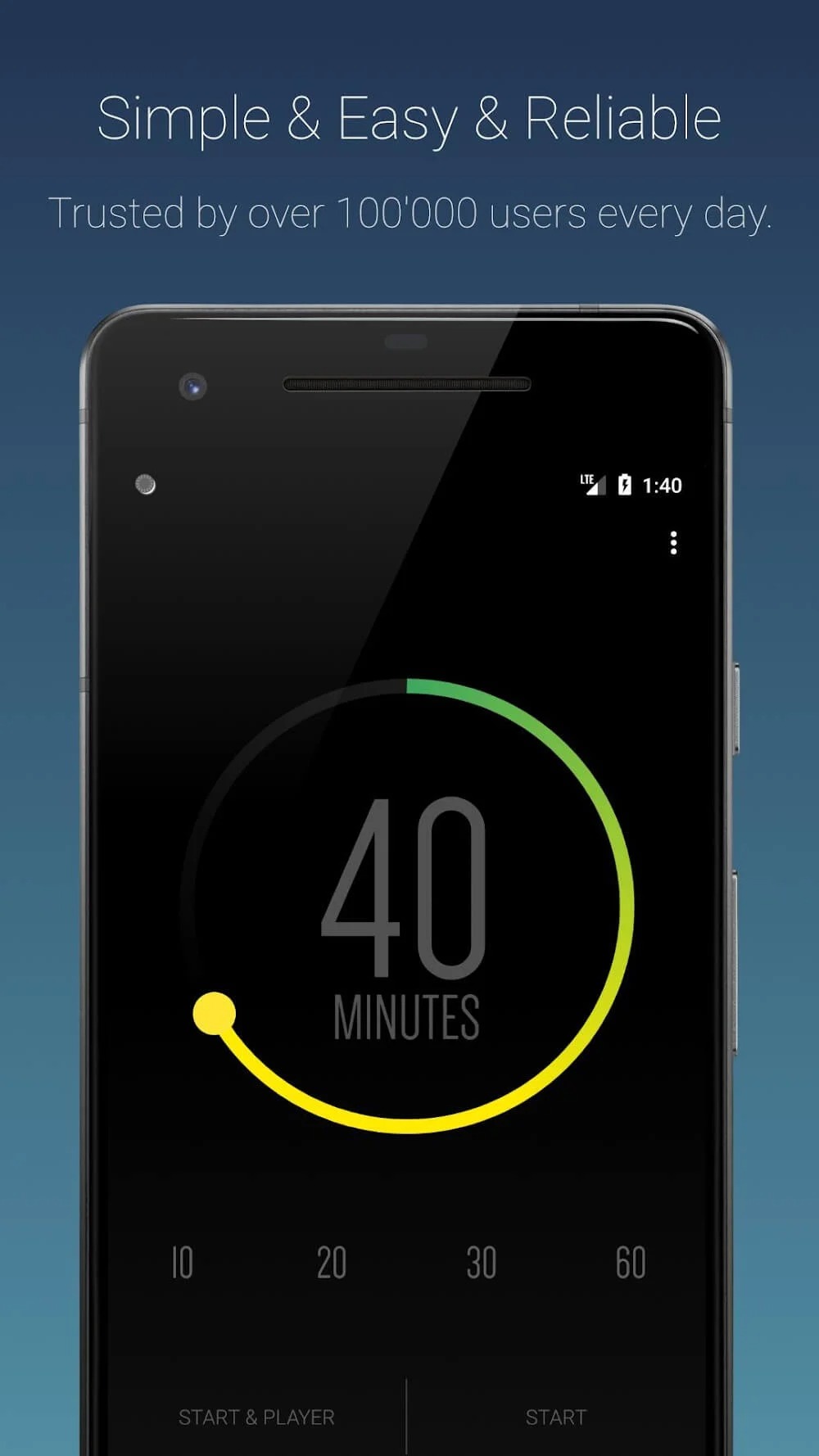
Sleep Timer is a timer app for Android. It features a user-friendly interface that is easy to navigate, with the system providing helpful prompts based on user actions. Users can customize the duration to align with their personal sleep schedules, helping to improve sleep quality and manage time effectively. The app offers robust customization options, allowing users to select their own music and notification sounds. It boasts excellent compatibility across a wide range of Android devices and minimizes unnecessary power consumption, thereby helping to conserve battery life. It is a highly practical tool.
Features:
Simple countdown timer with +/- step buttons and cancel directly from the notification (step is configurable, defaults to 5 minutes)
Shows the exact wall-clock time at which the timer will end
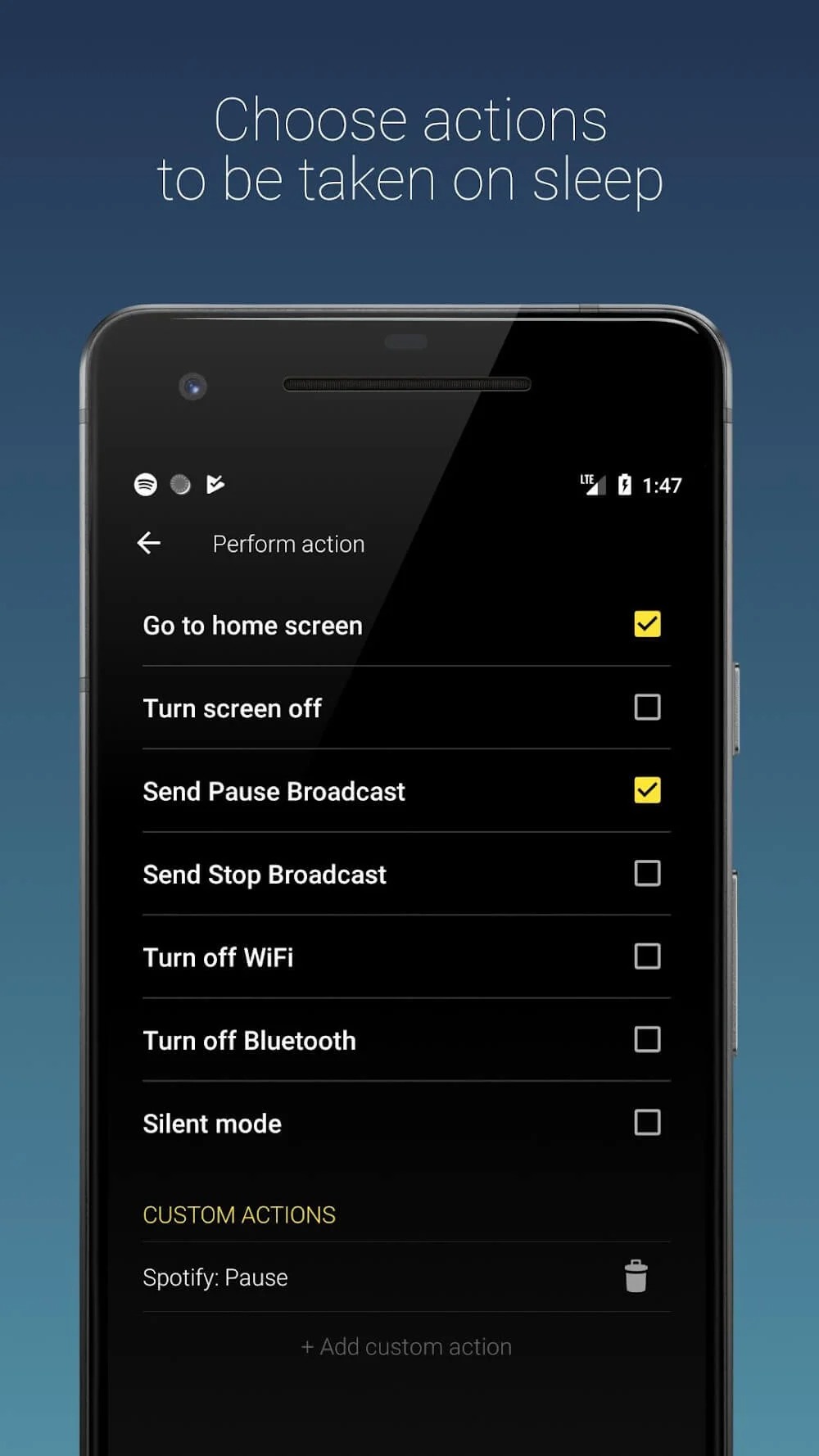
Stops audio and video playback across apps at the end of the timer
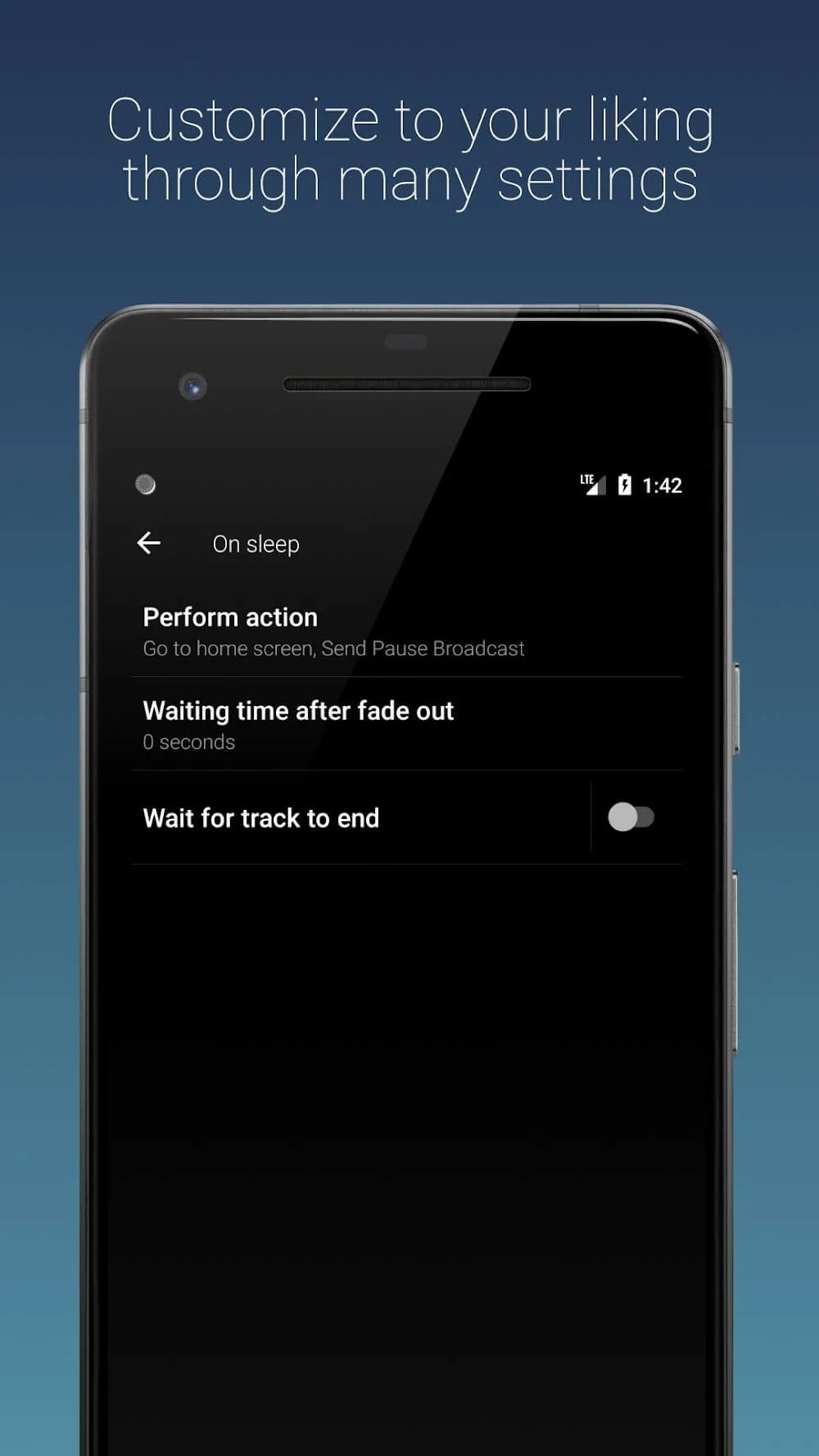
Configurable fade-out duration before playback stops
Optional screen lock when the timer ends — choose between Device Admin (standard Android lock, credential required to unlock) or Shizuku soft lock (simulates the power button, biometric unlock keeps working)
Optional Wi-Fi and Bluetooth off when the timer ends (both via Shizuku, since modern Android blocks apps from toggling these directly)
Six built-in themes (Midnight, Ocean, Ember, Light, Basic, AMOLED) with an optional drifting starfield behind the dial
Haptic feedback for timer controls (can be disabled)
Foreground service keeps the timer reliable even when the app is in the background
Highlights:
Automatically pauses music and video playback for uninterrupted sleep
Customizable timer for tailored sleep routines
Easy-to-use interface for quick setup
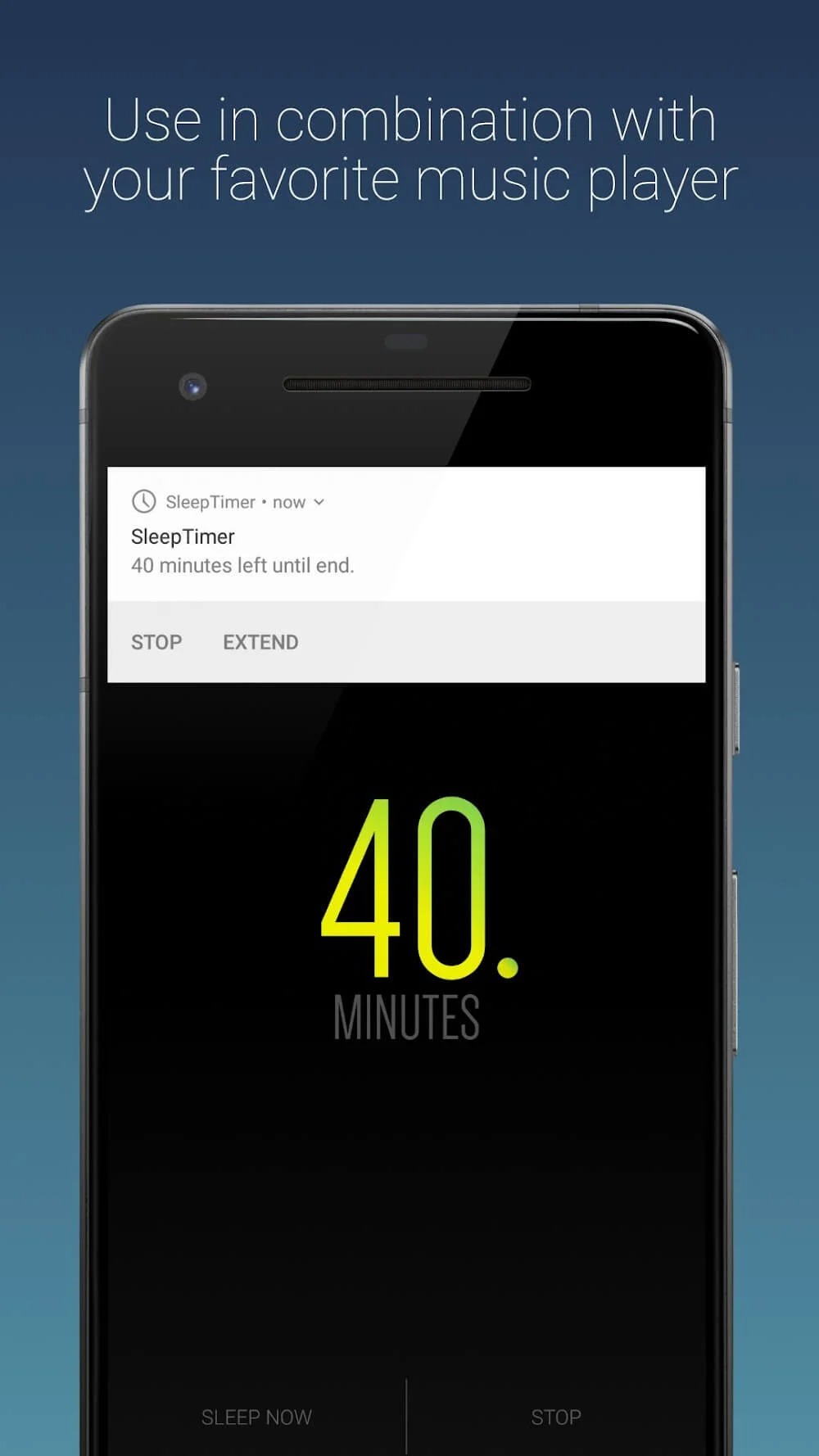
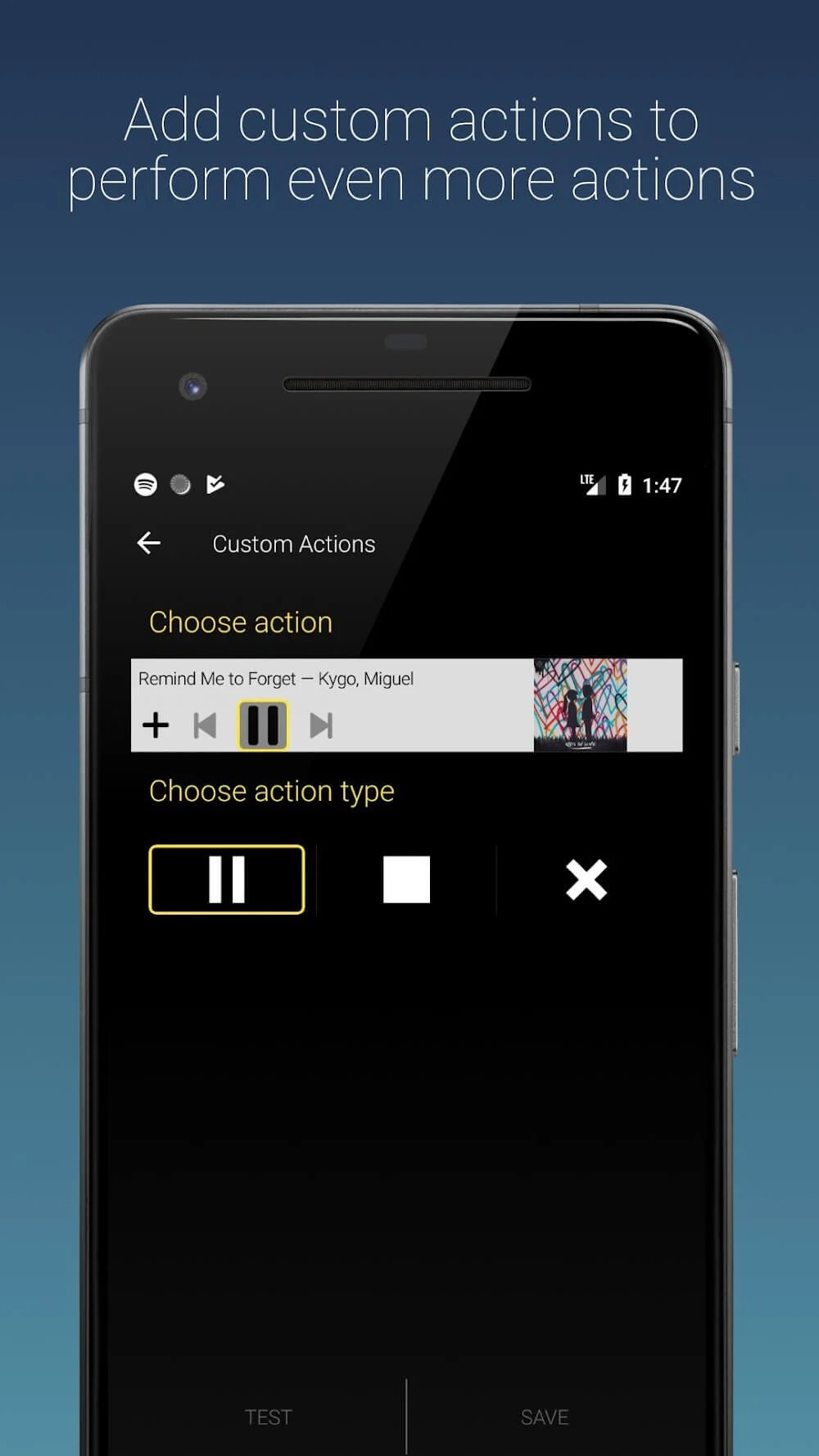
Don't leave your app and control Sleep Timer through its notification
Optional screen-off mode to minimize disruptions
WiFi and Bluetooth deactivation support for older Android versions
FAQs:
How do I set the timer?
Use the intuitive interface to select the duration and start the timer. The app will handle the rest automatically.
Will playing music all night drain my battery?
No, the app automatically stops the music to prevent the battery from draining.
Can I extend the timer without unlocking my phone?
Yes, you can shake your phone to extend the timer without unlocking it.
Advantages and disadvantages:
Pros
User-friendly interface
Saves power
Improves sleep quality
Cons
Contains ads
Conclusion:
For users looking to enhance their bedtime routine with audio or video, Sleep Timer offers a simple, convenient, and practical solution. This app not only fosters a peaceful sleep environment but also helps users manage their media habits more mindfully. It gives you effortless control over music playback—turning off the screen, muting the audio, and more—allowing you to drift off to sleep while enjoying your favorite music and videos. Download it today and sleep better!
-
Latest Updates
-
Featured Apps