Simple Launcher
Personalization
2026-08-13
21.92MB
3.2.3
Android
239
Screenshots
Introduction
Simple Launcher is a launcher for Android devices. This app boasts extremely smooth performance, helping users quickly open various applications. It's also incredibly lightweight, consuming minimal memory and power, allowing for extended use and improving battery life. Furthermore, the app supports widgets, which users can place on their home screen for convenient daily use.
Features:
Fast, smooth performance
Simple Launcher keeps animations light and actions quick so apps open without delay. The lightweight design helps reduce battery use during daily navigation. You get a responsive home screen that does not slow down as you add shortcuts or widgets.
Privacy-first operation
The launcher runs offline and does not collect personal data. It shows no ads and avoids unnecessary permissions, which reduces background activity and interruptions. As a result, you can use your phone without tracking concerns while keeping control of what the launcher can access.
Flexible look and layout
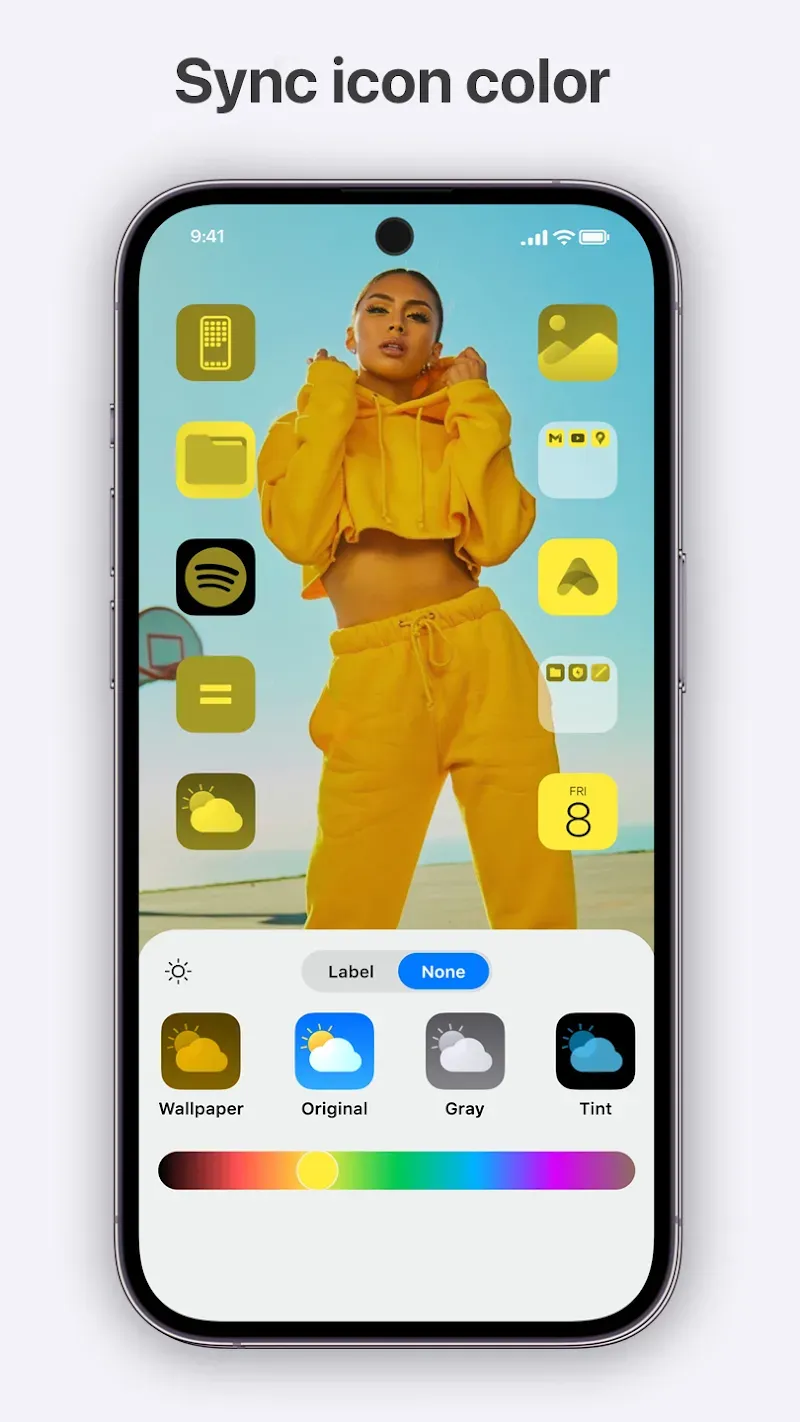
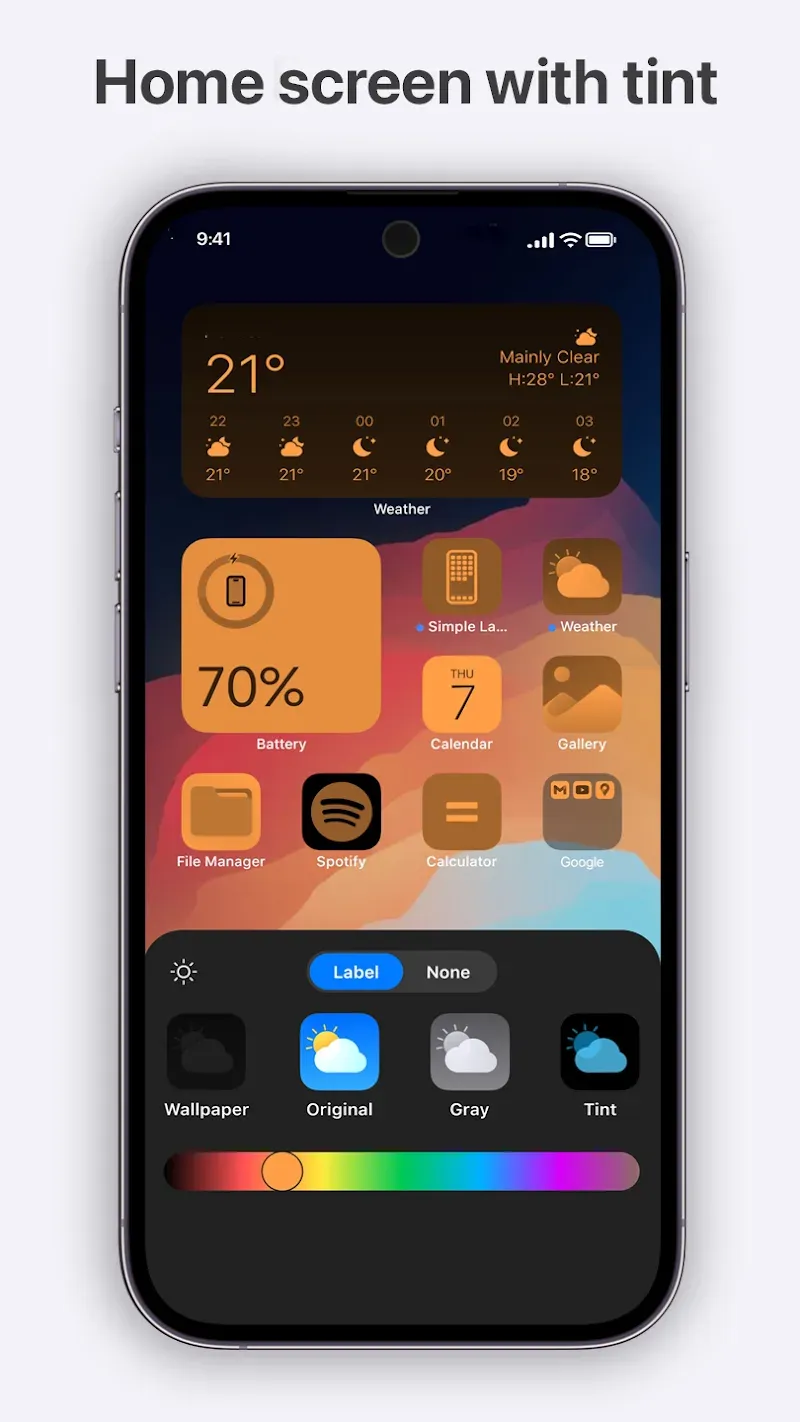
You can personalize colors and themes to match your preference, including a dark theme for low-light use. Layout choices let you place icons and folders where they make the most sense for you. The material design approach keeps visuals consistent across screens for a clean, readable look.
Widget support that fits your day
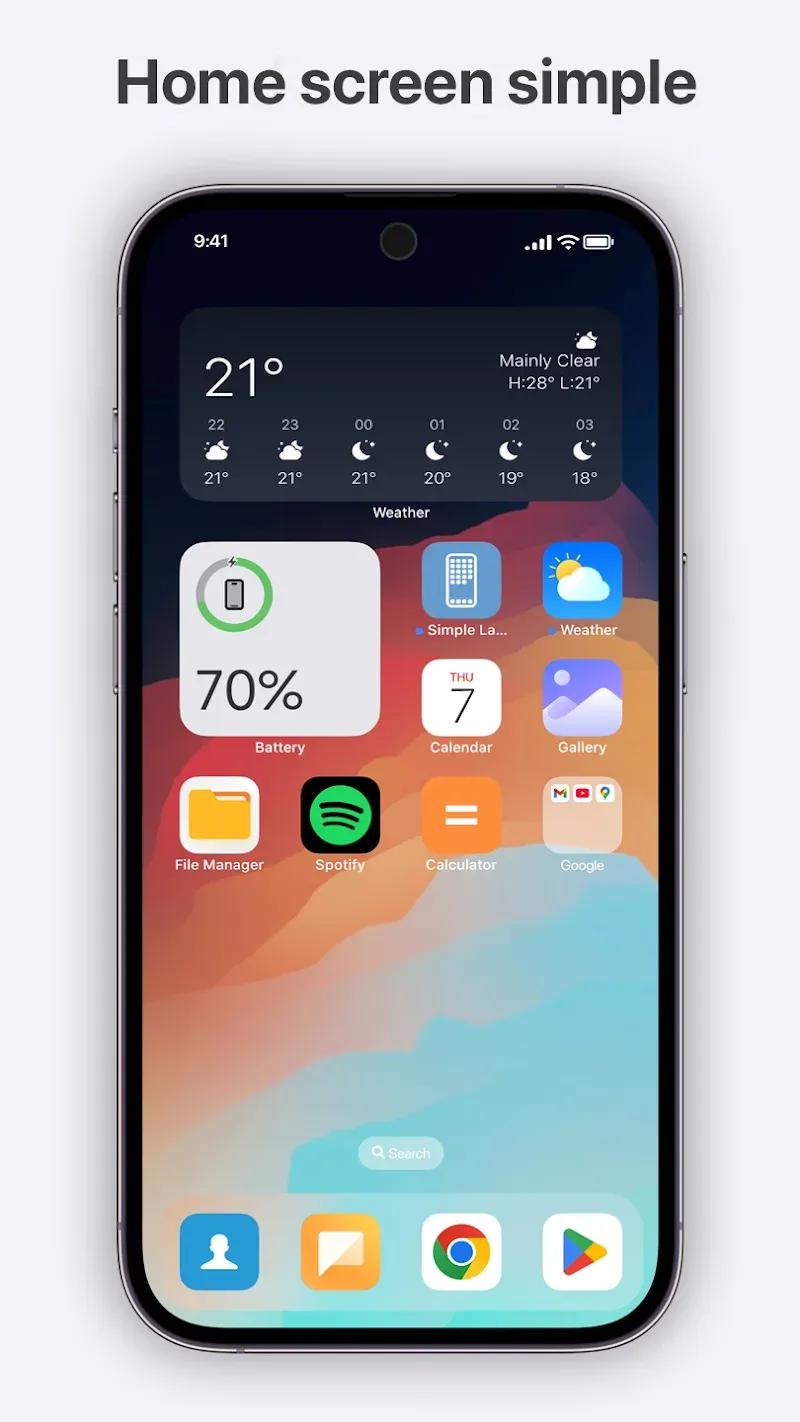
Simple Launcher supports adding and resizing home screen widgets for essentials like weather and calendar. You can arrange widgets alongside app shortcuts to keep important info at a glance. Resizable areas help you balance quick access with uncluttered space.
Gestures and organized access
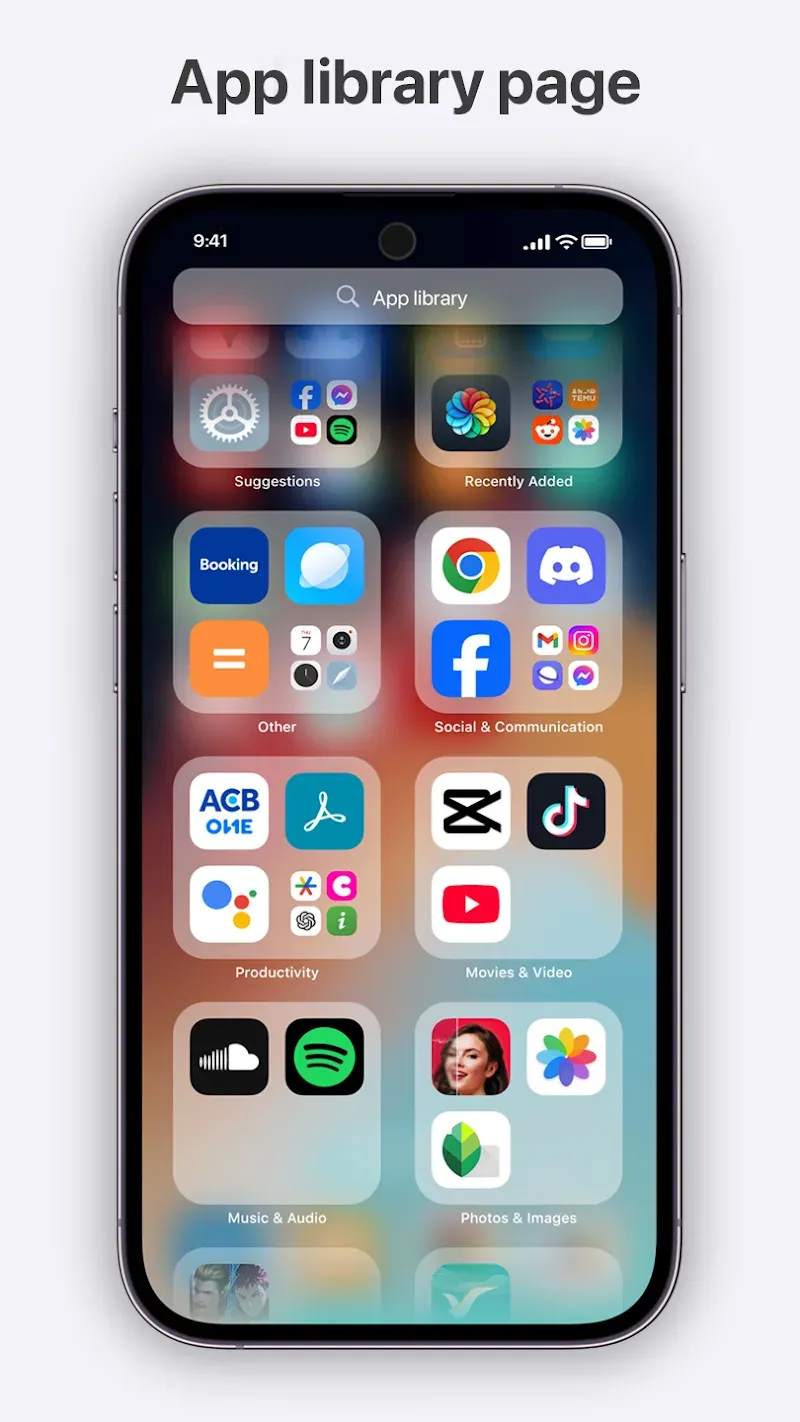
You can swipe up for your app list and swipe down for notifications to move around quickly. Customizable gestures and deep shortcuts help you jump to frequent actions in fewer taps. Smart folders, categories, quick search, and easy uninstallation options keep apps organized and accessible.
Highlights:
Easy On The Eyes: A super easy to use, and even easier to look at app interface. No frustrating popups, no annoying distractions. Just a clean and easy to use app interface!
Saves Phone Battery: Improves the efficiency of the system resources the app uses.
Custom App Organization: App management and organization at your finger tips!
Custom Gestures: Create your own app commands by creating app gestures and as easy as freestyle drawing on the app interface.
Universal Search: Now you can use one search bar to look for things on your phone like hidden contacts and files, or beyond your phone and search the web!
High-Speed Performance: With a newly designed system on your phone, wait times are a thing of the past!
FAQs:
What is the app used for?
It is used to replace your default home screen with a cleaner and faster interface.
Is it good for low-end devices?
Yes, it is optimized to run smoothly on low-end and older Android devices.
Does it support widgets?
Yes, it supports widgets and allows easy placement on the home screen.
Can I customize gestures?
Yes, you can set different gestures for quick actions and app access.
Does it drain the battery?
No, it is designed to use minimal resources and save battery life.
Changelog:
iOS 27 Liquid Glass Icon Pack
iOS icon Liquid Glass iOS 27
iOS 27 Launcher UI
iOS 27 Music Widget
iPhone 17 Launcher
Launcher iOS 26 Optimized
Quick Option better than iPhone
Hot fix iOS 27 UI Liquid Glass
Conclusion:
The application intelligently integrates many features. You can control gestures and automatically organize folders. These functions make it easier for users to operate their devices. Basically, users gain greater control over their smartphones without facing any obstacles. In addition, you can easily search for any information stored on the device.
-
Latest Updates
-
Featured Apps