Samsung Good Lock
Personalization
2026-10-12
14.96MB
3.0.16.6
Android
85
Screenshots
Introduction
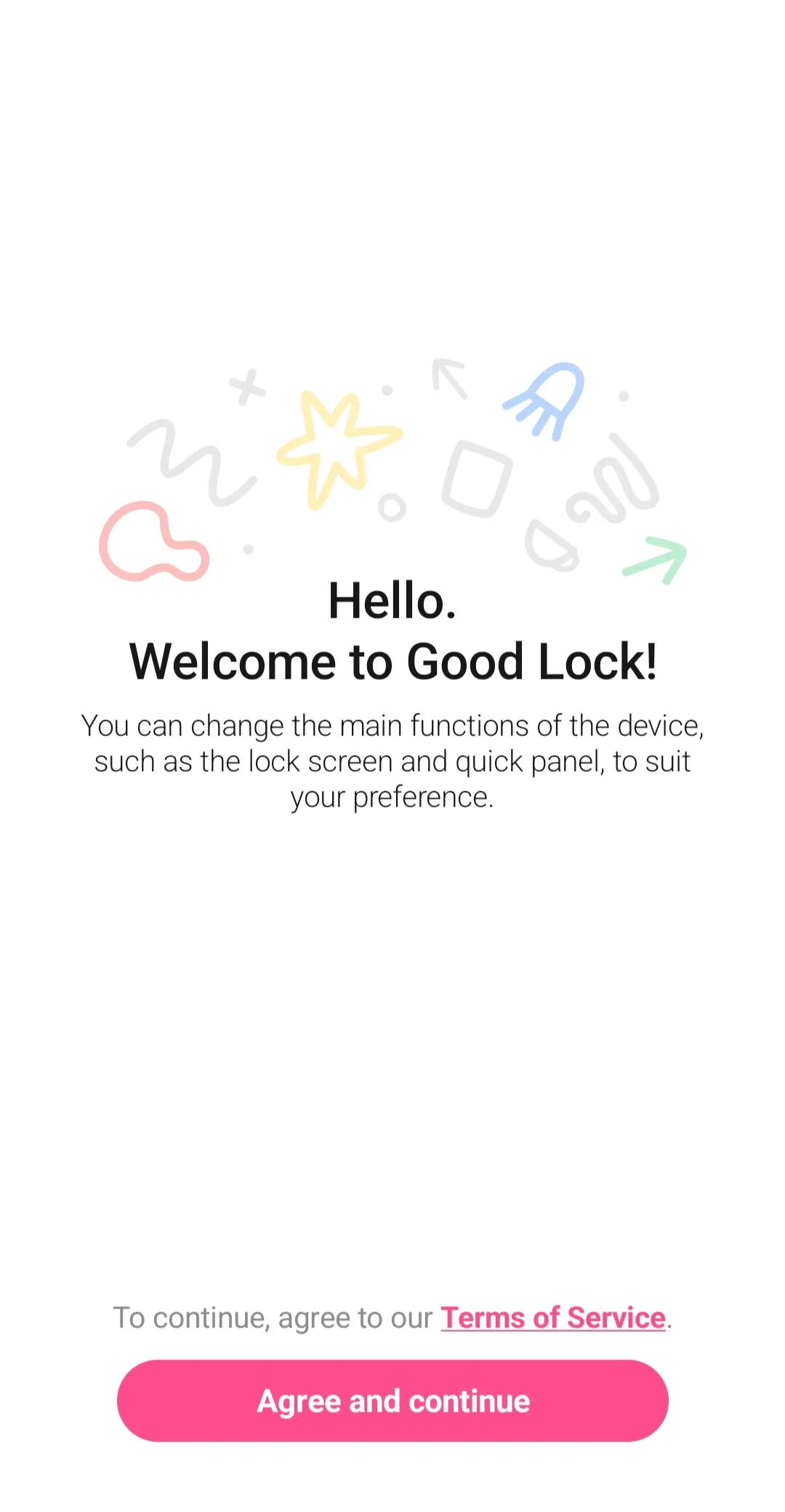
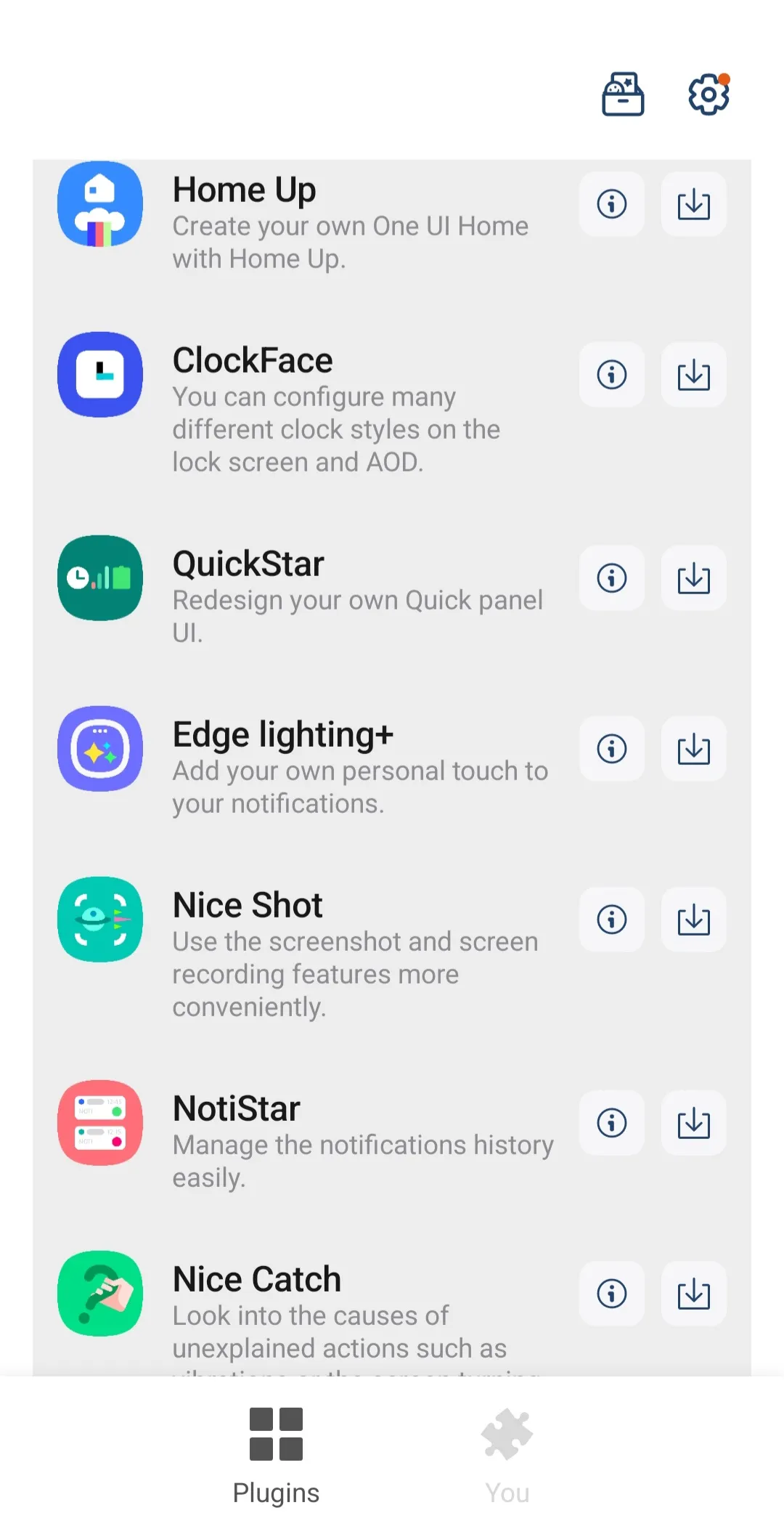
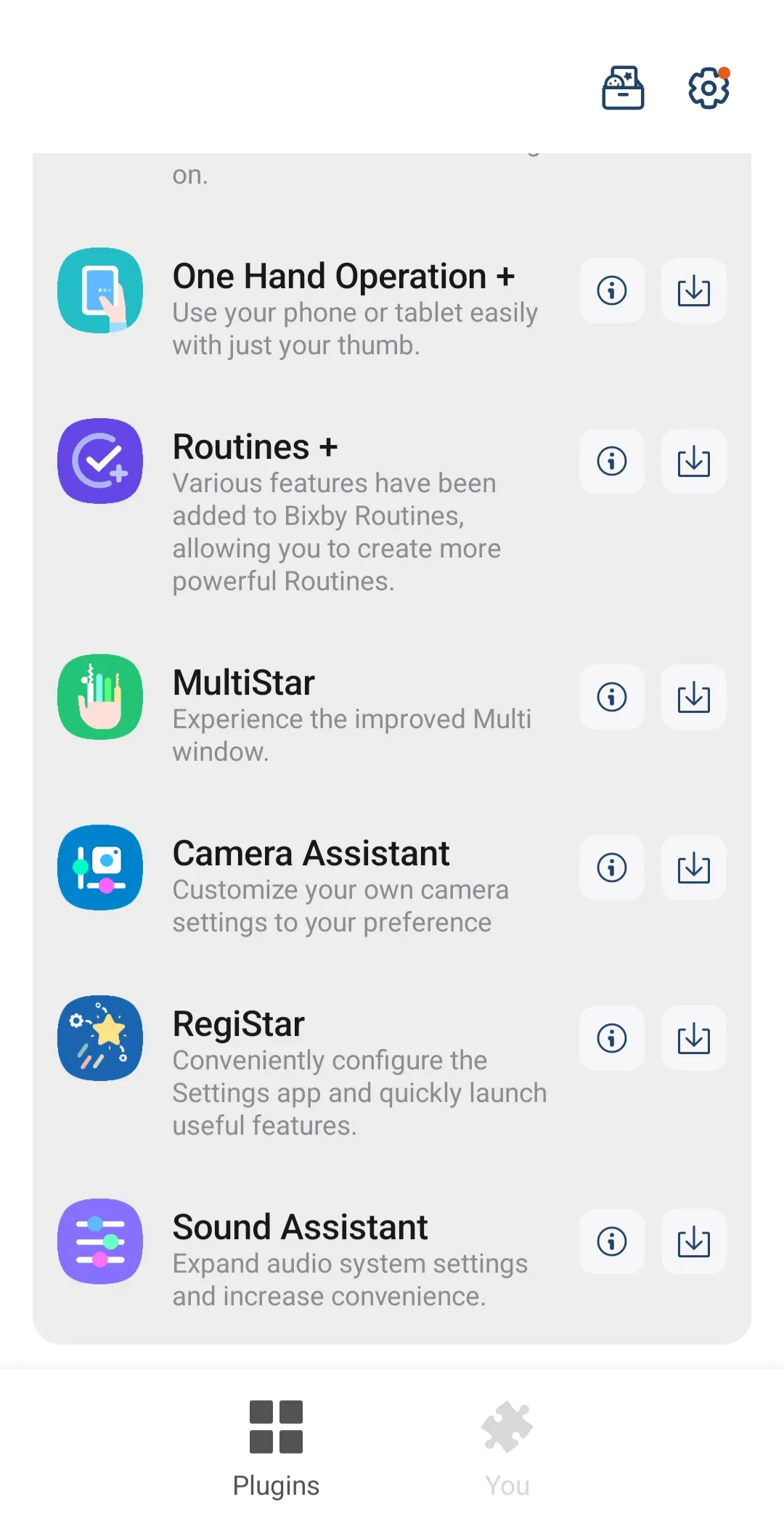
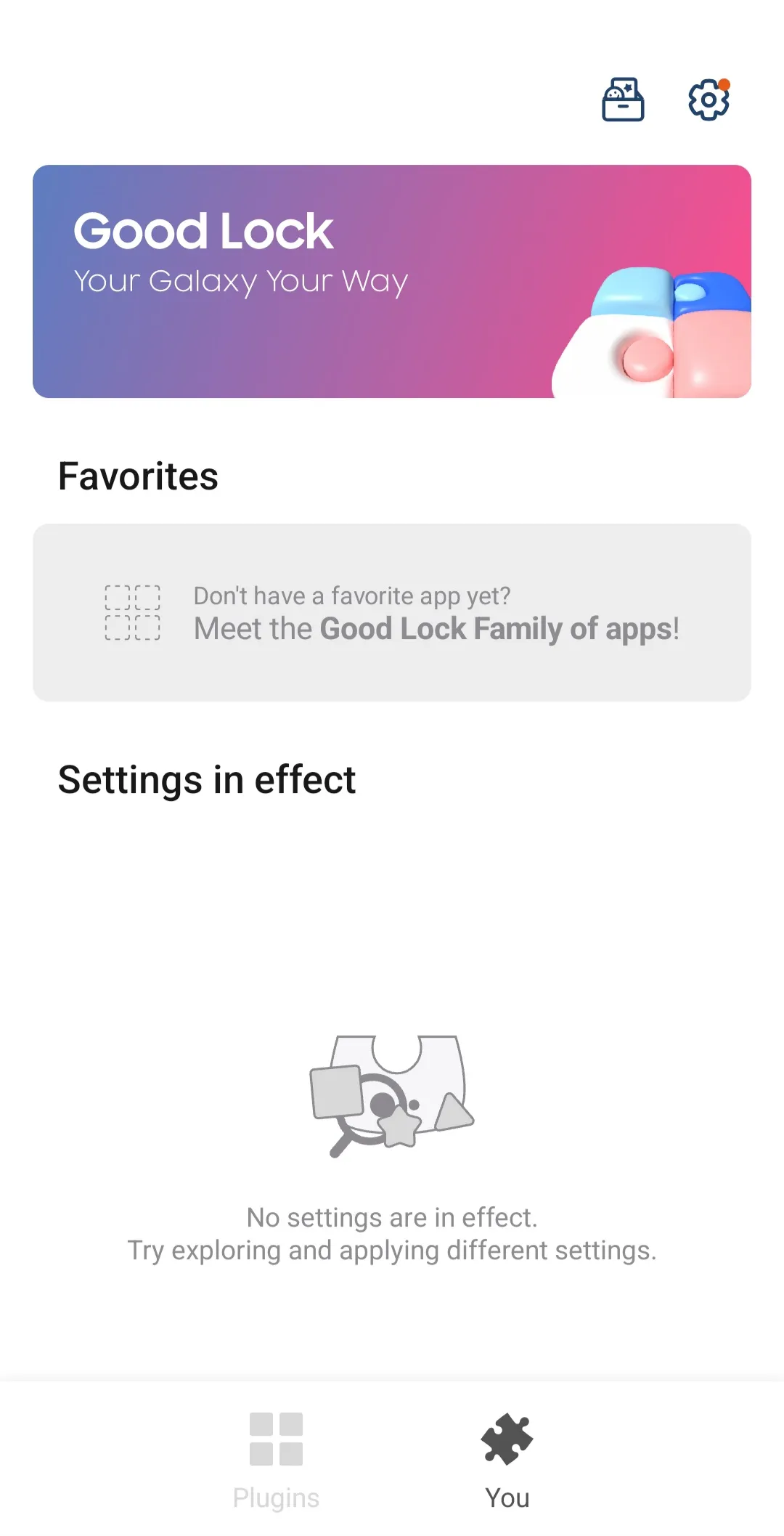
Samsung Good Lock is a customization tool for Android devices that allows users to create custom Always-On Display (AOD) styles and configure various time display formats for the lock screen. It enables swipe-based navigation and enhances the home screen experience. The app offers a wide range of modules and supports numerous Samsung smartphone models. Users must grant the necessary permissions before use; the app also allows users to mark modules as favorites for quick access and provides an option to reset everything to factory settings.
Features
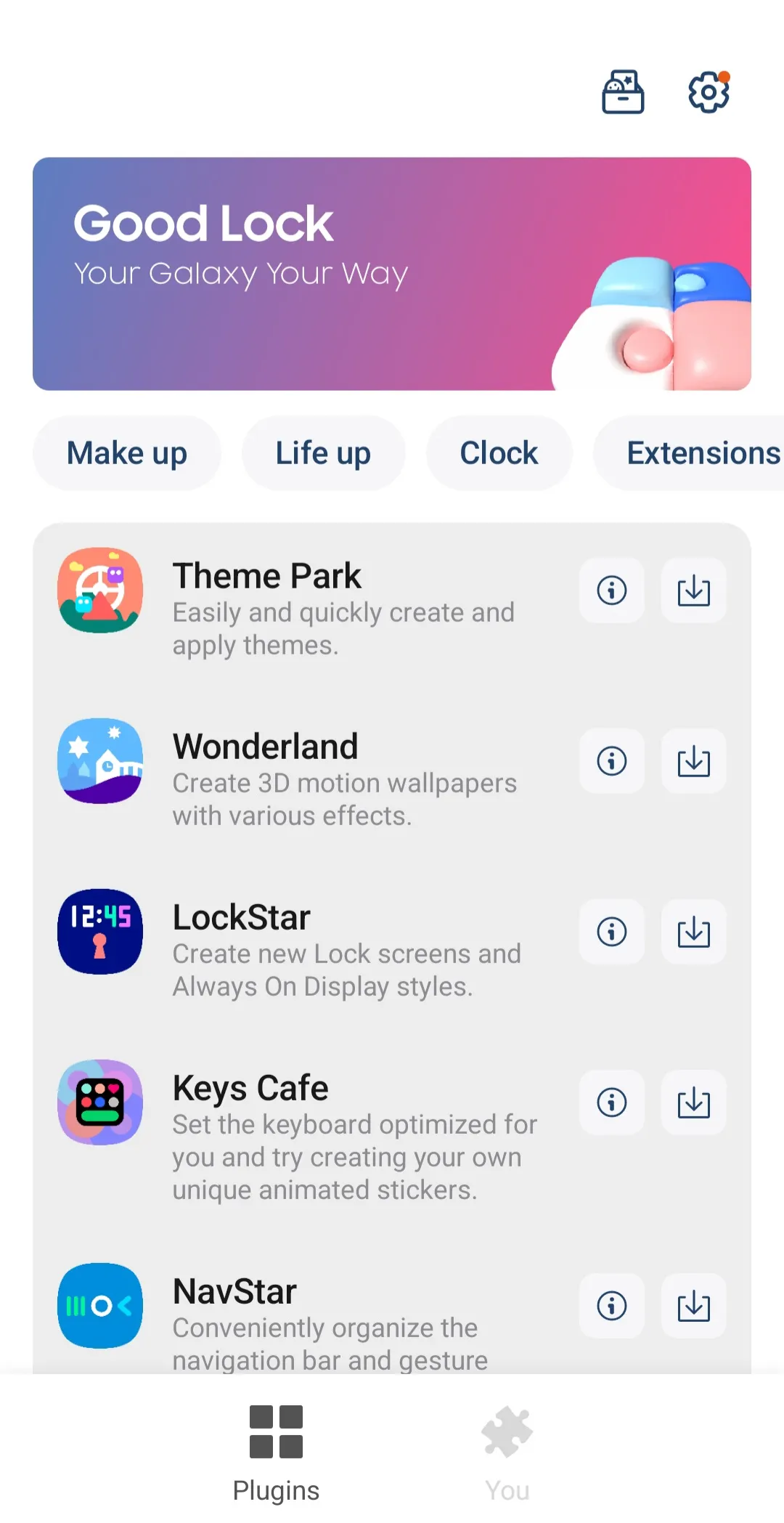
LockStar: Create new lock screens and AOD styles.
ClockFace: Set various clock styles for the lock screen and AOD.
NavStar: Conveniently organize navigation bar buttons and swipe gestures.
Home Up: It provides an improved One UI Home experience.
QuickStar: Organize a simple and unique top bar and Quick panel.
Wonderland: Create backgrounds that move based on how your device moves.
Advantages and disadvantages
Pros
Plenty of modules to choose from
Works on multiple Samsung smartphones and tablets
Customizable installation
Cons
Not all models are supported
How to use
Open Samsung Good Lock and allow any requested permissions so the app can apply system-level changes.
Browse Make up for visual customization or Life up for utility features, then choose a module that fits your task.
Follow the on-screen prompts to enable or update the selected module, then open it from within Samsung Good Lock.
Adjust the available settings, preview changes if offered, and apply them to your lock screen, home, or panels.
Mark frequently used modules as favorites for quick access, and used Reset All in Samsung Good Lock to revert changes when needed.
FAQS
Is Samsung Good Lock available on all Samsung phones?
No, it is primarily designed for Samsung Galaxy smartphones running specific versions of Android. Availability can vary based on region and device model, so it’s always best to check compatibility for your particular device.
What are the main benefits of using Samsung Good Lock?
The primary benefits include extensive UI customization, enhanced lock screen and Always On Display personalization, and improved multitasking capabilities. It allows users to tailor their device’s look and feel, making it more efficient and unique to their preferences.
Can I customize the keyboard with this tool?
Yes, certain modules within the suite allow for keyboard customization. Users can modify layouts, themes, and even add specific functionalities to their virtual keyboard, providing a more personalized and comfortable typing experience.
Are there any performance impacts when using these customization features?
Generally, the impact on performance is minimal. The modules are well-optimized to integrate seamlessly with Samsung’s One UI. However, extensive use of complex animations or very resource-intensive settings might have a slight, negligible effect on battery life in some cases.
Summarize
Samsung Good Lock is a tool that will allow you to customize different elements of your Samsung device's interface and operation. By using different built-in features, you will easily give an eye-catching touch to your smartphone.
-
Latest Updates
-
Featured Apps