RecForge II Pro
Entertainment
2026-09-23
4.79MB
0.0.19g
Android
171
Screenshots
Introduction
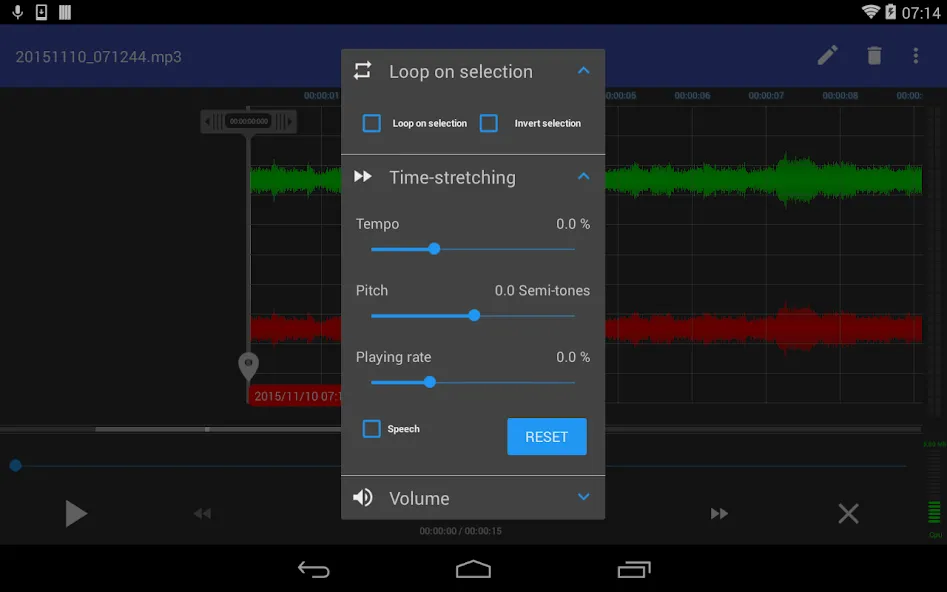
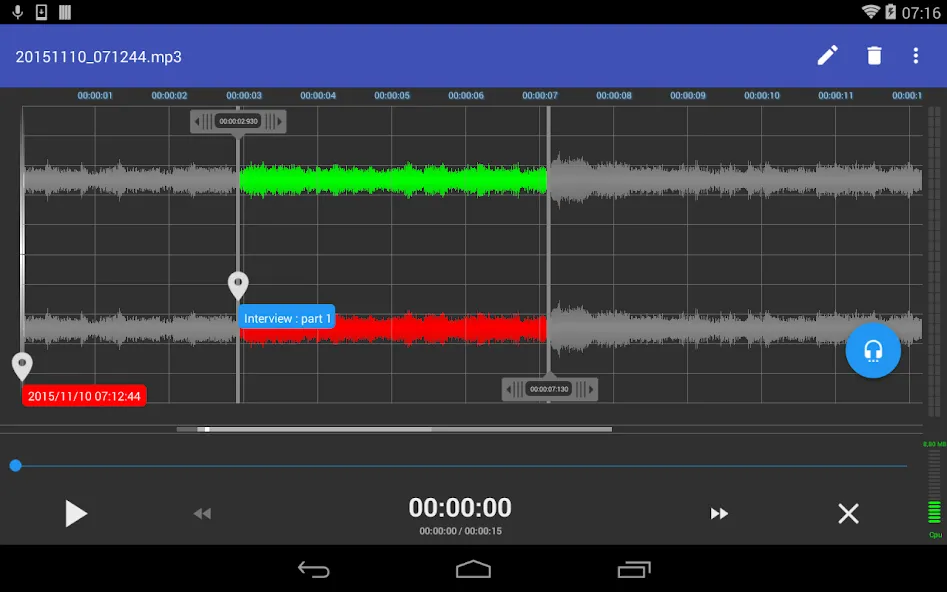
RecForge II Pro is an audio recording tool for Android. It boasts powerful features, supports recording in various formats, and offers excellent compatibility. Users can edit audio files to suit their needs, adjusting parameters such as speed, pitch, and playback rate. The app also supports functions like trimming and cropping, enabling users to create the exact audio content they desire. Created files can be saved, renamed, and have their date or size modified; furthermore, audio can be shared directly to other applications from within the app. Featuring a user-friendly interface, the app is easy to pick up and use, while its robust customization options give users full control over their audio creations.
Function:
Professional Multi-Format Recording: Capture high-fidelity sound in a wide array of formats including MP3, WAV, OGG, WMA, FLAC, OPUS, and Speex.
Advanced Hardware Support: Fully compatible with external USB microphones and professional audio interfaces, allowing for studio-grade input and crystal-clear clarity.
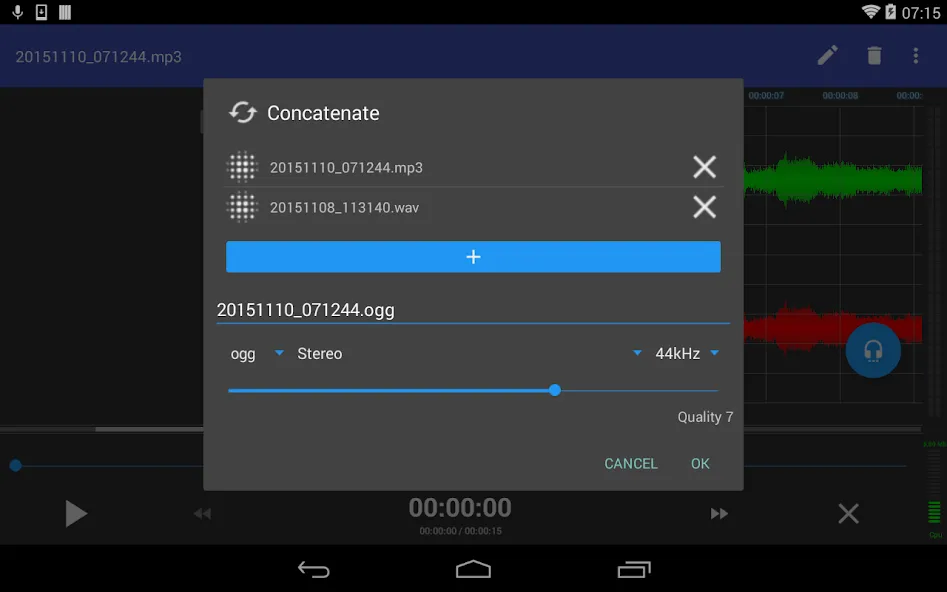
Powerful Integrated Editor: Trim, cut, paste, join, and mix audio segments with surgical precision. The non-destructive editing engine ensures your original files remain safe while you experiment.
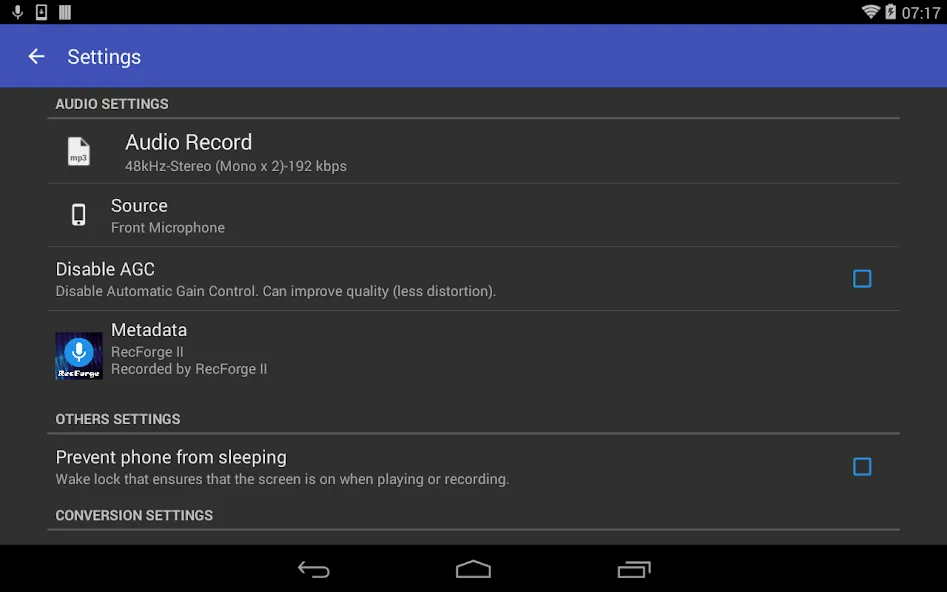
Intelligent Audio Processing: Built-in noise reduction, automatic gain control (AGC), and acoustic echo cancellation work together to eliminate background distractions and artifacts.
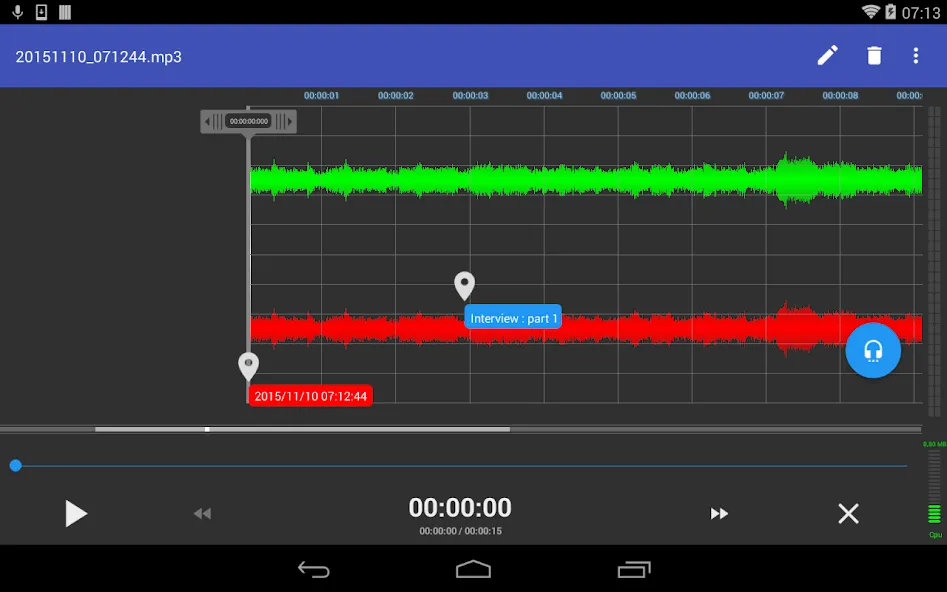
Real-Time Visual Monitoring: Keep a close eye on your audio levels with a dynamic spectrogram and multi-color waveform visualization to prevent clipping and distortion.
Variable Speed & Pitch: Perfect for musicians and transcribers, adjust the playback speed and pitch without losing sound quality.
Scheduled Recordings: Never miss a moment by setting the app to start recording automatically at specific times or intervals.
Cloud Integration & Export: Seamlessly sync and share your finished products via Google Drive, Dropbox, SoundCloud, or email in seconds.
Highlights:
External microphone support: The application has external microphone support so you can record sound more clearly, giving you studio-quality recordings.
Customizable settings: You can edit and customize bitrate, sample rate or codec features to make your recordings better and optimized as much as possible.
Noise reduction: The application also automatically reduces noise to minimize errors in the recording process, giving you quality and professional recordings.
Trim and cut: The application allows you to trim, insert, overlap, or join parts of the recording the way you want. This helps you create the most complete and perfect recording.
Audio effects: You can also apply audio effects to your recording to make it more interesting. By applying the effect features available in the application, it brings you convenience and does not waste too much time searching.
Export formats: The application also supports and allows you to export audio recordings to popular formats and files on the market today so you can easily share them via social networks or via gmail, or even messages.
FAQs:
What is RecForge II Pro?
RecForge II Pro is an audio recording and editing app designed for Android devices; it allows users to record high-quality audio, convert files, and edit recordings.
Which file formats does RecForge II Pro support?
RecForge II Pro supports various audio formats, including WAV, MP3, OGG, and FLAC.
Can I edit the recording after I finish recording?
Yes, RecForge II Pro offers various editing features, such as trimming, adding effects, and mixing audio tracks.
Can I share my recordings directly from the app?
Yes, you can share your recordings via email or upload them directly from the app to cloud storage services.
Advantages and disadvantages:
Pros
Features advanced playback capabilities
Supports a wide range of encoding and decoding formats
Extracts audio from videos
Built-in file management
Cons
Contains ads
Conclusion:
Voice recording software is a practical choice for users who require greater control over mobile audio recording. Features such as manual gain control, support for multiple codecs and external microphones, real-time level monitoring, editing tools, and flexible playback options make it suitable for both everyday and professional recording tasks. RecForge II Pro allows for adjustments to speed, pitch, and playback rate, making it ideal for music practice or transcription.