Pixelful – Icon Pack
Personalization
2026-10-15
7.52MB
3.7.5
Android
268
Screenshots
Introduction
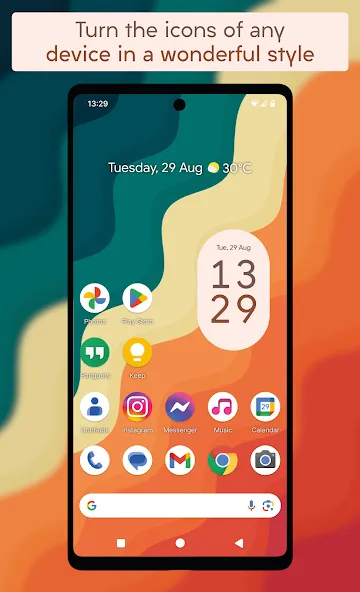
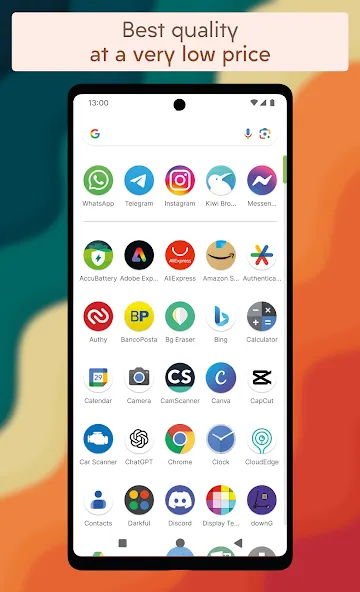
Pixelful – Icon Pack is a customization tool designed for the Android operating system. It features an extensive library of icons, offering users a wide array of vibrant and stylish options. With its user-friendly interface, the app is easy to navigate, allowing users to get started right away. It also boasts excellent compatibility, supporting a vast range of Android devices and applications by enhancing their appearance with beautiful designs and colors. The app functions offline, requiring no internet connection, and receives regular updates—including the addition of new icons—to keep the experience fresh and meet user needs. Furthermore, it offers robust customization features, enabling users to adjust icon clarity, color, and size, giving them complete control over their screen layout.
Features:
The first true pixel-art style icon pack;
Exceptional quality at an incredibly affordable price;
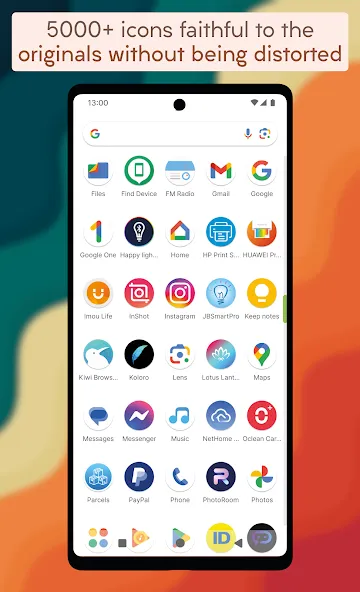
Over 5,200 icons inspired by the Android 16 aesthetic;
High-resolution icons that look perfect even on 4K displays;
The only icon pack that preserves the integrity of the original designs without distortion;
Icon masking feature to apply a rounded-corner style to any unthemed icons;
270 stunning, high-definition wallpapers available via the cloud;
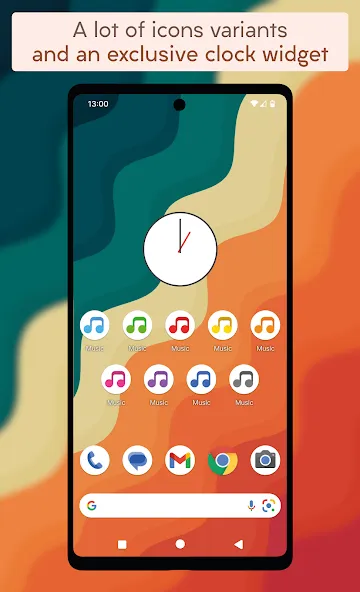
A vast selection of alternative icons;
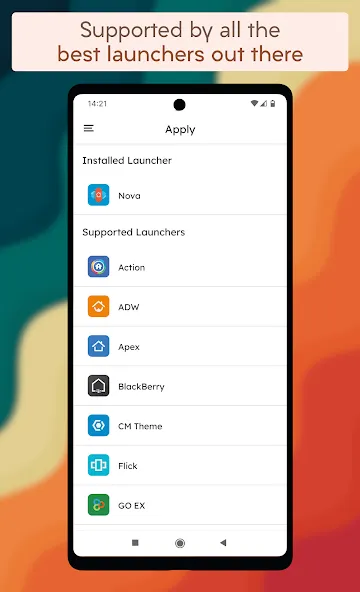
Compatible with a wide range of launchers;
Built-in icon request tool for reporting missing icons;
Regular updates with new icons added;
Support for Muzei Live Wallpaper;
Exclusive Material Design-style clock widgets;
Dynamic calendar icons that update based on the current date (for launchers that support this feature).
Highlights:
High-Resolution Icon Collection: The application develops a collection containing more than 3000 unique pixel-style icons. All the icons shared by the app are high resolution and allow users to perform many customization options. You can choose the icon according to your needs of image usage, content, or art.
Exclusive Background Selection: Pixel art has not only helped the app creators create thousands of icon templates but also helped them create around 50 exclusive pixel art wallpapers. This amazing development marks a groundbreaking return to the classic pixel style.
Clean Polished Appearance: The goal of the app is to provide pixel wallpapers and icons to any user who needs to use them. Therefore, the app has tried to keep the interface of the icons clean, and without borders or shadows. This will help the icons to be displayed in a much more professional way.
Dual Orientation Options: The system owns about 25 vertical pixel art wallpapers and 25 horizontal pixel art wallpapers for phones and tablets. For any device, you can choose from our wallpaper collection the image you like.
Diverse Style Range: To meet the different needs of users in terms of preferences and styles, the application has developed its products into many styles. The wallpapers in the collection are designed from many different ideas but focus on two main styles: minimalist and abstract.
Data-Friendly Download Experience: Users can access the list of application icons and wallpapers to search for their favorite models. You are then free to download those contents over WLAN. The WLAN connection ensures a smooth, data-friendly experience when downloading new wallpapers for any device.
FAQs:
What are the standout features of the Pixelful Icon Pack?
It includes icon preview and search options, support for dynamic calendars, and a Material Design dashboard that makes navigation easy.
What is the Pixelful Icon Pack?
An icon pack designed to transform the icons on any device, bringing you a stunning, refined style like never before.
Is it safe to download the Pixelful Icon Pack?
Yes—as long as you download it from a trusted source like this website, it is completely safe and secure.
Advantages and disadvantages:
Pros
Good compatibility
Extensive icon selection
High quality
Cons
Contains ads
Conclusion:
In short, Pixelful – Icon Pack offers regularly updated wallpapers to perfectly complement your icon selection and ensure efficient icon management. Should you have any specific requests for modifications or suggestions for improvement, please feel free to share them; we will do our best to meet your expectations.
-
Latest Updates
-
Featured Apps