ONE Icon Pack
Personalization
2026-07-28
56.21MB
7.8
Android
123
Screenshots
Introduction
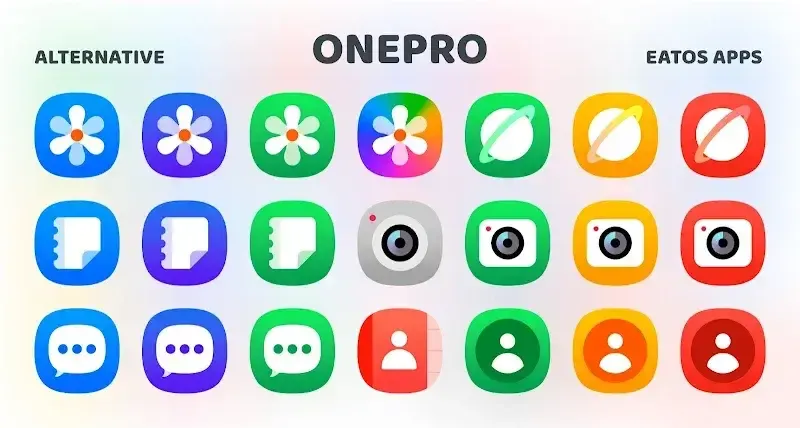
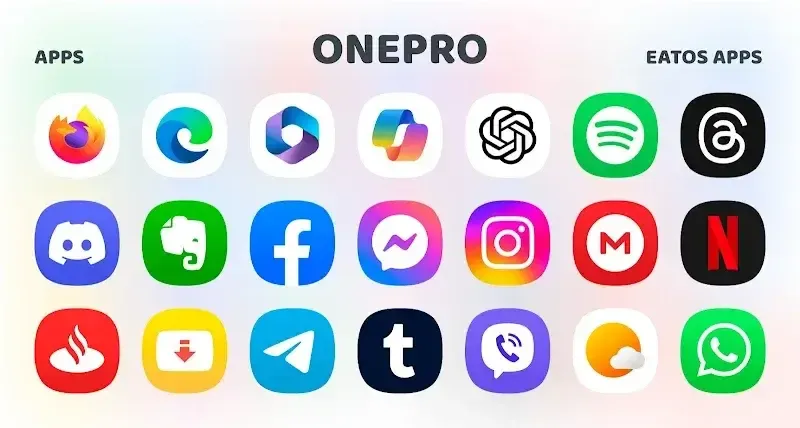
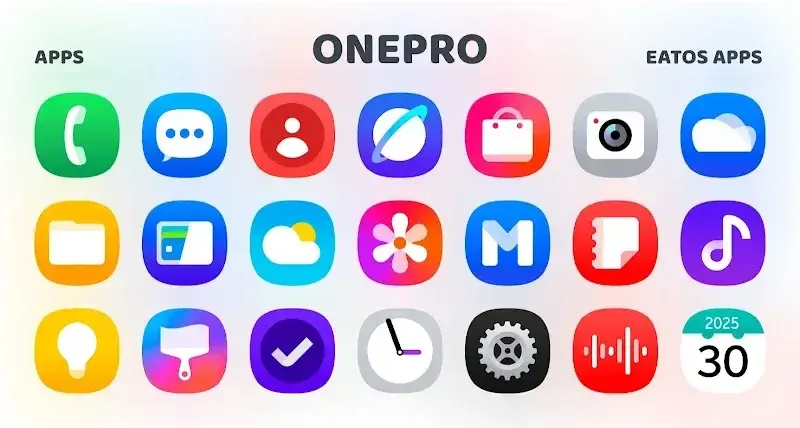
ONE Icon Pack is an icon tool where users can find icons for software or websites. It offers a comprehensive collection of icons, including static and dynamic ones, as well as icons that change according to a calendar. Background images are also included. The software is frequently updated to promptly fix buggy images. Furthermore, there are custom folders for users to quickly find the images they need.
Function
6500+ High-Quality Icons
Frequent updates with new icons and event fixes.
Compatible with virtually all Android launchers.
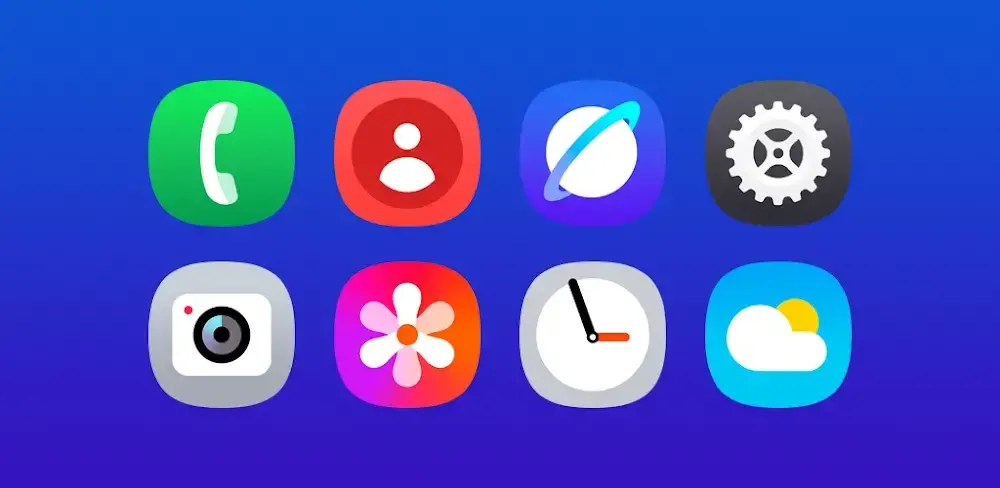
Flat and colorful icon designs suit any theme.
Includes a stunning collection of stock wallpapers with amazing visuals.
Additional Features
Dynamic calendar support.
Icon preview and search functionality.
Easy-to-use icon request tool.
Customizable folder and drawer icons.
Materials dashboard for smooth navigation.
Highlights
500+ Exclusive Wallpapers: Users can choose from a large collection of wallpapers that perfectly match the icon pack.
Dynamic Calendar Support: Calendar icons automatically update to reflect the current date for a better visual experience.
Easy-to-Use Dashboard: The built-in dashboard makes applying icons and wallpapers simple and quick.
Frequent Updates: New icons and wallpapers are added regularly to improve the collection and support more apps.
Custom Folder Icons: The app includes custom folder icons for a more organized and attractive home screen.
App Drawer Icons: Special icons are available for app drawers to maintain a consistent design.
Icon Search Feature: Users can quickly search and preview icons before applying them.
Launcher Compatibility: The icon pack is compatible with many popular Android launchers for easy customization.
Icon Request Option: Users can request missing icons, and the developer may add them in future updates.
Advantages
ast Selection: For unsupported devices, using this feature is a completely enjoyable experience. Everyone can find something new with completely groundbreaking details.
Regular Updates: Although the operating system is newly launched, the designs are still completely diverse with many options. Everyone quickly changes the interface after just a few seconds of using the application.
Complete Customization: The variety is the benefit that the application brings to you. Creativity often helps you create new things and satisfy your curiosity over time.
Suitable Backgrounds: 375 curated wallpapers is not a small number so you will not be able to use them all. However, the combination styles that can be created are almost limitless with icons and wallpapers.
Easy Setup: The steps that need to be followed have been mentioned very carefully in the description and require you to follow them. Of course, you may not see any changes if you do not complete each fixed-step.
Simple Customization: After you have gathered all the conditions, let the system complete the rest. Everyone can see the results within seconds of making a decision.
FAQS
Is One Icon Pack: Customize App safe to download?
W7ghost verifies the One Icon Pack: Customize App APK file’s digital signature and checks it using security engines such as VirusTotal. You can tap the “Trusted App” badge on the app details page to view the available security information.
How much storage space do I need to install One Icon Pack: Customize App ?
The download APK file is 56.21 MB, and you’ll need additional free space to install the app and store temporary files, updates, and cache data. If the installation fails, free up some storage and try again.
How long does One Icon Pack: Customize App take to download?
One Icon Pack: Customize App is 56.21 MB. On a stable 4G, 5G, or Wi-Fi connection, the download may take anywhere from a few seconds to several minutes, depending on your network speed.
What are the system requirements for One Icon Pack: Customize App ?
The latest version of One Icon Pack: Customize App requires Android 5.0+ or later. If your device runs an earlier Android version, check whether a compatible older version of the app is available.
Summarize
The program is straightforward to use and integrates seamlessly with most Android launchers. Users can browse through the extensive library of icons and select their preferred designs to apply to their apps. One UI - Icon Pack not only improves the visual experience of a device but also provides users with the ability to create a unique and personalized layout, enhancing overall user satisfaction.