Shimeji
Personalization
2026-07-20
23.5MB
13.0
Android
344
Screenshots
Introduction
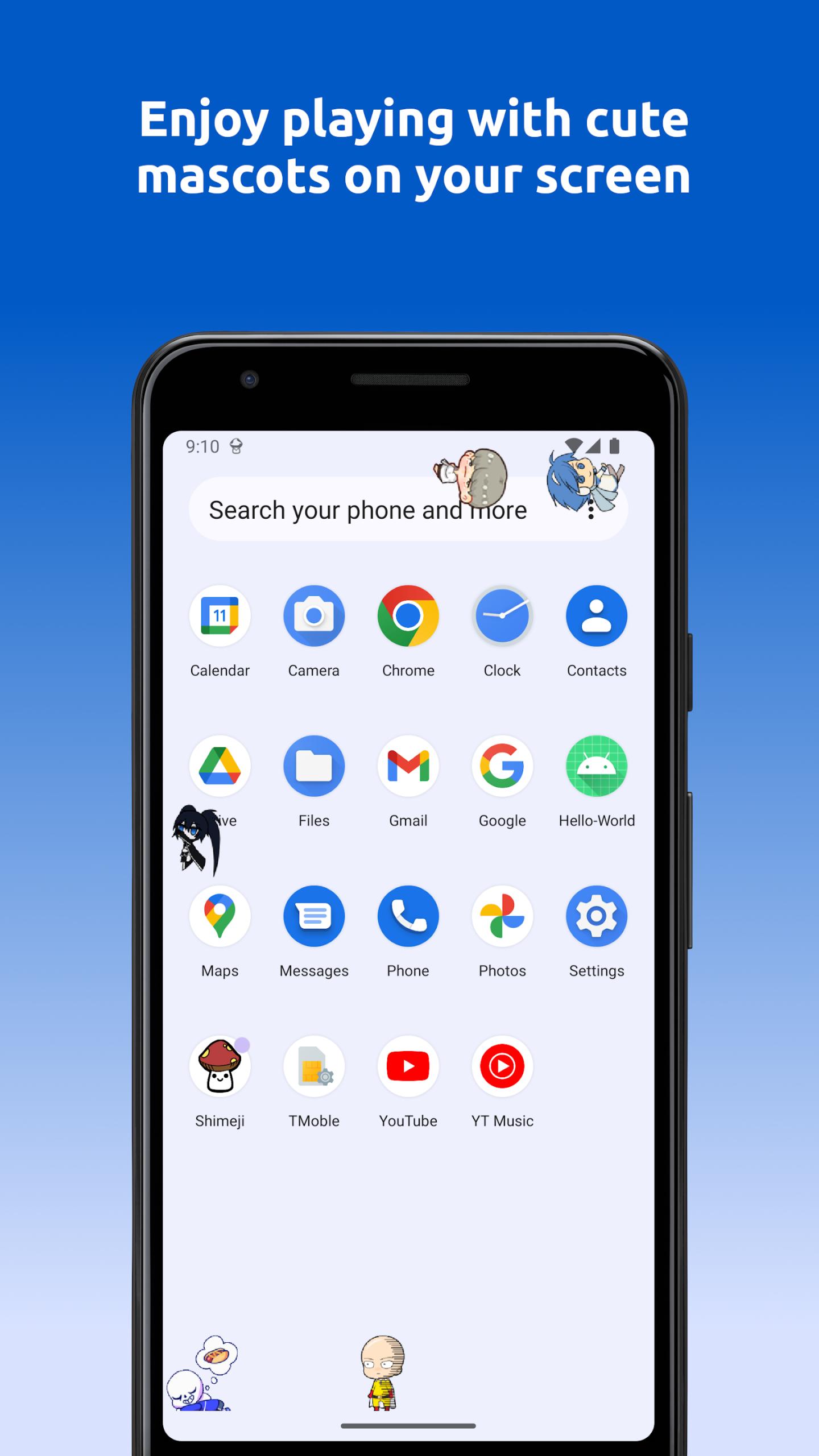
Shimeji is a desktop assistant for Android devices that brings the popular desktop assistant experience to mobile devices. With this app, users can refresh their phone screen with cute animated mascots and dynamic effects, letting these mascots roam freely on their home screen. Over time, they gain experience points to level up, unlocking new animations and tricks. Users can also interact with them to gain extra experience points, helping these mascots level up even faster. Use Shimeji to create a fun and interactive desktop experience!
Features:
Animated buddies on your screen
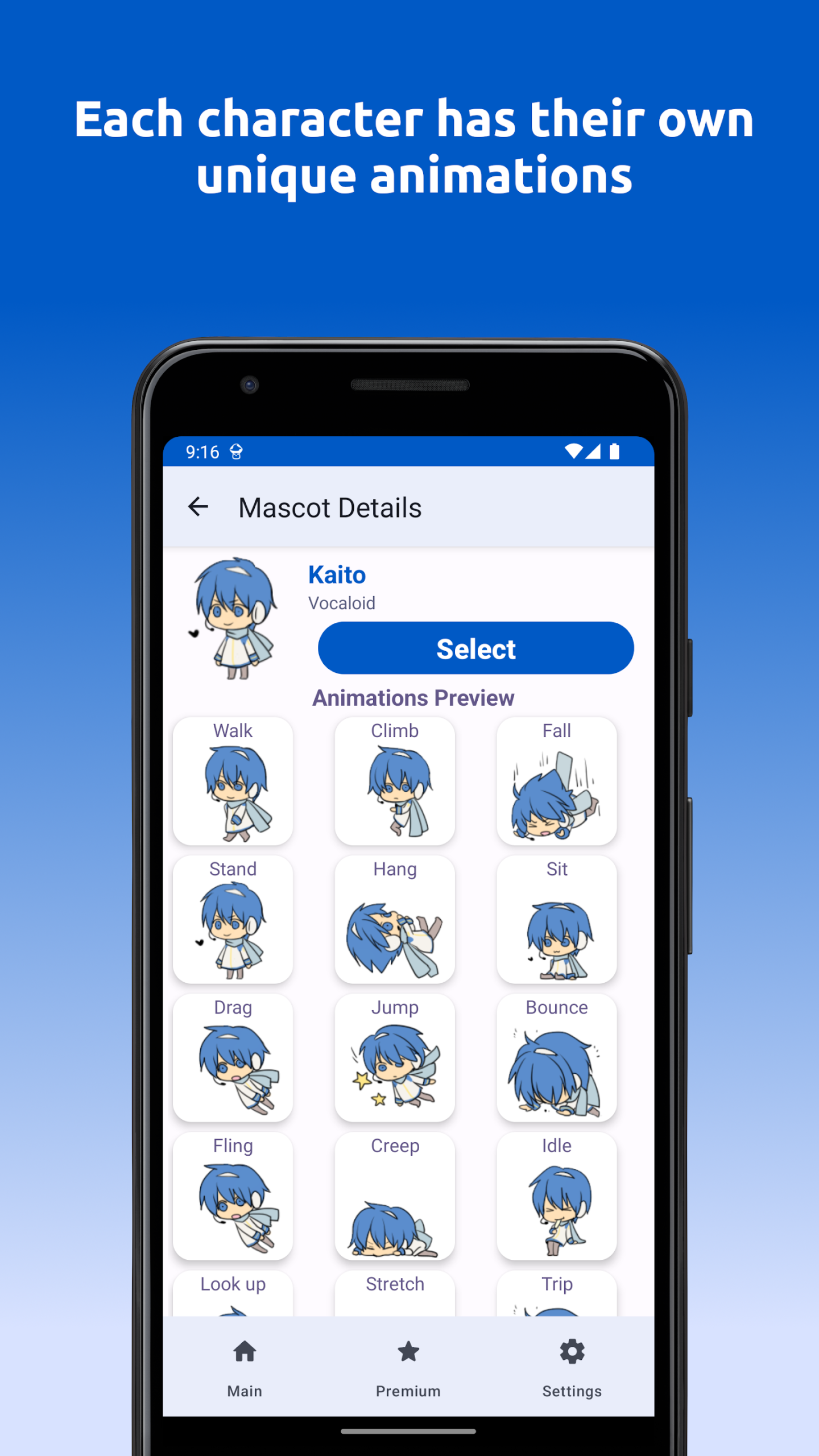
Shimeji places small characters above your apps. They walk, climb, sit, and react when you tap or drag them. You can run up to 10 mascots at once for a playful home screen or while you wait in other apps.
Play based leveling and unlocks
Shimeji gains XP for characters as they roam on your screen.
Leveling unlocks new animations and small tricks over time.
Interactions grant bonus XP for faster progress.
Mushrooms accumulate while the screen is on and can be spent on characters, animations, and upgrades.
Payments are optional and only speed up progress earned through play.
Integrated editor for custom mascots
For creators, you can import your own art and turn it into a live buddy. The editor lets you recolor, redraw, and fix sprites inside the app. All tools are unlocked, and you can duplicate existing mascots to personalize them.
Smooth performance and handy controls
New animation engine improves motion and timing for characters.
Battery friendly behavior on modern devices.
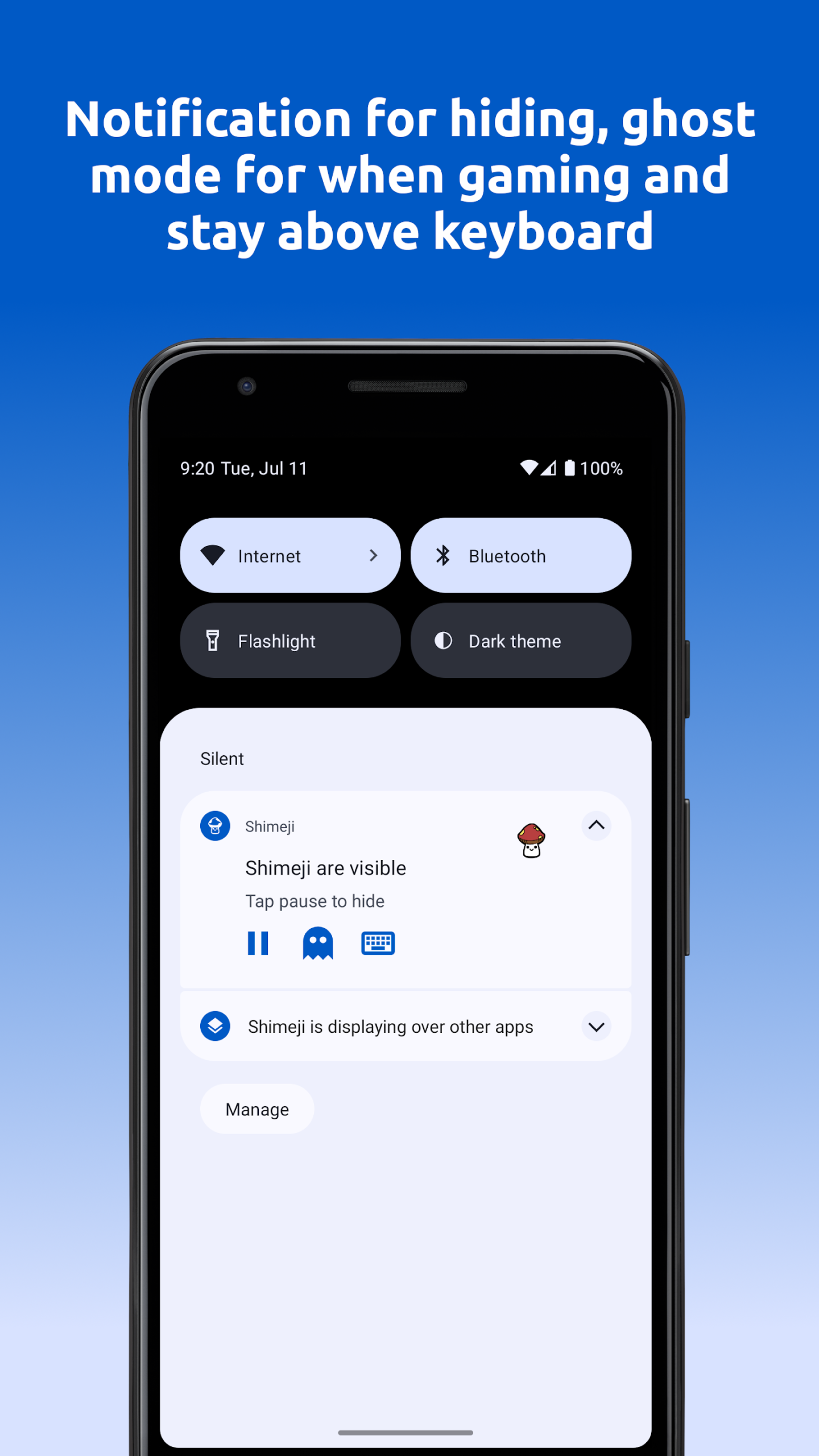
Ghost Mode keeps mascots visible while ignoring touches during games or chats.
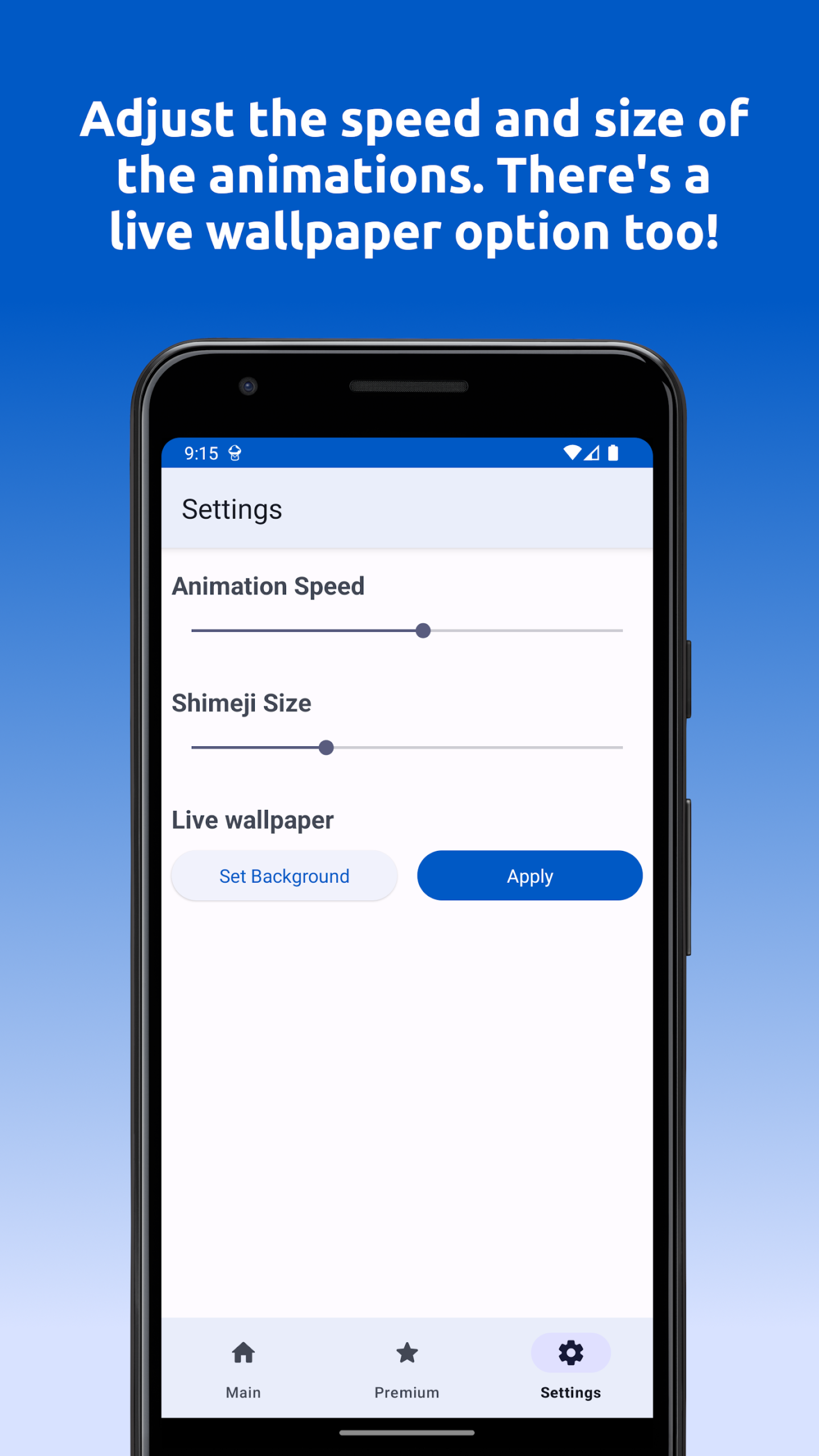
Controls for size, speed, and behavior with a live preview.
The library focuses on original characters for safer, IP respectful use.
Highlights:
SCREEN BUDDIES
Shimeji: Screen Buddies is a great choice if you want to refresh your phone screen with cute animated mascots with dynamic effects. The app stands out thanks to the following features:
The mascot library is always updated and users are guaranteed copyright safety.
You can create your own mascot thanks to the editing feature built into the app.
The app runs smoothly and has been optimized to save battery for your phone.
The mascot animation has a high resolution of 512×512, making it 16 times sharper than usual.
The mascots are also given glowing effects and are taken care of in every detail to make them stand out and more vivid.
OUTSTANDING FEATURES
With the Shimeji: Screen Buddies application, users will have a flexible experience of playing and interacting with animated mascots right on the phone screen:
You can interact by lifting, dragging or throwing the mascots to see their funny reactions.
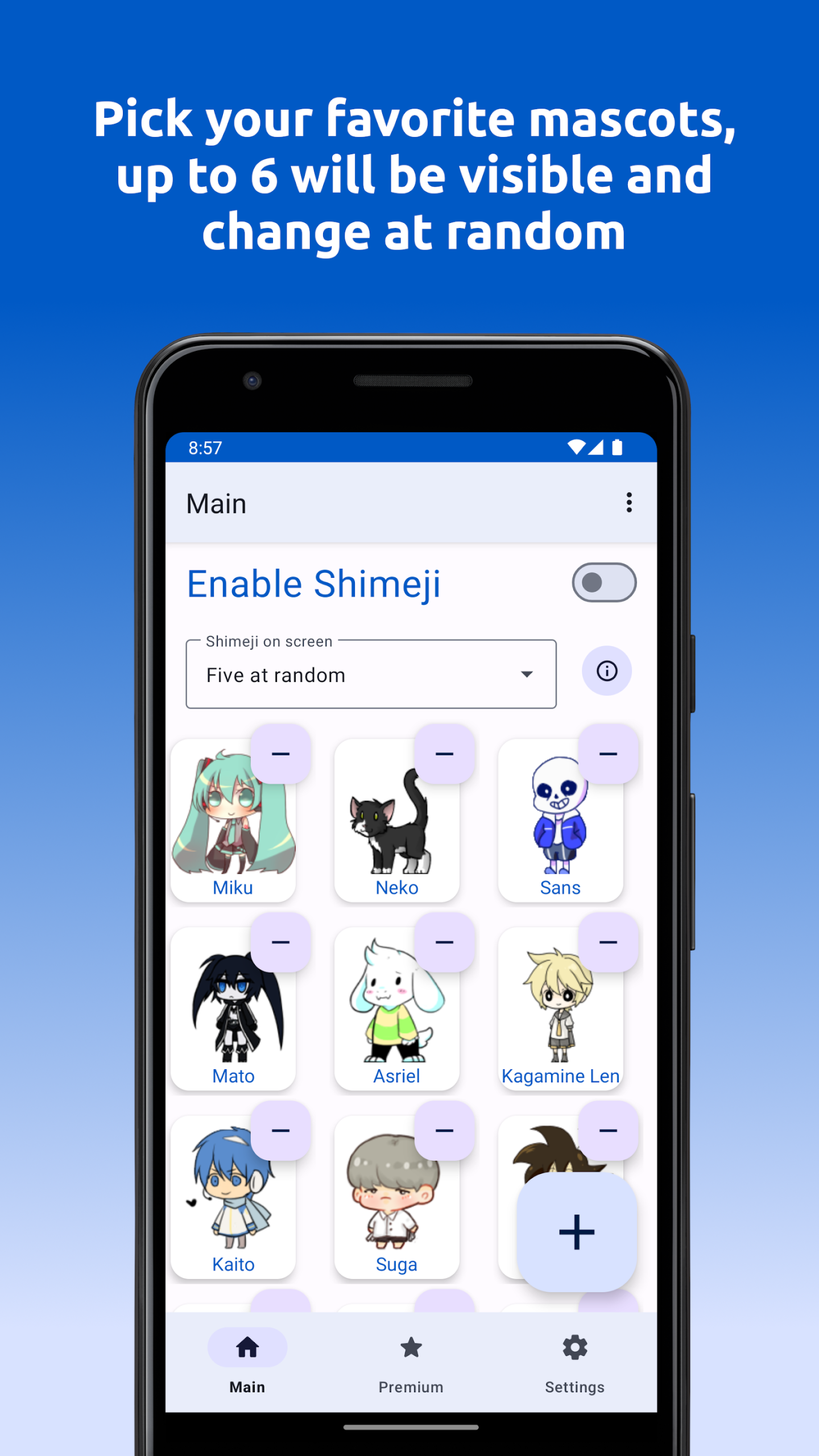
Up to 6 different mascots can be run at the same time to make the screen more vivid and interesting.
Easily select multiple favorite characters and they will automatically change back and forth smoothly every few minutes.
Perform operations such as tapping, double tapping to hide the mascot, freezing or switching between characters.
When adjusting the size or speed of movement, you will see the results immediately on the screen through the live preview feature.
Pros and Cons:
Pros
Wide variety of animated mascots
Lightweight and minimal resource usage
Easy to set up and customize
Frequent updates with new content
Entertaining, interactive experience
Cons
No search or advanced filtering features
Some popular characters/animations require payment
May distract in certain situations
Usage:
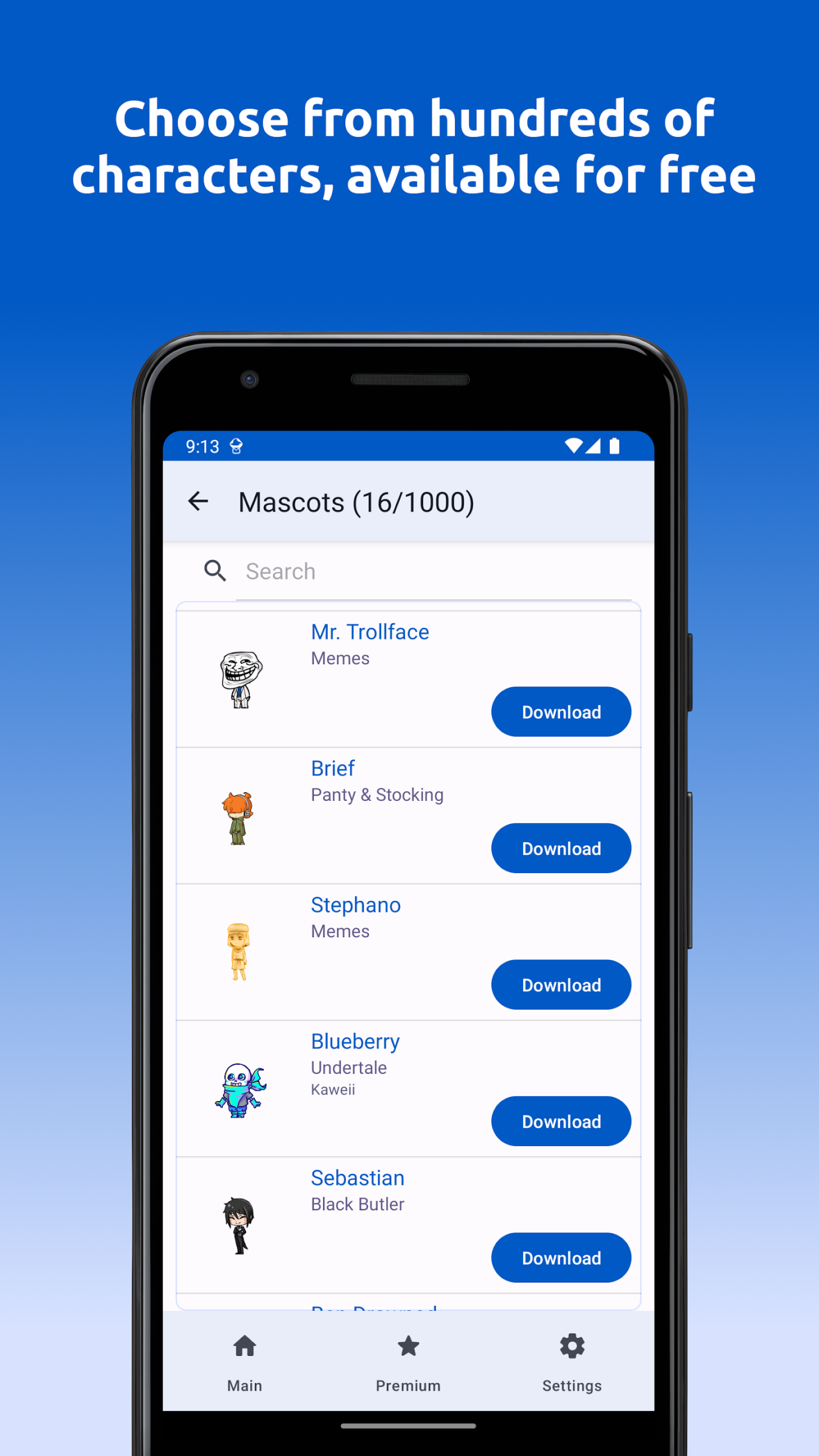
When you open Shimeji for the first time, the app will only show '+' buttons. If you tap on one of them, you'll be shown an image gallery. You can choose up to two characters for free. However, if you want to expand your 'team' and use up to six characters, you'll have to go to the shimeji store inside the app.
Once you've chosen the Shimeji characters you like best, you'll have to tap on the button in the top right corner of the interface to accept the permissions and activate the feature. This way, when you're surfing the net or using any app, you'll see these characters interacting with the elements shown on the screen. In general, each one will behave in its own unique way.
Conclusion:
Overall, Shimeji is a fun app created particularly for anime and gaming fans. It has a simple concept of operation: you just activate it once and start watching different characters move, walk, and do random antics on your screen. You have six slots to choose which characters appear, plus a whole lot of additional characters and animations you can unlock.
-
Latest Updates
-
Featured Apps