Backdrops
Personalization
2026-07-23
36.95MB
6.5
Android
327
Screenshots
Introduction
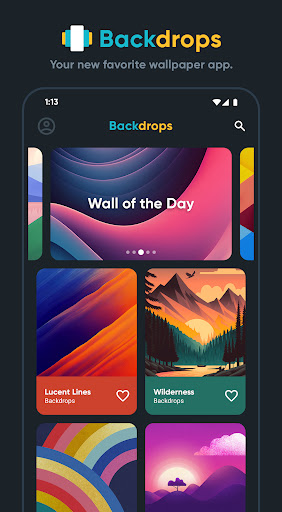
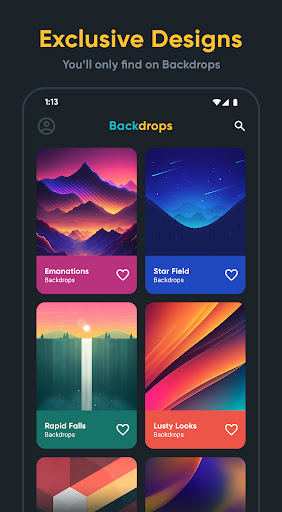
Backdrops is a wallpaper app for Android that lets users freely change their lock screen and home screen wallpapers. The app offers hundreds of carefully crafted original wallpapers. If you're not satisfied with these, you can also find wallpapers posted by other users in the community or create your own. The app also categorizes wallpapers, allowing users to quickly find their favorites. Its user-friendly interface makes it easy to use; find your ideal wallpaper and set it as your background!
Features:
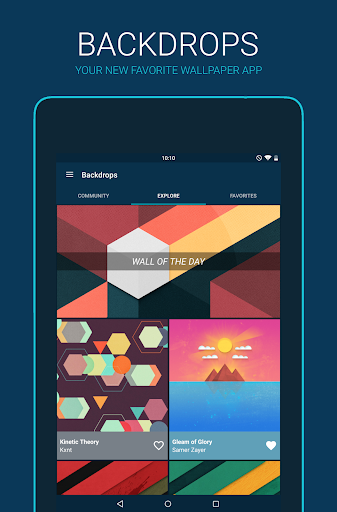
Explore
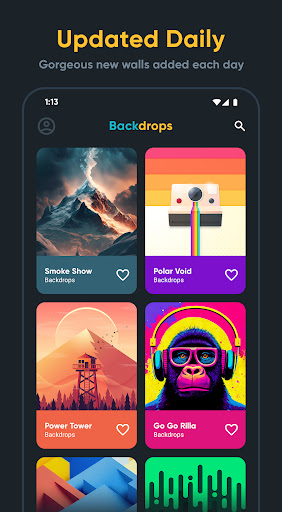
Sift through hundreds of original wallpapers hand crafted in house by the the Backdrops team. Enjoy exclusive walls designed specifically for your Android devices.
Let's Get Social
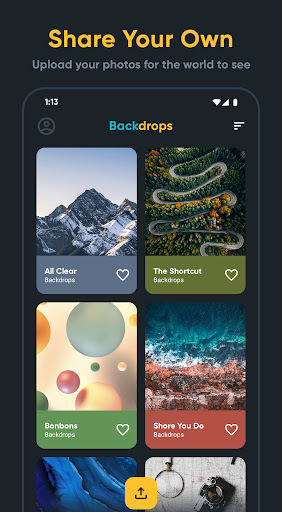
Join in on the action and upload wallpapers yourself. Share your own original pieces of work or photography. The Backdrops team will be side by side with you sharing high quality public domain photos.
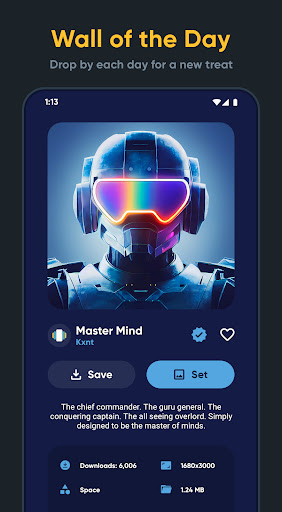
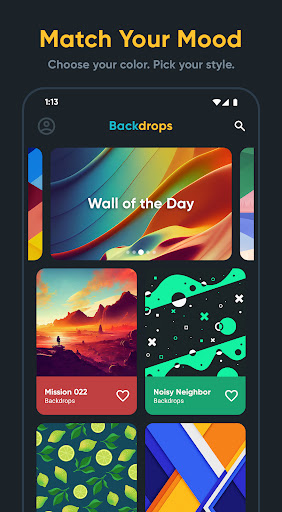
Wall of the Day
Come back every day for a new treat. This is where we showcase newly created backdrops, or just some of our favorites. Contact us if you want your own original work in the spotlight.
Premium Packs
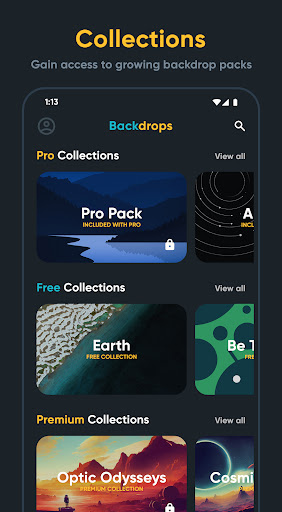
Unlock bonus collections to gain access to even more original work. These Premium sets will be updated along with the Explore section. More backdrops equals a happier you.
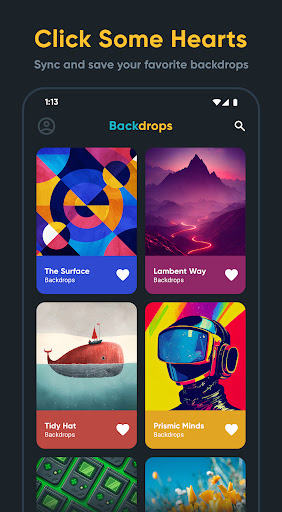
Favorites
Click some hearts and build a collection of your own. Have all your favorites handy for quick access.
So Material
Fall in love with an app designed with Material in mind. Open up Backdrops continually for some daily eye candy.
Highlights:
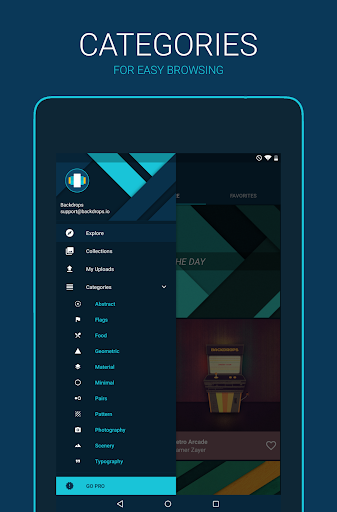
One of the best things about Backdrops is its user-friendly interface. It's easy to navigate through different categories such as abstract, nature, space, and more. You can even search for specific keywords or browse through popular tags like minimalism or gradients. Once you've found a wallpaper you love, simply tap on it to preview how it will look on your device before setting it as your background.
Another great feature of this app is its community section where users can upload their own creations and share them with others. This creates a sense of collaboration and inspiration among fellow wallpaper enthusiasts. Users can also save their favorite wallpapers in a personal collection for quick access later on.
Tips:
There are backgrounds of all kinds, including minimalist, mountains, sky, water, planets, sun, flowers, animals, dark, nature, etc. In addition, you can choose them according to the colors that stand out the most in them if you want, for example, a wallpaper to match your icon pack.
When you find a background that you like, you only have to press the button on the right to use it as wallpaper, lock screen background, or both. You can also mark it as a favorite or save the photo in the gallery. The information displayed includes the number of downloads, resolution, file size, and source.
If you don't know which wallpapers to download, Backdrops has a section to browse where the featured photo of the day appears, as well as other popular ones.
If you want to show your photos, you can also upload wallpapers to the app. Backdrops also has a paid Pro mode that offers improvements such as the elimination of ads or the possibility of saving favorite backgrounds within the tool itself.
FAQs:
What is Backdrop?
Backdrop transforms your Mac desktop into a stunning visual experience using high-quality video and animated scenes. It's perfect for focus, ambience, or just making your workspace feel inspiring.
What's included in the Trial?
The Backdrop Trial has no time limit. You can use up to 3 watermarked backdrops, including scenes you download from the Community Platform or create yourself. Purchase Backdrop to remove the watermark and unlock unlimited access to the Community Platform.
What's included in my purchase?
Purchasing Backdrop removes the watermark and unlocks unlimited access to the entire Backdrop community platform, including thousands of Backdrop scenes and new content and features added regularly.
Can I use my own videos or images?
Yes. Backdrop supports using custom video files to create a scene. You can import your own content via the Creator feature, and even submit it to the Community Platform for others to use.
Does Backdrop impact performance or battery?
Backdrop is optimized for maximum performance and minimal resource usage. Playback pauses automatically when apps are in fullscreen mode, and further optimizations are done to increase performance while on battery power.
Conclusion:
So, what are you waiting for? Let Backdrops help you find the perfect wallpaper for your smartphone or tablet and use the amazing wallpapers and backgrounds that you find in Backdrops.Download Backdrops now and enjoy all of the amazing wallpapers and backgrounds that we have to offer. Enjoy our wallpapers and backgrounds and we are sure that you will love them.
-
Latest Updates
-
Featured Apps