OGYouTube
Social
2026-07-16
42.9MB
12.43.52
Android
464
Screenshots

Introduction
OGYouTube is a YouTube client application that allows users to not only watch videos online but also download them for offline viewing. Its browsing and viewing experience is exactly the same as the official YouTube client, allowing users to quickly get started. OGYouTube has all the features supported by the native YouTube client, but it allows users to download videos to their phones for offline viewing.
Features:
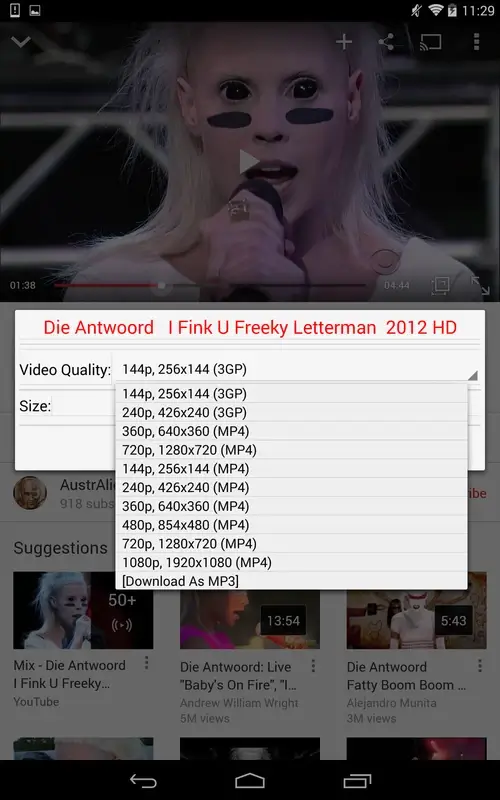
Video downloading: You can download any video which is available on YouTube. Download the video in the quality you want from 144p to 1080p HD and even download mp3 or audio file of videos which you are streaming.
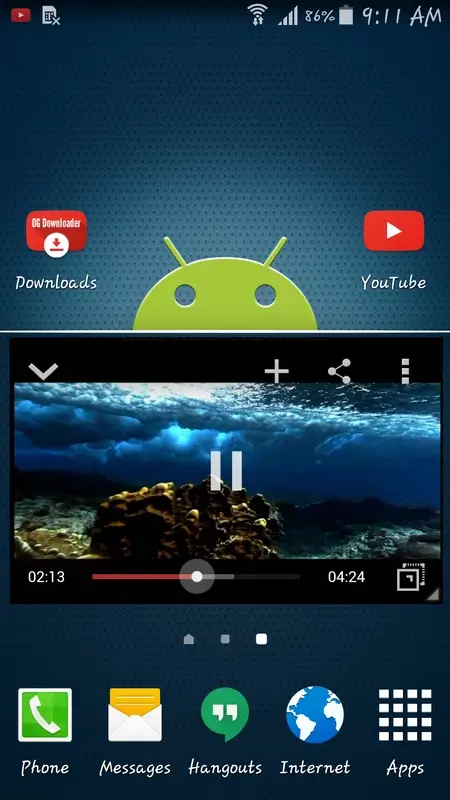
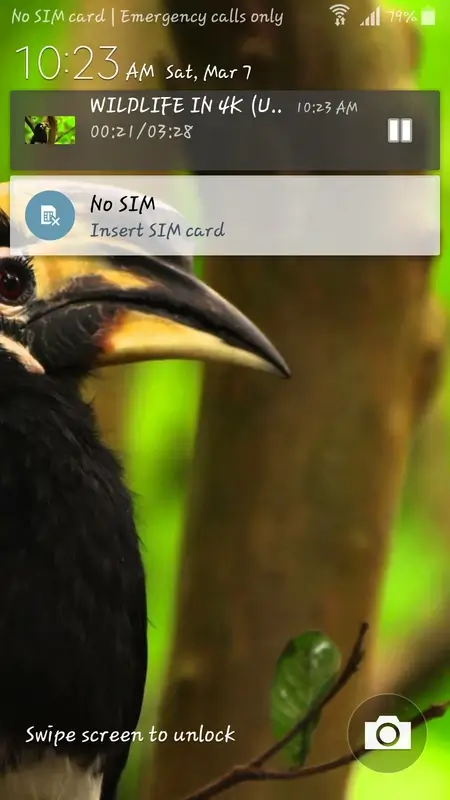
Background Video Player : OgYoutube allows you to play YouTube video in the background as a music player which is the very cool feature of OgYoutube. Which video you want to play in background, Open That Video and then just click background option near Download Button. Video player feature will even work when your screen is locked which is very cool feature.
Privacy Features : You can clear recent watched videos history even clear recent searched history, pause history which will stop creating history, Pause search history which will stop creating the history of search whatever you search on. This OgYoutube feature is very useful.
Usage:
Run the OGYouTube app.
The Main screen of the app has a search button located in the top left corner. Input the name or title of the video you would like to download in this search bar and click the search icon.
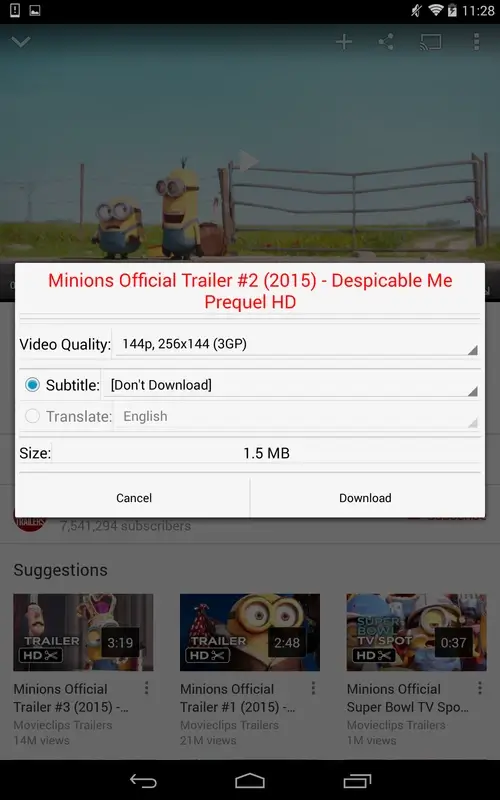
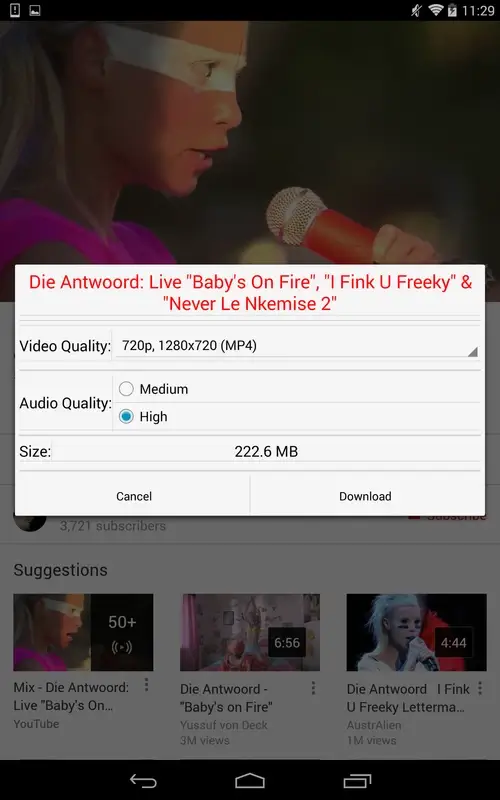
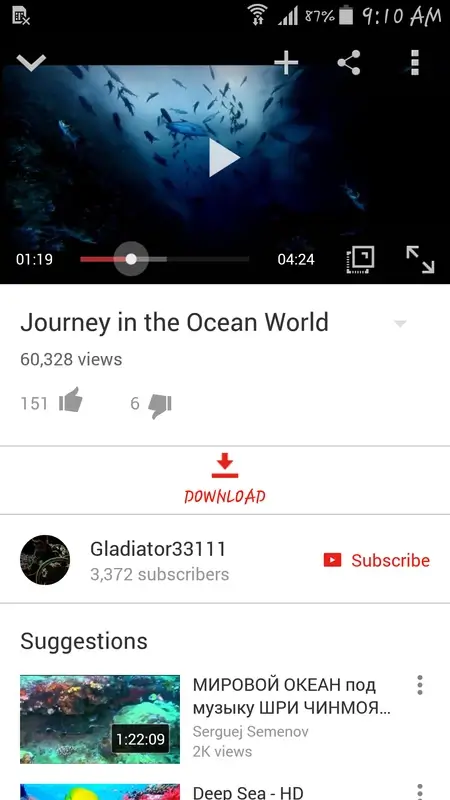
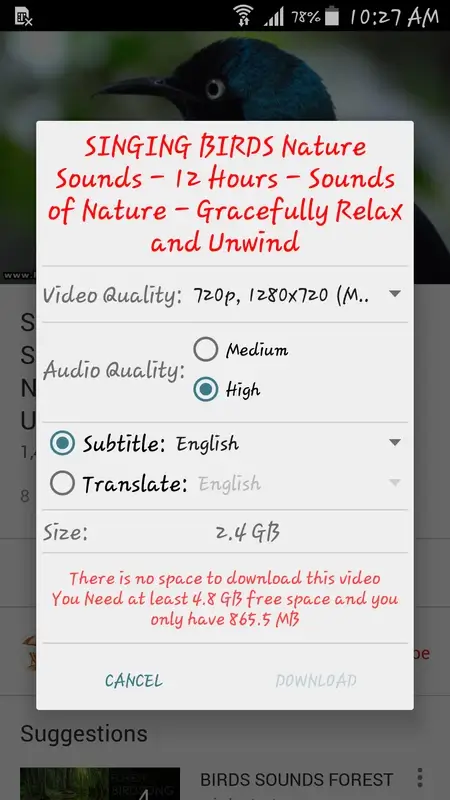
After finding the video, click on it to start streaming. Right below the streaming video, the user can see the “Download” button. Clicking on it will present the user with Download Options and various qualities to download. The range of video quality is from 144p to 1080p.
After selecting the video quality, you need to select the sound quality as well and afterward click on the option “Download”. This will prompt the app to start the video downloading.
Downloads of the OGYouTube app can be managed easily. As well, by simply tapping on the downloading process that can be accessed in the ‘Notification Panel’. This will transfer the user to the ‘OGYouTube Downloads’. One other way to access the ‘OGYouTube Downloads’ is to go to the app drawer and select the app named ‘Downloads,’ which has the OGYouTube icon on it.
Pros and Cons:
Pros
Offers a convenient and simple way to download YouTube videos.
Supports downloading videos in multiple resolutions.
Videos can be converted to MP3 format for use as music.
Cons
Users can't log in to their YouTube account without losing download functionality.
FAQs:
How much storage space is needed to install OGYouTube?
Please keep at least 42.9 MB, and additional 100-500 MB free for smooth updates and cache management after installing.
What are the system requirements for OGYouTube?
Your device should have system version Android 4.1+ (firstly released around 2012-07) or newer.
How long does it take to download?
The package size of OGYouTube is 42.9 MB. Download time can vary based on your network connection. Typical speeds are:
4G: 30-100 MB/s
5G: 170-400 MB/s
Wi-Fi: 50-500 MB/s
Why do I fail to download or install?
Common reasons for download or installation failures include:
Lack of device storage
Device incompatibility
Poor network connection
Conclusion:
In general, OGYouTube works exactly like the official YouTube client. Actually, it's an older version of the official client, with just one small difference: a download button below each video. Pressing this button lets you choose the format and quality of the video you want to download to your device's memory.OGYouTube is probably the best YouTube download client you can find on Android, even if there are others that are also very good. Its usability and interface (the same as YouTube) make it the best possible alternative for downloading videos.
-
Latest Updates
-
Featured Apps