Viber
Social
2026-10-21
172.00MB
21.1.2.0
Android 2.3 and up
143
Screenshots
Introduction
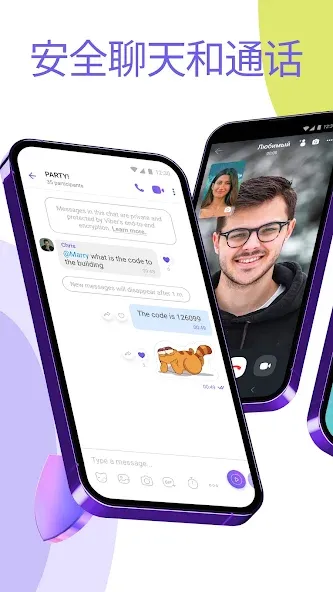
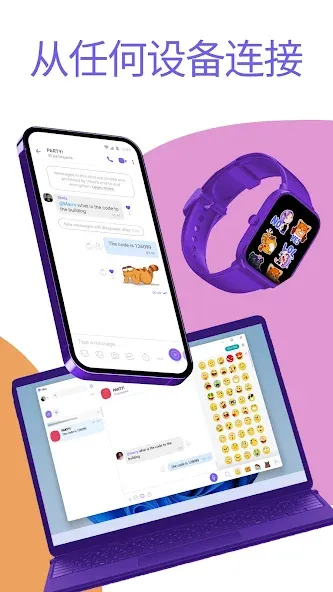
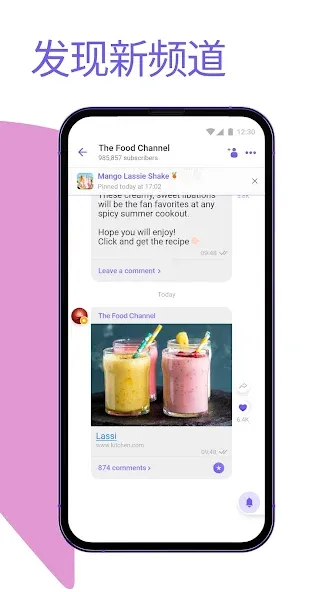
Viber is a social platform designed for Android devices. It allows for the creation of group chats that can accommodate over 100 members, with the option to assign administrators as needed. The app includes a feature for messages that disappear automatically after being read. Users can easily make voice and video calls, as well as send stickers and GIFs. Viber requires no subscription fee, granting access to the majority of its features. Its interface is simple, making it easy for users to get started, and account data can be synchronized across multiple devices.
Features
Support Group Chats
You can create group chats and have 100+ participants at a time. Only the admin can change the role of the group participants and create the invite links. These groups can have multiple authors, admins, and readers.
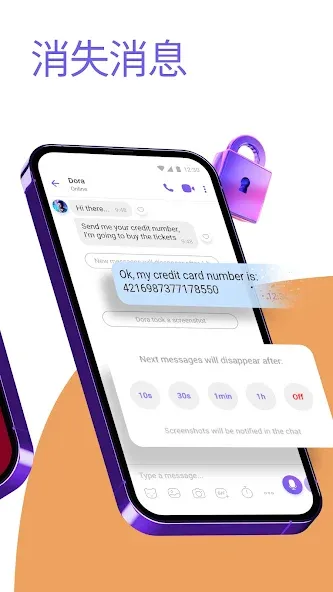
Disappearing Messages
Enable the disappearing messages to let the chats vanish after you read the messages. You can save the text by holding it for a second and selecting the save option.
Make Audio/Video Calls
The app can make video and audio calls and add multiple profiles in the conference room to talk with all your friends at once. GetMobile Apps
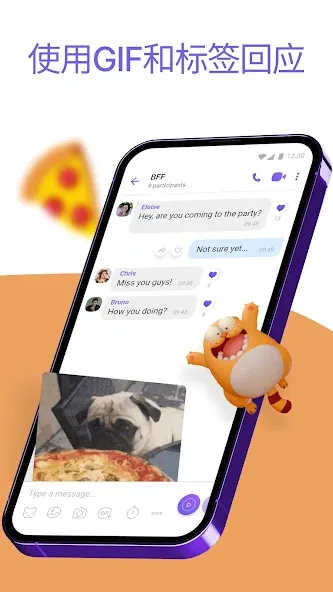
Send Stickers & GIFs
You can add new sticker packs to your conversation to spice up the chatting and have fun sharing the latest memes and trending GIFs.
Free for Everyone
The app doesn’t need any monthly subscription to let you enjoy the services. You can use this app to the fullest without spending a single buck, registration is free, and anybody can create an account.
FAQS
What are the best ways to start using the Viber app?
Setting up is pretty straightforward on Android Smartphones. Just enter your phone number and a user name on the prompt screen after downloading the app. It does the rest and registers the user with his/her mobile number.
How can we see our contacts that use Viber?
Its users are marked with a purple icon. Tapping one gives you the options for free calls, free messages, video calls, and a Viber-Out call—which means a normal phone call. To work properly sync with your device and search for contacts that are already on Viber, the app requires these permissions.
How can we share our location via Viber?
You can do that through the embedded location-sharing feature, or you can use maps. If you want to know more about this app then you may visit Viber support for more information.
Are there any Viber features?
Use the latest business inbox feature to organize your messages. The new Business Inbox will sort out brand messages from chats with friends or family.
Advantages and disadvantages
Pros
Sync with phone number, no need username or password to register
Free chat text, voice, and video calls, also send photos and videos to persons or groups
Reliable to connect and transfer data to desktop
Setting up and using the app with ease
Cons
No call blocking feature
No tablet platform support
User comments
I really like the feature that allows you to record video messages—it’s a great way to convey your current mood and tone of voice directly to the person you’re talking to. There’s also an option to set chat history to auto-delete, which helps protect our privacy. It’s just a shame that none of my friends use it; I really wish Viber could become an essential app that everyone has on their phone.
The person in charge is incredibly professional and enthusiastic—they answer every question promptly and thoroughly. I asked quite a few things, yet they never seemed annoyed and always provided earnest, detailed responses. I truly respect them for that; it’s rare to find someone so helpful!
Overall, it’s excellent—a fantastic social platform, whether you’re using it for romance or for business and entrepreneurship.
Summarize
Viber is one most popular VoIP (Voice over IP) and IM (Instant Messaging) apps that enables users to connect with their loved ones for free; however, an internet connection is necessary. It works similar Skype, and also other Scio-sharing apps to allow users to make phone calls, send and receive messages, and also share their multimedia files as well.