NetherSX2
Tools
2026-10-14
18.33MB
v2.1-3668
Android
129
Screenshots
Introduction
Features:
Everything Under Control:
Consolidate your entire gaming experience onto a single screen. Access your game library, settings, save states, memory cards, texture packs, and achievements via the sidebar and quick-action panel—no need to exit your current session or dig through nested menus.
A Game Library, Not a File Browser:
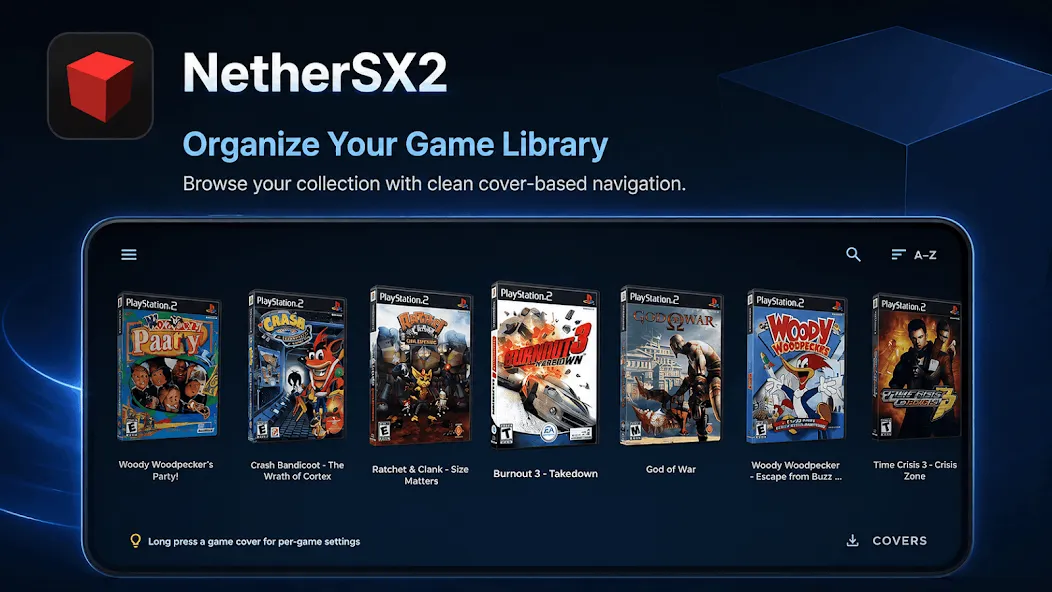
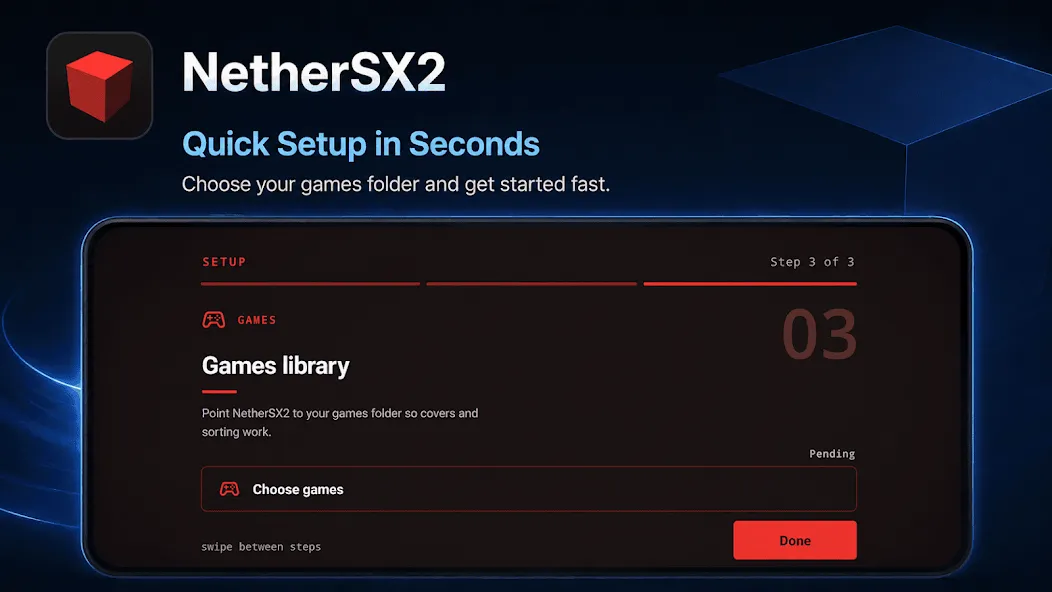
Simply point the app at a folder, and it builds a complete game library. Browse through game covers in a swipeable interface; cover art is automatically downloaded and cached to your device. Search by name, sort alphabetically or by recent activity, and long-press any game to jump straight to its settings or assign a custom cover image.
Save States and Memory Cards:
Save state slots let you capture a specific moment in the game and return to it instantly—perfect for tackling tricky levels or pausing mid-game without hunting for a save point. Additionally, NetherSX2 offers full virtual memory card management: create and swap cards, assign specific cards to individual games, and browse the contents of each card.
Graphics Controls:
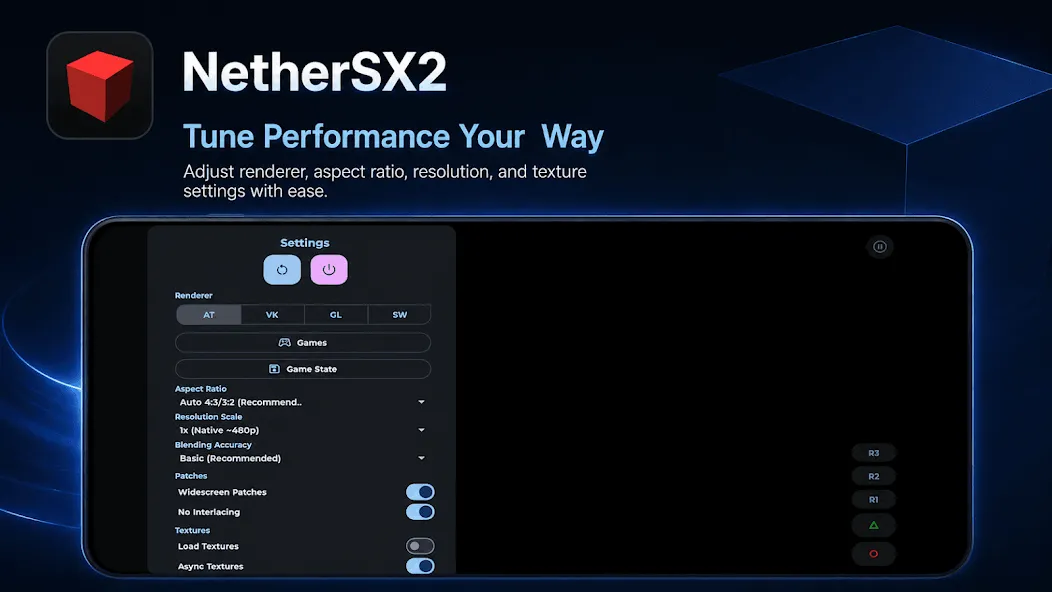
Scale the raw output to match your display's resolution, adjust blending accuracy, select aspect ratios, and toggle V-Sync. Widescreen patches stretch supported titles to fit modern 16:9 displays, while de-interlacing options eliminate the flickering often caused by legacy video output on flat-panel screens.
Controls That Suit You:
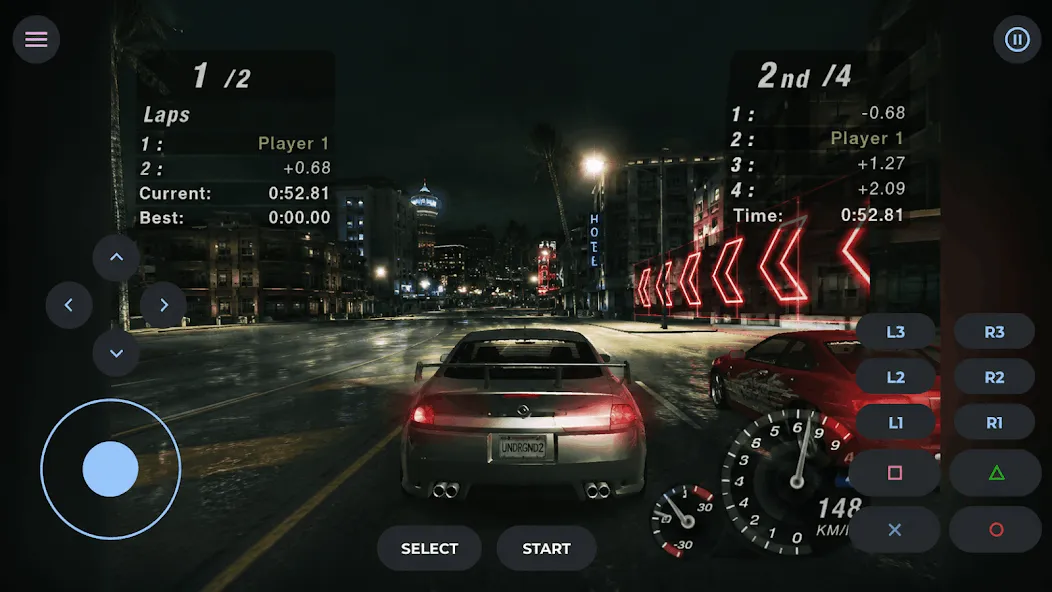
Connect a gamepad via Bluetooth or USB for automatic recognition, and use the built-in tester to verify button and analog stick mappings. Prefer touch controls? The on-screen layout is fully customizable, including an optional right analog stick. A quick-action panel grants one-gesture access to save states, settings, and your library; gamepad users can open it by pressing Select and Start simultaneously.
Per-Game Settings:
Every configuration option can be set globally or customized for individual games. This ensures that titles requiring specific renderers or blending modes retain those settings without affecting the rest of your library.
Highlights:
PS2 emulator for Android devices.
High-performance emulation that ensures a precise and fluid experience similar to the original game console.
Compatible with the vast majority of video games in the PlayStation 2 catalog.
Customizable controls that adapt to the technical characteristics of each device.
Enhanced graphics options, such as widescreen and high-resolution texture filtering.
Trick support.
Function to save the game at any time.
FAQs:
Can I use a Bluetooth controller with NetherSX2?
Yes, the emulator supports both Bluetooth and USB gamepads. You can easily map the controls to suit your preferred playstyle.
What is the difference between the Standard and Classic configurations?
The Standard version is based on the newer, feature-rich AetherSX2 core (4248). The Classic version is based on an older core (3668) and is better suited for low-end devices.
Is NetherSX2 free to use?
Yes, NetherSX2 is completely free and open to the community.
Advantages and disadvantages:
Pros
Includes custom patches
Notification improvements, controller support
Guided products
Compatibility
Cons
Potential errors
Conclusion:
In summary, the NetherSX2 APK runs smoothly, receives regular updates, and offers advanced features such as save states, macros, and HD enhancements, making it a reliable and feature-rich emulator for Android users. Currently, NetherSX2 is one of the best and most popular choices for playing classic PS2 games on mobile devices.
-
Latest Updates
-
Featured Apps