MP3 Quack
Entertainment
2026-10-21
10.52MB
1.0
Android 4.1 and up
599
Screenshots
Introduction
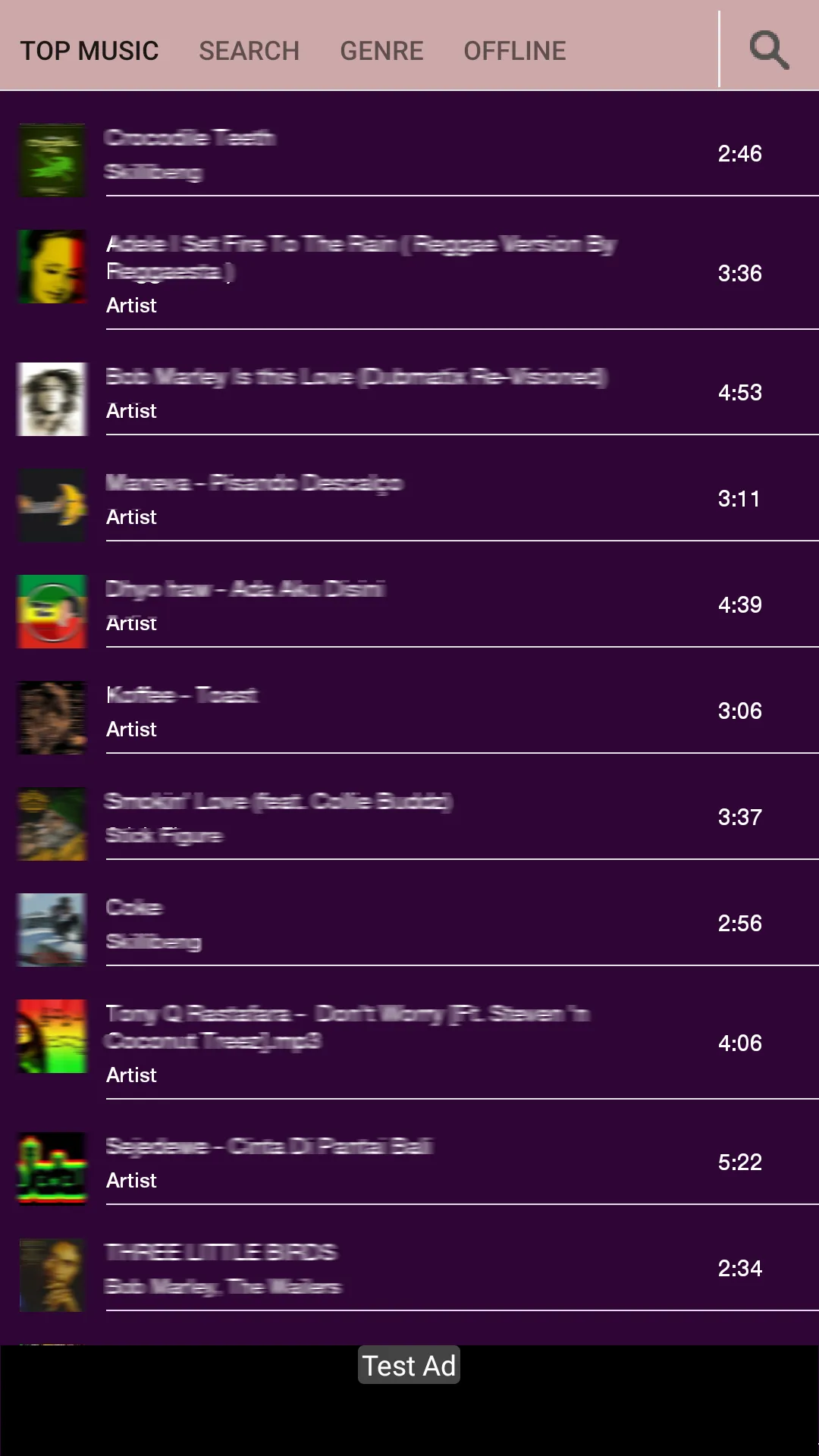
MP3 Quack is a music player software. This music culture software has very rich music resources, including all kinds of popular music, popular classics and old songs. Its quality is very high, giving players a very good listening experience. And new content will be updated regularly. Meet users’ needs for freshness. He has detailed introductions to various aspects of music, as well as daily song recommendations. Make personalized recommendations based on user habits. There are also powerful customization functions. Users can design the interface, fonts, colors, etc. of this application. Provides real-time subtitle support and multiple languages to meet the needs of different users.
Features:
Download Free Music
The app lets you download songs and music albums for free, and you can save the audio files offline and share the files with your friends or copy the music to your other devices.
Get Latest Updates
You’ll get notifications about the new release of songs, upcoming teasers, and tracks of any singer. You can bookmark your favorite artists and never miss an update from their side.
Search Songs
Explore the search options to find your favorite music and relevant search results. You can use the filters option to find the songs by sharing lyrics or any phrases from the song.
Listen to Online Music
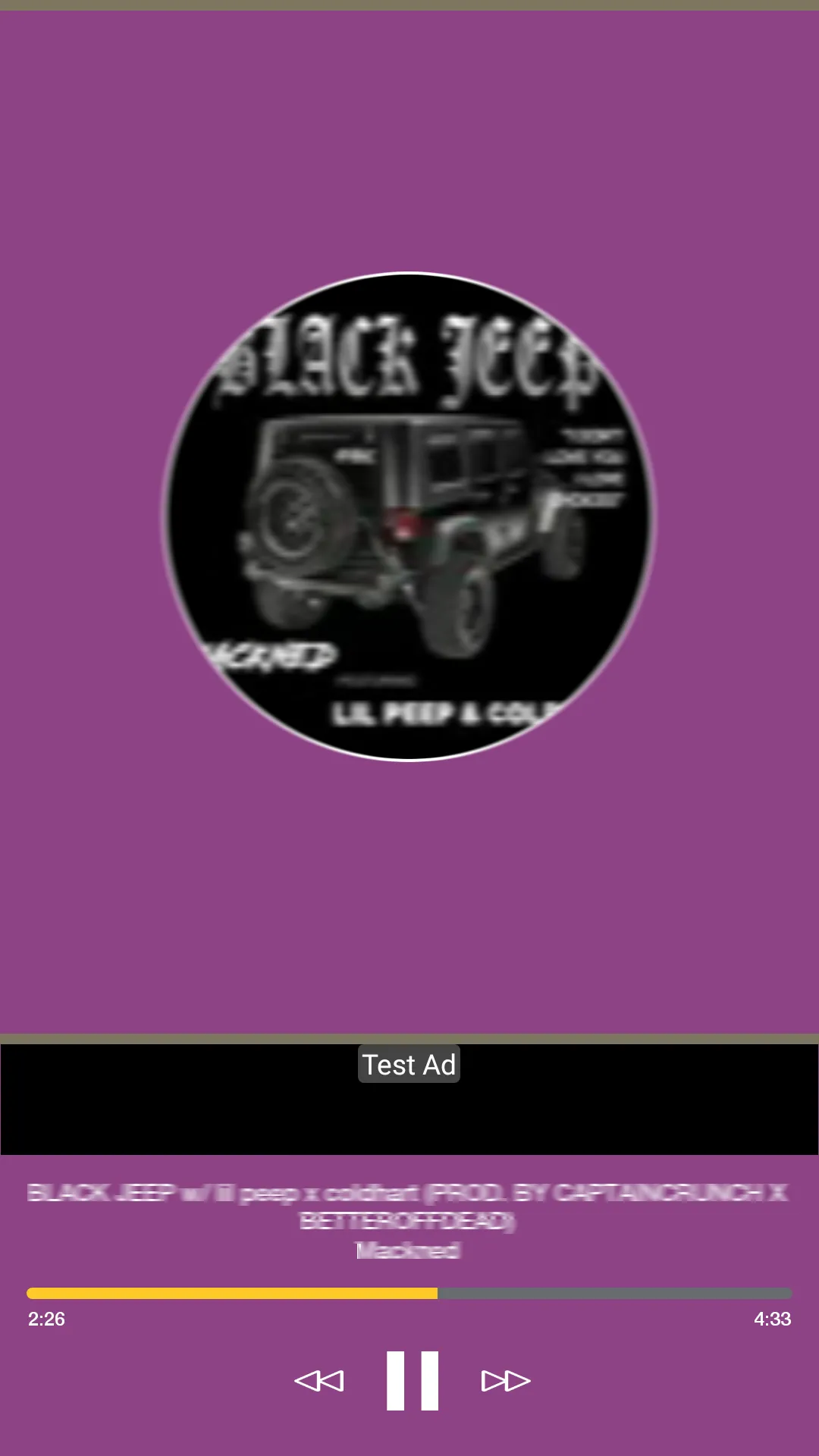
The app also has an online media player that lets you play songs online inside the app. You don’t have to download any third-party app to play music, and it’s already about with the package.
Support Multiple Language
It supports more than 16 languages and has separate categories for each language. You can browse the list of your native tongue and explore the music library to find your favorite songs.
Ads Free Interface
The app doesn’t bother your music streaming experience with ads; you can listen to the whole album without getting annoyed by video ads. It supports unlimited skips, and you can shuffle the music library without restrictions.
Highlights:
Search for songs by artist name, song title, or album name.
View currently trending songs.
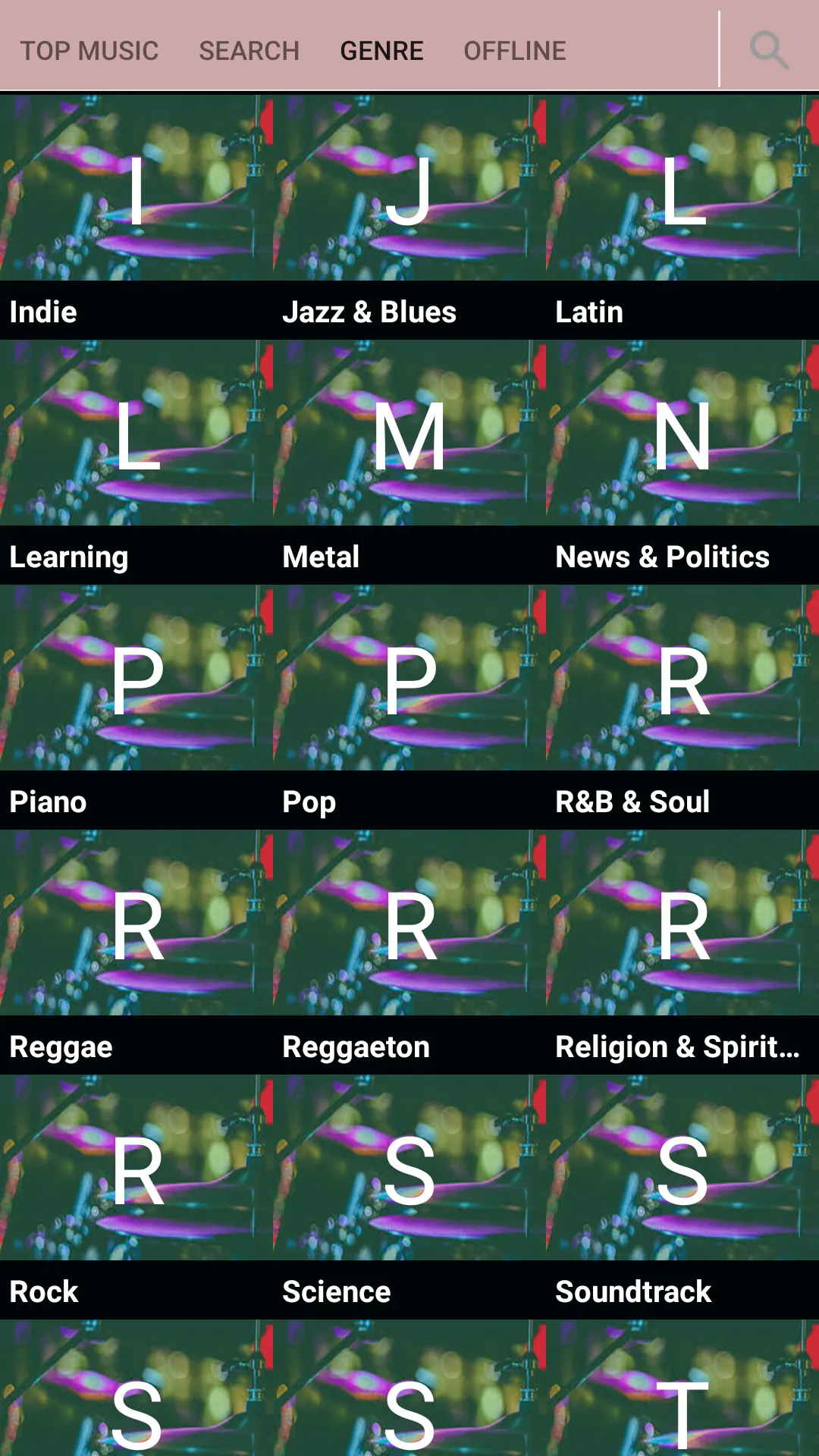
Easily search for songs by genre.
Multiple sound quality options: Smooth, Standard, and High Quality.
Multi-threaded downloading and a multi-engine MP3 downloader.
Download and listen to music without needing Wi-Fi.
Share downloaded MP3s with friends.
Floating music player for both online and offline playback.
Keep music playing while using other apps.
Manage music files on your SD card—listen to or delete them.
Play, pause, skip to the next track, or go to the previous one.
Supports almost all audio file types, including MP3, MIDI, WAV, FLAC, RAW, AAC, and more.
FAQS:
How does MP3 Quack work?
MP3 Quack works by indexing MP3 files from various websites. It provides a search function that allows users to enter keywords to find the music they want, which they can then stream online or download.
Do I need to create an account to use MP3 Quack?
No, you do not need to create an account to use MP3 Quack. It is free for all users, and no registration is required.
What is MP3 Quack?
MP3 Quack is a website that allows users to search for, stream, and download MP3 files for free.
Advantages and disadvantages:
Pros
Multi-platform support
Stream songs online
One-click download
Cons
Depends on the version
Conclusion:
MP3 Quack stands out as the safest and most feature-rich option. It supports music downloads from mainstream platforms, with quality reaching up to 320 kbps in MP3 and other formats. Best of all, it allows you to enjoy music offline without the need for a subscription.