77Live
Entertainment
2026-10-21
55.21MB
1.1.534
Android 5.0 and up
305
Screenshots
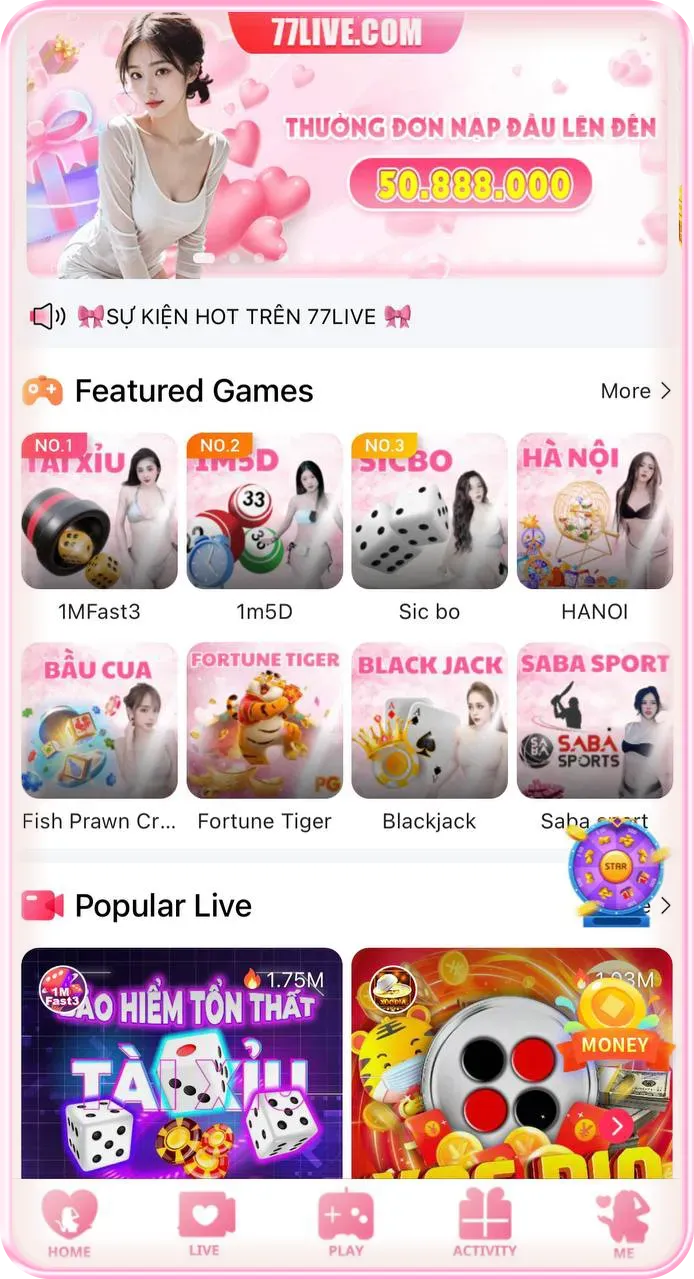
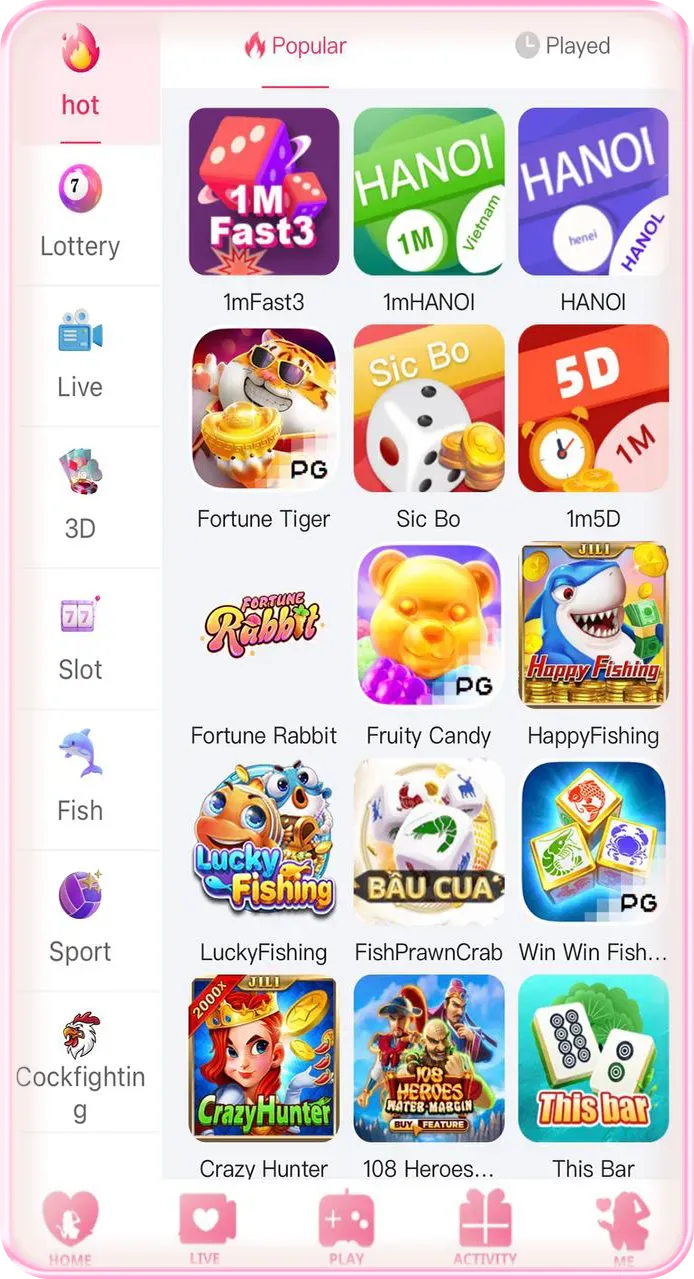
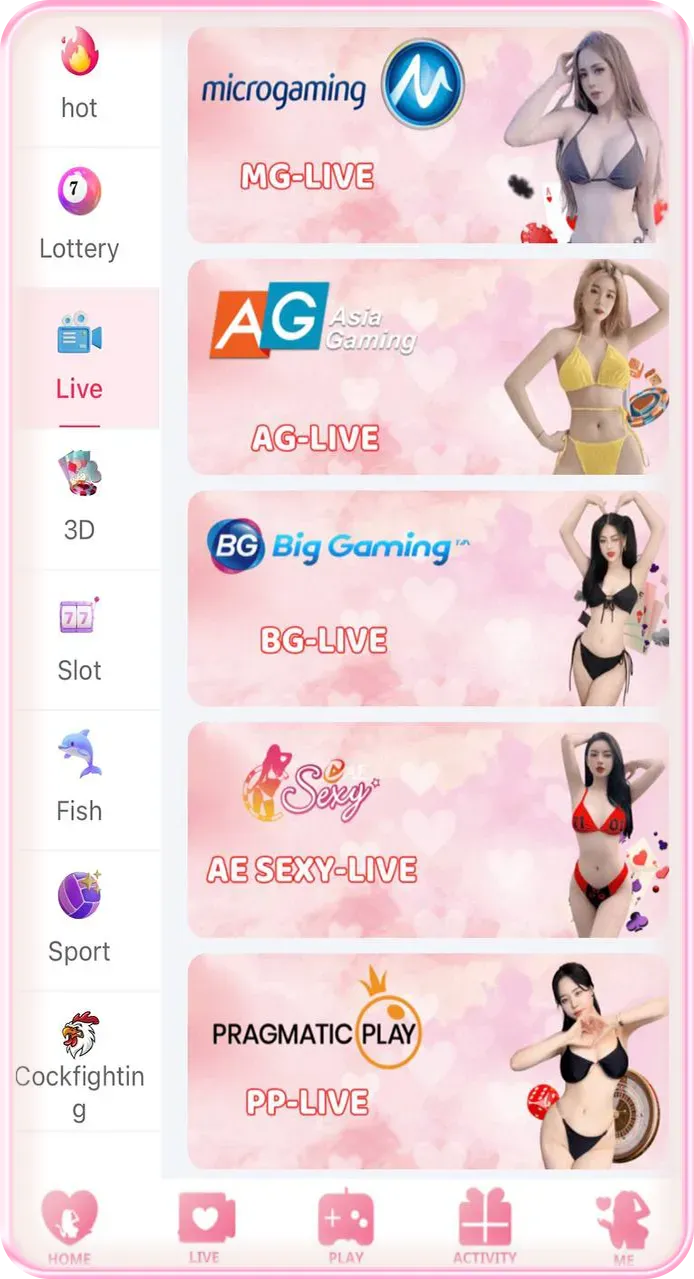
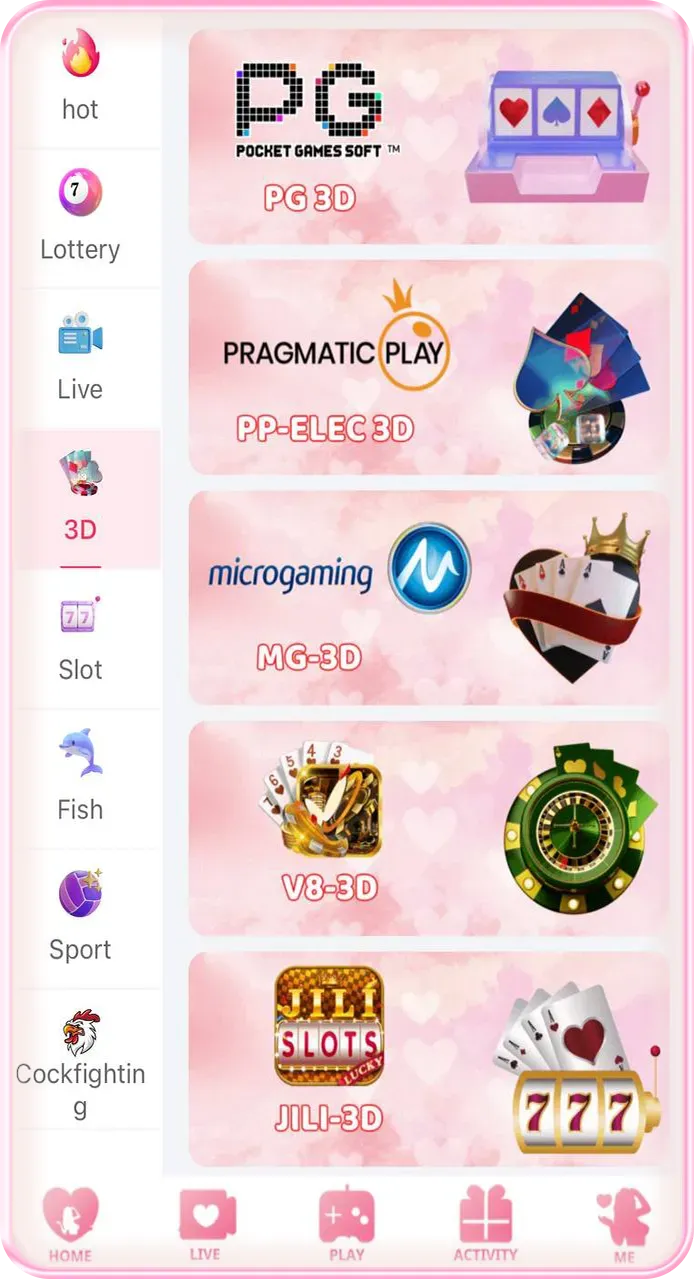
Introduction
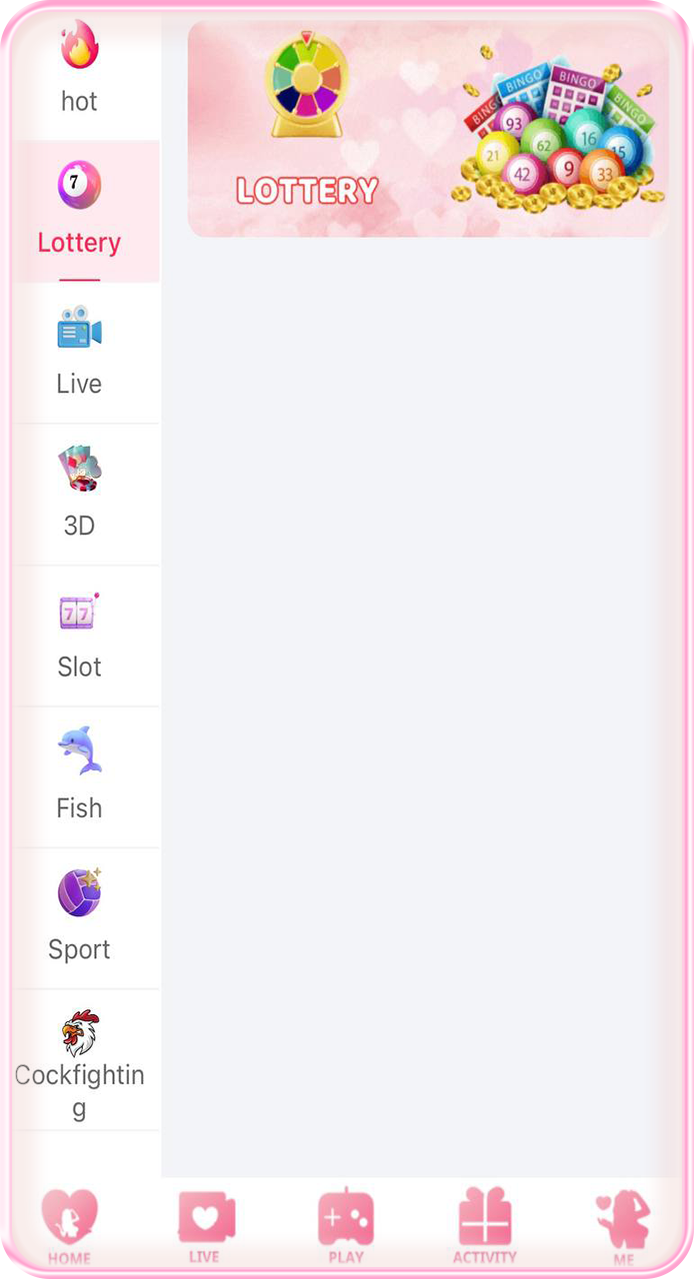
77Live is a live-streaming application designed for Android devices. It offers a wide variety of live-streaming rooms covering diverse topics, catering to the different interests of its users. The app features a user-friendly interface, allowing for quick and intuitive navigation. Users can interact with streamers by leaving comments or "liking" their streams. The app is free to download and is not limited to a single category; users can easily switch between different live-streaming rooms, as well as quickly follow channels or search for specific content.
Features
Multiple live stream rooms: Ranging from the varying interests of music and gaming to people’s interest in cooking and network marketing, there are many live stream rooms in 77Live.
User-Friendly Interface: The application’s users, regardless of their ages, will be able to go through and enjoy whatever content they are after on the app since it is made easy to operate with.
Interactive Features: Comments and likes create a dynamic community where viewers and streamers can enjoy the thrill of interaction.
No Payment Required: 77Live can be downloaded and used without paying any amount, reaching out to more users.
FAQS
Q1: How do I download the 77 Live app?
A1: Visit the official 77 Live website and locate the app download link at the top or bottom of the homepage; click it and follow the on-screen prompts to install.
Q2: Do I need to register to log in to 77 Live?
A2: Yes, you must register an account the first time you use the platform. You can sign up quickly using your mobile phone number, email address, or a social media account, and then use those credentials to log in to 77 Live.
Q3: Are the live sports broadcasts free?
A3: The official 77 Live website offers a wide range of free live sports broadcasts; however, some exclusive content or high-definition streams may require a subscription. You can find specific pricing details on the individual broadcast pages.
Q4: How can I view the match schedule?
A4: You can view the full match schedule by clicking the "Schedule" tab on the 77 Live homepage or within the live broadcast center. You can also filter the schedule by date or specific sporting event.
Tips
Explore Different Categories: You should not focus only on one category. Change your live stream rooms and explore new content.
Engage with the Community: You can comment, like streams and interact with the other users. The more active you are, the more fun it will be.
Follow Your Favorite Streamers: Don’t forget to hit the follow button when you find this person. It will help you get to know when this streamer is live.
Use the Search Function: When wishing to see the so-called content, look for live streams using the search function.
Stay Updated: Look out for the news feed and notice new tools that appear. The developers are trying to improve the app and how it looks with the help of its content by adding new features.
Conclusion
The 77 Live official website is dedicated to providing users with an exceptional live streaming experience. Through high-definition sports broadcasts, interactive sessions with live hosts, and convenient app download options, we cater to a wide range of interests. Whether you are a sports fan or someone who enjoys live interaction, you are sure to find content tailored to your preferences on the 77 Live website. We are committed to continuously updating our features and optimizing performance to ensure user satisfaction. Log in to 77 Live today and begin your live streaming journey!