Motion Ninja Pro
Entertainment
2026-10-01
161.88MB
4.1.8
Android
476
Screenshots
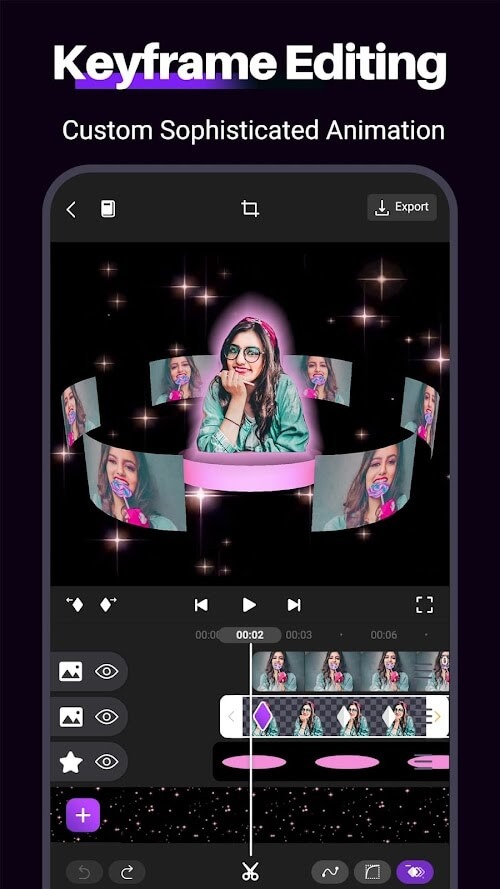
Introduction
Motion Ninja Pro is a powerful video editing application. It offers a wealth of editing features—such as various transitions, voiceovers, soundtracks, and text overlays—enabling users to create high-quality videos. Users can also utilize multiple layers to craft sophisticated visual effects. The app provides a selection of over 50 free soundtracks, while also allowing users to upload and use their own background music. Once a project is complete, users can share their work directly to major social media platforms with a single tap, making the process incredibly convenient and efficient.
Features:
Create videos with various editing tools and features, including transitions, voice-overs, music tracks, text overlays & more.
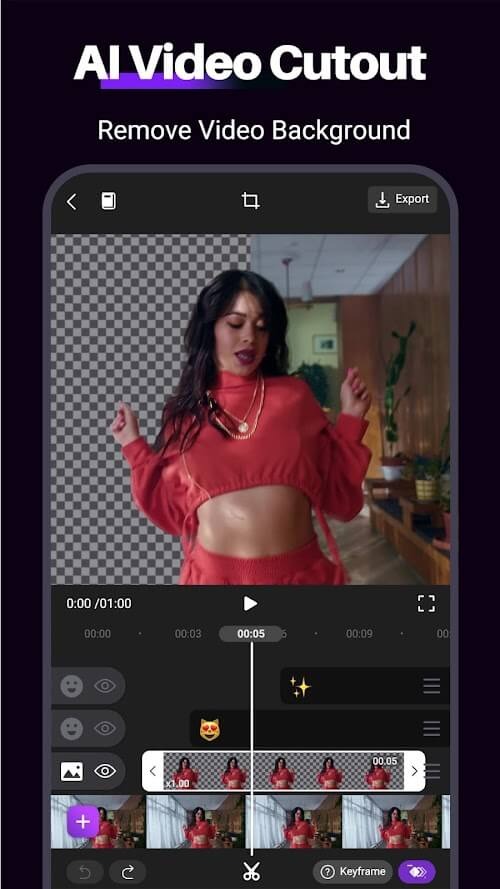
Add multiple layers to your video timeline to create advanced effects like split screens or picture-in-picture.
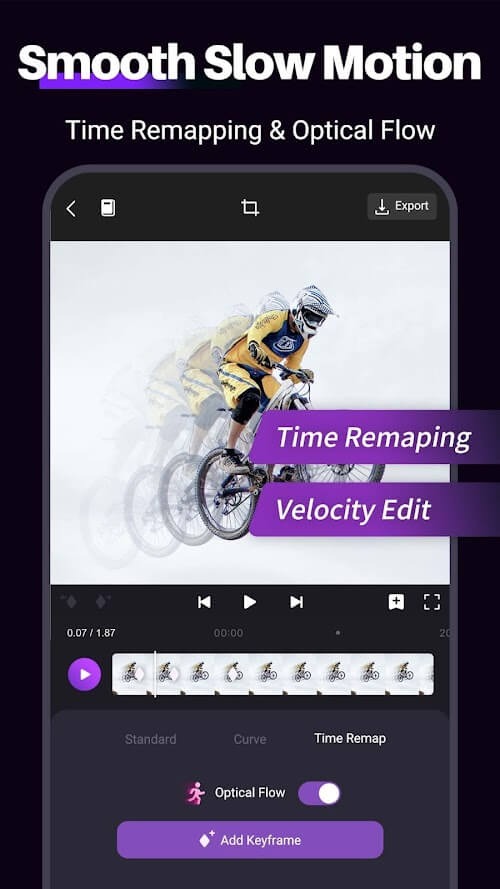
Easily adjust the speed of any clip from 0.5x up to 4x as fast without affecting audio pitch quality (time-lapse).
Choose from over 50+ free soundtracks or upload your background music directly into the Motion Ninja Pro app library.
Record live narration/voiceovers inside the application using an external microphone connected via Bluetooth device/headset jack on the phone.
Save projects locally so you can continue working anytime, even if no internet connection is available!
Share finished creations instantly through social media platforms such as YouTube, and Facebook, email them directly or export them onto other devices for further use.
Highlights:
Enhances Amateur Footage: Slow motion scenes, after being edited with the app, can be automatically adjusted by the app to make them more realistic.
Emphasizes Key Moments: This app also has another very handy ability: it can analyze and identify exactly which action scene needs to be added to the slow-motion effect.
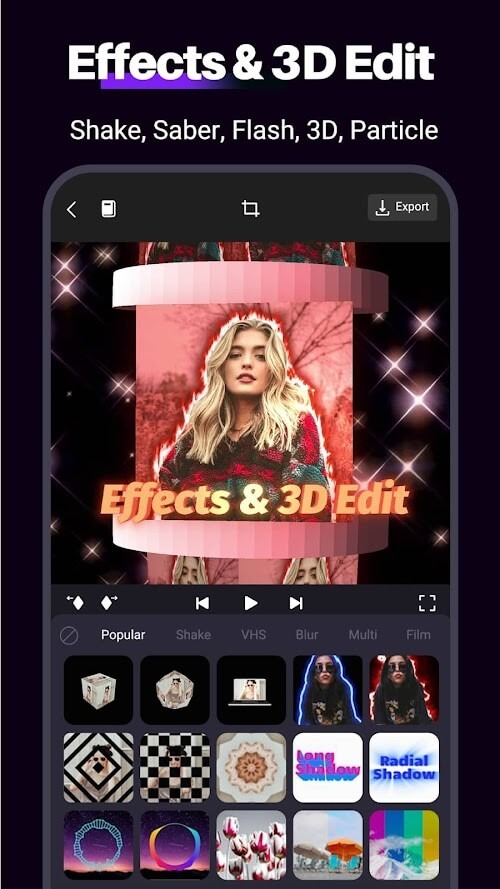
Unlimited Creativity: The basic effects that many people use while editing videos have also been designed by the app to make it easiest to use, thereby enabling users to be more creative with their videos.
Animated Photos: To make a video more vivid, users definitely need to create more in-depth transition effects.
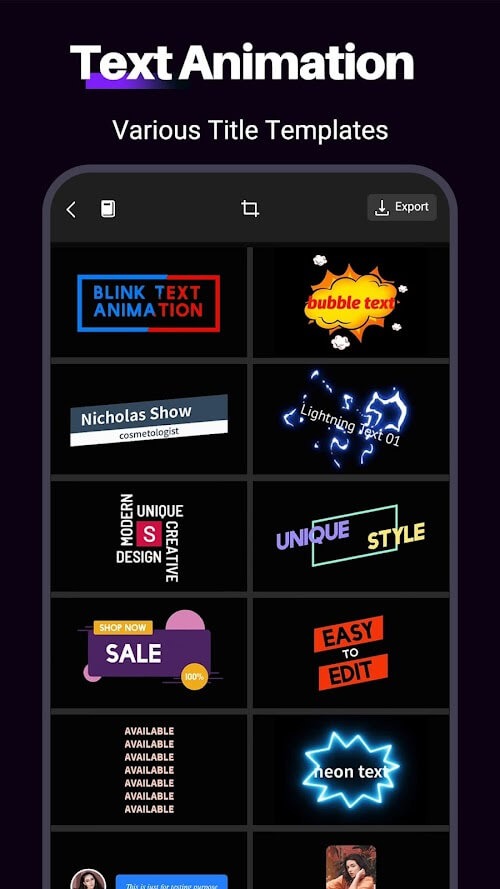
3D Titles: In addition, users can also add text to the videos they are editing. The special thing here is that the fonts and font styles can also be freely edited.
Transitions Library: If users feel that it is difficult for them to be creative with transition effects, there is a whole library for them to choose and apply. The special point here is that these effects have been designed in a very detailed way.
4K Rendering: If users cannot choose which platform they should post the video on, they can also choose the option to export the video in 4K quality. However, it can also take up a lot of space on the user’s computer.
Showcases Skills: There are many people who, after completing a video with cool effects, are rated low because the app they use does not provide high quality for their video. Because of the presence of this app, users’ video editing skills will not be overshadowed by poor video quality.
Pros and Cons:
Pros
Keyframes work across effects, text, filters, and other elements
Multilayer timeline supports detailed compositing
Strong masking, speed control, and chroma-key tools
Useful free feature set
Cons
Steep learning curve for motion-design newcomers
Complex projects can lag or slow down
Large edits can consume considerable device storage
Tips and Tricks:
In Motion Ninja Pro, you'll start selecting the video you want to edit. After this, you have to go to the editing screen to add awesome effects, texts, or transitions. You can choose from tons of different styles that you can set for each recording to give it a personal touch.
In Motion Ninja Pro, not only will you find filters that let you change the appearance of each video. You'll also have tons of font styles for different texts that you can fix on a certain area of the screen. The great thing is that you can add and remove new layers as needed until you're thrilled with the results.
Conclusion:
The overall experience of using the Motion Ninja Pro app is generally positive, with users finding the app to be user-friendly and easy to use. The app provides a wide range of tools and features for creating animations and visual effects, making it a versatile option for many different types of projects.
-
Latest Updates
-
Featured Apps