Launcher OS
Personalization
2026-08-14
125.35MB
6.3.15
Android
315
Screenshots
Introduction
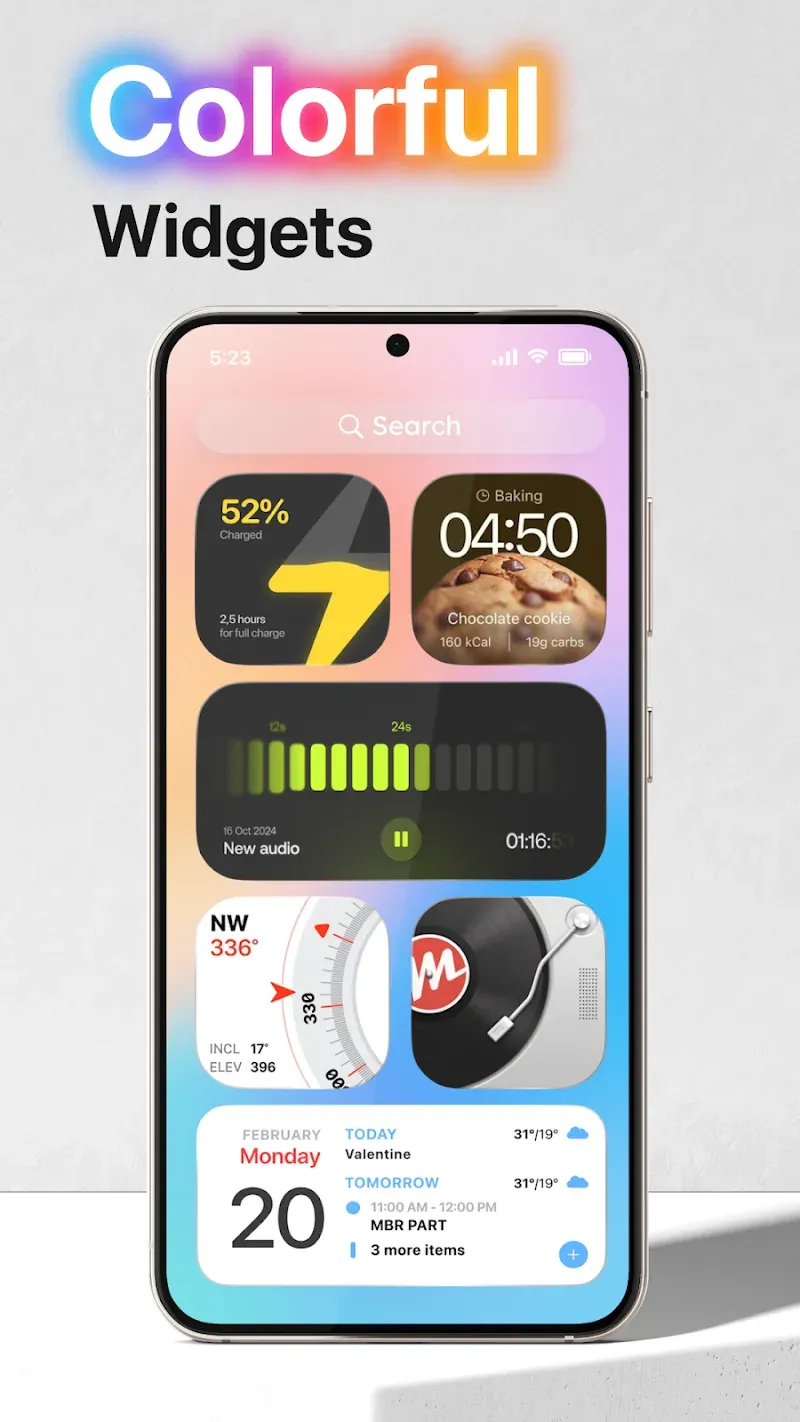
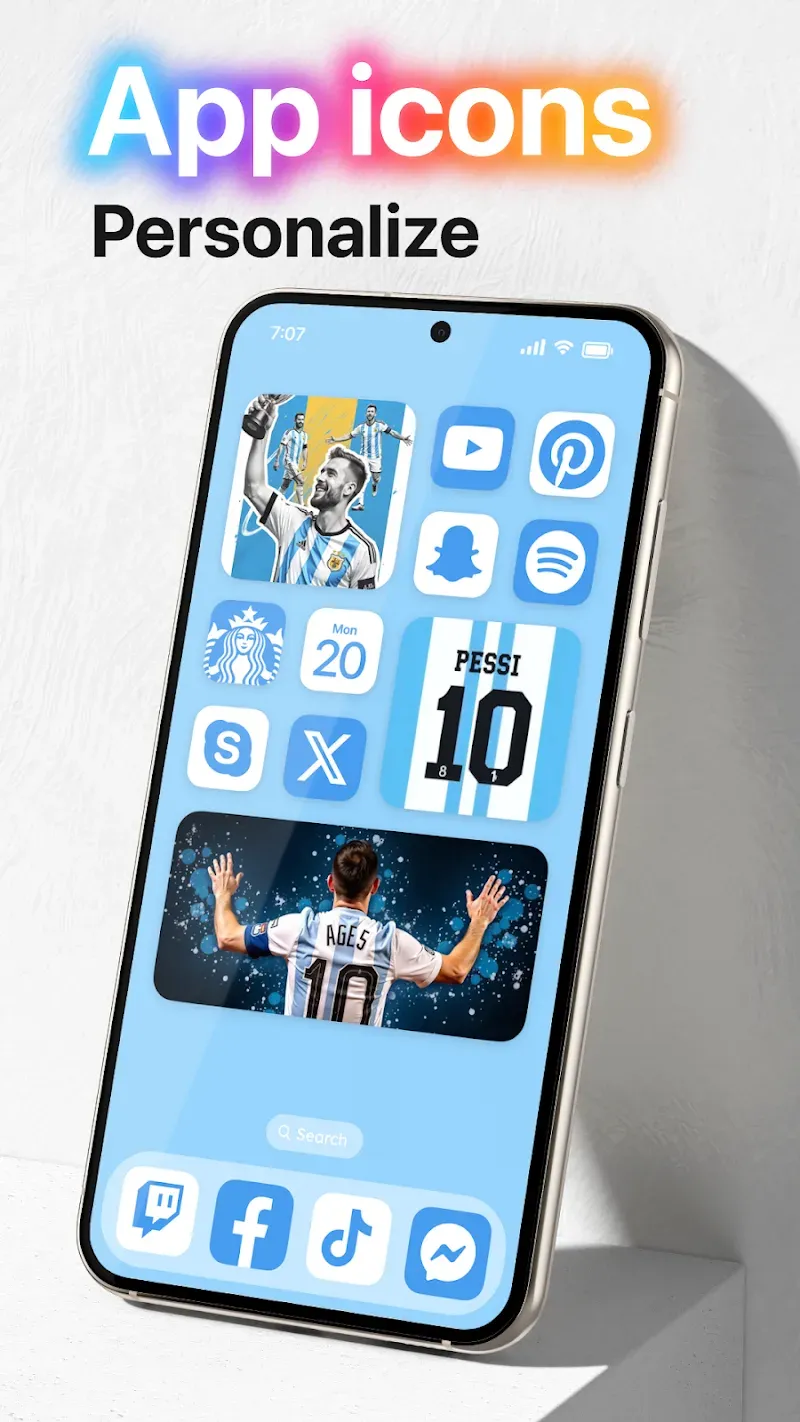
Launcher OS is a theme customization tool for Android devices. It offers users a vast library of themes and custom icons to give their Android devices a fresh new look. The app also provides numerous widgets that users can place on their home screen for convenient daily use. Through this app, users can set up many simple yet practical operations. For example, simply swiping the screen to launch the camera, or changing the way incoming call notifications are displayed to make them easier to find. This app also utilizes the latest AI technology, allowing users to directly convert speech to text for enhanced usability.
Features:
App Library
Launcher Phone & OS support: App Library is a new way to organize your apps same as real OS devices
Dark Mode
Launcher OS supports dark mode and light mode.
Style Folder
We design OS Style Folder, you can drag and drop an app to another to create a folder.
Weather and Suggestion widget
We provide a Weather and Suggestion widget, you can get the weather forecast in recent days.
Customizable Icon
Icon and name of application can be modified, you can choose an image and use it as an app icon.
App Unread Notification
We have added a new function to notify unread messages, turn on the App Notified in the settings and grant permission, you can make your apps selected to show New Information tips, do not worry about missing important information!
Highlights:
Instant Camera Access: The camera will be launched immediately after the user requests. Activating the camera becomes easier when users can operate directly on the home screen. Just swipe the screen, users can activate it.
View Incoming Calls: After adjusting, the system will notify users early about incoming calls. The notification method and notification form will be freely set by users. They will not miss incoming calls anymore but can detect and pick up the phone in time.
See Notifications Instantly: Notifications will be aggregated and displayed right on the lock screen. Users can check notifications more conveniently without starting the device. They can also customize the display mode for these incoming notifications.
Universal File Search: The search tool has been integrated right on the screen. Users can easily search for the content they are interested in from this tool. Files stored on the device will be found faster using the newly activated search bar.
Voice-To-Text AI: During the search process, users can use the voice to text converter. AI will assist users in quickly converting short voice clips. From the information in this voice clip, the system will automatically enter text for the user.
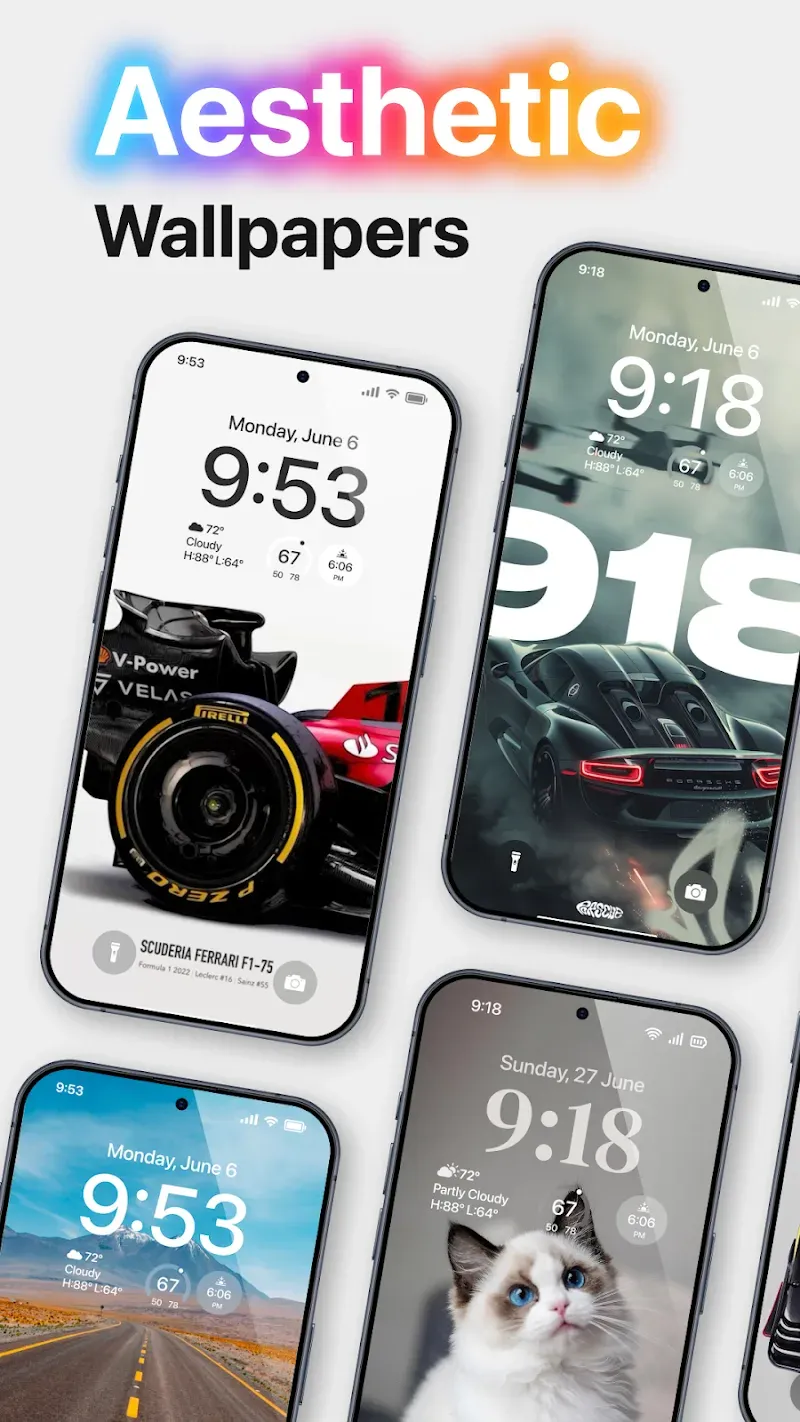
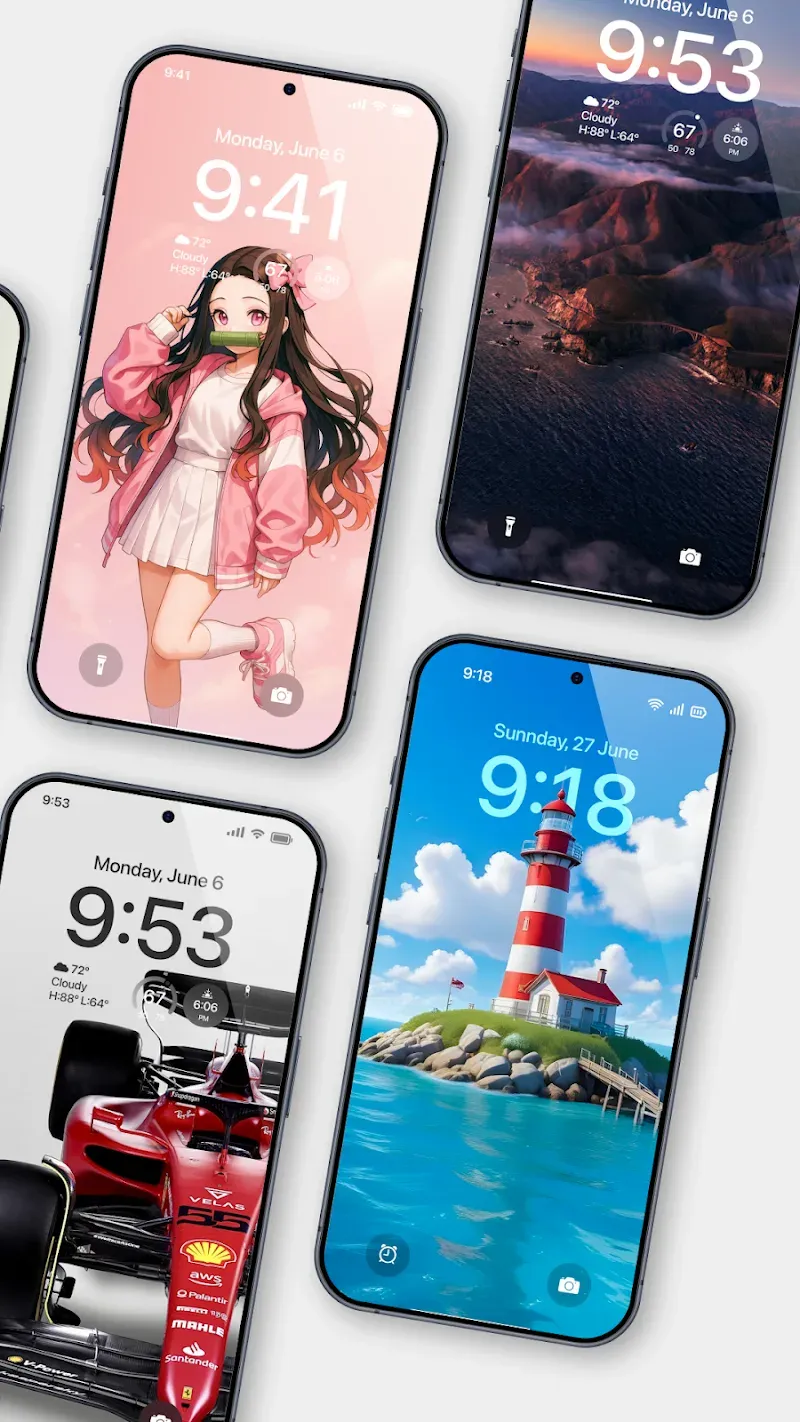
Custom Wallpaper Support: The application also provides additional beautiful wallpaper templates for users to use. They can customize them to create a truly modern and stylish space. Many beautiful wallpaper templates are ready for users to apply at any time.
Tips and Tricks:
Open Launcher OS and set it as your default home app when prompted, then confirm your choice in the system dialog.
Next, open the App Library to review categories. Rename groups, move apps into the right spots, and use the search bar to launch any app quickly.
Then, press and hold on the home screen to customize. Choose a wallpaper from your phone or the app server, change app icons, create large folders, and place widgets where you want them.
After that, enable lock screen tools if you plan to use them. Grant the requested permissions for camera, notifications, and display over other apps so quick camera and overlays work as designed.
Finally, try the device wide file search and voice chat. Type a file name to locate documents on your phone, or tap the microphone icon to dictate a question when you need hands free input.
FAQs:
Does it collect any personal data?
No, your privacy is a top priority. The app does not collect or share any personal data.
Can I use my wallpapers in it?
Yes, you can choose images from your device storage to set as wallpapers.
Is the AI Chat feature free to use?
Yes, the built-in AI Chat is included and free to use within the launcher.
Will this app slow down my phone?
No, the app is lightweight and optimized to enhance performance rather than slow it down.
What permissions does the app need and why?
The app needs access to notifications, storage, camera, and microphone to support its features like universal search, AI voice input, and lock screen functions.
Conclusion:
Launcher OS perfectly blends functionality with aesthetics, offering a sleek, responsive design that makes daily interactions with your device enjoyable. With countless themes, custom icon packs, and seasonal designs, it offers a creative way to continually evolve your phone’s appearance. Download the Launcher OS today and reimagine your Android experience.
-
Latest Updates
-
Featured Apps