EDGE MASK
Personalization
2026-10-04
10.81MB
3.10
Android
344
Screenshots
Introduction
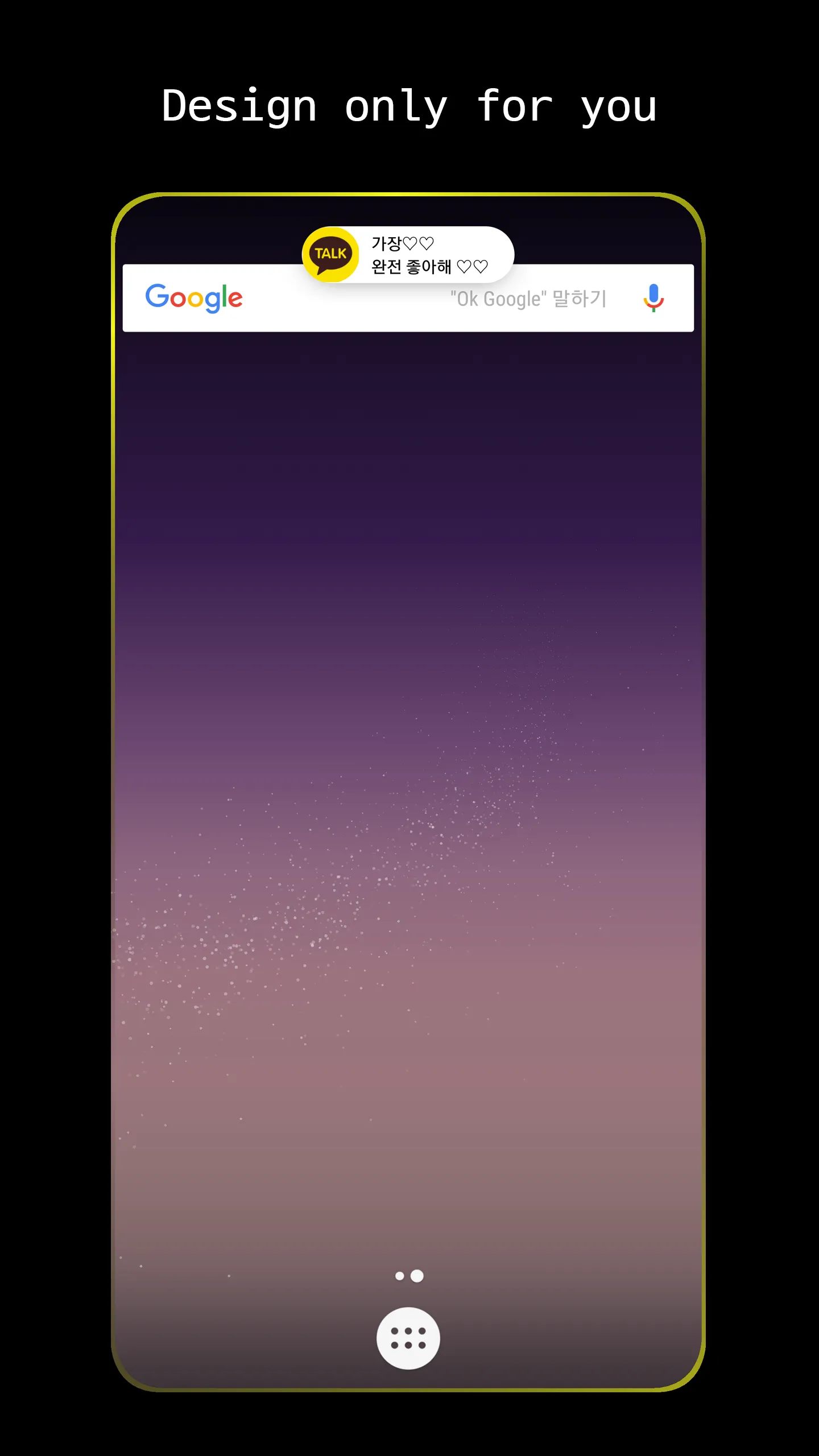
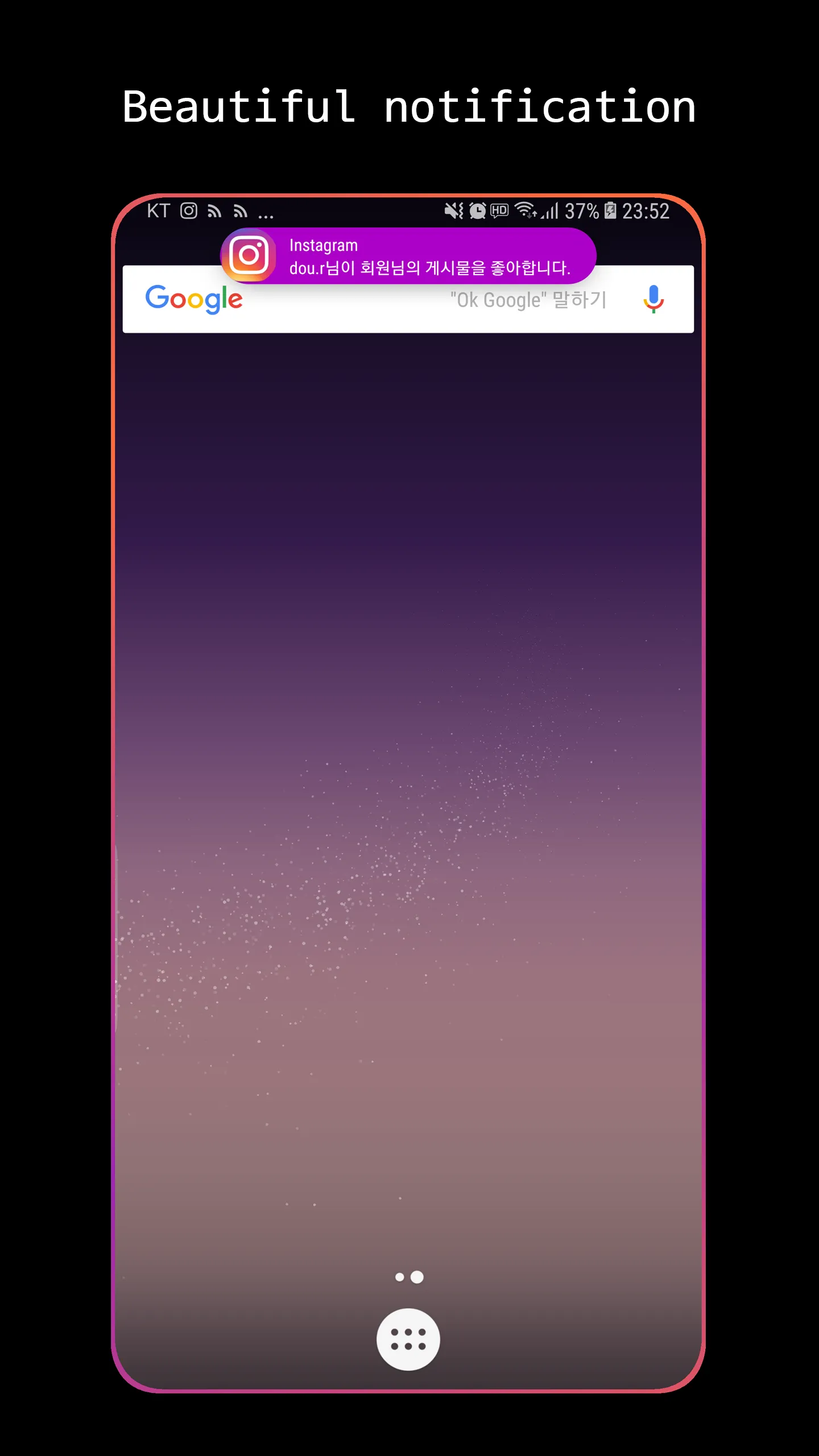
EDGE MASK is an outstanding customization tool that allows users to personalize the visual effects displayed along the edges of their phones. With this app, you can give your device a striking, cool look and create a truly personalized aesthetic. It offers 11 pop-up styles and three lighting effects, giving you plenty of options to suit your preferences. Additionally, the app lets you customize the notification bar—adjusting its color, transparency, and even its position—to better harmonize with your wallpaper and showcase your unique style.
Features:
11 pop-up styles
Dynamic Island (2 variants) · Apple message style (classic and iOS 15) · Samsung message style · Card · Big icon · Bookmark · Ripple (2 variants) · Super slim.
Every style is tuned live while you watch: size, position, colours, border, notch width and height.
3 lighting effects
Edge lighting, Edge lighting wave and Punch hole lighting. Pick one colour, let EdgeMask extract it from the app icon, mix two colours or go full rainbow. Adjust glow, thickness, speed, rotation and duration.
Screen-on and always-on
Hello lighting greets you with a sweep of light when the screen turns on. Always On Display (AOD) with 4 clock styles keeps the time and your alerts visible on AMOLED screens.
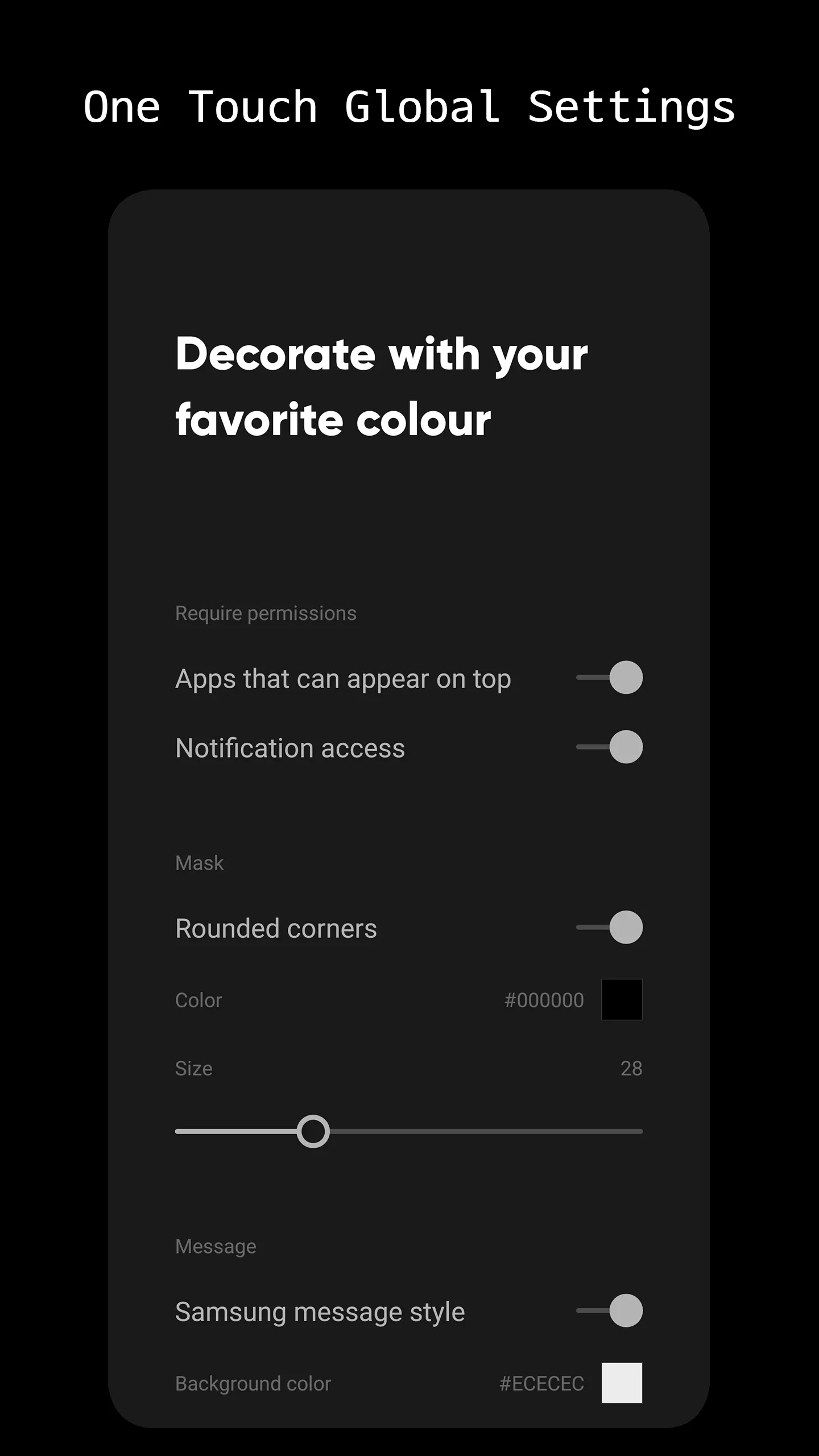
Rounded corners mask
Give any phone the soft, rounded screen corners of a flagship — colour and radius are up to you.
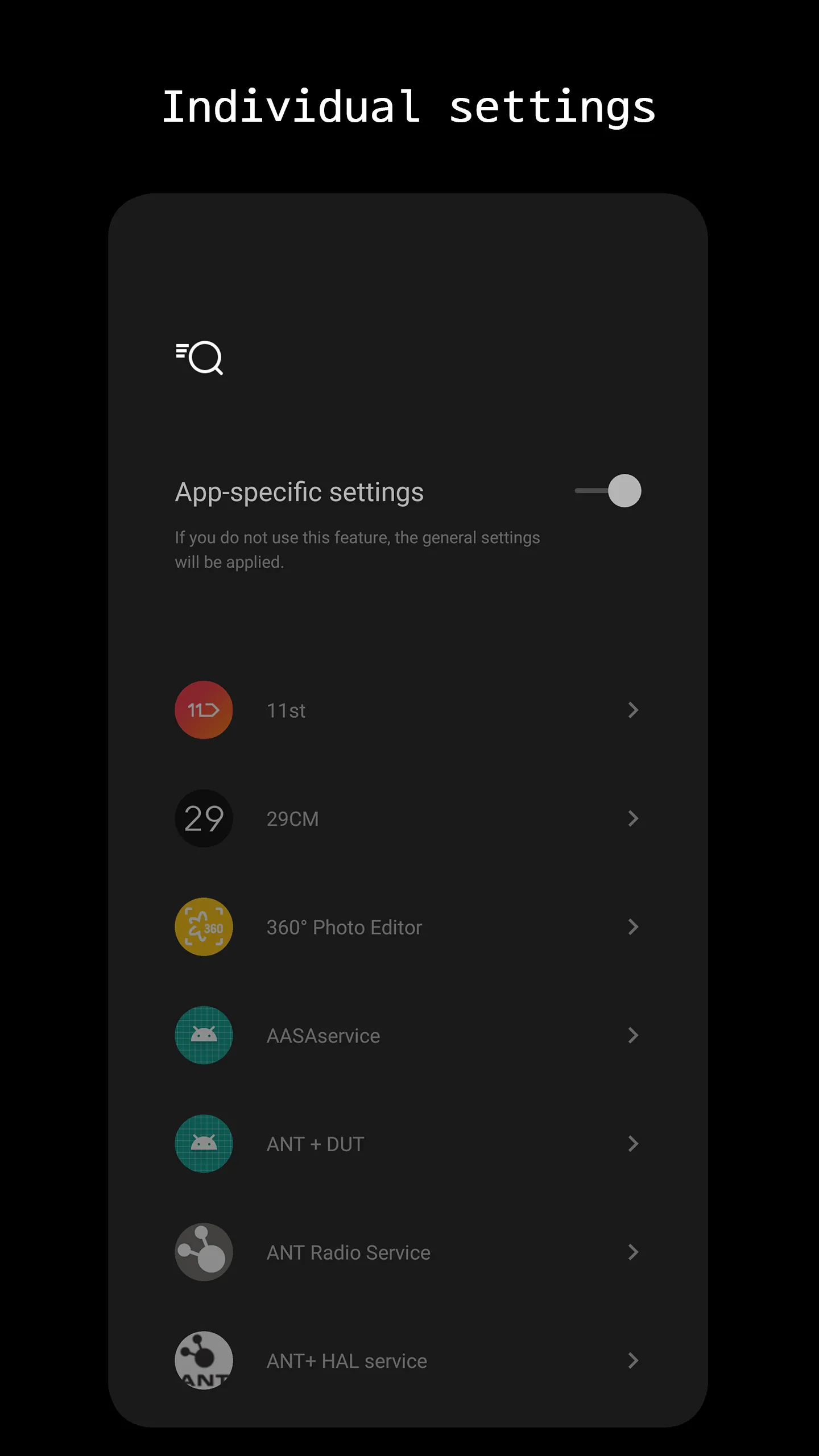
A different style for every app
Set a separate pop-up and lighting per app: a quiet slim bar for work chat, a bold Dynamic Island for friends, nothing at all for apps you want to ignore.
Lock screen options
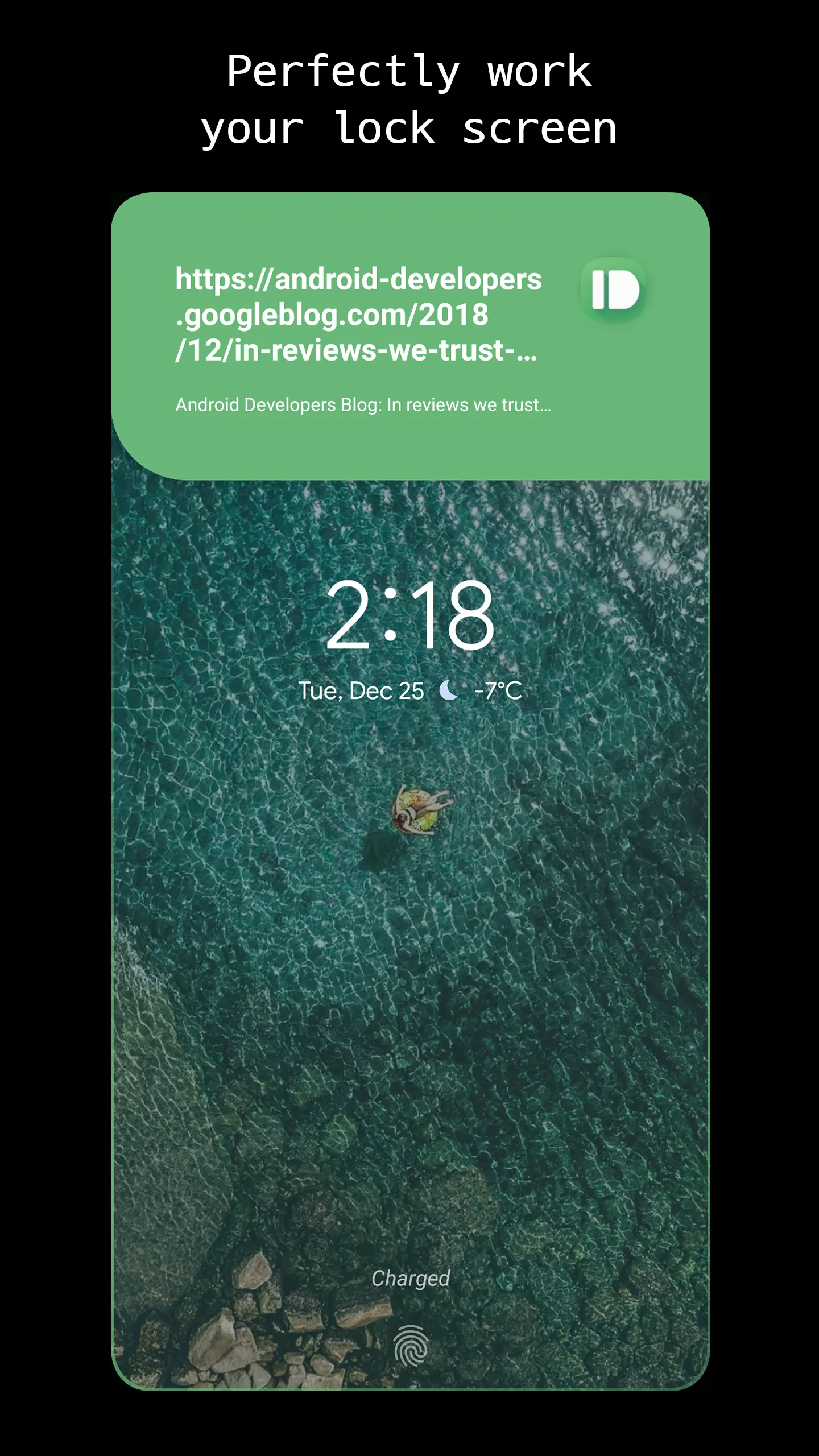
Show pop-ups on the lock screen, wake the screen when a notification arrives, or hide message content until you unlock.
Highlights:
Add Round Borders
With this application, you can add round corners to your phone. This gives it a softer look and makes it appear more delicate. Besides, it also makes your phone's screen appear larger.
Customize the Notification Bar
After adding the round borders, you can further customize the notification bar.
You can change the color, transparency, and even the bar's position. This way, you can make it match the color of your phone's wallpaper or stand out from it.
Apply Edge Lighting
One of the coolest features of this app is the edge lighting. With this, you can add a glowing effect to the edges of your screen. This way, you can make your phone look more premium and high-end.
Change the Colors of Your Screen
This app also lets you change the colors of your screen. You can use any color you want and play around with different shades. This way, you can find the perfect color combination for your phone.
Advantages:
The designers of EDGE MASK wanted to produce a relaxing and conducive setting, so they settled on a straightforward aesthetic with understated flourishes. SLT Zen has become a symbol of peace and tranquillity thanks to its use of only calming colors, which, according to the philosophy of Feng Shui, may communicate a sense of solidity and peace. In the evening, blue light can keep people awake, so avoiding it when you can is a good idea. There will be an update to the earlier notice. Make use of an updated warning mechanism.
Because the notification receives effect is enabled on consumers’ mobile devices, they are always kept up to date on the latest happenings. You are free to make whatever changes you want to the appearance of the pop-up message. A mask effect was designed to accommodate Samsung’s rounded corners. Three distinct categories can be used to classify receive effects for alerts: punch hole, edge, and edge wave. The design of the message pop-up can be customized in various ways, and some of the available possibilities include ripple, card, large icon, bookmark, Samsung, Apple, and extremely slim. The “hello light” effect is produced when the screen operates. Always on Display (AOD) is a feature that is supported by this piece of software.
Changelog:
What's new
Fresh new look: light theme redesign across the entire app
Tune sheets reorganized into grouped option cards with color swatches
Per-app settings rebuilt around a cleaner hub layout
Interstitial ads now ask for consent first and appear less often
Faster startup: the home screen no longer waits for ads to load
Works offline (no more forced exit without network)
Improved app list search
Modernized internals (Android 16 / API 36) and removed legacy code
Conclusion:
Edge Mask is a great application that lets you customize the edges of your phone. With this app, you can make your phone look more premium and high-end. You can also use it to make your phone more personalized. If you are looking for an edge customization app, Edge Mask is the perfect choice for you!
-
Latest Updates
-
Featured Apps