Cool Q Launcher
Personalization
2026-10-05
22.87MB
9.5
Android
116
Screenshots
Introduction
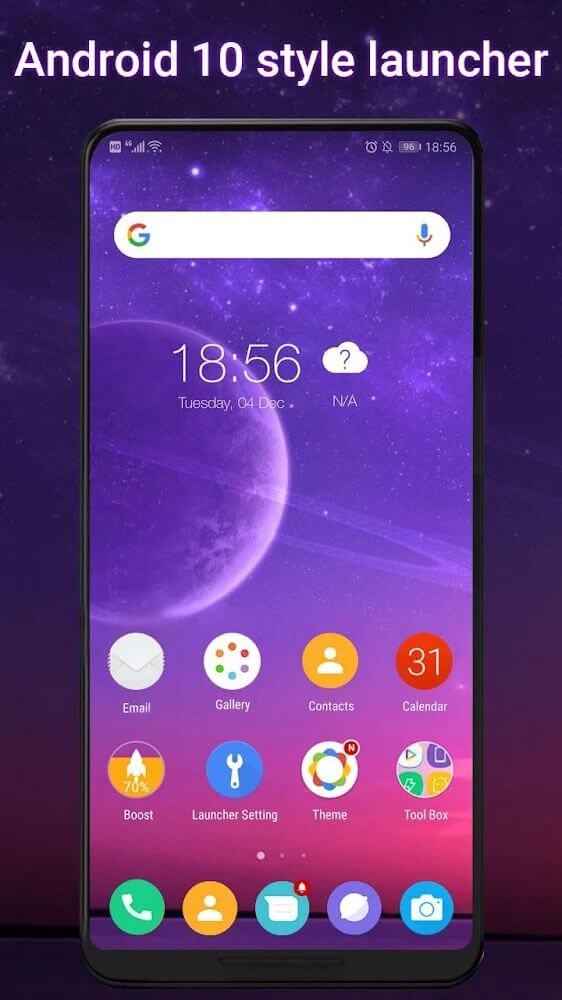
Cool Q Launcher is a customization tool for Android devices that offers a vast collection of beautiful themes and wallpapers ready for immediate use. It boasts excellent compatibility, supporting icon packs from most third-party launchers, allowing users to import and apply them directly. The app also features various gesture controls to simplify phone usage and regularly introduces new icon packs to provide a fresh experience. Additionally, it has been optimized for performance to ensure minimal power consumption, enabling long-lasting battery life and reliable, continuous service.
Features:
Compatibility: Works smoothly on all Android devices running version 4.3 and above.
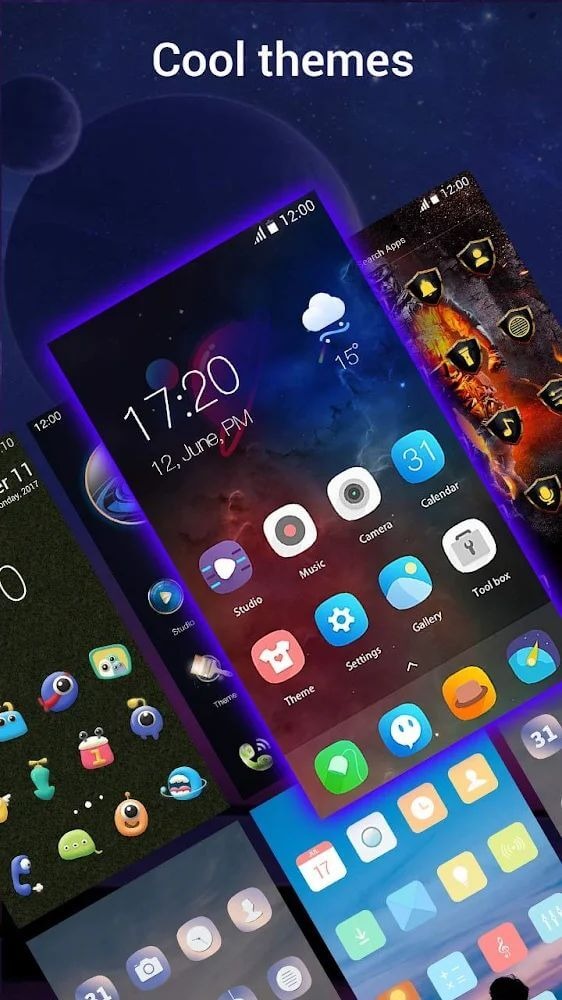
Themes and Wallpapers: Numerous beautiful options available in the online store.
Icon Pack Support: Compatible with most third-party launcher icon packs.
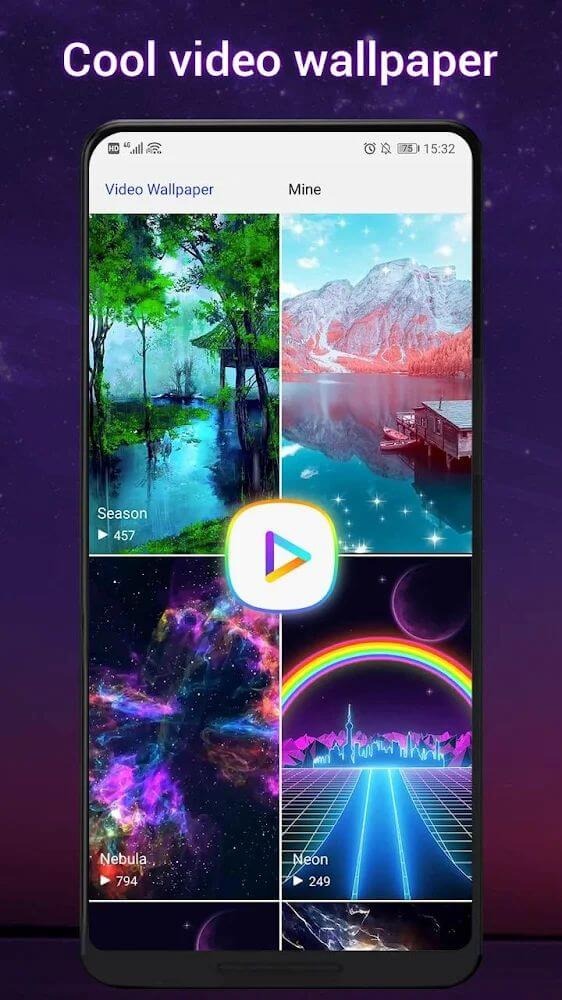
Dynamic Wallpapers: Supports Video Wallpaper and Live Wallpaper for an engaging experience.
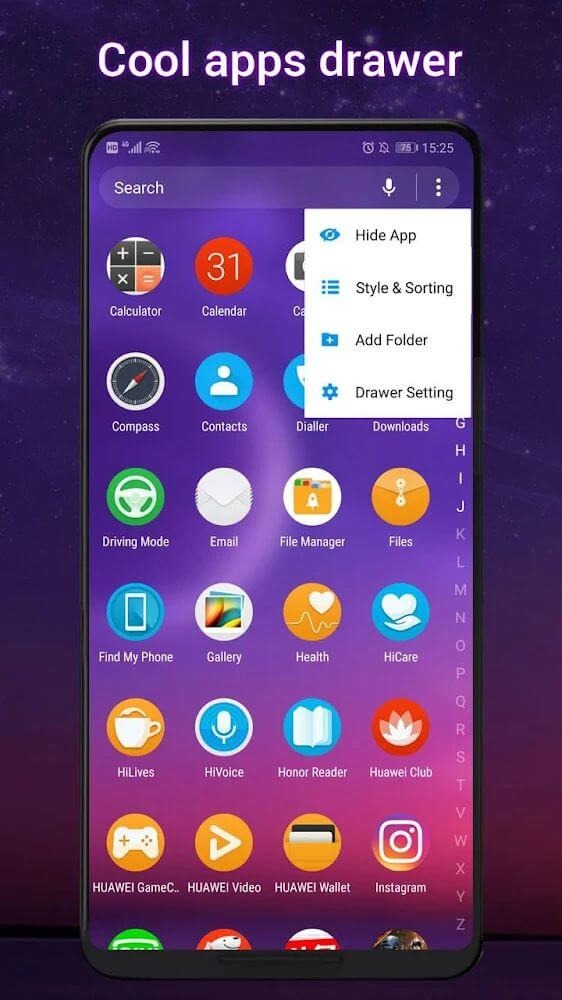
Drawer Styles: Choose from four styles - horizontal, vertical, category, or list drawer.
Gestures: Enjoy nine different gestures like swipe, pinch, and two-finger gestures.
Color Modes: Opt for light launcher mode, dark launcher mode, or automatic mode.
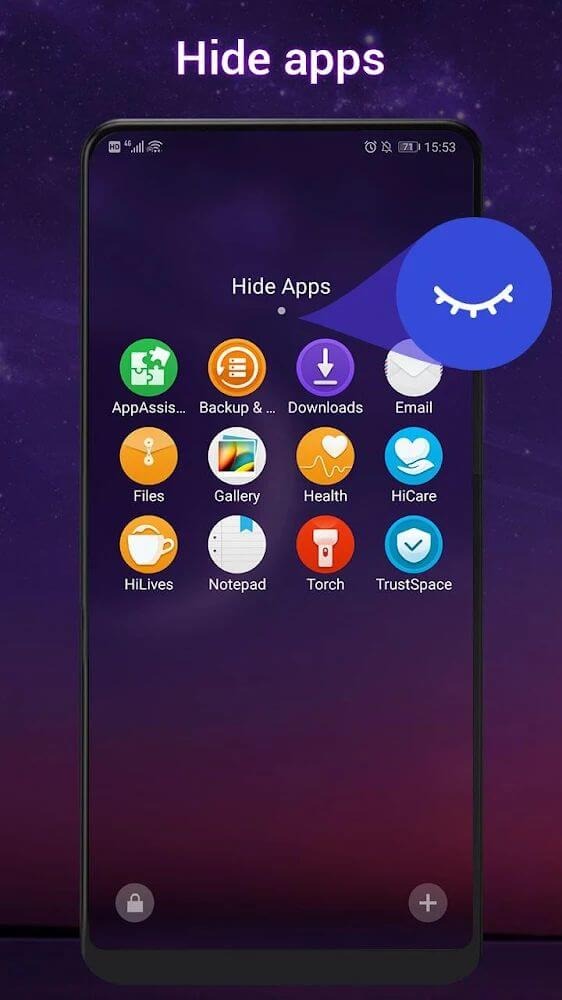
App Management: Hide or lock your apps for privacy and security.
Round Corner Screen: Gives the appearance of a full-screen phone with rounded corners.
Unread Notifier: Displays a badge on desktop icons to indicate unread notifications.
Customization Options: Personalize your experience by adjusting icon size, launcher grid size, font, dock background, folder color, and folder style.
Highlights:
The application offers users many excellent themes along with countless beautiful wallpapers that allow you to change and refresh the interface daily.
The tool also provides users with tons of icon packs that are uniquely designed for each device you use, which will be updated regularly.
Users can customize the appropriate mode to use with three simple modes like dark, light, and auto, all of which can be deleted and changed at any time
It’s great that you can use the application Used to read notifications from apps, calls, or messages displayed in the toolbar from the unread notifier.
You can set passwords for all social networking applications or privacy tools with your familiar passwords to protect user privacy.
Pros and Cons:
Pros
Aesthetic transformation
Customization options
Control Center convenience
Lock screen personalization
Cons
Performance impact
FAQs:
Q: Can I use my current icon packs with Cool Q Launcher?
A: Yes, it supports almost all third-party icon packs designed for other launchers, allowing you to use your preferred icons.
Q: Does it impact the performance or battery life of my device?
A: Generally, launcher apps like this are optimized for performance and shouldn't significantly impact battery life. However, extensive use of live wallpapers or certain features may affect battery usage.
Q: How can I hide or lock apps?
A: It offers the functionality to hide apps from the app drawer. For locking apps, the launcher includes an app lock feature to ensure the privacy and security of specific applications.
Conclusion:
Beyond aesthetics, Cool Q Launcher enhances usability with a smart app drawer that organizes applications efficiently. Users can quickly access their frequently used apps and customize the drawer to improve overall workflow. The launcher also includes options for live wallpapers and various transition effects, contributing to a dynamic and engaging user experience. Overall, Cool Q Launcher stands out as a versatile tool for users looking to revamp their Android devices.
-
Latest Updates
-
Featured Apps