KWGT PRO
Personalization
2026-08-15
82.02MB
3.82b621115
Android
205
Screenshots
Introduction
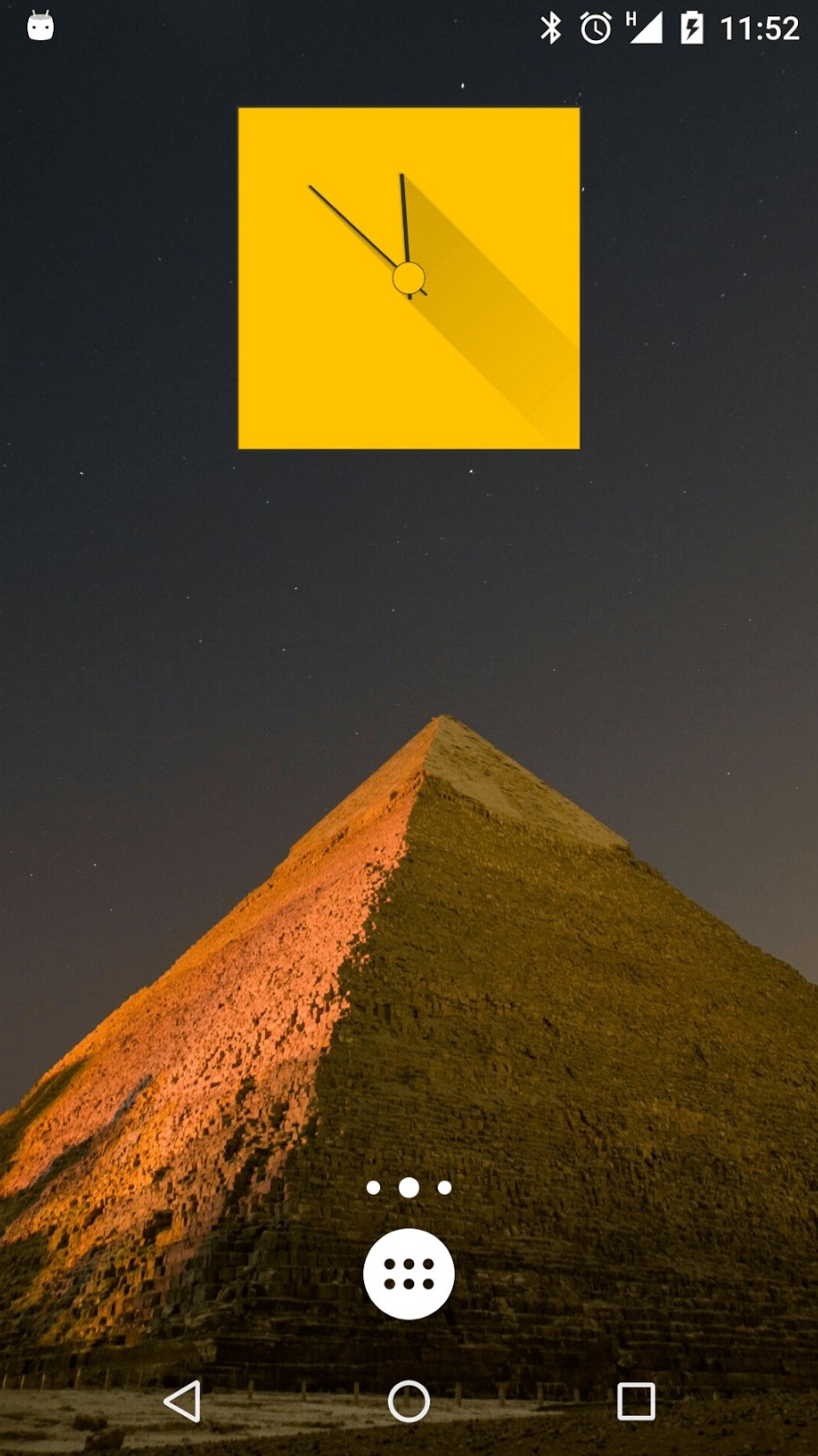
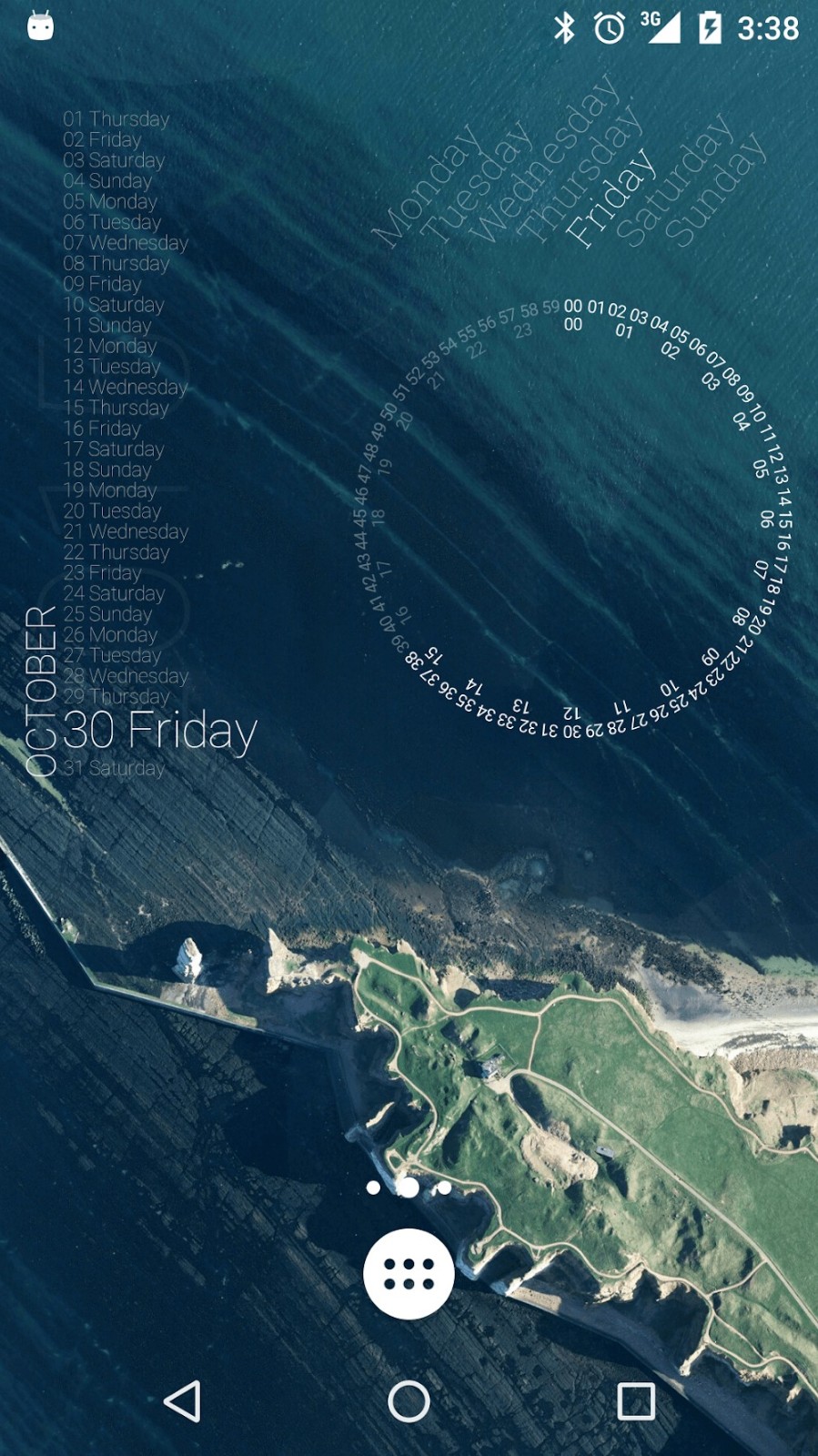
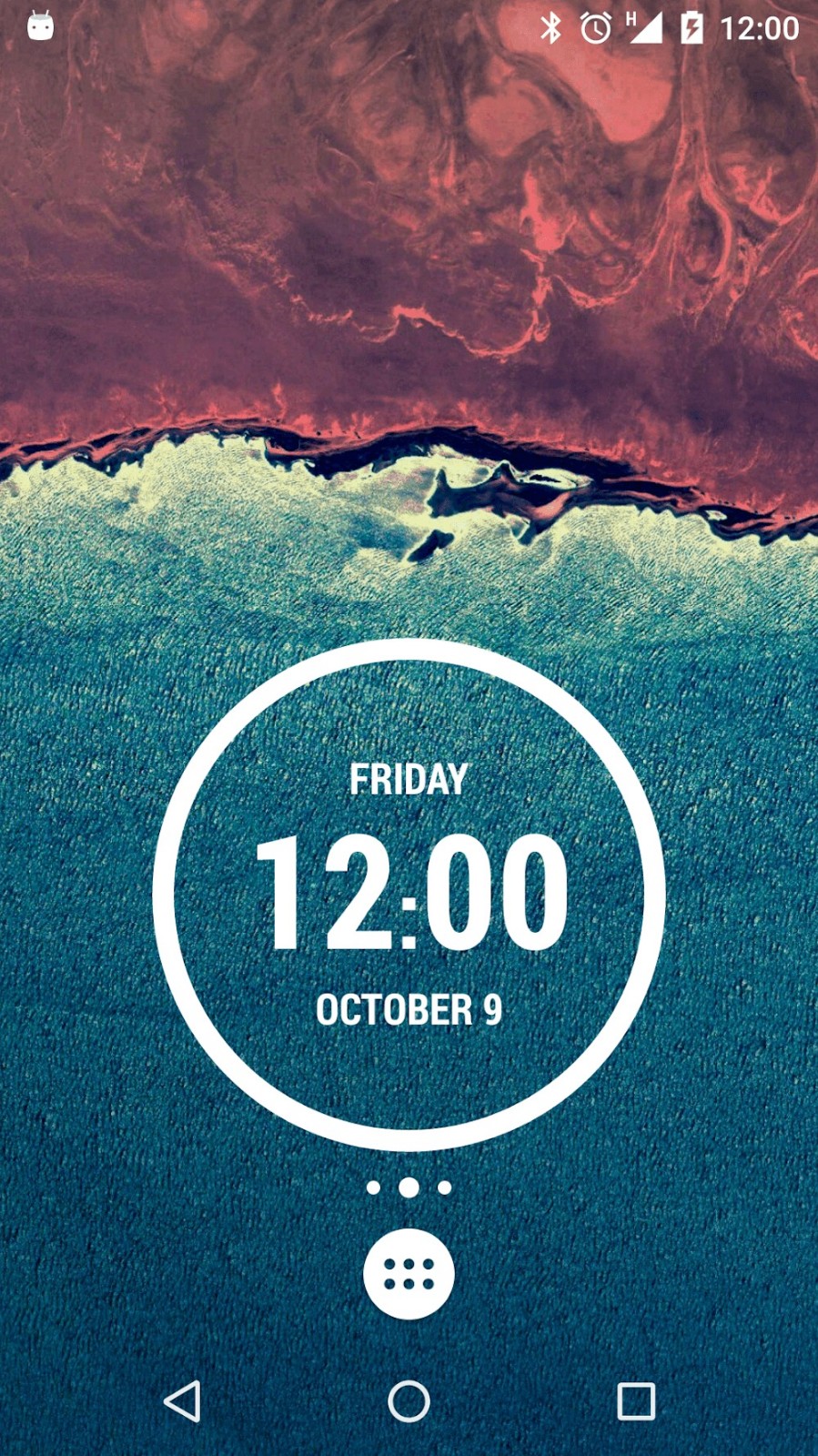
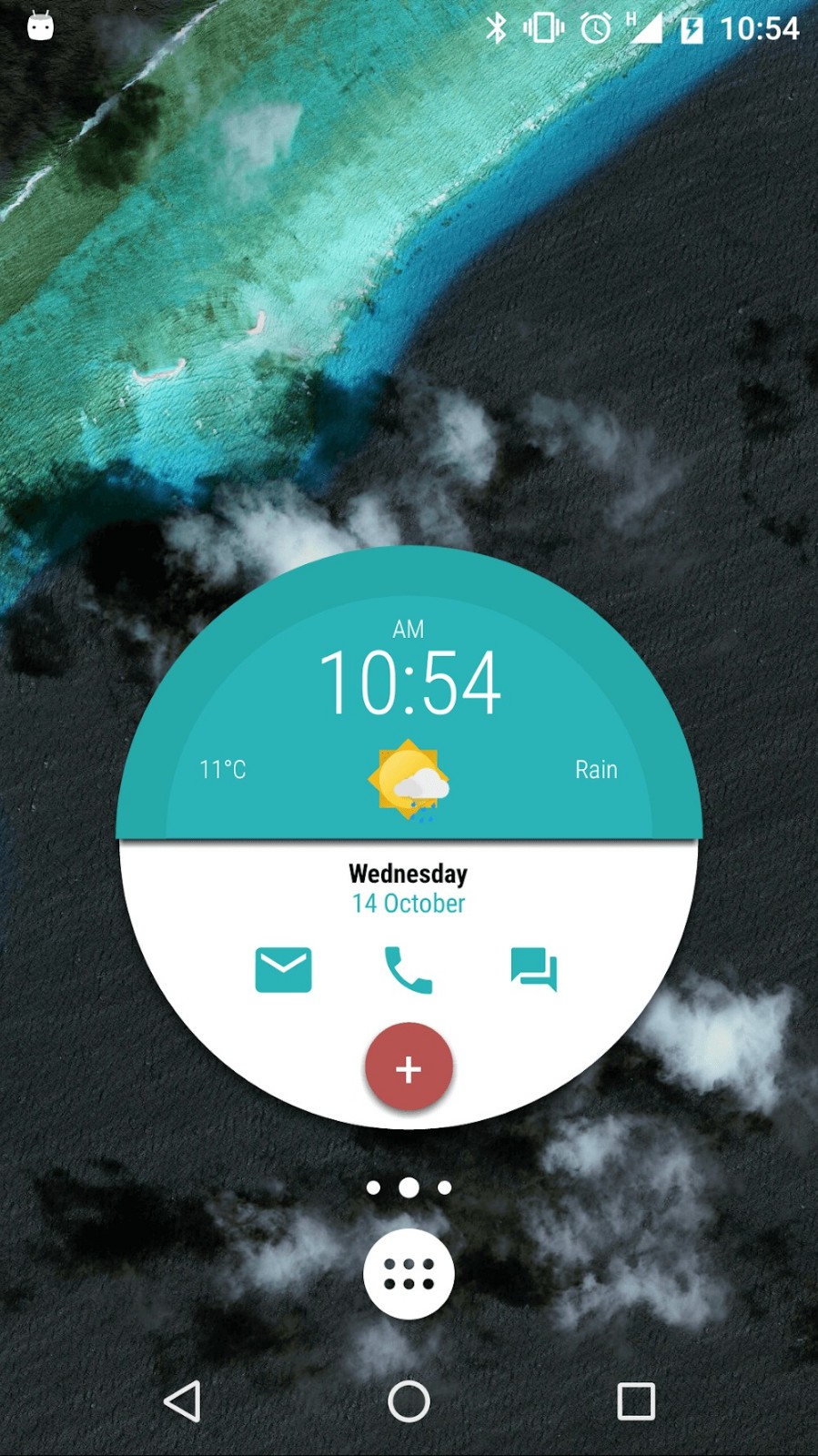
KWGT PRO is a customization tool for Android devices. This premium version removes advertisements and unlocks the ability to import external presets. The app offers a wide range of widgets that users can add to their home screens to enhance their daily experience. Each widget features extensive customization options, allowing users to freely adjust fonts, colors, styles, and more according to their preferences. Optimized for mobile devices, the app runs smoothly and consumes minimal power, ensuring excellent battery life.
Features:
Precise visual editor
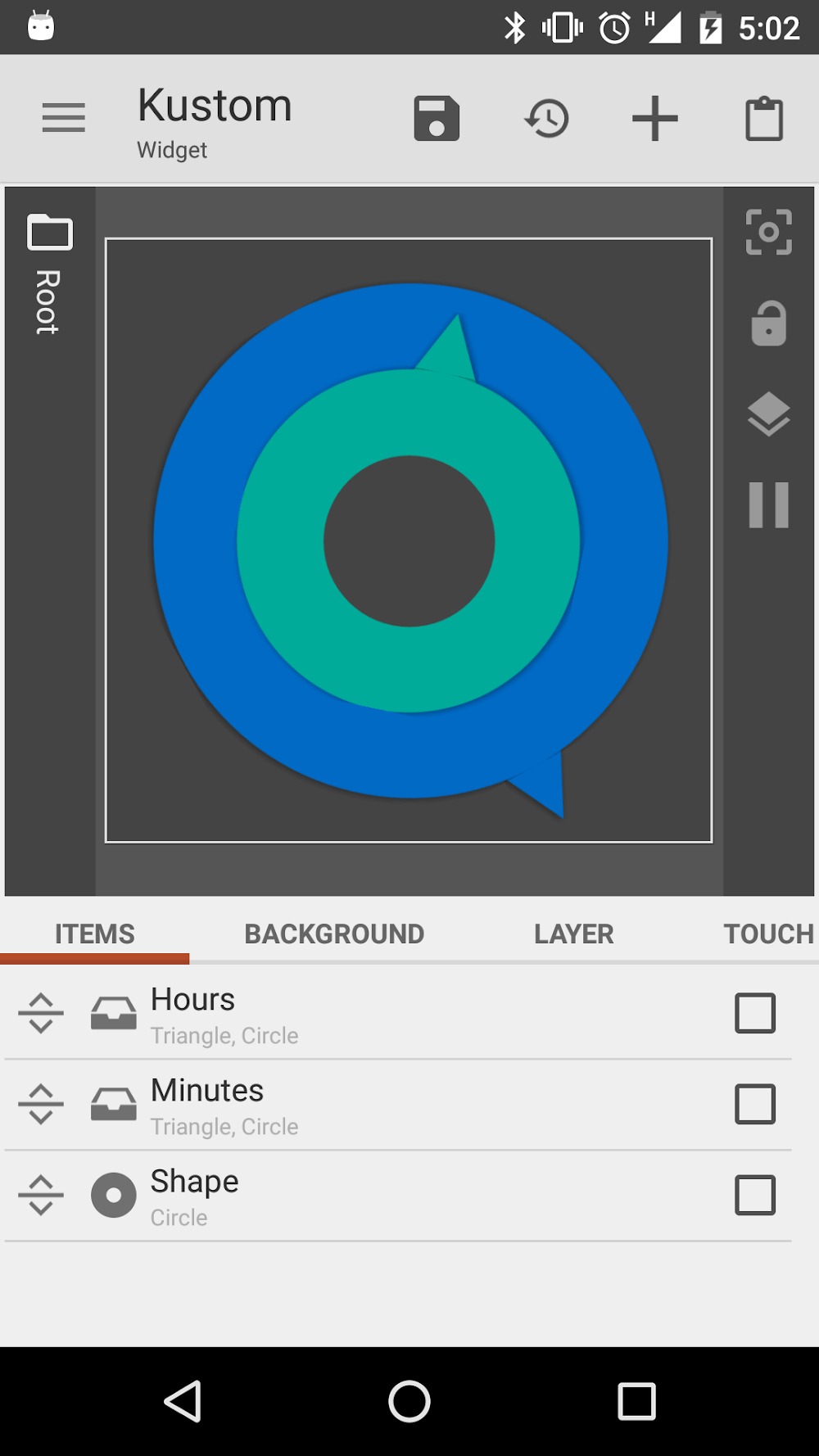
KWGT Kustom Widget Maker provides a WYSIWYG editor, so you see your widget as you build it. You control text with custom fonts, sizes, spacing, and effects like curved text, 3D appearance, and shadows. Position elements in layers and adjust alignment to match the grid on your home screen. As a result, you can fine tune details before saving.
Design assets and effects
You can add shapes, photos, and icons in common formats, including PNG, JPG, WEBP, and SVG. Gradients, color filters, blur, and saturation let you refine the style without leaving the editor. Layers stack cleanly, which helps when combining backgrounds, text, and art. This toolkit supports both simple minimal tiles and more detailed layouts.
Interactive touch hotspots
KWGT Kustom Widget Maker supports touch hotspots that perform actions when you tap an area of the widget. You can launch an app, jump to a setting, or open a specific screen based on the hotspot target. This reduces extra steps and connects your widget to daily tasks. You decide which regions are active and how they behave.
Dynamic data and logic
You can build widgets that react to time, location, or live data. Functions, conditionals, and globals help you switch styles or values based on context. The app can fetch information over HTTP and parse RSS or XML with XPATH or text filters for real time content. This makes live weather, battery status, or news panels update without manual refresh.
Widget types you can make
KWGT Kustom Widget Maker supports a wide range of layouts, from photo and aesthetic tiles to detailed weather dashboards with multiple providers. You can build custom clocks, battery and system monitors, and music controls that show track info and artwork. Activity and sleep tiles are possible through Health Connect integration. This flexibility lets you design one widget or a full set that shares a consistent style.
Integrations and Pro options
Tasker support lets your widgets react to automation events and trigger tasks from a tap. Health Connect integration enables activity and sleep dashboards when you grant access. The Pro upgrade removes ads and unlocks importing external presets and skins, which is useful if you collect third party packs. This ecosystem extends what you can build without starting from scratch each time.
Highlights:
Unique Widget Creation: With this application, you can create extremely unique and suitable widgets for your usage, giving you extremely interesting user experiences, making you feel more excited and happy every time you use your phone. Not only that, your phone will also become much more unique and stylish.
WYSIWYG Design Interface: The application interface is designed to be extremely intuitive and simple. With this interface, you will be able to use it immediately without encountering any difficulties. All features and applications are arranged neatly and tidily so that you can use them easily.
Optimized Battery Usage: Your phone’s battery performance will never be affected by even 1%. You will also never feel the heat when using the application, giving you absolute safety.
Smooth Performance: The application will operate extremely smoothly on your phone without any difficulty or lag, providing an exceptionally smooth and optimal user experience. You will also not be able to find an application with such high performance as the application in any other application.
Pros and Cons:
Pros
Removes ads and unlocks external preset imports
Useful for shared skins, components, and deeper customization
Cons
Requires the main KWGT Kustom Widget Maker app
Learning curve remains for advanced widget design
FAQs:
Q. Can I create widgets for my lock screen with the KWGT PRO?
A. You can create and place KWGT widgets on your lock screen, enhancing its appearance and functionality.
Q. How frequently is theKWGT PRO updated?
A. The developer is known for providing regular updates and improvements to the app, ensuring compatibility with the latest Android versions.
Conclusion:
Download kwgt pro apk to manage your notification, tools, widgets, alerts, lockscreen and homescreen. This is one of the most interesting features oriented platforms which helps you to manage things effectively and efficiently. Grab the app and enjoy your wonderful tools. This is the latest version of the app which has some really interesting features and tools for your management. Control your notification bar and device screen.
-
Latest Updates
-
Featured Apps